


Trusted by 1M+ creators
Translate Chinese Video to English
Auto-generate English subtitles for your Chinese content
No credit card required
4.6
2,100+ reviews















Translate Chinese videos to English in minutes
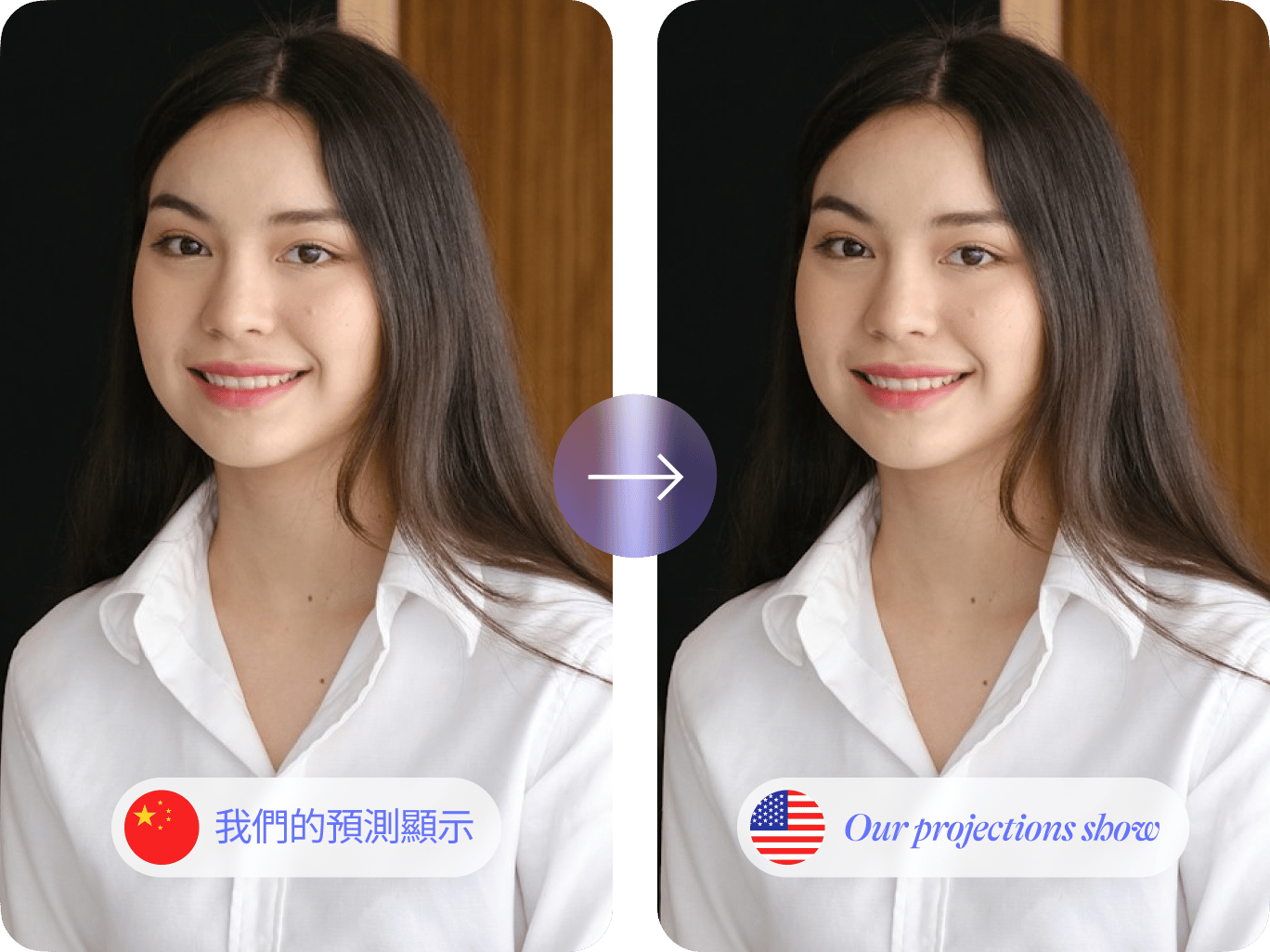
Translate Chinese videos to English. Simply upload your file and auto-translate. Generate a transcript or add subtitles to videos. Our video translator supports over 100 languages, so you can easily tailor your content for diverse viewers.
Need to repurpose your content? Convert videos to transcripts for blog posts or social media posts. You can also explore our other translation tools like text-to-speech and voice cloning. Plus, our intuitive video editor lets you make professional-quality videos in a few clicks.
How to translate Chinese videos to English:
Step 01
Upload your video
Import a file or drag and drop it into the video editor.
Step 02
Translate to English
Select ‘English’ in the language dropdown menu. Click ‘Create Subtitles’ to translate your Chinese video.
Step 03
Customize subtitles
Edit the subtitle text or customize the subtitle style. Export the video with subtitles. Pro subscribers can also download translations in SRT, VTT, or TXT format.
Learn More
Learn how to auto-translate videos:
Fast Chinese-to-English translation
Auto-translate videos from Chinese to English. Our AI software delivers highly accurate translations, saving you time. Upload your video, translate, and refine the text as needed. You can also customize the subtitles to match your brand. With polished subtitles or captions, your videos can stand out and keep viewers engaged.
Over 100 language options
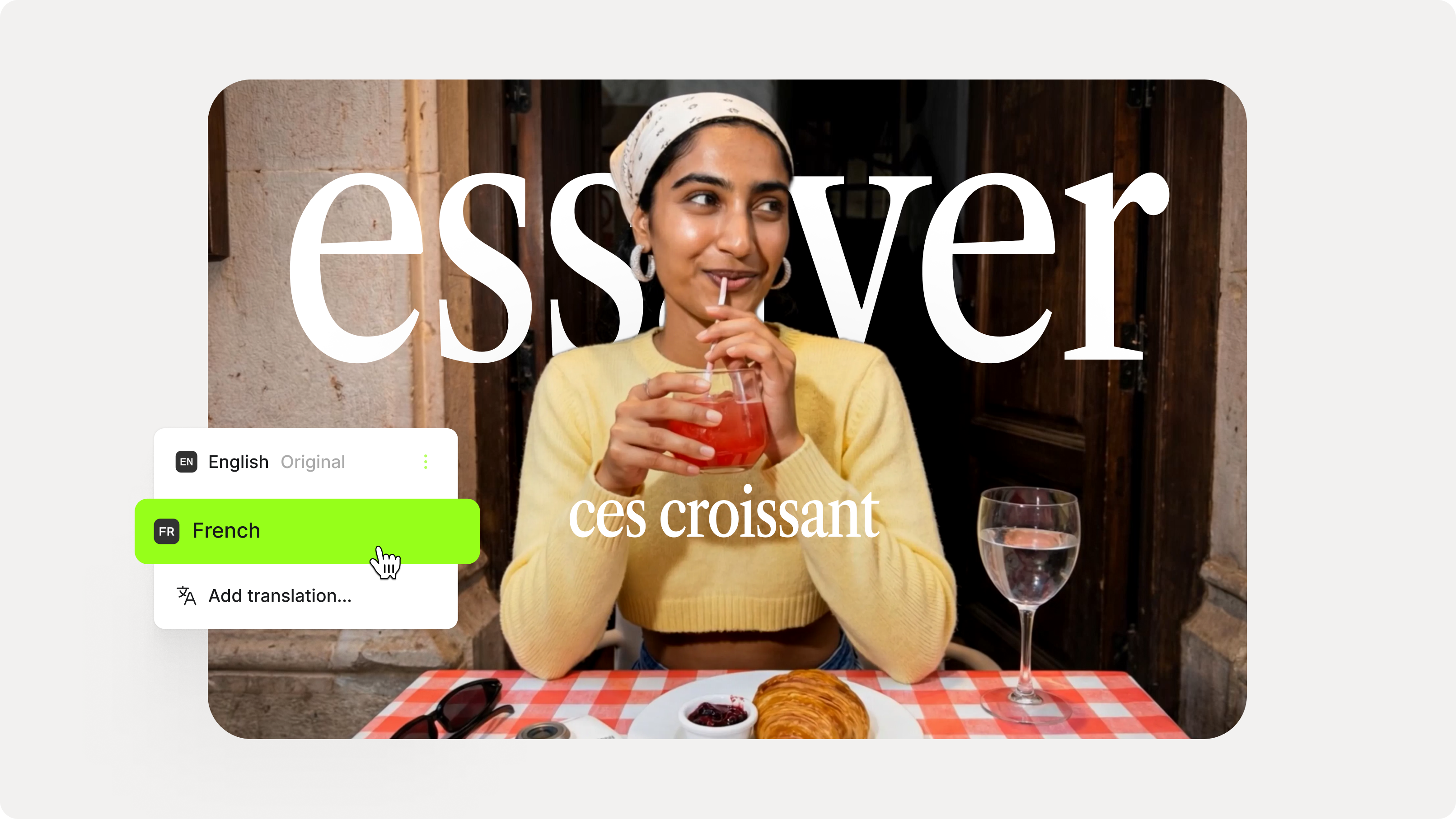
Expand your reach beyond English-speaking viewers. Our video translator supports many more languages like Japanese, Spanish, and French. Add multiple languages to one project. Generate subtitles in a few clicks. Scale your content globally while reducing the costs of human translation.
Translate and edit videos
VEED is an all-in-one video editor that’s easy to use. No need to use different platforms to translate and edit your Chinese content. You can do it all on our video editor! Trim clips, clean audio, and add text and graphics. Use our brand kit to apply consistent visuals to your video.
FAQ
Use VEED’s video translator:
- Upload your video.
- Click ‘Subtitles’ and select ‘Auto Subtitles.’
- Set the original language to Chinese.
- Click ‘Translate’ and choose English.
Yes, you can customize the style and font of your subtitles to match your branding. In the Subtitles menu, you'll find many fonts, colors, and styles to choose from.
Absolutely! You can translate Chinese into 100+ languages, including Japanese, Spanish, and French. To add languages:
- Open the Subtitles menu.
- Click the language dropdown and ‘Add language.’
- Choose your desired language.
You can switch between different translations and export your video for each language.
After translating from Chinese to English, free users can export videos with subtitles. Meanwhile, Pro users can download the transcripts as separate files. Click ‘Options’ and then ‘Download’ on the Subtitles page. Export your transcript as a TXT, SRT, or VTT file.
Loved by creators.
Loved by the Fortune 500
“
With VEED I didn't need 15 tutorials - I jumped straight in and started editing.

Gwenne Wilcox
Founder,
Brand Brainery
“
You can go beyond choppping things. VEED actually makes my videos look great.

Michael Glover
Demand Gen Manager,
ConvertFlow
“
The first four videos i created with VEED got over 40,000 impressions on LinkedIn.

Travis Tyler
Senior Content Producer,
PandaDoc
“
I found VEED at the right time: if you're making UGC ads and not using Eye Contact Correction and Noise Reduction on VEED you're missing out on ROI.

Sebastian Schurgers
Head of Growth Marketing,
Gronda
“
With VEED I didn't need 15 tutorials - I jumped straight in and started editing.
Gwenne Wilcox
Founder,
Brand Brainery
“
You can go beyond choppping things. VEED actually makes my videos look great.
Michael Glover
Demand Gen Manager,
ConvertFlow
“
The first four videos i created with VEED got over 40,000 impressions on LinkedIn.
Travis Tyler
Senior Content Producer,
PandaDoc
“
I found VEED at the right time: if you're making UGC ads and not using Eye Contact Correction and Noise Reduction on VEED you're missing out on ROI.
Sebastian Schurgers
Head of Growth Marketing,
Gronda
“
The first four videos i created with VEED got over 40,000 impressions on LinkedIn.
Travis Tyler
Senior Content Producer,
PandaDoc
“
I found VEED at the right time: if you're making UGC ads and not using Eye Contact Correction and Noise Reduction on VEED you're missing out on ROI.
Sebastian Schurgers
Head of Growth Marketing,
Gronda
“
With VEED I didn't need 15 tutorials - I jumped straight in and started editing.
Gwenne Wilcox
Founder,
Brand Brainery
“
You can go beyond choppping things. VEED actually makes my videos look great.
Michael Glover
Demand Gen Manager,
ConvertFlow
Discover more
- English to Amharic Translation with Sound
- English to Hindi Video
- German Video Translation
- Italian to English
- Latvian to English Translation
- Polish to English
- Russian to Spanish
- Spanish to English Video
- Translate Arabic Video to English
- Translate English to Mandarin
- Translate French to Dutch
- Translate Italian to French
- Translate Japanese to Spanish
- Translate Korean Video to English
- Translate MP3
- Translate Russian Video to English
- Translate Spanish to Dutch
- Translate Turkish Video to English
- Video Japanese Translation
Explore related tools
More from VEED

Best Video Translation Software to Try in 2025
Translate your videos like a pro! Check out the best video translation software of 2025 to boost engagement worldwide.

How to Translate Subtitles in 2026: The Complete Guide
This article explains how to translate subtitles online using AI, covering SRT files, foreign films, Japanese and Arabic translations, Netflix workarounds, and videos without any existing subtitles.
How to Add Translation Subtitles to a Video (Step-by-Step Guide)
A step-by-step guide to adding translation subtitles to any video using VEED. Covers auto-subtitle generation, AI translation into 125+ languages, customization, and export.
Trusted by 1M+ creators
When it comes to amazing videos, all you need is VEED
No credit card required
More than Chinese-to-English translation
VEED not only translates videos but also helps you create professional-quality content. Explore our full suite of video editing tools. From trimming clips to removing background noise, we’ve got you covered! We also offer various AI tools like text-to-video and talking avatars. Make amazing videos in just a few clicks. Create videos for marketing, education, and more. Try VEED now!