VEED vs. Kapwing: Which Online Video Editor Should You Pick?

Key takeaways at a glance
- Best for AI-powered editing: VEED — broader AI suite including subtitles in 125+ languages, AI avatars, and voice cloning
- Best for team collaboration: Kapwing — built with real-time collaborative editing at its core
- Key differences:
- VEED: Web-based, AI-driven editing and video generation with AI models, brand kits, 4K exports, lower entry price at $12/month (billed yearly)*
- Kapwing: Web-based, strong collaboration tools, meme maker, AI video generator, starts at $16/month
- Free plan comparison: Kapwing's free plan limits videos to 7 minutes and adds a watermark. VEED's free plan allows up to 10 minutes, includes a watermark, and limits exports to 720p.

What is Kapwing?
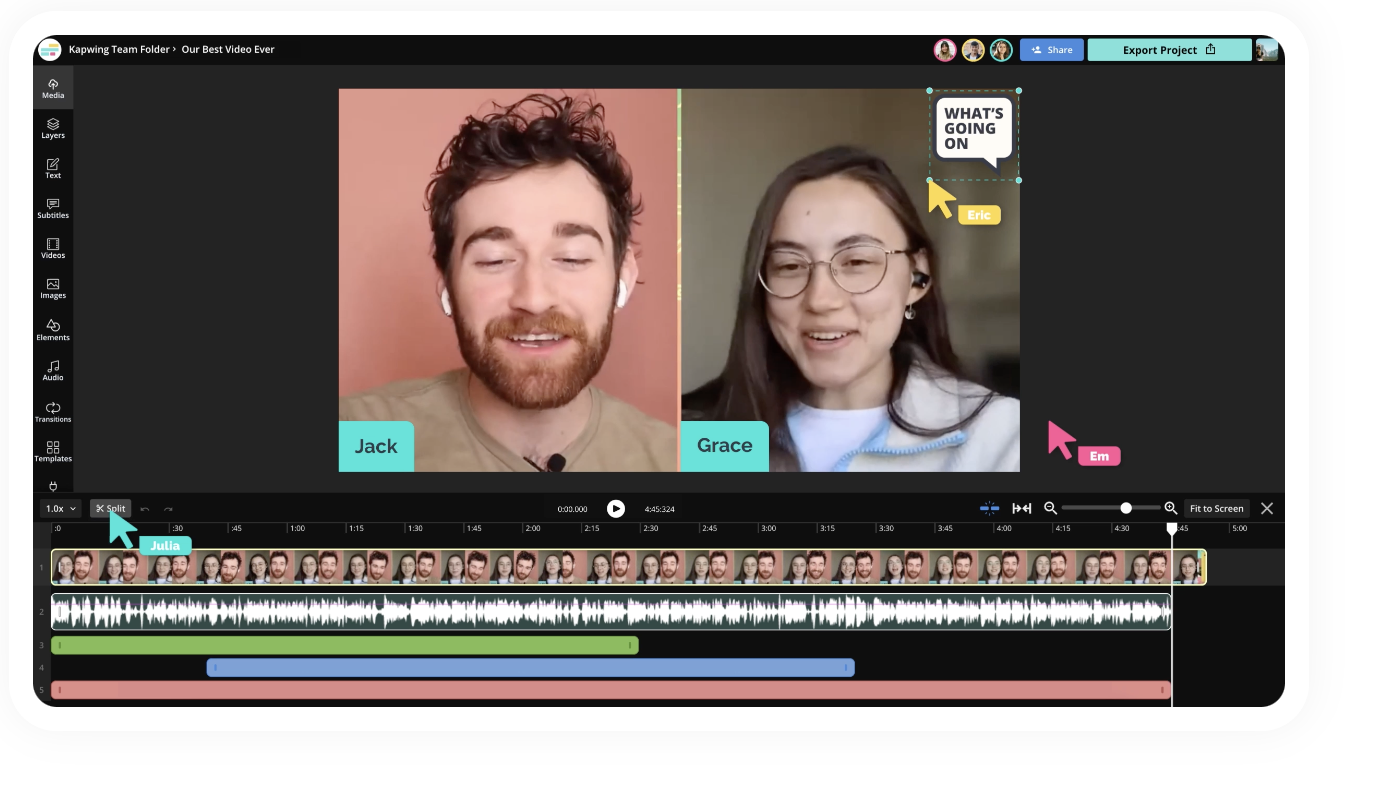
Kapwing is a cloud-based video editing platform built for creators and teams who want to edit and collaborate without downloading software. It's known for its real-time collaboration features, video trimmer, meme maker, and AI video generator. Kapwing's free plan gives you access to most tools, though exports are watermarked and capped at 720p.
Best features of Kapwing
Kapwing has built a solid reputation as a go-to browser-based editor, and for good reason. Here are some of the features that make it stand out:
- Real-time collaboration: Kapwing was designed with teamwork at its core. Multiple users can edit the same project simultaneously, making it a strong option for teams that need to work together without passing files back and forth.
- AI video generator: Kapwing's AI tools let you generate video content from text prompts, which is useful for quick social media posts or rough cuts when you're short on time.
- Video trimmer and converter: You can use Kapwing to trim, split, and convert videos between formats directly in your browser — no software needed. It's fast and handles the basics well.
- Meme maker: It sounds niche, but Kapwing's meme maker is one of its most popular tools. If you create content for social media, it's a quick way to produce shareable content without opening a separate app.
- Templates: Kapwing offers a library of free templates for common video formats, so you're not starting from scratch every time. This speeds things up significantly if you're producing content regularly.
For creators who need a straightforward, collaborative editing tool, Kapwing covers the essentials without a steep learning curve.
VEED vs. Kapwing: how they compare
Pricing and plans: If Kapwing pricing is a concern, VEED's Lite plan starts at $12/month (annual) compared to Kapwing Pro at $16/month (annual). For advanced features, VEED Pro costs $24/month, while Kapwing Business jumps to $50/month.
AI features: Both platforms offer AI tools, but VEED goes deeper. While Kapwing has a capable AI video generator, VEED offers access to a wider range of AI video and image generation models, AI image editing, auto-subtitles in 125+ languages, background noise removal, eye contact correction, AI avatars, and voice cloning — making it a stronger alternative to Kapwing for AI-driven workflows.
Free plan limitations: Kapwing's free plan restricts video length to 7 minutes and exports at 720p with a watermark. VEED's free tier also watermarks exports at 720p but extends the video length limit to 10 minutes — a small but meaningful difference if you're testing both before committing.
Collaboration: This is where Kapwing shines. It was designed with teams in mind, and its real-time collaborative editing is smooth and intuitive. VEED supports team editing on higher-tier plans, but if collaboration is your top priority, Kapwing has a slight edge.
Export quality: Both offer up to 4K exports on their paid plans. However, since VEED unlocks 1080p watermark-free exports starting at just $12/month, you get professional-quality output at a lower price point than Kapwing Pro.
Advanced features of VEED
Where VEED really pulls ahead is in its AI-powered toolkit, which goes well beyond basic editing:
- Auto subtitles in 125+ languages: VEED's subtitle generator is one of its strongest features. It automatically transcribes and adds subtitles, and you can translate them into over 50 languages — a huge advantage for creators targeting global audiences.
- AI avatars: You can generate realistic AI avatars to present your content without ever stepping in front of a camera. This is especially useful for training videos, product walkthroughs, and internal communications.
- Voice cloning and text-to-speech: VEED lets you clone voices and convert text into natural-sounding speech, saving time when producing voiceovers or localizing content for different markets.
- Background noise removal: VEED's clean audio tool automatically removes background noise, so you don't need a professional recording setup to get clear, polished audio.
- Eye contact correction: This AI feature adjusts your eye line so it looks like you're speaking directly into the camera — even if you were reading off a script. It's a small touch that makes a noticeable difference in talking-head videos.
- Brand kit: On the Pro plan, VEED's brand kit lets you save logos, fonts, colors, and branded templates so every video stays on-brand without manual setup each time.
For creators and businesses that want to do more with less effort, VEED's AI features handle the heavy lifting so you can focus on the content itself.
Why choose VEED over Kapwing?
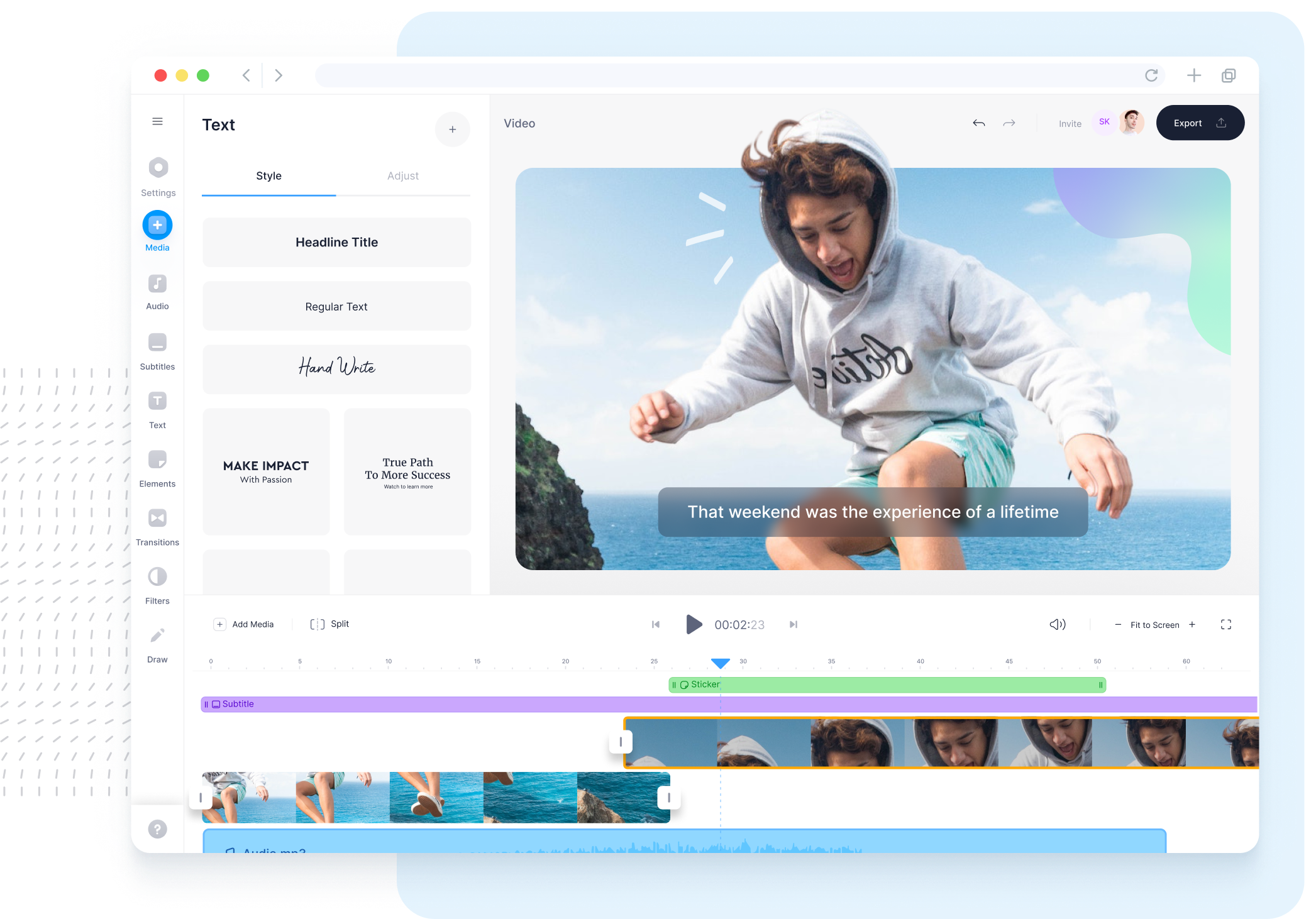
For creators and teams looking for a Kapwing alternative with more AI-powered editing tools at a lower starting price, VEED is a strong pick. You get watermark-free 1080p exports, access to stock media, and automatic subtitles starting at $12/month — while Kapwing's comparable features require a $16/month commitment. VEED's Pro plan also unlocks 4K exports, a full brand kit, and advanced AI tools such as translation and voice cloning, which Kapwing doesn't offer.
That said, if real-time collaboration is your dealbreaker, Kapwing is still a great tool. The best way to decide? Try both free plans and see which one fits your workflow.
*All pricing information mentioned in this article references subscriptions that are billed annually.
FAQ
Kapwing does offer a free plan, but it comes with limitations. Exports include a watermark, video quality is capped at 720p, and there's a 7-minute video length limit. Most of Kapwing's tools are available to try for free, but you'll need to upgrade to a paid plan for watermark-free exports and access to advanced AI features.
If you're looking for a free Kapwing alternative, VEED's free plan is worth trying. It offers basic editing tools, auto subtitle generation, and a 10-minute video length limit — slightly more than Kapwing's 7-minute cap. Both free plans include a watermark, but VEED gives you a broader set of AI features to test before committing to a paid plan.
For AI-powered editing, VEED has a wider range of tools. It offers auto subtitles in 125+ languages, AI avatars, voice cloning, background noise removal, and eye contact correction. Kapwing has its own AI video generator and Smart Cut feature, but VEED's AI suite is more comprehensive — especially if you need translation, voiceovers, or avatar-based content.
Kapwing's Pro plan starts at $16/month (billed annually), while VEED's Lite plan starts at $12/month (billed annually) and includes watermark-free 1080p exports. For more advanced features, VEED Pro is $24/month and Kapwing Business is $50/month. Both platforms offer free plans if you want to test them before upgrading.


.png)