


Trusted by 1M+ creators
Instagram Video Maker
Create beautiful videos perfect for Instagram online
No credit card required
4.6
2,100+ reviews















Online Instagram Video Editor
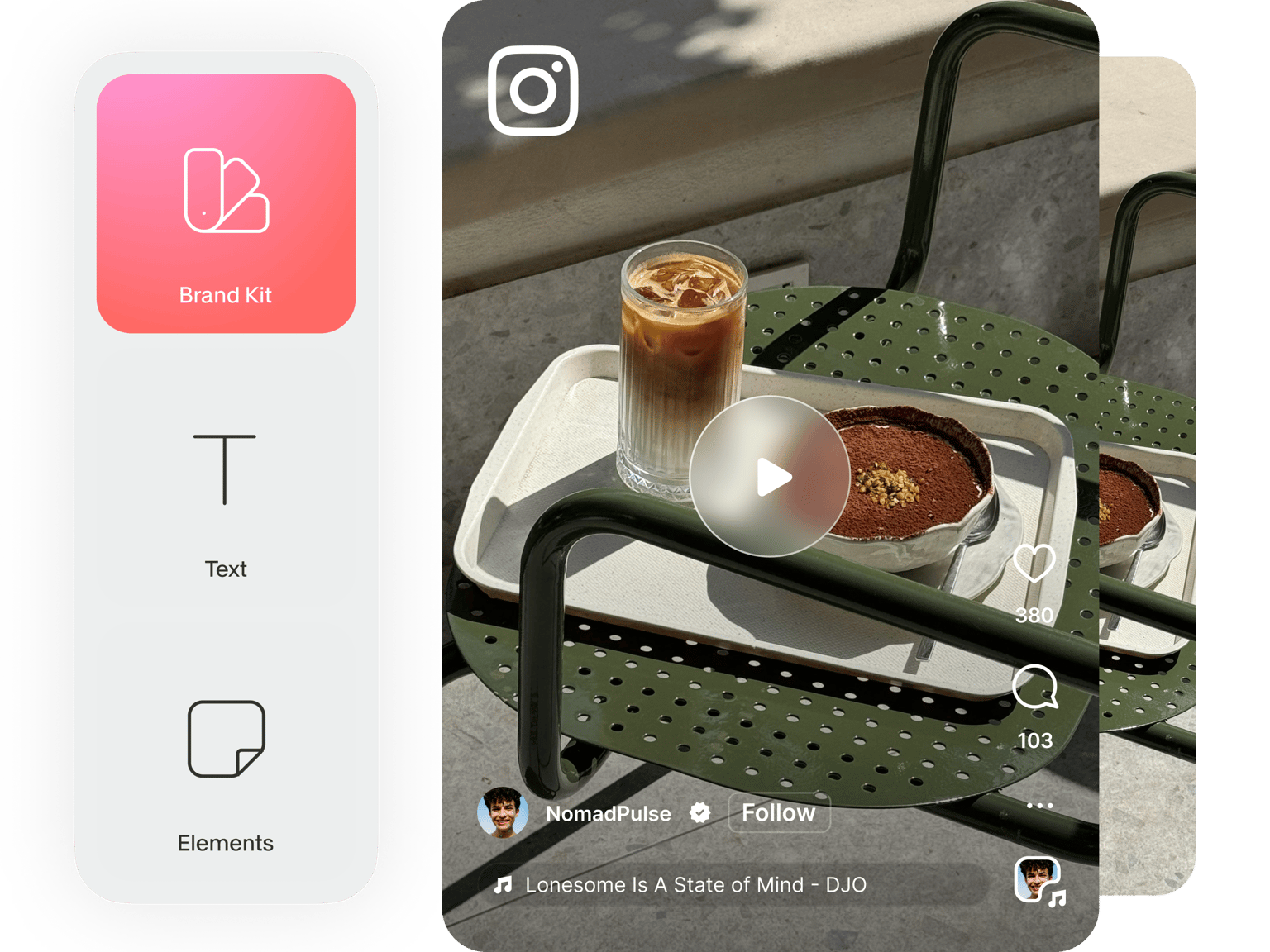
Are you tired of having your videos rejected by Instagram because of the wrong dimensions and length? Have you uploaded videos on Instagram only to find that they look awkward on the frame? You can use VEED to never have to worry about it again! You no longer have to hire a professional video editor to make videos that are perfect for Instagram. VEED’s online Instagram movie maker allows you to edit your videos easily; no expertise required. When you upload your video, you can select from the presets available. Choose Instagram and VEED will automatically resize your video so that it fits Instagram’s required dimensions. As for the length of your video, you will immediately see how long your video is on the Timeline. Easily cut, split, and trim your videos by dragging and dropping the slider and clicking on the Split tool. It only takes a few minutes to create the perfect Instagram video!
How to Create an Instagram Video:
Step 01
Upload your video
Upload your video to VEED. You can just drag and drop your video file into the editor.
Step 02
Edit your video and select the Instagram preset
Click on Settings on the top-left of the sidebar and choose Instagram from the dropdown menu under Size. Edit your video to make it look even more stunning.
Step 03
Export
When you’re happy with your Instagram video, just click on ‘Export’. Download your video in the format that you prefer.
Learn More
‘Instagram Video’ Tutorial
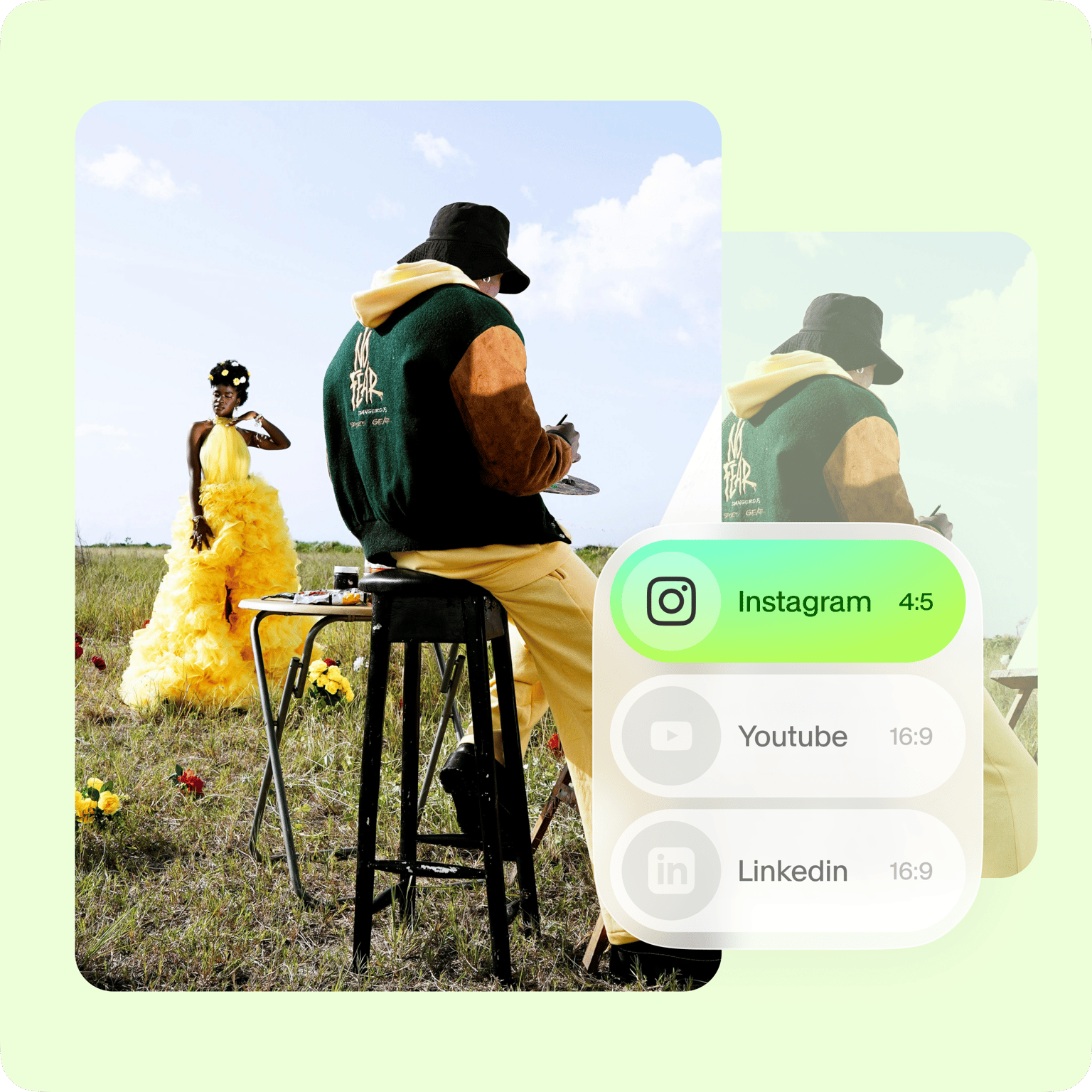
Resize your video for different social media sites
Not only can you resize your videos for Instagram’s dimensions, but you can also make them fit different social media platforms. Create videos perfect for YouTube, TikTok, Twitter, and more. It is super easy to do. You don’t have to worry about manually changing the size of your video. Just select your video, click on Settings, and choose a social media platform from the dropdown under Size. VEED will automatically resize your video to fit that particular app or website.
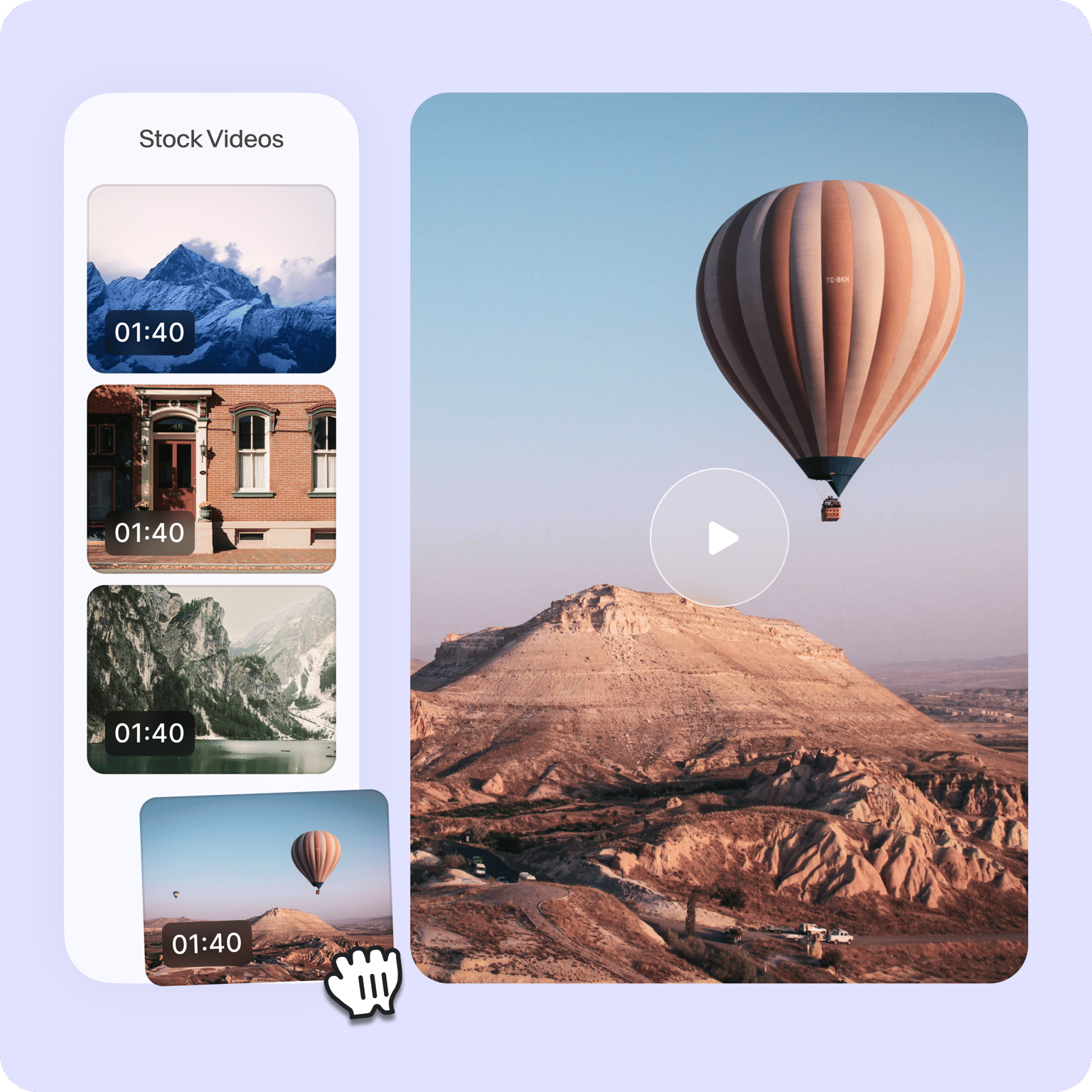
Use stock videos and personalize
VEED also features stock videos that you can use if you don’t want to record your own. Select from our collection of stock videos and personalize them. You can change the images, text, and more. These stock videos are professionally filmed so you don’t have to worry about quality. All you need to do is edit them to make them your own. Add a message, a photo, and additional text or headings. You can even add a music visualizer to create an awesome music video!
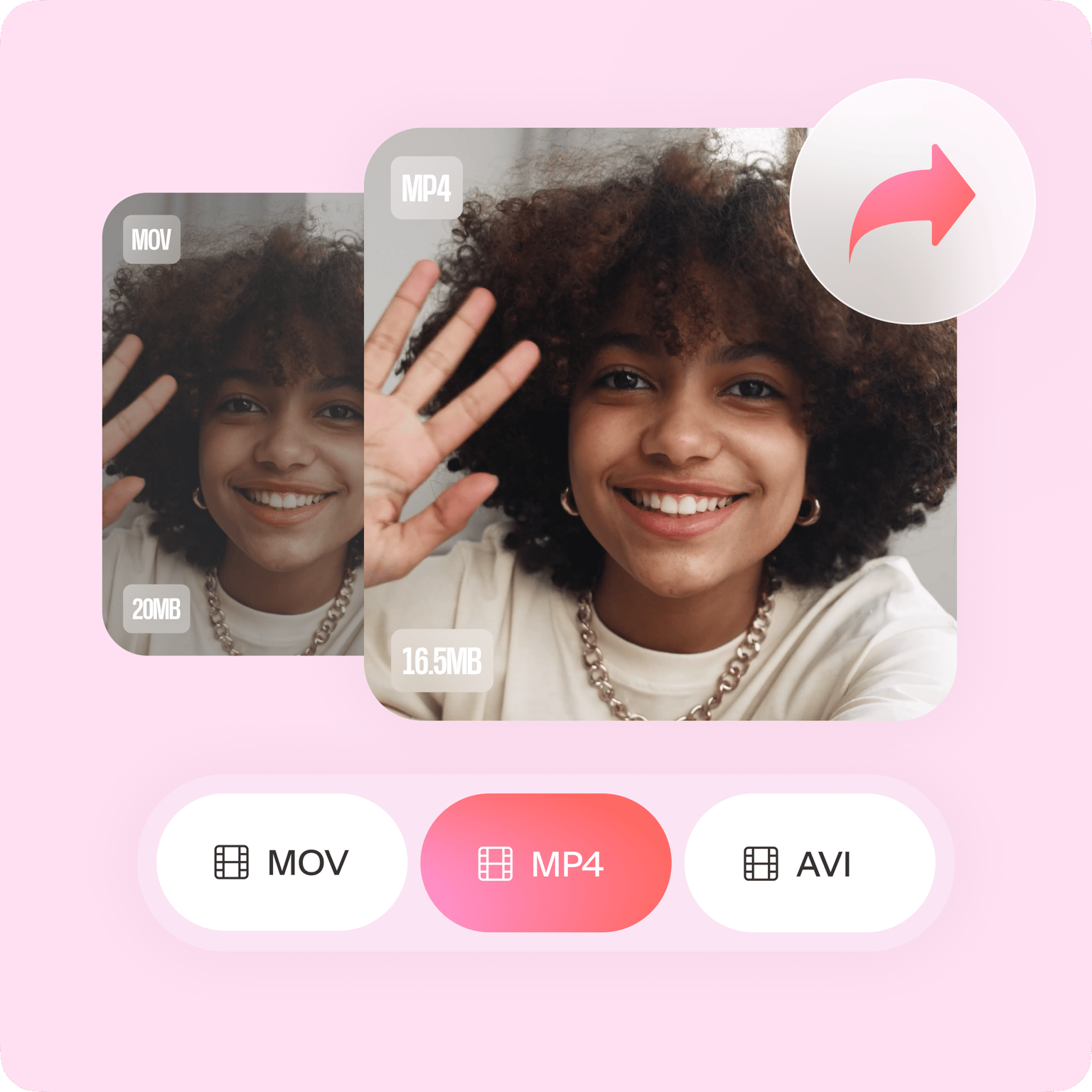
Convert your video for Instagram
Instagram only accepts certain video formats like MP4 and MOV. If your video is in an MKV format, you can use VEED to convert it to MP4. It is super easy to do! Just upload your video, edit it as needed, and select MP4 or your desired format from the download options. This will ensure that you can easily upload your video to Instagram from any device. You can also convert it to other formats if you want. Convert to and from MP4, MOV, AVI, and more!
FAQ
Record your video from your phone, camera, or from VEED’s screen recorder. Upload your video to VEED and select Instagram from the Size options from the menu. Download your video and share it on Instagram!
There are plenty of video editors out there that you can use to create Instagram videos. However, VEED is the easiest and most practical software to use to make Instagram videos. It is free and you will have access to so many professional video editing tools that you won’t find in other free video editing apps.
While Instagram allows you to record videos directly from the app, it doesn’t have a comprehensive collection of video editing tools. The best thing to do is to record a video and edit it on VEED before uploading it to Instagram.
Instagram allows you to upload videos from 3 to 60 seconds. If your video exceeds one minute, you would have to cut it and either post it separately or use the option to upload multiple videos at once, splitting them into parts.
You can edit your videos on the Instagram app but the tools are very limited. It’s best to use professional video editing software like VEED. VEED is free and super easy to use.
Unlike other free software, VEED doesn’t even require you to create an account before you can use it. You can just go to the VEED site, upload, and edit your video!
Loved by creators.
Loved by the Fortune 500
“
With VEED I didn't need 15 tutorials - I jumped straight in and started editing.

Gwenne Wilcox
Founder,
Brand Brainery
“
You can go beyond choppping things. VEED actually makes my videos look great.

Michael Glover
Demand Gen Manager,
ConvertFlow
“
The first four videos i created with VEED got over 40,000 impressions on LinkedIn.

Travis Tyler
Senior Content Producer,
PandaDoc
“
I found VEED at the right time: if you're making UGC ads and not using Eye Contact Correction and Noise Reduction on VEED you're missing out on ROI.

Sebastian Schurgers
Head of Growth Marketing,
Gronda
“
With VEED I didn't need 15 tutorials - I jumped straight in and started editing.
Gwenne Wilcox
Founder,
Brand Brainery
“
You can go beyond choppping things. VEED actually makes my videos look great.
Michael Glover
Demand Gen Manager,
ConvertFlow
“
The first four videos i created with VEED got over 40,000 impressions on LinkedIn.
Travis Tyler
Senior Content Producer,
PandaDoc
“
I found VEED at the right time: if you're making UGC ads and not using Eye Contact Correction and Noise Reduction on VEED you're missing out on ROI.
Sebastian Schurgers
Head of Growth Marketing,
Gronda
“
The first four videos i created with VEED got over 40,000 impressions on LinkedIn.
Travis Tyler
Senior Content Producer,
PandaDoc
“
I found VEED at the right time: if you're making UGC ads and not using Eye Contact Correction and Noise Reduction on VEED you're missing out on ROI.
Sebastian Schurgers
Head of Growth Marketing,
Gronda
“
With VEED I didn't need 15 tutorials - I jumped straight in and started editing.
Gwenne Wilcox
Founder,
Brand Brainery
“
You can go beyond choppping things. VEED actually makes my videos look great.
Michael Glover
Demand Gen Manager,
ConvertFlow
Trusted by 1M+ creators
When it comes to amazing videos, all you need is VEED
No credit card required
More than an Instagram Video Maker
VEED is more than just a video maker for Instagram. It is a complete video editor, packed with all the tools you need to tell compelling stories using videos. With VEED, you can personalize your videos to make them more visually appealing. Add images, text, and subtitles to make your videos more accessible to a wider audience. You can even create music videos for free! Add background music, sound effects, and music visualizers. The best part is it is an online app. You don’t need to install any software on your device!