


Trusted by 1M+ creators
OpenEdit
Tell your AI agent to make a video and get back a finished MP4. Footage, captions, motion graphics, and sound, from one prompt. No timeline, no UI to learn, free and open source.
No credit card required
4.6
2,100+ reviews















Open-source AI video creation, run by your agent
Making a week of content means opening an editor, cutting the footage, styling the captions, hunting for music, and exporting one file at a time. OpenEdit takes the whole job off your hands. Install one command, describe what you want, and your agent writes the script, generates or imports the footage, designs the captions and motion graphics, composes the music and sound effects, and renders the video. Bring your own footage, or start with nothing at all.
Generation runs through VEED Fabric on the VEED API, and through whatever other models your agent can reach. The editor is free and open source, and rendering happens on your own machine. It suits anyone shipping Reels, Shorts, TikToks, or podcast cuts every week, and anyone who wants an open-source AI video editor they can wire into a pipeline they already run. Need the same job as a hosted endpoint instead? That is what VEED's Subtitles API is for.
How to make a video with OpenEdit:
Step 01
Install the skill
Run npx skills add veedstudio/open-edit in your terminal. That is the only setup step. Open your agent afterwards, and it handles the rest itself.
Step 02
Describe the video you want
Say, "Make a 30-second podcast intro in the style of [REFERENCE]," or keep it simple with "Add subtitles to my video [VIDEO]." Your agent analyzes any reference style you point it at, writes the script, generates or imports the footage, designs the captions and motion graphics, and composes the music and sound effects. No manual timing, no styling step.
Step 03
Get your captioned video back
Minutes later you get a finished MP4, and a preview window opens. Keep prompting to change the color, the pacing, the placement, or the emphasis. Prefer to work in a timeline instead? Add subtitles to a video in the VEED editor.
Generate the footage, or skip footage entirely
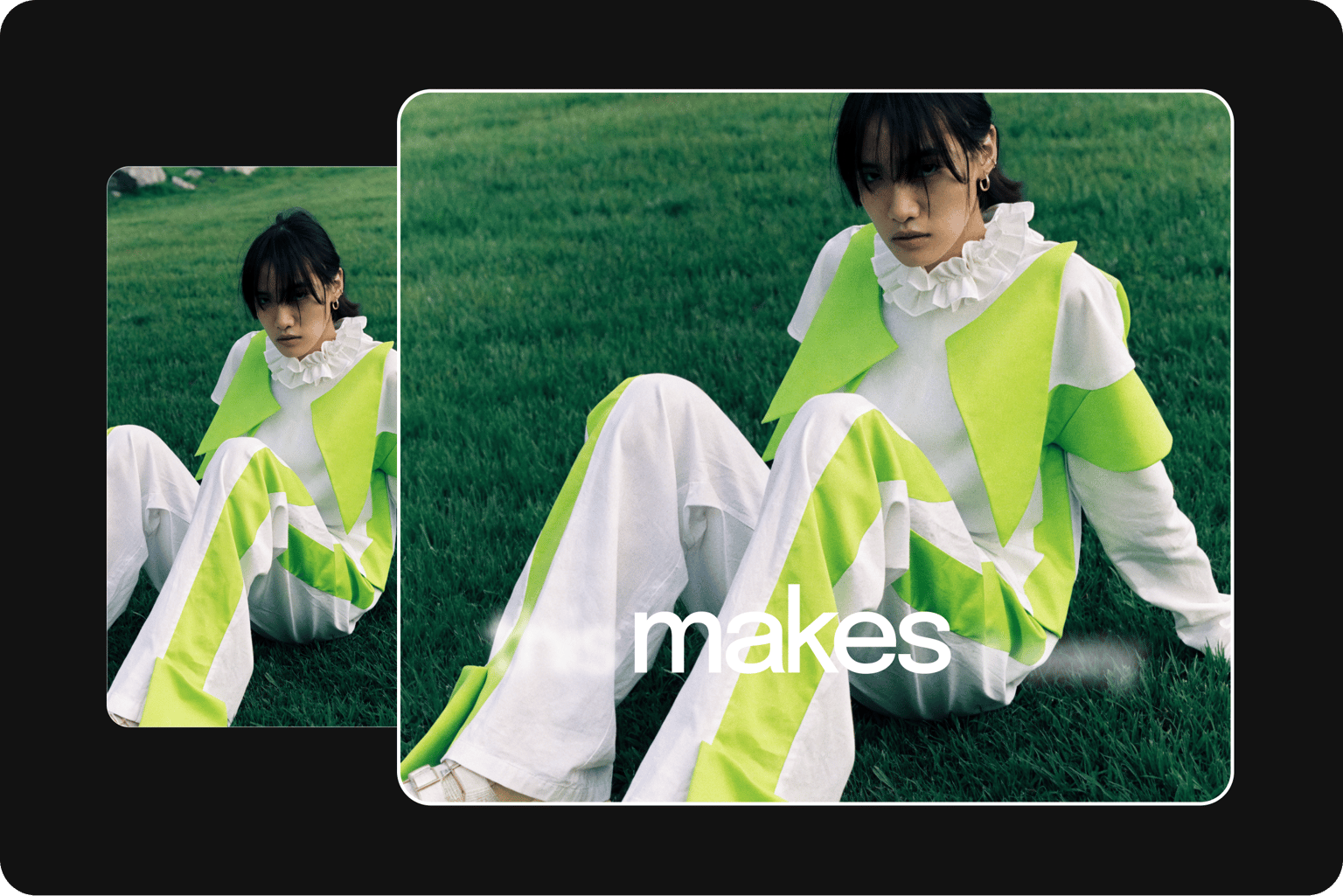
Ask for footage you do not have and your agent generates it, calling VEED Fabric through the VEED API or whatever model you point it at. Or skip footage altogether and build from stills, slides, generated images, or pure motion graphics. No camera, no stock library, no b-roll hunt. Longer videos now, not just clips.
Captions and motion graphics that look like your brand made them
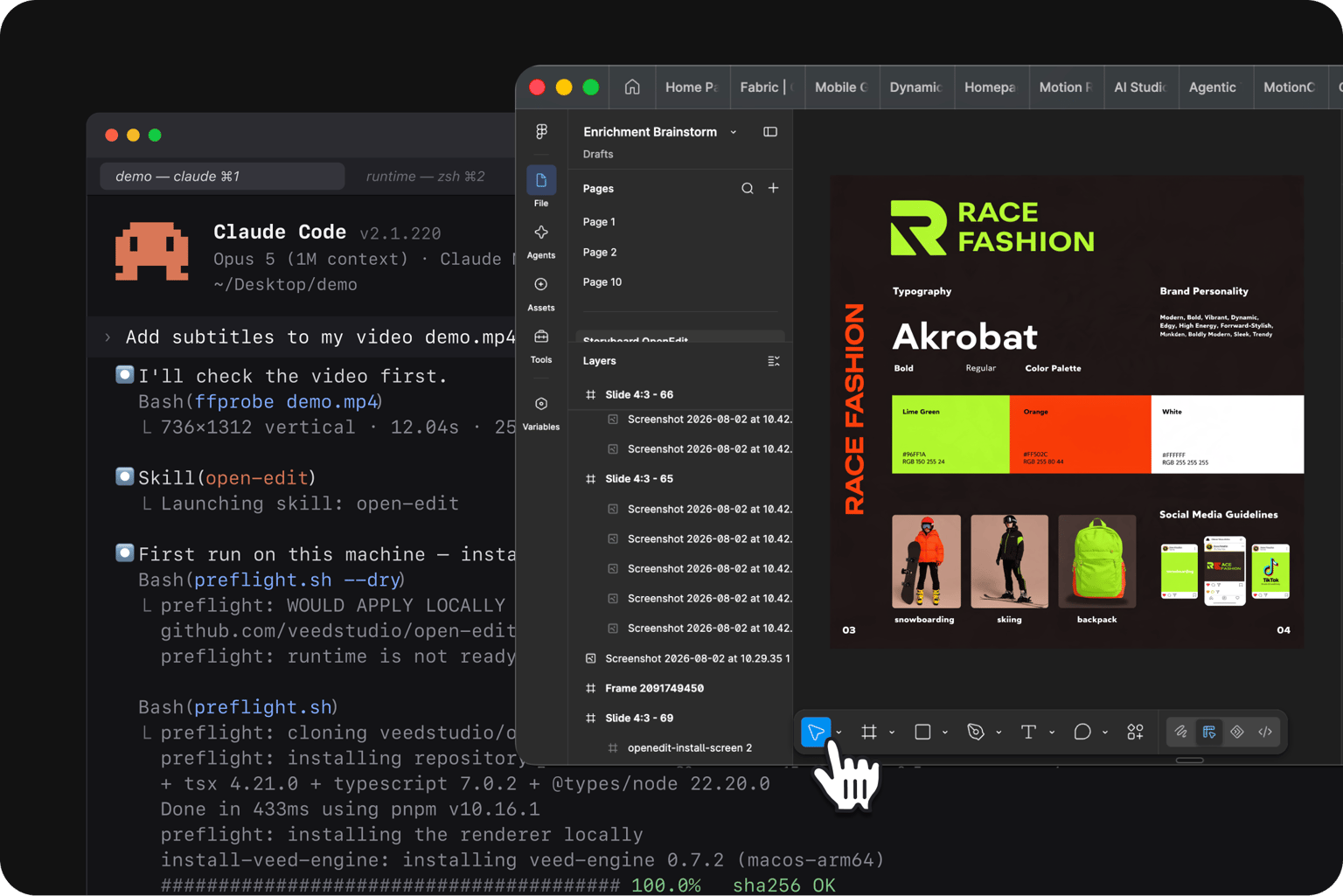
Point OpenEdit at a reference image, a Figma layout, or your brandbook, and every clip after it matches. Ask for something dynamic, something clean, or a specific color and placement, and it reworks the result. Styling happens in HTML and CSS, so anything you can express there, you can render.
Built to run at volume, inside the tools you already use
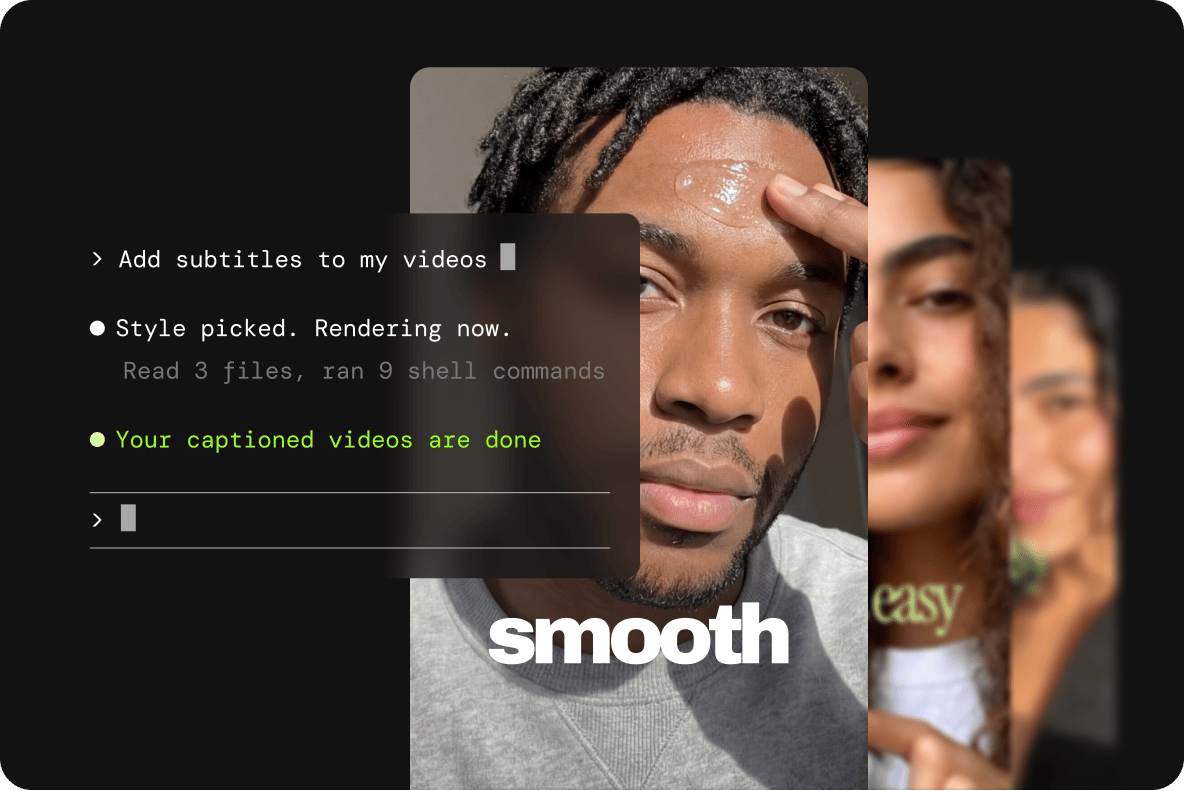
Batch a client's week through a multi-agent session instead of paying studio rates. Connect any MCP or API, make OpenEdit part of your existing workflow and skillset, or build something new around it. For hosted, high-volume captioning without an agent in the loop, see VEED's Subtitles API, or compare the wider category in the best subtitles APIs.
FAQ
OpenEdit is VEED's agent-native video tool: an open-source editor your AI agent runs, paired with VEED Engine, the renderer behind it. Tell your agent what you want and it writes the script, generates or imports the footage, designs the captions and motion graphics, composes the audio, and returns a ready-to-post clip. It is in beta and available now on GitHub.
The OpenEdit editor is under Apache-2.0. Read it, fork it, ship it. The renderer binaries are closed source, under PolyForm Shield 1.0.0, and you can sell what you make with them at no cost to VEED. You are not locked to them either: composition does not depend on VEED's renderer, so if a closed binary is a dealbreaker, you can render through Chrome instead. Both licenses are in the repo.
OpenEdit is agent-agnostic. It has been tested with Claude Code, Codex, and Gemini. The skill prepares the runtime and loads its AGENTS . md explicitly, so it is not tied to one model.
Both. OpenEdit edits footage you bring, and it now generates footage you do not have. Your agent can call VEED Fabric through the VEED API, generate stills, images, music, and sound effects in whatever models it can reach, and build a video with no source footage at all from slides, stills, or pure motion graphics. It can also build a soundtrack from several tracks at once, layering music, voice, and effects.
Both let an AI agent drive video captioning, and both let you style in HTML and CSS. The difference is underneath. Remotion renders with a headless browser. VEED built its own HTML-to-video renderer with no headless browser in the pipeline, and it runs locally on your machine. In VEED's early internal benchmarks, it ran up to 2.2x faster than tools that drive Chrome. That is VEED's own testing rather than a published comparison, and reproducible benchmarks are coming in the next few weeks.
OpenEdit is free to use. No subscription, no paywalls. Rendering runs on your own machine at no cost. Transcription is built in and runs on one veed.io account: your audio, not the video, is uploaded and stored to transcribe it. Generating footage through VEED Fabric runs on the same account. For both, the limits are whatever your VEED account already has. Models you reach outside VEED run on your own access to them.
OpenEdit runs on Apple Silicon Macs on macOS 26 (Tahoe). Not Intel, and not earlier versions of macOS. Windows support is coming soon, along with Lip Sync 2.0 and background removal inside the skill. Linux is something VEED intends to build, and how it gets prioritized depends on the demand. Captions were V1. Motion graphics, generated footage, and multi-track audio are live now, and brandbook-matched styling is where the engine is roughest today.
Loved by creators.
Loved by the Fortune 500
“
With VEED I didn't need 15 tutorials - I jumped straight in and started editing.

Gwenne Wilcox
Founder,
Brand Brainery
“
You can go beyond choppping things. VEED actually makes my videos look great.

Michael Glover
Demand Gen Manager,
ConvertFlow
“
The first four videos i created with VEED got over 40,000 impressions on LinkedIn.

Travis Tyler
Senior Content Producer,
PandaDoc
“
I found VEED at the right time: if you're making UGC ads and not using Eye Contact Correction and Noise Reduction on VEED you're missing out on ROI.

Sebastian Schurgers
Head of Growth Marketing,
Gronda
“
With VEED I didn't need 15 tutorials - I jumped straight in and started editing.
Gwenne Wilcox
Founder,
Brand Brainery
“
You can go beyond choppping things. VEED actually makes my videos look great.
Michael Glover
Demand Gen Manager,
ConvertFlow
“
The first four videos i created with VEED got over 40,000 impressions on LinkedIn.
Travis Tyler
Senior Content Producer,
PandaDoc
“
I found VEED at the right time: if you're making UGC ads and not using Eye Contact Correction and Noise Reduction on VEED you're missing out on ROI.
Sebastian Schurgers
Head of Growth Marketing,
Gronda
“
The first four videos i created with VEED got over 40,000 impressions on LinkedIn.
Travis Tyler
Senior Content Producer,
PandaDoc
“
I found VEED at the right time: if you're making UGC ads and not using Eye Contact Correction and Noise Reduction on VEED you're missing out on ROI.
Sebastian Schurgers
Head of Growth Marketing,
Gronda
“
With VEED I didn't need 15 tutorials - I jumped straight in and started editing.
Gwenne Wilcox
Founder,
Brand Brainery
“
You can go beyond choppping things. VEED actually makes my videos look great.
Michael Glover
Demand Gen Manager,
ConvertFlow
Explore related tools
More from VEED
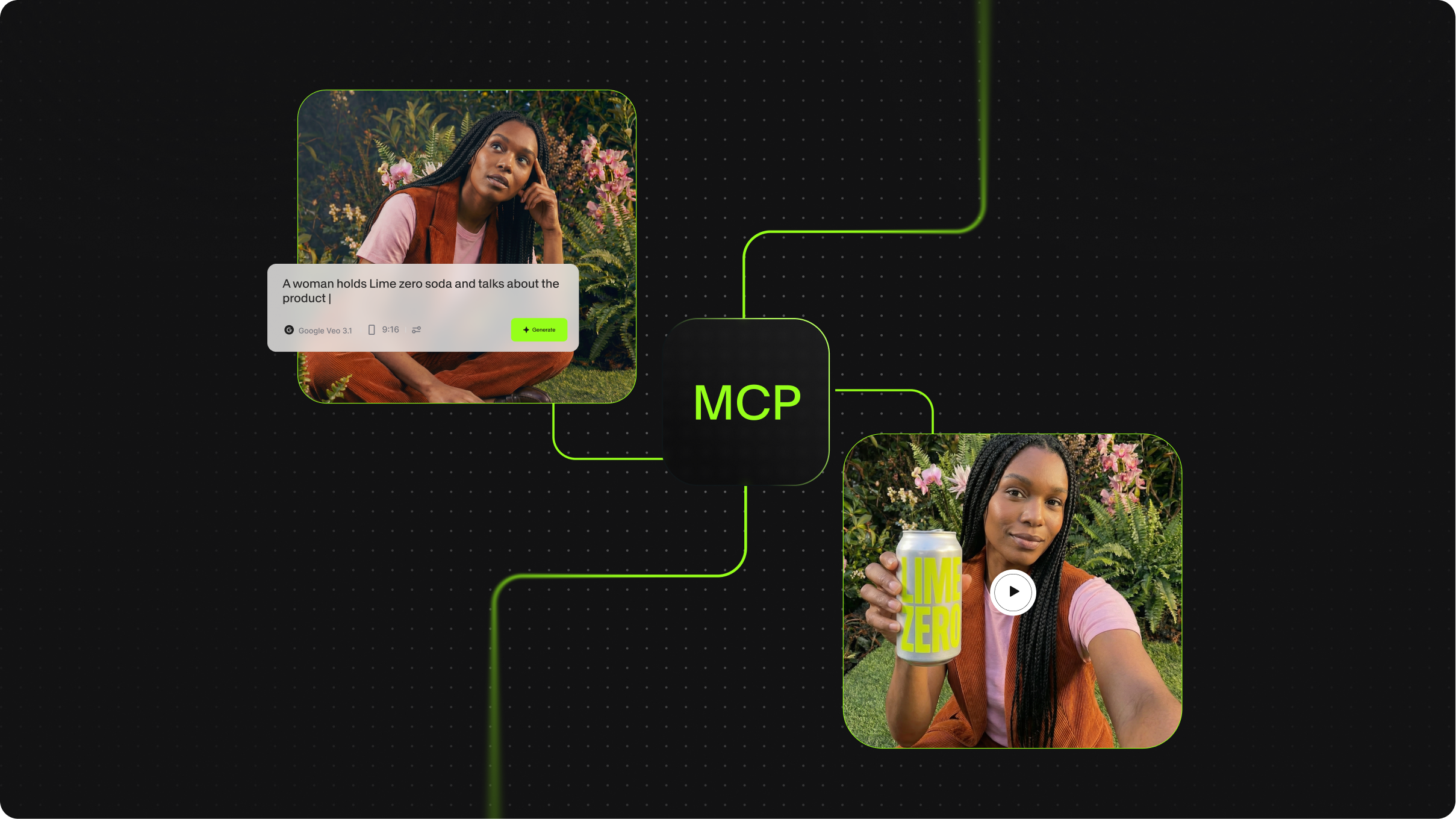
What is MCP in AI? The Model Context Protocol, Explained
Best Video API for Handling Media Files
We tested and compared the leading video and media file APIs across five practical use cases: large file upload via REST, batch audio and video processing, audio transcription from file, hosted FFmpeg manipulation, and programmatic media retrieval and delivery.

Introducing OpenEdit
OpenEdit is VEED's agent-native video tool. Tell your AI agent to add subtitles to a video, and it transcribes the audio, designs a caption style to fit, and renders the finished clip.
Trusted by 1M+ creators
When it comes to amazing videos, all you need is VEED
No credit card required
More than a captioning skill
Making video through OpenEdit is one part of building social content. VEED is an AI video creation platform that takes you from idea to social-ready video in one workflow. Generate a talking head from a script with Fabric through the VEED MCP. Remap lips to new audio with the Lip Sync API, or caption at volume with the Subtitles API. Refine what comes back with transcript editing and Auto Edits, apply your brand kit so the result looks like your brand made it rather than AI, and export post-ready video in minutes. OpenEdit brings the same rendering to agent-native workflows, open source and running on your own machine.