


Trusted by 1M+ creators
Ad Resizer
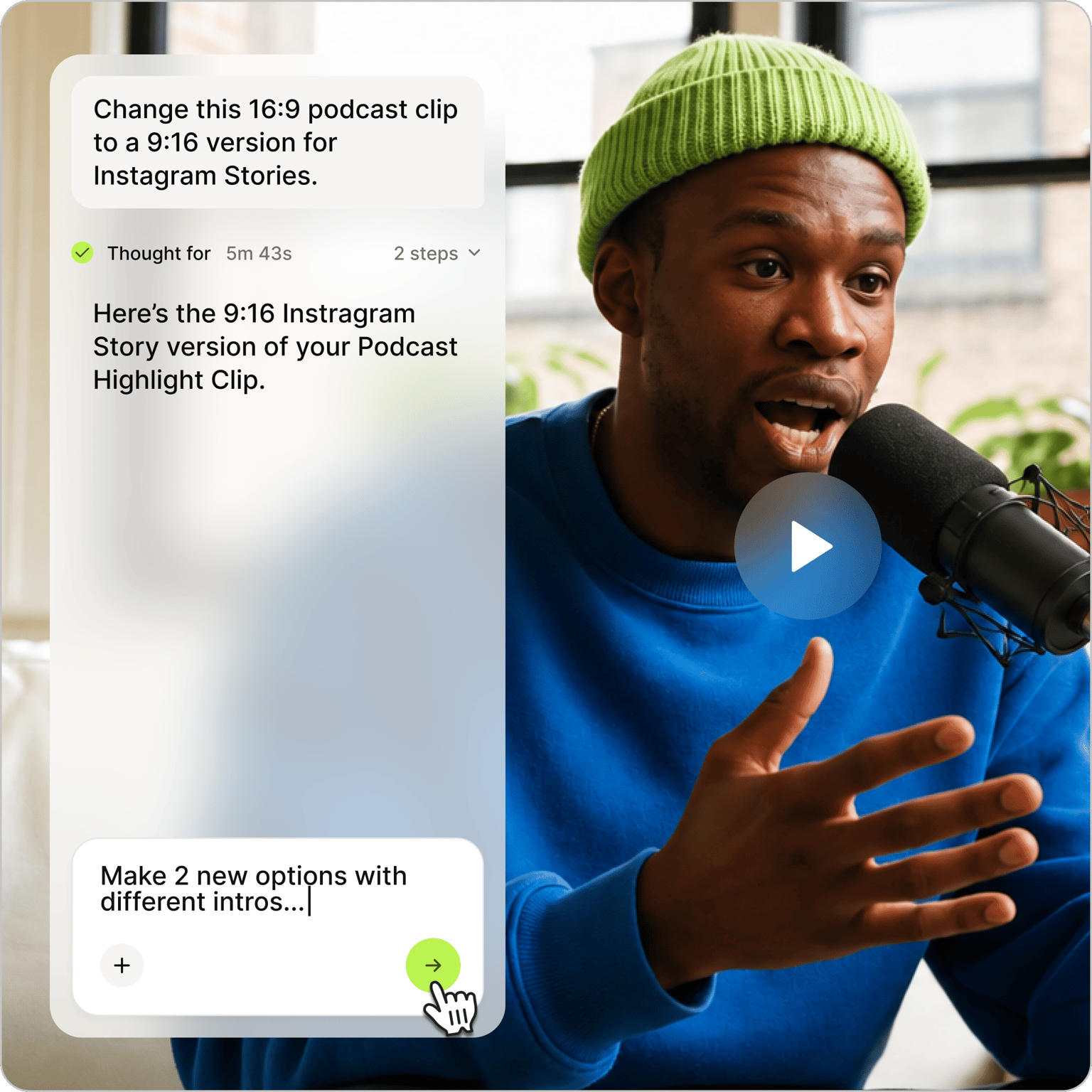
Attach one ad and name the placements. VEED AI resizes it for feed, Stories, Reels, and YouTube and keeps your product and text in frame
No credit card required
4.6
2,100+ reviews









Ad resizer: VEED AI refits one video or image ad for every placement you buy
An ad resizer takes one finished ad and produces it in the other sizes and aspect ratios a campaign needs, so the same creative can run in the feed, in Stories, and before a YouTube video. VEED AI is VEED's AI agent, and it does this from a chat. Attach your video or image ad, name the placements, and it reframes each version, moves the text and logo so nothing is cut off, shows you the results, and fixes any crop you point at. No canvas to rebuild, nothing to install.
Performance marketers use it to take a landscape ad vertical for TikTok, Reels, and Shorts without losing the product at the edge of the frame. Ecommerce teams use it to fit one promo to the square feed, vertical Stories, and landscape YouTube placements. Freelancers and agencies use it to hand a client the full set of sizes in one delivery. If a single video only needs a new aspect ratio, the video resizer changes it in the editor.
How to resize an ad using the ad resizer:
Step 01
Attach your ad and list the placements
Open VEED AI and attach the video or image ad. Say where it will run in plain words: make this 9:16 for Reels and TikTok, 1:1 for the feed, and 16:9 for YouTube, and keep the product and the headline fully visible.
Step 02
Let the agent reframe each version
The agent may ask whether to crop tighter or fill the extra space, then show its plan and build each size: reframing the shot and repositioning subtitles, text, and logo so they stay clear of the edges. It asks before running a costly generation.
Step 03
Check the crops and download
Check every size, then ask for fixes in the same chat: move the crop left in the vertical cut, make the headline smaller in the square one. Each result is saved as its own version. Download the files, or ask for a shorter cut.
Learn More
Watch this to learn more about AI video editing:
Every placement from one finished ad
One ad goes in with a list of placements. What comes back is the same ad in each shape: vertical for TikTok, Reels, Shorts, and Stories, square for the feed, landscape for YouTube and LinkedIn. Name the platform, the aspect ratio, or the pixel size, such as 1080 × 1920 pixels. Video ads and image ads go through the same chat.
Text, logo, and product stay inside the frame
Resizing an ad is rarely a plain crop. A headline that looked good in landscape gets cut off in vertical, and the logo ends up under a platform button. The agent moves those elements with the new frame, and you fix anything it misses in a sentence. Every size still looks like one campaign, because you approve each layout before it runs.
Resize, then shorten, subtitle, or test a new hook
Placements differ in more than shape. The same chat can cut a long ad down for a shorter slot, add subtitles for sound-off viewing, or write a new hook for a second test. Starting without an ad? The AI ad generator builds one from a prompt, and the subtitle tool handles a single video in the editor.
FAQ
An ad resizer is a tool that takes one ad and outputs it in the different dimensions and aspect ratios that ad platforms ask for, such as vertical, square, and landscape. A good one rearranges the text, logo, and subject for each shape instead of cropping blindly. VEED AI works as an ad resizer you instruct in plain language: attach the ad, name the placements, and review each size in the same chat.
Resizing an ad for different platforms means producing one version per aspect ratio and checking that nothing important is cut off. In VEED AI, attach the ad and list where it will run: Reels, TikTok, the Instagram feed, and YouTube. The agent reframes each version and repositions text and logo. Review the results, ask for a different crop where one misses, and download every size you approve.
Yes. AI ad resizers reframe an ad for a new aspect ratio by finding the subject and keeping it in view, instead of cutting the same center crop from every frame. VEED AI does this task for video and image ads through a chat: you describe the placements, it builds each size, and you correct the layout in plain language. It does not publish to ad platforms, so you download the files and upload them yourself.
Most social campaigns need three shapes: vertical 9:16 for TikTok, Reels, Shorts, and Stories, square 1:1 for feeds, and landscape 16:9 for YouTube and in-stream placements. Each platform publishes its own current specs, so check them before a launch. In VEED AI, name the placement and the agent builds that shape, or give exact pixel dimensions when a platform asks for them.
Loved by creators.
Loved by the Fortune 500
“
With VEED I didn't need 15 tutorials - I jumped straight in and started editing.
Gwenne Wilcox
Founder,
Brand Brainery
“
You can go beyond choppping things. VEED actually makes my videos look great.
Michael Glover
Demand Gen Manager,
ConvertFlow
“
The first four videos i created with VEED got over 40,000 impressions on LinkedIn.

Travis Tyler
Senior Content Producer,
PandaDoc
“
I found VEED at the right time: if you're making UGC ads and not using Eye Contact Correction and Noise Reduction on VEED you're missing out on ROI.
Sebastian Schurgers
Head of Growth Marketing,
Gronda
“
With VEED I didn't need 15 tutorials - I jumped straight in and started editing.
Gwenne Wilcox
Founder,
Brand Brainery
“
You can go beyond choppping things. VEED actually makes my videos look great.
Michael Glover
Demand Gen Manager,
ConvertFlow
“
The first four videos i created with VEED got over 40,000 impressions on LinkedIn.
Travis Tyler
Senior Content Producer,
PandaDoc
“
I found VEED at the right time: if you're making UGC ads and not using Eye Contact Correction and Noise Reduction on VEED you're missing out on ROI.
Sebastian Schurgers
Head of Growth Marketing,
Gronda
“
With VEED I didn't need 15 tutorials - I jumped straight in and started editing.
Gwenne Wilcox
Founder,
Brand Brainery
“
You can go beyond choppping things. VEED actually makes my videos look great.
Michael Glover
Demand Gen Manager,
ConvertFlow
Discover more
Explore related tools
More from VEED
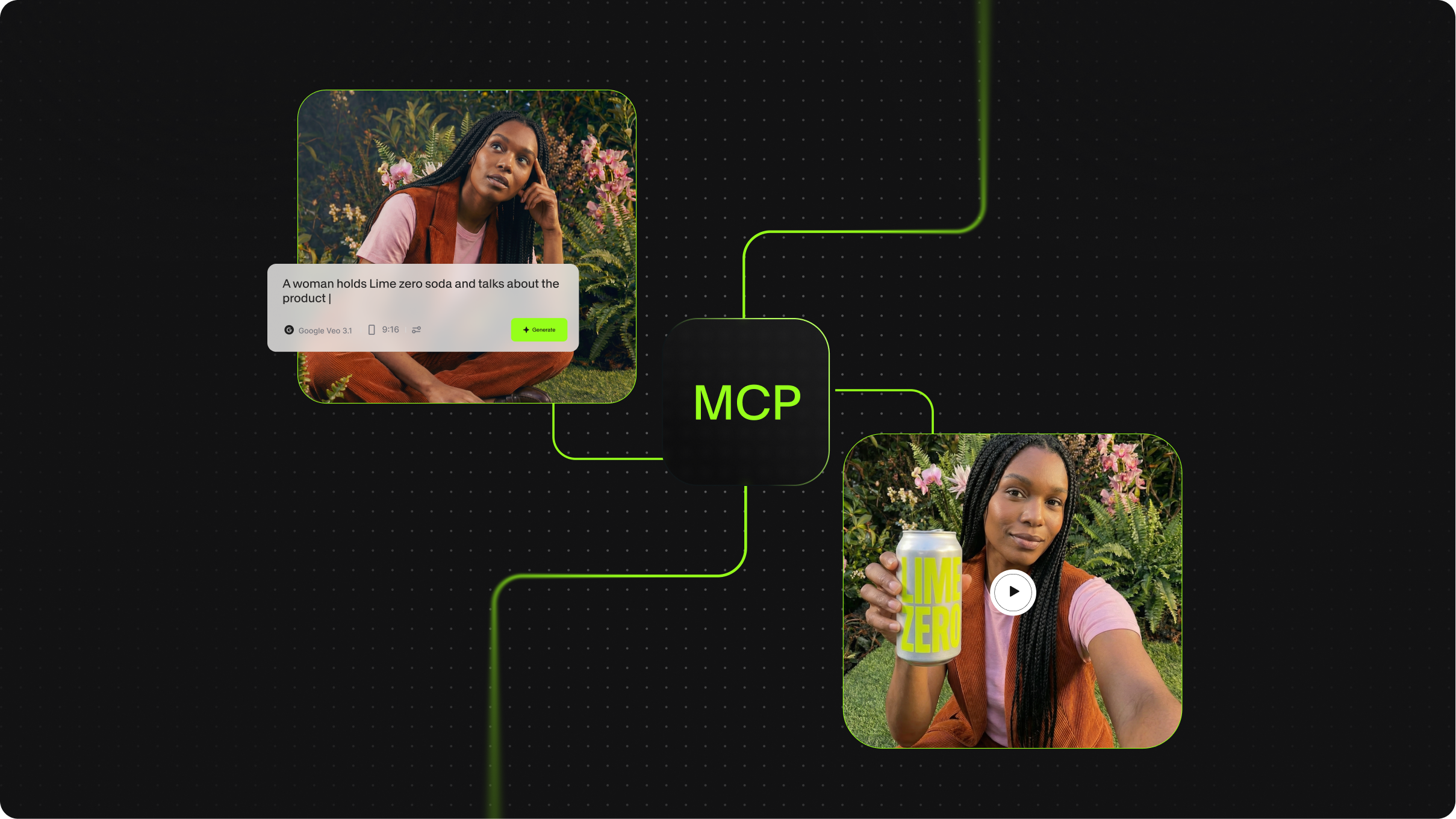
What is MCP in AI? The Model Context Protocol, Explained
Best Video API for Handling Media Files
We tested and compared the leading video and media file APIs across five practical use cases: large file upload via REST, batch audio and video processing, audio transcription from file, hosted FFmpeg manipulation, and programmatic media retrieval and delivery.

Introducing OpenEdit
OpenEdit is VEED's agent-native video tool. Tell your AI agent to add subtitles to a video, and it transcribes the audio, designs a caption style to fit, and renders the finished clip.
Trusted by 1M+ creators
When it comes to amazing videos, all you need is VEED
No credit card required
More than an ad resizer
Getting the sizes right is the last mile of an ad. VEED is an AI video creation platform where you can generate, fine-tune, and export videos. Generate a scene, a voiceover, or an AI avatar from a prompt, refine the cut with subtitles and clean audio, keep fonts, colors, and logo consistent so the whole campaign looks like your brand made it, and export post-ready for TikTok, Reels, YouTube, and LinkedIn. Turn the ad you just resized into a full set of launch videos. Sign up now to start creating.