Imagen 4 Preview Fast

Turn text into pro-quality images for your videos with Imagen 4 Fast AI

4.6

319 reviews

Visa logo
Venture Foods logo
Merck logo
Target logo
Pentax logo
Procter & Gamble logo
Meta company logo with infinity symbol and text 'Meta' in gray.
Amazon logo with company wordmark and the brand's signature curved smile.
Google logo
BBC logo featured in VEED's customer showcases.
NBCUniversal
UBS logo with stylized snowflake symbol and text.
Netflix logo in gray lettering.
OpusClip logo with gray stylized p icon.
ElevenLabs logo
Visa logo
Venture Foods logo
Merck logo
Target logo
Pentax logo
Procter & Gamble logo
Meta company logo with infinity symbol and text 'Meta' in gray.
Amazon logo with company wordmark and the brand's signature curved smile.
Google logo
BBC logo featured in VEED's customer showcases.
NBCUniversal
UBS logo with stylized snowflake symbol and text.
Netflix logo in gray lettering.
OpusClip logo with gray stylized p icon.
ElevenLabs logo

Advanced visuals with Imagen 4 AI image generation

Most text-to-image workflows involve juggling complex tools or compromising on image quality. Imagen 4, Google’s latest diffusion-based model, outputs ultra-detailed 2K images with realistic textures, fine lighting gradients, and strong prompt comprehension. It’s engineered to handle complex scene descriptions with spatial and semantic precision. Imagen 4 is ideal for campaign visuals, product content, and editorial-style compositions. Integrated directly into VEED, you can generate, edit, and sequence your visuals into videos without leaving the platform. Check pricing for more info.

How to test Google Imagen 4:

Step 1

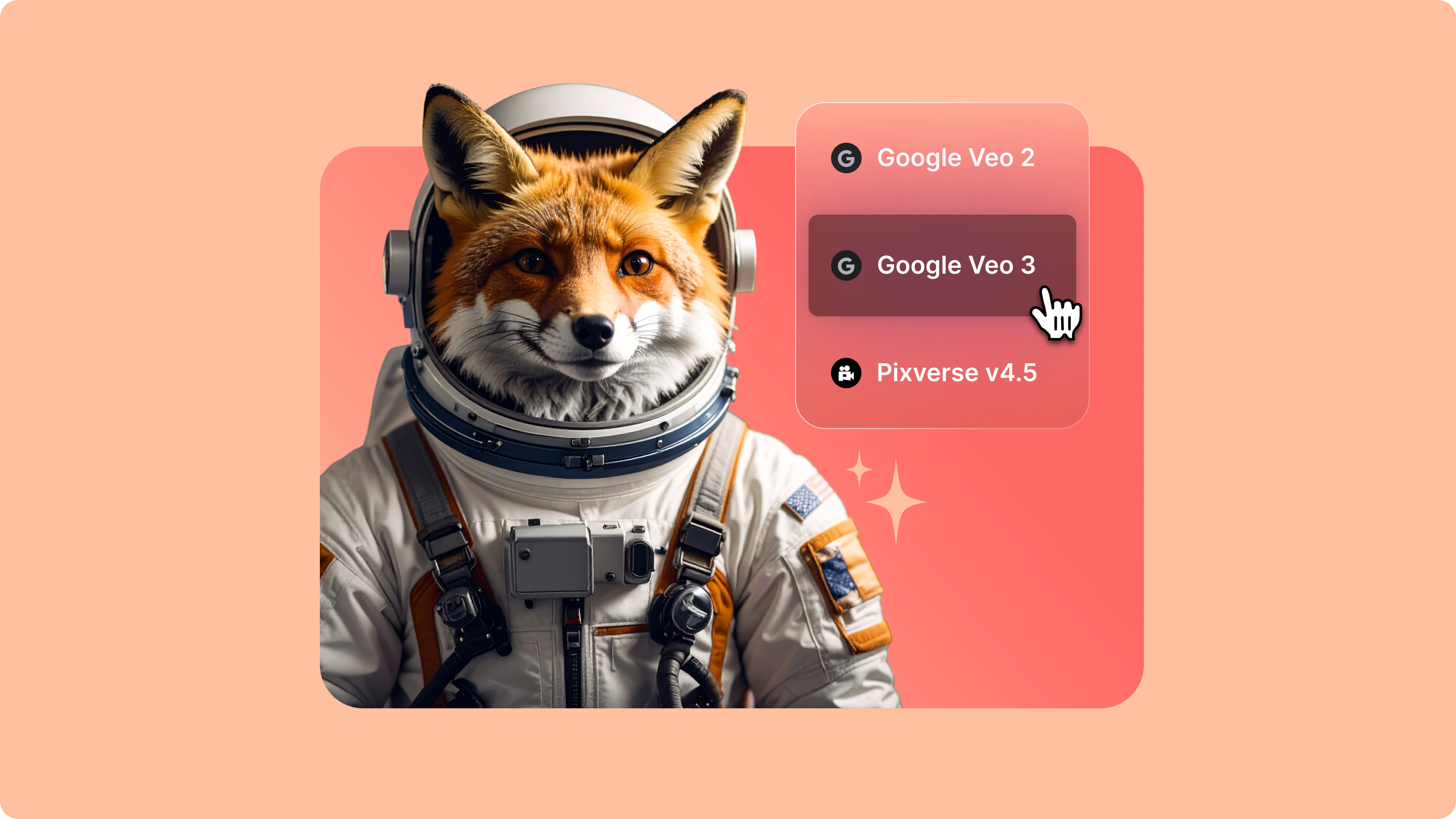
Select Imagen 4 and set your aspect ratio

Choose Google Imagen 4 on our AI playground menu and select your preferred aspect ratio. Enter your image description or click 'Get inspired' for prompt suggestions.

Step 2

Generate and refine your results

Generate multiple variations of your prompt to explore different interpretations. Refine your prompt based on the results to achieve the style and quality you're looking for.

Step 3

Download, create videos, or test other models

Download your preferred image, create AI reels, or open in our editor to add to a video project. You can also test your prompt with other AI image models to compare results, or animate your image using our image-to-video models.

Learn More

Watch this AI playground walkthrough:

Eliminate stock image dependencies with targeted visual generation

Traditional workflows often rely on generic stock libraries or time-consuming asset searches that slow down production. Google Imagen 4 Fast eliminates that bottleneck by generating high-quality images directly from natural language prompts. It supports prompt elements like “product mockup on white background” or “city skyline with soft dusk lighting,” allowing for more tailored outputs integrated seamlessly into VEED’s timeline editor.

Precise visuals without complex design tools

Imagen 4 Fast uses advanced diffusion techniques to render detailed visuals while maintaining speed. Users can control image attributes, such as composition, lighting, and style, through descriptive prompts, eliminating the need for manual layout tools or post-processing. This enables content teams to scale professional-looking assets without adding design overhead or requiring specialized software expertise.

Expand your creative range through AI-driven variation

Built for iterative content pipelines, Imagen 4 Fast makes it easy to explore visual alternatives quickly. Its prompt understanding allows for multiple style directions and concept variations, making it ideal for rapid prototyping and A/B testing. You can generate and refine options directly in-platform, streamlining ideation into execution.

FAQ

Loved by creators.

Loved by the Fortune 500


VEED has been game-changing. It's allowed us to create gorgeous content for social promotion and ad units with ease.

Headshot of Max Alter in a circular portrait, wearing a plaid shirt against a white-to-purple gradient background.

Max Alter
Director of Audience Development, NBCUniversal

NBCUniversal logo.

I love using VEED. The subtitles are the most accurate I've seen on the market. It's helped take my content to the next level.

Professional headshot of woman in dark blazer and white shirt with sunglasses on head, circular crop.

Laura Haleydt
Brand Marketing Manager, Carlsberg Importers

Carlsberg® logo

I used Loom to record, Rev for captions, Google for storing and Youtube to get a share link. I can now do this all in one spot with VEED.

Headshot of Cedric Gustavo Ravache wearing glasses.

Cedric Gustavo Ravache
Enterprise Account Executive, Cloud Software Group

Cloud Software Group logo featuring a nested cloud icon.

VEED is my one-stop video editing shop! It's cut my editing time by around 60%, freeing me to focus on my online career coaching business.

Professional headshot of Nadeem L. wearing a dark green blazer over a burgundy turtleneck.

Nadeem L
Entrepreneur and Owner, TheCareerCEO.com

TheCareerCEO brand logo combining a play button with ascending bars, representing video content for career growth.

More from VEED

When it comes to amazing videos, all you need is VEED

Try Imagen 4 Preview Fast Now

No credit card required

Turn AI model outputs into full projects

VEED combines AI model testing with professional editing tools. Once you’ve generated an image with Imagen 4, you can integrate it directly into your video projects, animate it with our image-to-video models, or refine it further in the editor. Add captions, apply brand elements, and collaborate with your team all without switching platforms. From AI model exploration to production-ready content, VEED streamlines the entire workflow. Explore our full suite of tools today.

VEED app displayed on mobile,tablet and laptop