


Trusted by 1M+ creators
Cute Video Maker
Create cute videos, online. Easy to use, no account required
No credit card required
4.6
2,100+ reviews















Make cute videos, online
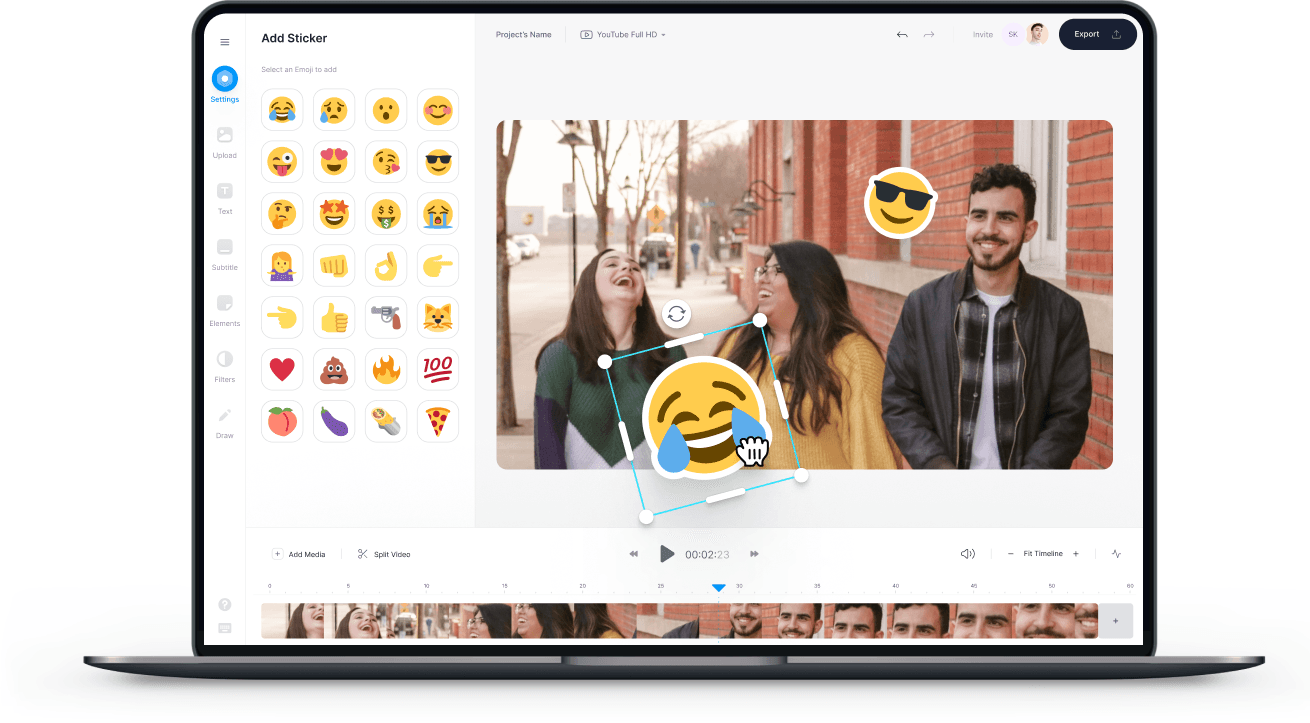
Do you want to make super-cute videos for your friends, family, and followers to watch and like? Then VEED is the place for you! At VEED, we specialize in easy-to-use online video editing. Everything you need to create gorgeous, cute videos in a matter of minutes. You don’t even need an account. Try it now!
How to Create a Cute Video:
Step 01
Upload
Upload photos, videos, and music. Just drag & drop, it couldn’t be easier!

Step 02
Edit
Make your videos super-cute with effects, filters, text, annotations, and more.
Step 03
Download
That’s it. Hit ‘Download’ and your cute video will render in seconds. Easy, right?
Learn More
‘Cute Video Maker’ Tutorial

Cute Videos Maker, Online
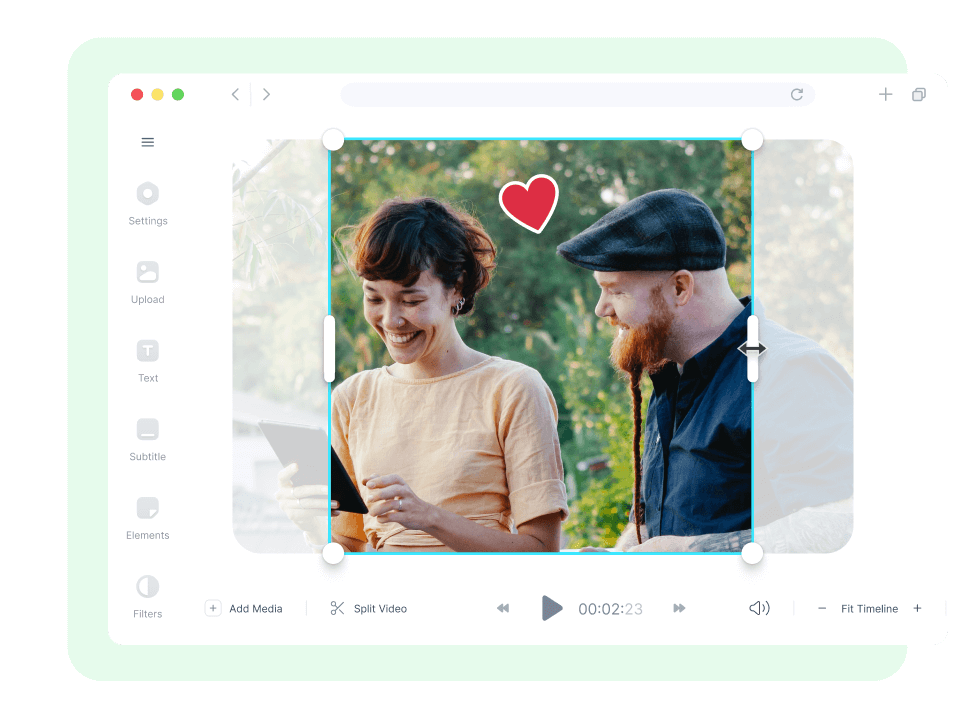
With VEED, you can make cute videos online, with no software to download, and no account needed. You can try right away! With a single click, you can resize your cute video to fit any social media platform - YouTube, Facebook, Instagram, TikTok, Twitter, and more.
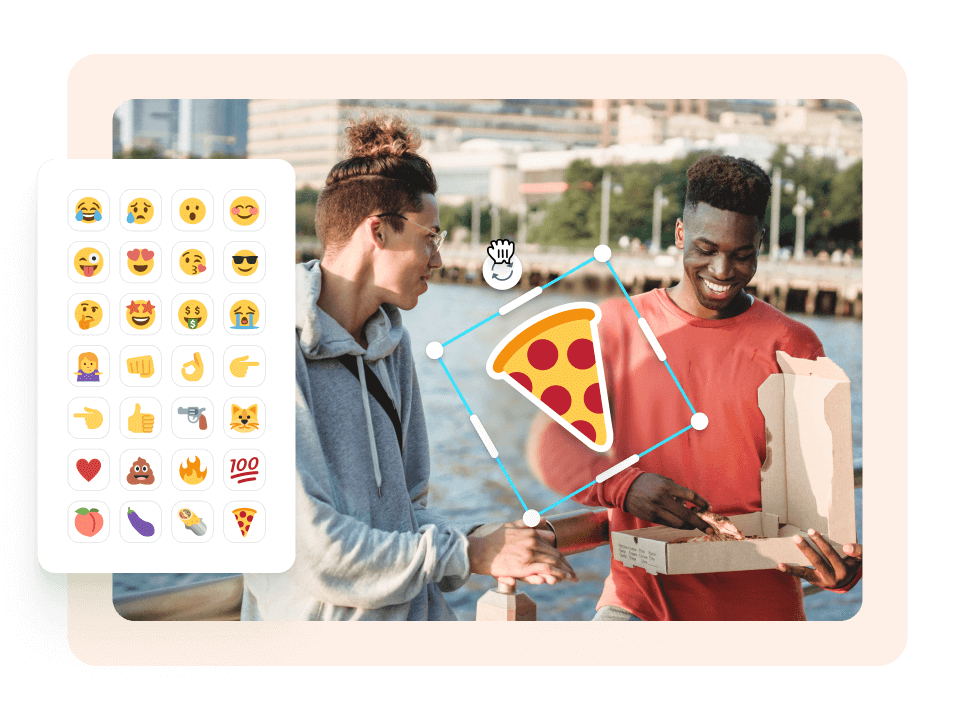
Add text, filters, and personalize
Include details of your YouTube Channel, Facebook page, or wherever you post video content. Use filters, lighting effects, and more, to create cute vintage videos, VHS videos, black & white, and so much more! You can add music, sound effects, text, filters, and so much more to your videos. Include a personal message, and even upload your own fonts!
Why make a cute video?
**Smile ** Create super-cute videos that get people smiling. With VEED you can personalize your video however you want **Easy ** VEED was built to be used by you. It’s a super-powerful video editor that’s easy to use **Get followers, and likes! ** With a super-cute video shared over social media, you can attract more followers and likes!
FAQ
- Upload. Upload photos, videos and music. Just drag & drop, it couldn't be easier! 2. Edit. Make your videos super-cute with effects, filters, text, annotations and more. 3. Download. That's it. Hit 'Download' and your cute video will render in seconds. Easy, right?
VEED is the best app you can use to create and edit videos. It’s free and incredibly easy to use! You don’t even need to create an account. It works straight from your browser.
Absolutely! VEED lets you easily add background music and sound effects. Just upload your audio file to VEED and place it anywhere on the video timeline.
VEED not only lets you make cute videos. You can check out our various video creation tools such as our birthday video maker, presentation maker, and more.
While VEED is not technically a slideshow maker, you can still make your video look like a slideshow by adding transitions in between clips. Split your video into parts and add transitions.
A lot of YouTubers use VEED to create and edit their videos. This is because VEED is incredibly easy to use and it’s free!
Loved by creators.
Loved by the Fortune 500
“
With VEED I didn't need 15 tutorials - I jumped straight in and started editing.

Gwenne Wilcox
Founder,
Brand Brainery
“
You can go beyond choppping things. VEED actually makes my videos look great.

Michael Glover
Demand Gen Manager,
ConvertFlow
“
The first four videos i created with VEED got over 40,000 impressions on LinkedIn.

Travis Tyler
Senior Content Producer,
PandaDoc
“
I found VEED at the right time: if you're making UGC ads and not using Eye Contact Correction and Noise Reduction on VEED you're missing out on ROI.

Sebastian Schurgers
Head of Growth Marketing,
Gronda
“
With VEED I didn't need 15 tutorials - I jumped straight in and started editing.
Gwenne Wilcox
Founder,
Brand Brainery
“
You can go beyond choppping things. VEED actually makes my videos look great.
Michael Glover
Demand Gen Manager,
ConvertFlow
“
The first four videos i created with VEED got over 40,000 impressions on LinkedIn.
Travis Tyler
Senior Content Producer,
PandaDoc
“
I found VEED at the right time: if you're making UGC ads and not using Eye Contact Correction and Noise Reduction on VEED you're missing out on ROI.
Sebastian Schurgers
Head of Growth Marketing,
Gronda
“
The first four videos i created with VEED got over 40,000 impressions on LinkedIn.
Travis Tyler
Senior Content Producer,
PandaDoc
“
I found VEED at the right time: if you're making UGC ads and not using Eye Contact Correction and Noise Reduction on VEED you're missing out on ROI.
Sebastian Schurgers
Head of Growth Marketing,
Gronda
“
With VEED I didn't need 15 tutorials - I jumped straight in and started editing.
Gwenne Wilcox
Founder,
Brand Brainery
“
You can go beyond choppping things. VEED actually makes my videos look great.
Michael Glover
Demand Gen Manager,
ConvertFlow
Discover more
Trusted by 1M+ creators
When it comes to amazing videos, all you need is VEED
No credit card required
More than a cute video maker
At VEED, we love a cute video. But, then again, we also love movie trailers, Ads, video tutorials, video resumes, video Wedding invitations….we just love video! Whether you’re making a cute video for you and your friends or an Ad for Instagram Stories, VEED is here to help.