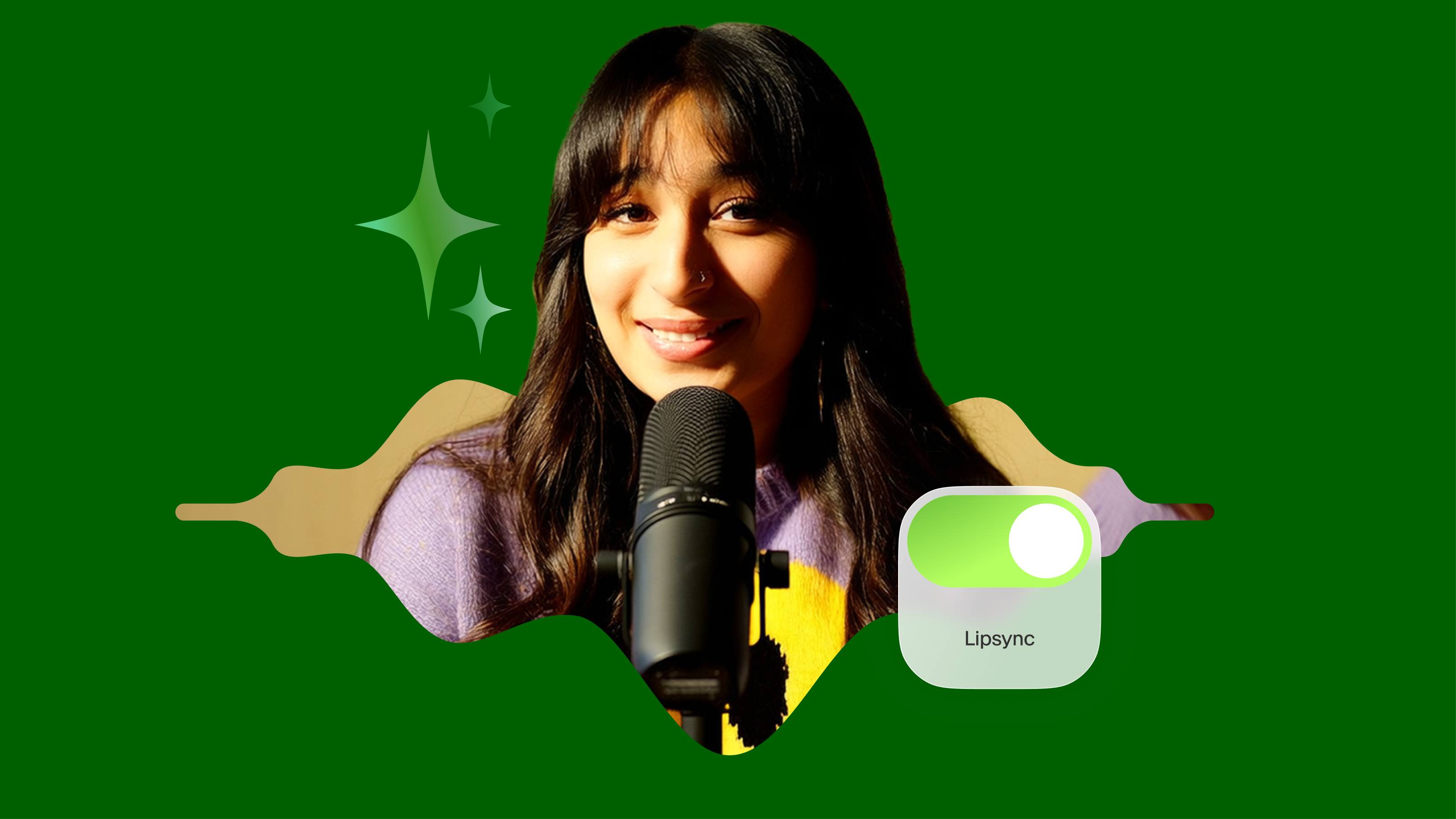
Wan v2.2 Animate Replace

Use AI to replace characters in videos. Swap actors, faces, or avatars seamlessly with motion and style preserved

4.6

319 reviews

Visa logo
Venture Foods logo
Merck logo
Target logo
Pentax logo
Procter & Gamble logo
Meta company logo with infinity symbol and text 'Meta' in gray.
Amazon logo with company wordmark and the brand's signature curved smile.
Google logo
BBC logo featured in VEED's customer showcases.
NBCUniversal
UBS logo with stylized snowflake symbol and text.
Netflix logo in gray lettering.
OpusClip logo with gray stylized p icon.
ElevenLabs logo
Visa logo
Venture Foods logo
Merck logo
Target logo
Pentax logo
Procter & Gamble logo
Meta company logo with infinity symbol and text 'Meta' in gray.
Amazon logo with company wordmark and the brand's signature curved smile.
Google logo
BBC logo featured in VEED's customer showcases.
NBCUniversal
UBS logo with stylized snowflake symbol and text.
Netflix logo in gray lettering.
OpusClip logo with gray stylized p icon.
ElevenLabs logo

Seamlessly swap characters with Wan 2.2 Animate Replace

Wan 2.2 Animate Replace is a cutting-edge AI character swap model designed for video to video style transfer and substitution of characters in existing clips. Instead of animating a still image, it preserves the original video’s motion, gestures, and expressions while replacing the on-screen character with a new one. This makes it ideal for editing, storytelling, and creative projects where you want flexibility without compromising video quality.

What makes Wan 2.2 Animate Replace different is its ability to perform high-fidelity swaps that retain facial expressions, body alignment, and environment lighting. So, the new character blends naturally into the scene. Whether you’re exploring an AI swap character in a video, doing a face swap video free test, or creating professional edits, Wan 2.2 delivers studio-quality results in your browser.
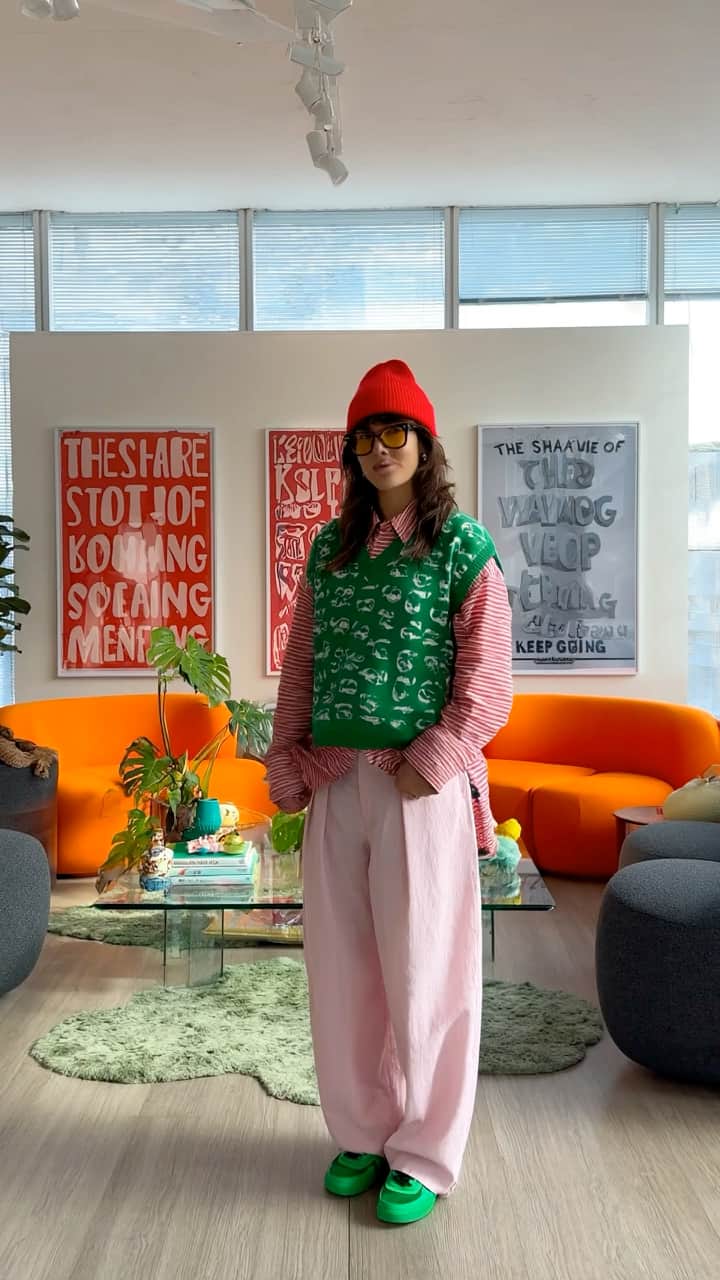
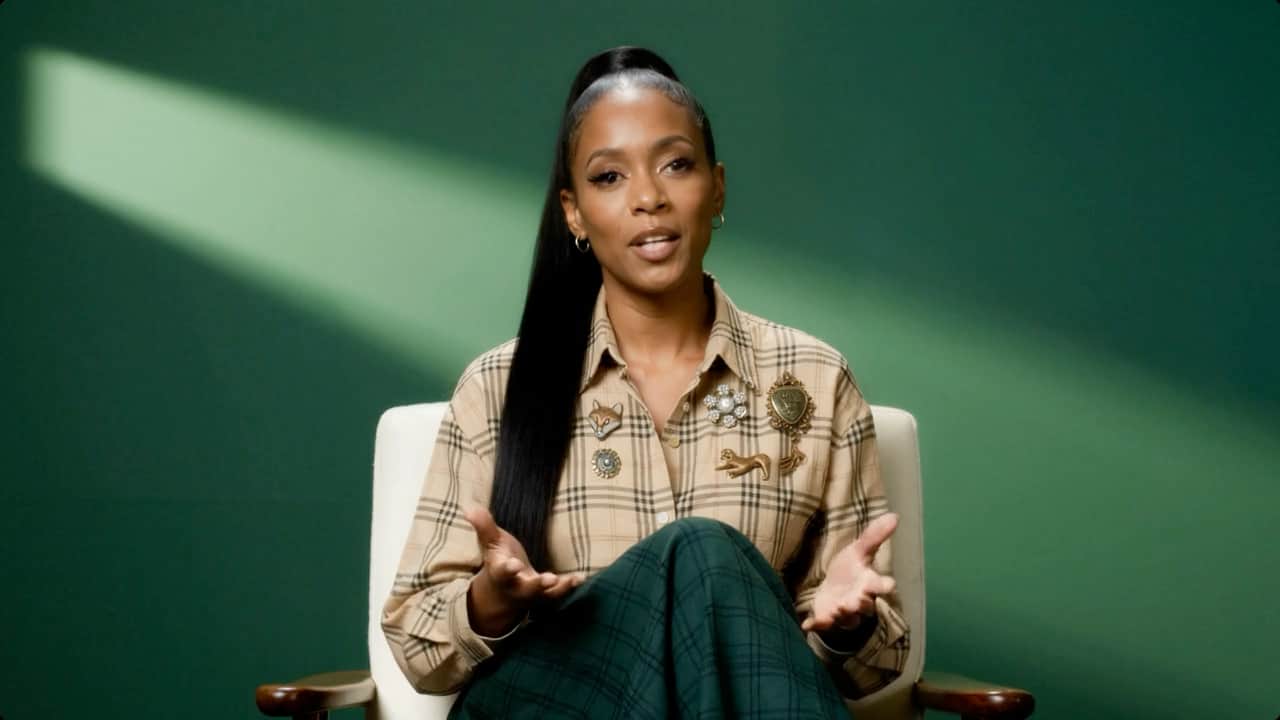
How to test Wan v2.2 Animate Replace:

Step 1

Select Wan v2.2 Animate Replace in VEED’s AI Playground

Select “Video to Video” in the AI Playground. Then, choose the model from the dropdown to access the AI character swap features.

Step 2

Upload your inputs

Add the source video you want to modify, then upload the replacement image or video reference. This could be a new character, an avatar, or a different person.

Step 3

Generate your AI video

Click “Generate Video.” The AI replaces the character in the video, processing, aligning expressions, body posture, and lighting to produce a natural replacement.

Learn More

Watch this AI playground walkthrough:

AI character swap made simple

Perform full character swap AI edits directly in your browser. Replace actors, avatars, or faces in existing footage without needing reshoots or complex tools. This makes it useful for indie filmmakers, social media creators, and anyone who wants to test new ideas without starting over.

Realistic video to video style transfer

Keep the original video’s environment, gestures, and pacing intact with advanced video to video style transfer. Wan 2.2 ensures that replacements match the tone, lighting, and flow of the source video, producing smooth results. This helps creators maintain cinematic continuity across edits, even when replacing key characters.

Built for creative control

Wan 2.2 Animate Replace gives you flexibility without complexity. Whether you’re experimenting with AI swap face video tests or producing polished music videos, the model adapts to different creative needs. It helps developers validate motion-preserving AI concepts while giving creators an intuitive way to make professional edits. Everything runs directly in VEED’s AI Playground, so you can focus on refining ideas instead of managing heavy software setups.

FAQ

Loved by creators.

Loved by the Fortune 500


VEED has been game-changing. It's allowed us to create gorgeous content for social promotion and ad units with ease.

Headshot of Max Alter in a circular portrait, wearing a plaid shirt against a white-to-purple gradient background.

Max Alter
Director of Audience Development, NBCUniversal

NBCUniversal logo.

I love using VEED. The subtitles are the most accurate I've seen on the market. It's helped take my content to the next level.

Professional headshot of woman in dark blazer and white shirt with sunglasses on head, circular crop.

Laura Haleydt
Brand Marketing Manager, Carlsberg Importers

Carlsberg® logo

I used Loom to record, Rev for captions, Google for storing and Youtube to get a share link. I can now do this all in one spot with VEED.

Headshot of Cedric Gustavo Ravache wearing glasses.

Cedric Gustavo Ravache
Enterprise Account Executive, Cloud Software Group

Cloud Software Group logo featuring a nested cloud icon.

VEED is my one-stop video editing shop! It's cut my editing time by around 60%, freeing me to focus on my online career coaching business.

Professional headshot of Nadeem L. wearing a dark green blazer over a burgundy turtleneck.

Nadeem L
Entrepreneur and Owner, TheCareerCEO.com

TheCareerCEO brand logo combining a play button with ascending bars, representing video content for career growth.

More from VEED

When it comes to amazing videos, all you need is VEED

Test Wan v2.2 Animate Replace

No credit card required

Beyond Wan 2.2 Animate Replace

There’s more you can do with VEED than swapping characters in videos. Generate videos from reference images. Use Kling O1 video to add or delete video elements. VEED is an AI video creation platform with the best AI models and a built-in editor. Generate videos, then fine-tune them in the editor. Trim, caption, add audio, and export for any platform. Sign up for VEED to start creating.

VEED app displayed on mobile,tablet and laptop