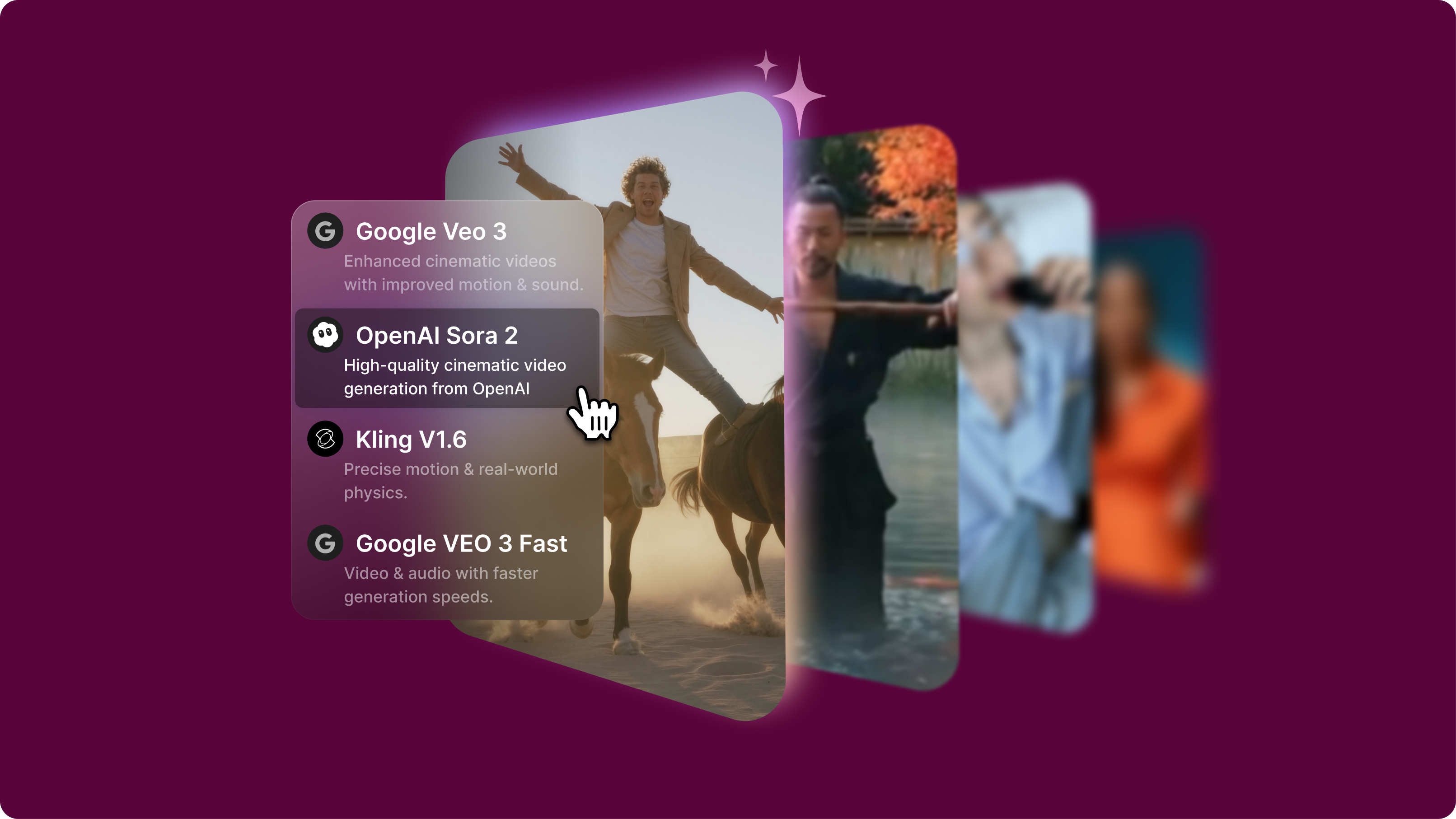
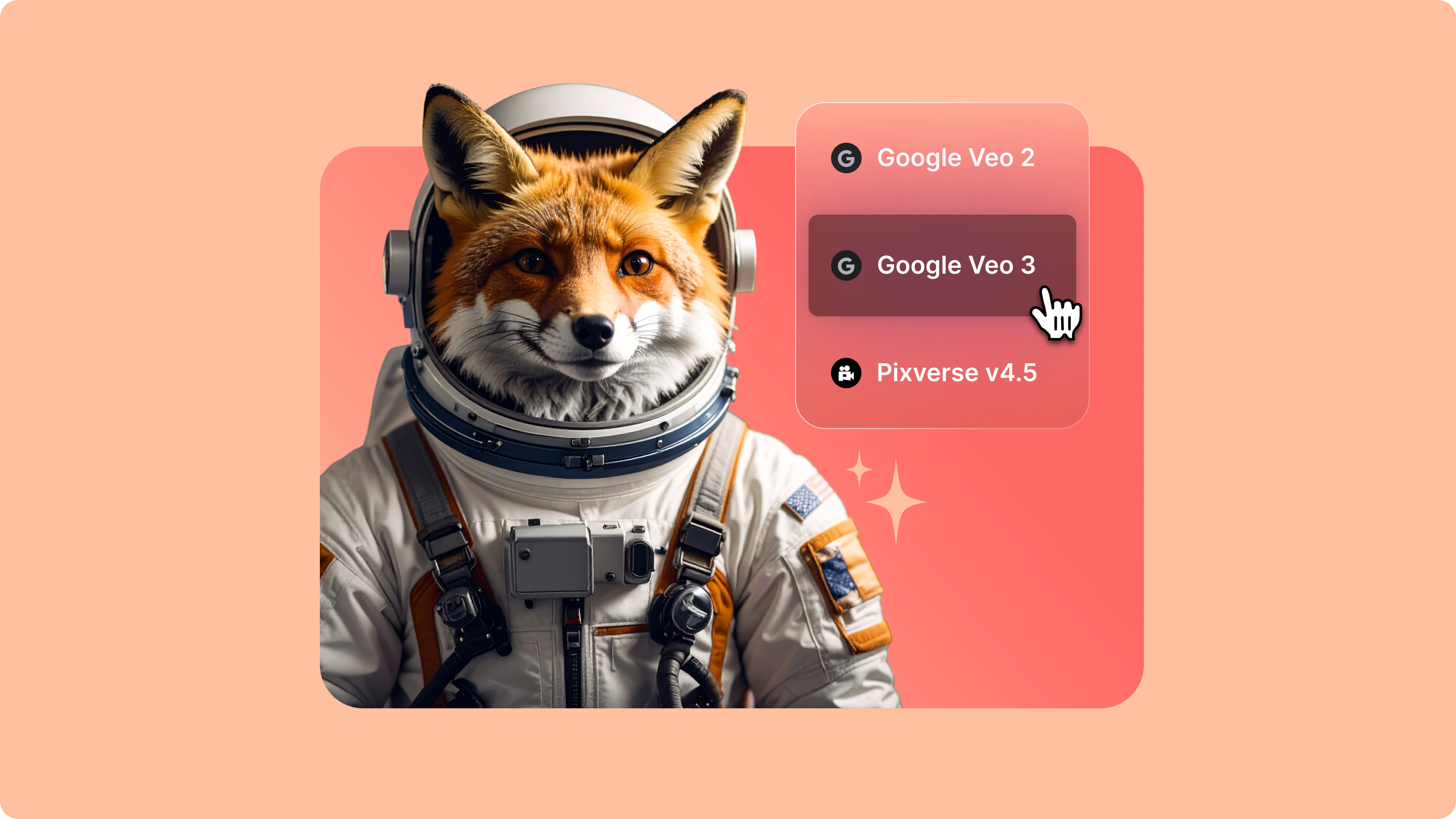
Google Veo 3.1: The Next Generation of AI Video (Live on VEED)
Google Veo 3.1 offers better realism, richer audio generation, and improved prompt adherence. And now, you can try it on VEED. Learn more here.
4.6
2,100+ reviews















Reimagine your existing footage with video-to-video AI models — no need for reshoots or complex animation software. Our AI playground lets you test different video-to-video models. Try Wan v2.2 Animate Move to transfer your movements and expressions onto any character. Or use Wan v2.2 Animate Replace to swap a person in your footage while keeping everything else intact.
Upload your video, choose a character, and watch the AI replicate your exact movements, such as head tilts, hand gestures, and facial expressions. Turn yourself into a cartoon mascot, 3D avatar, or illustrated persona. Also, replace a person in your footage with stylized characters or brand mascots. Generate your video and fine-tune it in our online editor. Explore video-to-video models now.
How to use the AI video to video generator:
Step 1
Choose a video-to-video model from our AI playground menu. Upload your action video (2-30 seconds, well-lit, camera-facing) and add your character image. Or upload a video where you want to swap the character.
Step 2
Convert video to video with AI. Animate Move replicates your video’s movements and facial expressions onto the character image. Animate Replace swaps the presenter in your footage while matching the scene’s environment.
Step 3
Download your video or enhance it in our video editor. Add captions, music, and your brand assets. Create social media content and marketing videos. You can also explore our text-to-video and image-to-video models for more creation tools.
Learn More
Watch this AI playground walkthrough:
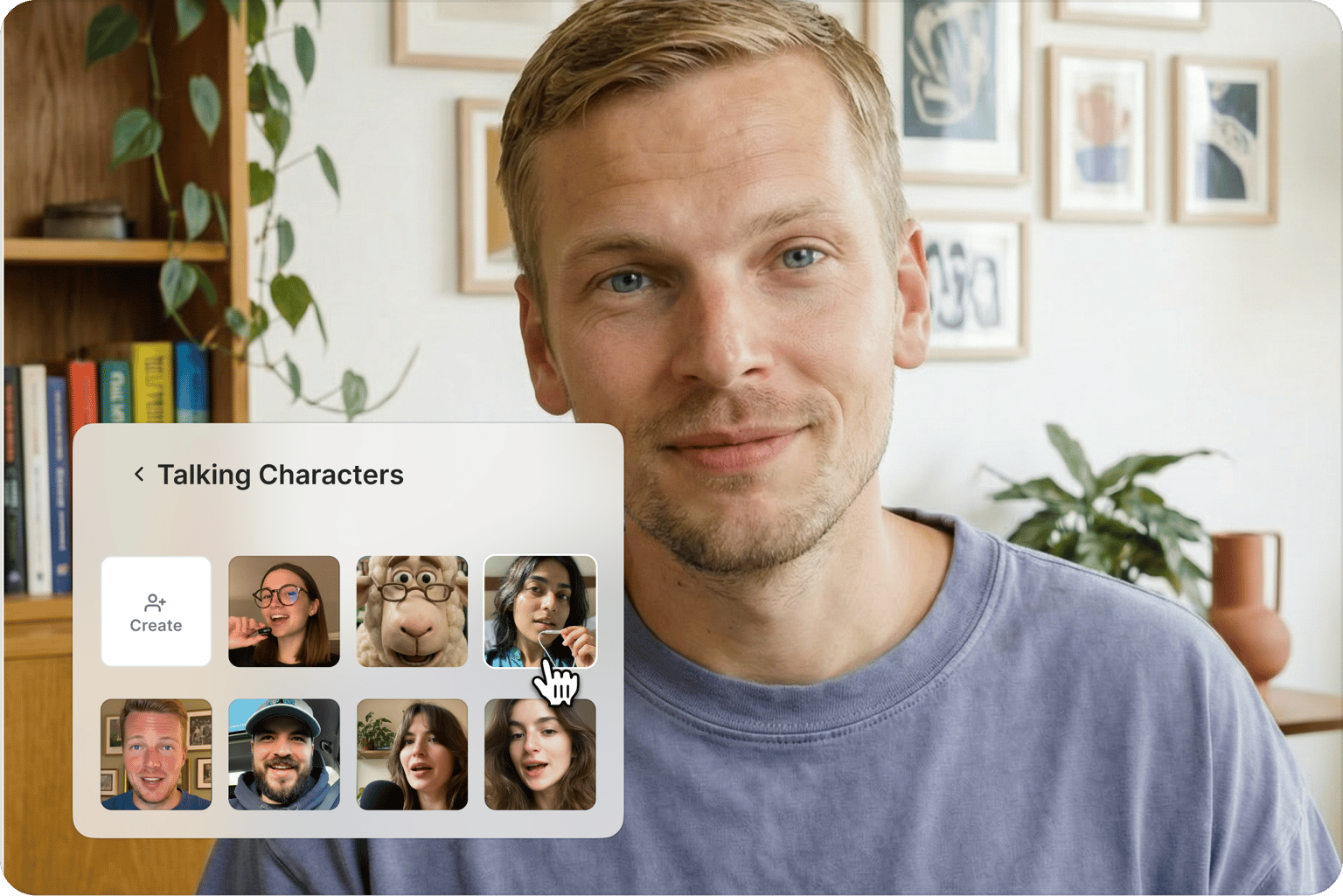
High-fidelity character animation and replacement
Test video-to-video models that capture precise movements and expressions. Wan v2.2 Animate Move replicates head tilts, gestures, and facial details onto your character. Animate Replace automatically matches lighting and shadows, so swapped characters blend naturally into scenes. Compare model outputs to find the best fit for your project.
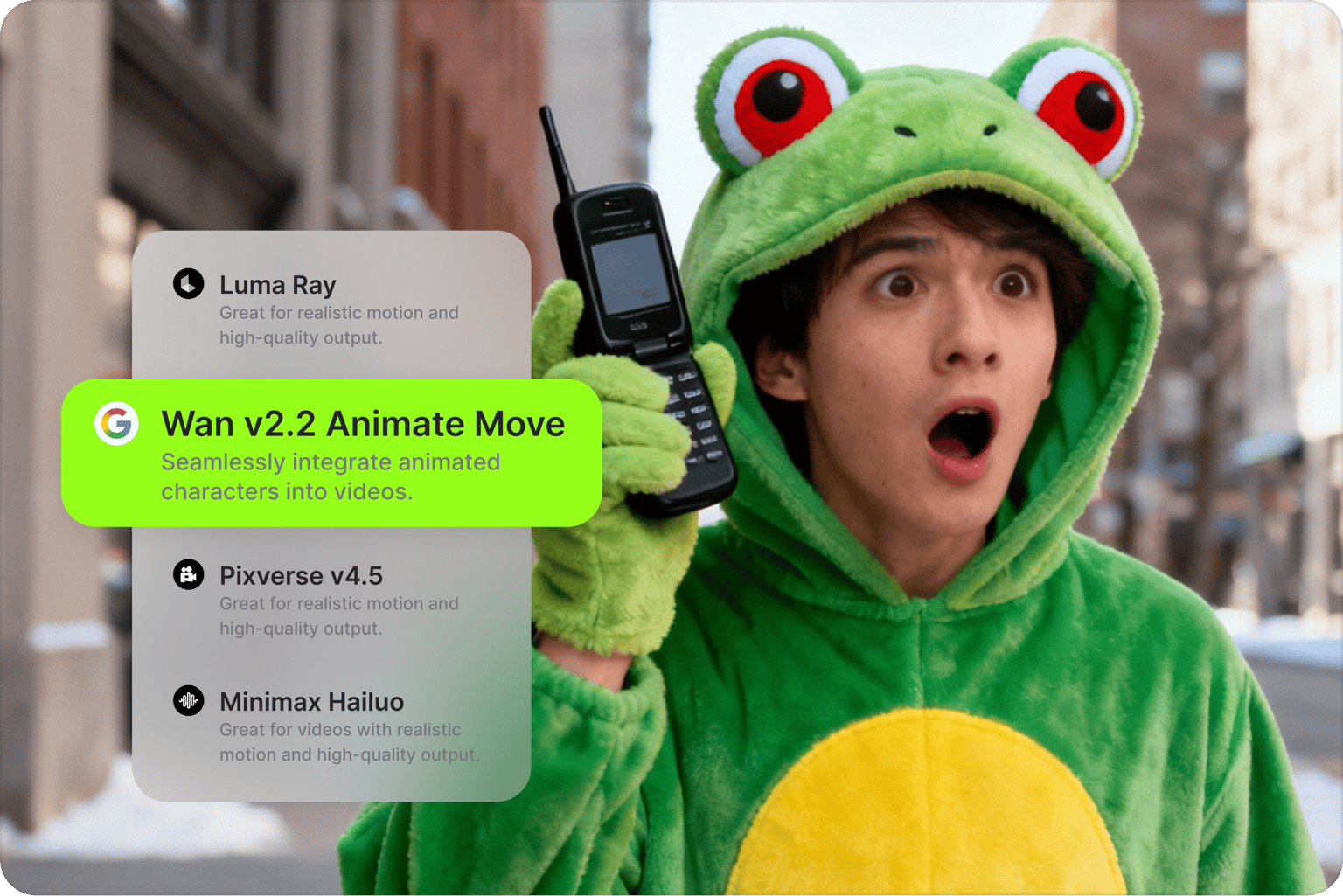
Multiple AI video to video generators in one platform
Upload your video and test different models without switching platforms. Compare how different AI video models handle character animation and replacement. Scale your content production with consistent characters. No need to create accounts on multiple platforms. Easily test and compare multiple models on VEED’s AI playground.
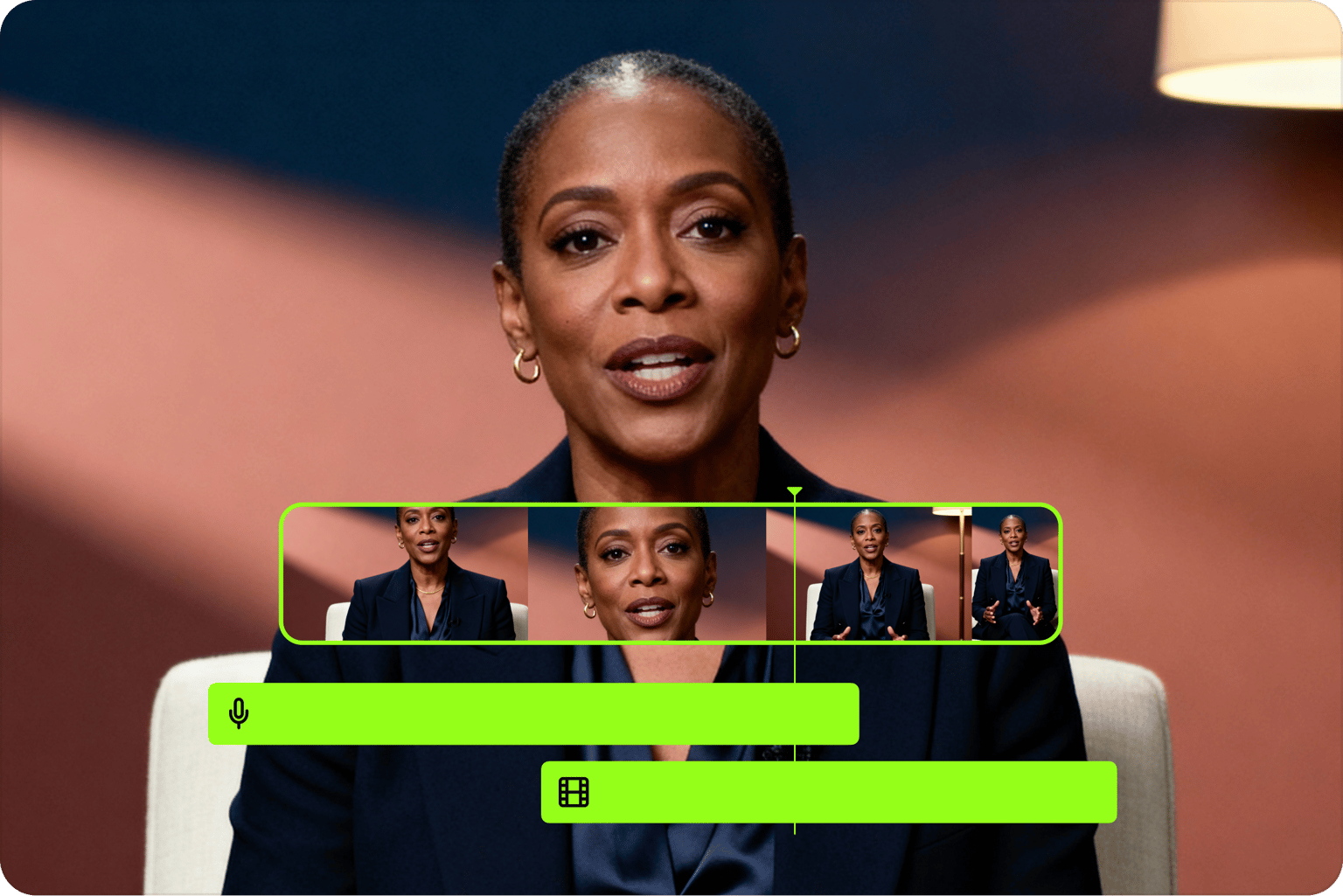
From video to video AI generation to video editing
Move from model testing to video production. Once you’ve generated your video, add text, music, and your brand assets using our built-in editor. Combine video-to-video outputs to create complete videos. With VEED, testing AI models and editing videos happen in one seamless workflow.
FAQ
Discover more
Explore related tools
Loved by the Fortune 500
VEED has been game-changing. It's allowed us to create gorgeous content for social promotion and ad units with ease.

Max Alter
Director of Audience Development, NBCUniversal

I love using VEED. The subtitles are the most accurate I've seen on the market. It's helped take my content to the next level.

Laura Haleydt
Brand Marketing Manager, Carlsberg Importers

I used Loom to record, Rev for captions, Google for storing and Youtube to get a share link. I can now do this all in one spot with VEED.

Cedric Gustavo Ravache
Enterprise Account Executive, Cloud Software Group

VEED is my one-stop video editing shop! It's cut my editing time by around 60%, freeing me to focus on my online career coaching business.

Nadeem L
Entrepreneur and Owner, TheCareerCEO.com

More from VEED
When it comes to amazing videos, all you need is VEED
No credit card required
More than video to video models
VEED is an AI video creation platform where you can try the best AI models, generate AI videos, and refine your content. Swap, add, or delete visual elements in your footage. Turn reference images into realistic character videos. Drop your output into our editor to add text, captions, and your brand assets. Scaling your content, but no time to film every time? Make any image talk with Fabric 1.0 — just upload your image and add your audio. VEED lets you go from testing AI models to complete AI video creation. Sign up now to get started.