






















Veo 3.1 Image to Video

Animate photos with Google’s latest AI video generator

4.6

319 reviews

Visa logo
Venture Foods logo
Merck logo
Target logo
Pentax logo
Procter & Gamble logo
Meta company logo with infinity symbol and text 'Meta' in gray.
Amazon logo with company wordmark and the brand's signature curved smile.
Google logo
BBC logo featured in VEED's customer showcases.
NBCUniversal
UBS logo with stylized snowflake symbol and text.
Netflix logo in gray lettering.
OpusClip logo with gray stylized p icon.
ElevenLabs logo
Visa logo
Venture Foods logo
Merck logo
Target logo
Pentax logo
Procter & Gamble logo
Meta company logo with infinity symbol and text 'Meta' in gray.
Amazon logo with company wordmark and the brand's signature curved smile.
Google logo
BBC logo featured in VEED's customer showcases.
NBCUniversal
UBS logo with stylized snowflake symbol and text.
Netflix logo in gray lettering.
OpusClip logo with gray stylized p icon.
ElevenLabs logo

Google Veo 3.1 image to video: Your photos, animated with better accuracy

Veo 3.1 improves on Veo 3's image-to-video capabilities. When you describe how your photo should move, Veo 3.1 follows your instructions more accurately. Character details stay more consistent, physics look more realistic, and audio syncs better with visual motion.

Testing multiple motion ideas on the same photo typically requires several iterations. With Veo 3.1's improved prompt following, you spend less time wrestling with drift and explore more creative directions. Try Veo 3.1 image to video now on our AI playground.

How to use Veo 3.1 image to video:

Step 1

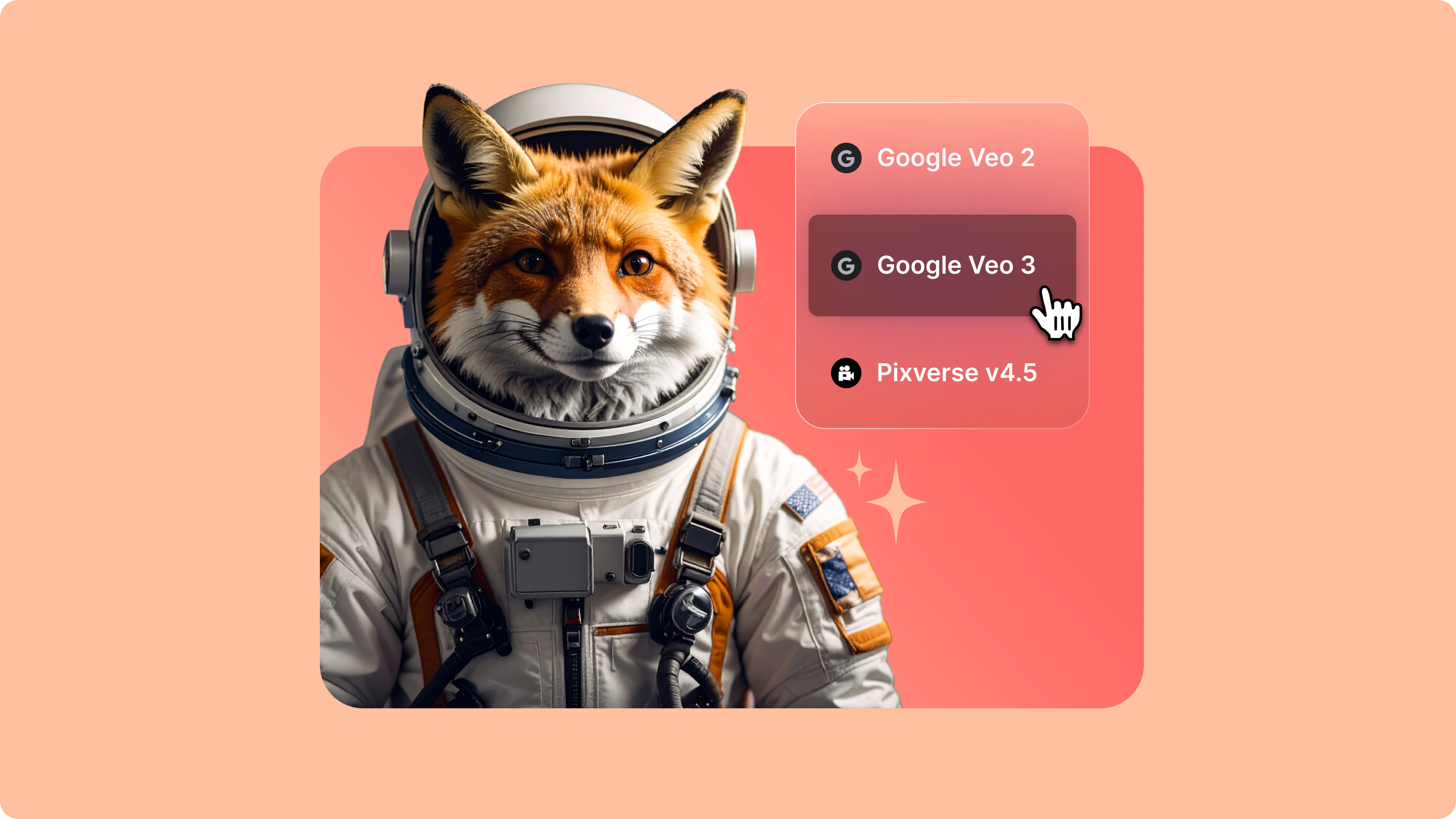
Upload your photo and select Veo 3.1

Access Veo 3.1 through the model menu and upload your reference image. Choose your preferred aspect ratio. Clear, well-composed photos provide strong visual anchors for video generation.

Step 2

Describe motion and audio

Specify how your photo should animate. Include camera movements (zoom, pan, tracking shots), subject actions, and audio elements like ambient sound or dialogue. AI assistants can help refine and enhance your prompts.

Step 3

Generate and compare results

Generate your Veo 3.1 video and analyze how accurately the model follows your prompt. Compare motion quality, audio synchronization, and detail preservation against other models like Veo 3. Enhance your output with our video editor.

Learn More

Watch this Veo 3.1 demo video:

Enhanced prompt adherence for image animation

Veo 3.1 follows your motion descriptions more accurately than earlier versions. The model interprets instructions better and generates videos that match your creative intent, reducing iteration cycles. Describe product rotations, portrait expressions, or environmental changes. Veo 3.1 applies those instructions while preserving your photo's original style and composition.

Improved character consistency for portraits

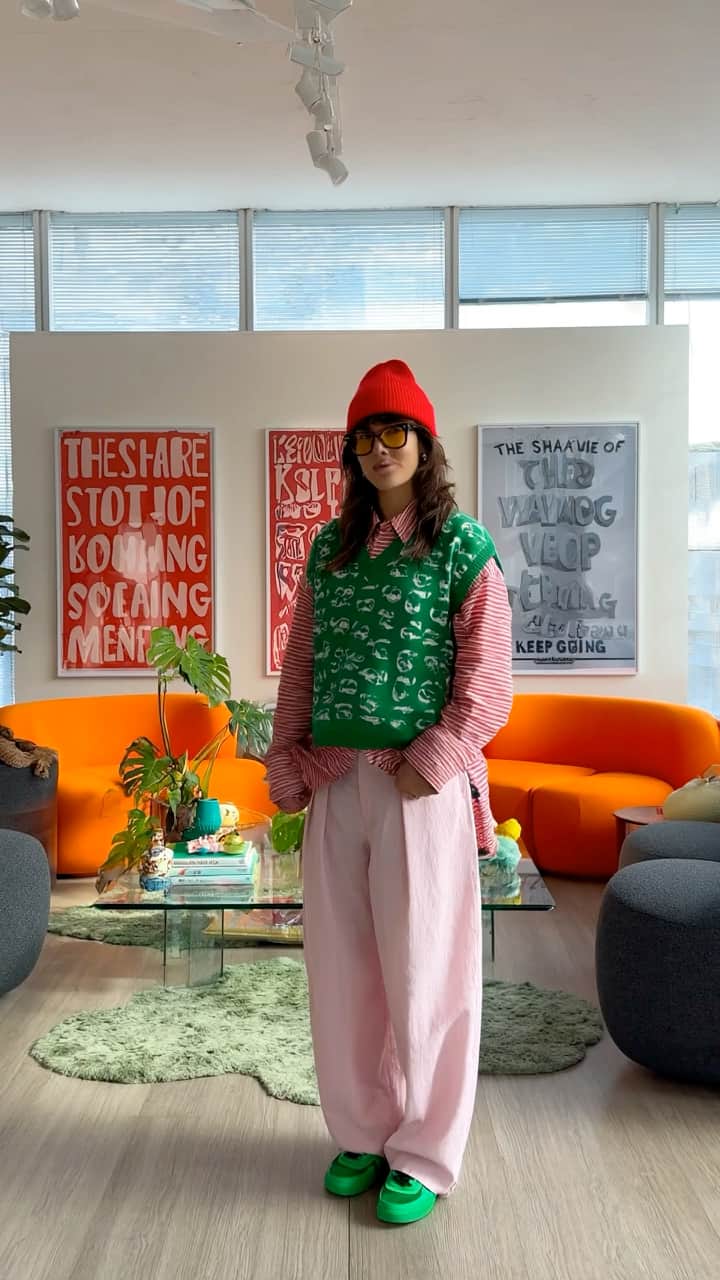
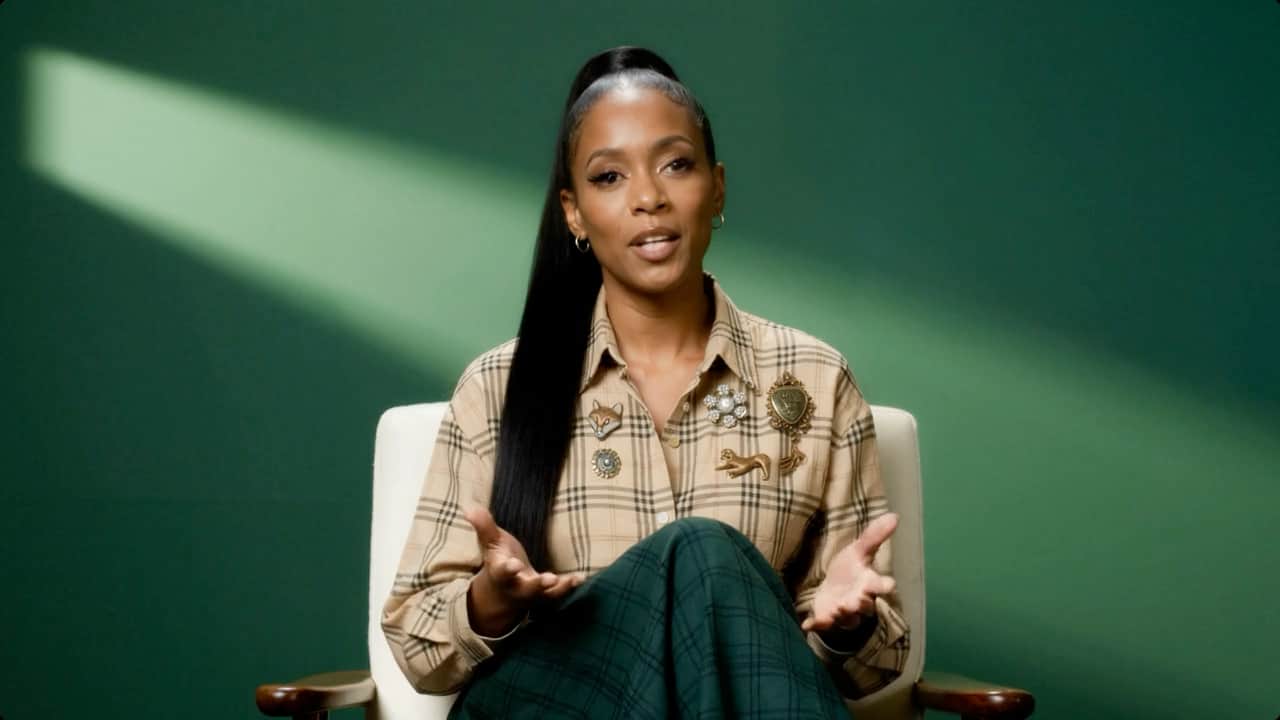
When animating portraits, Veo 3.1 maintains facial features and character details more reliably. The model preserves eye color, facial structure, and overall appearance throughout sequences. Complex elements, such as hand positioning, may show variation, but core character traits remain stable. Transform product photos into engaging demos with matching sound effects. Animate portraits with natural movement and contextual audio.

Native audio generation with realistic physics

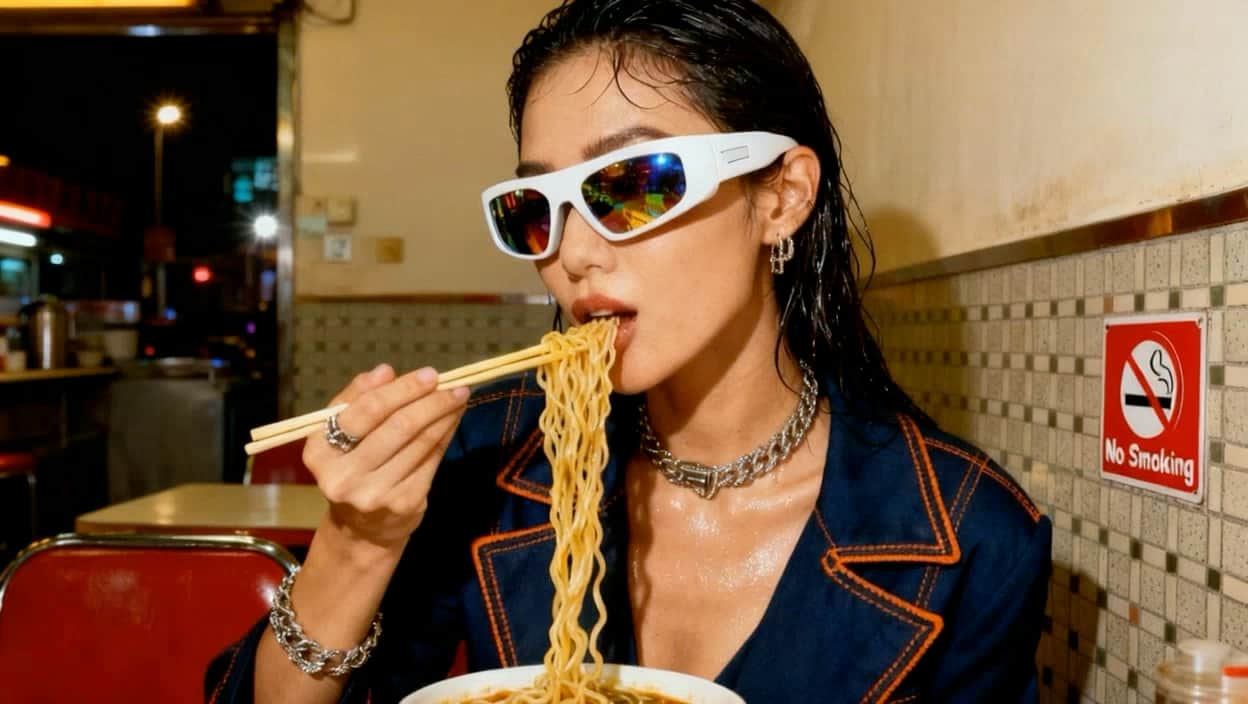
Veo 3.1 recognizes objects in your photo and generates motion that respects real-world physics. Products move naturally, portraits breathe believably, and landscapes come alive with subtle motion. The model also generates synchronized audio—ambient sounds matching your photo's context, sound effects aligned with motion, or dialogue you specify. Turn static brand assets into video content with lifelike physics.

FAQ

Loved by creators.

Loved by the Fortune 500


VEED has been game-changing. It's allowed us to create gorgeous content for social promotion and ad units with ease.

Headshot of Max Alter in a circular portrait, wearing a plaid shirt against a white-to-purple gradient background.

Max Alter
Director of Audience Development, NBCUniversal

NBCUniversal logo.

I love using VEED. The subtitles are the most accurate I've seen on the market. It's helped take my content to the next level.

Professional headshot of woman in dark blazer and white shirt with sunglasses on head, circular crop.

Laura Haleydt
Brand Marketing Manager, Carlsberg Importers

Carlsberg® logo

I used Loom to record, Rev for captions, Google for storing and Youtube to get a share link. I can now do this all in one spot with VEED.

Headshot of Cedric Gustavo Ravache wearing glasses.

Cedric Gustavo Ravache
Enterprise Account Executive, Cloud Software Group

Cloud Software Group logo featuring a nested cloud icon.

VEED is my one-stop video editing shop! It's cut my editing time by around 60%, freeing me to focus on my online career coaching business.

Professional headshot of Nadeem L. wearing a dark green blazer over a burgundy turtleneck.

Nadeem L
Entrepreneur and Owner, TheCareerCEO.com

TheCareerCEO brand logo combining a play button with ascending bars, representing video content for career growth.

More from VEED

When it comes to amazing videos, all you need is VEED

Try Veo 3.1 image to video

No credit card required

More than a Veo 3.1 image to video testing platform

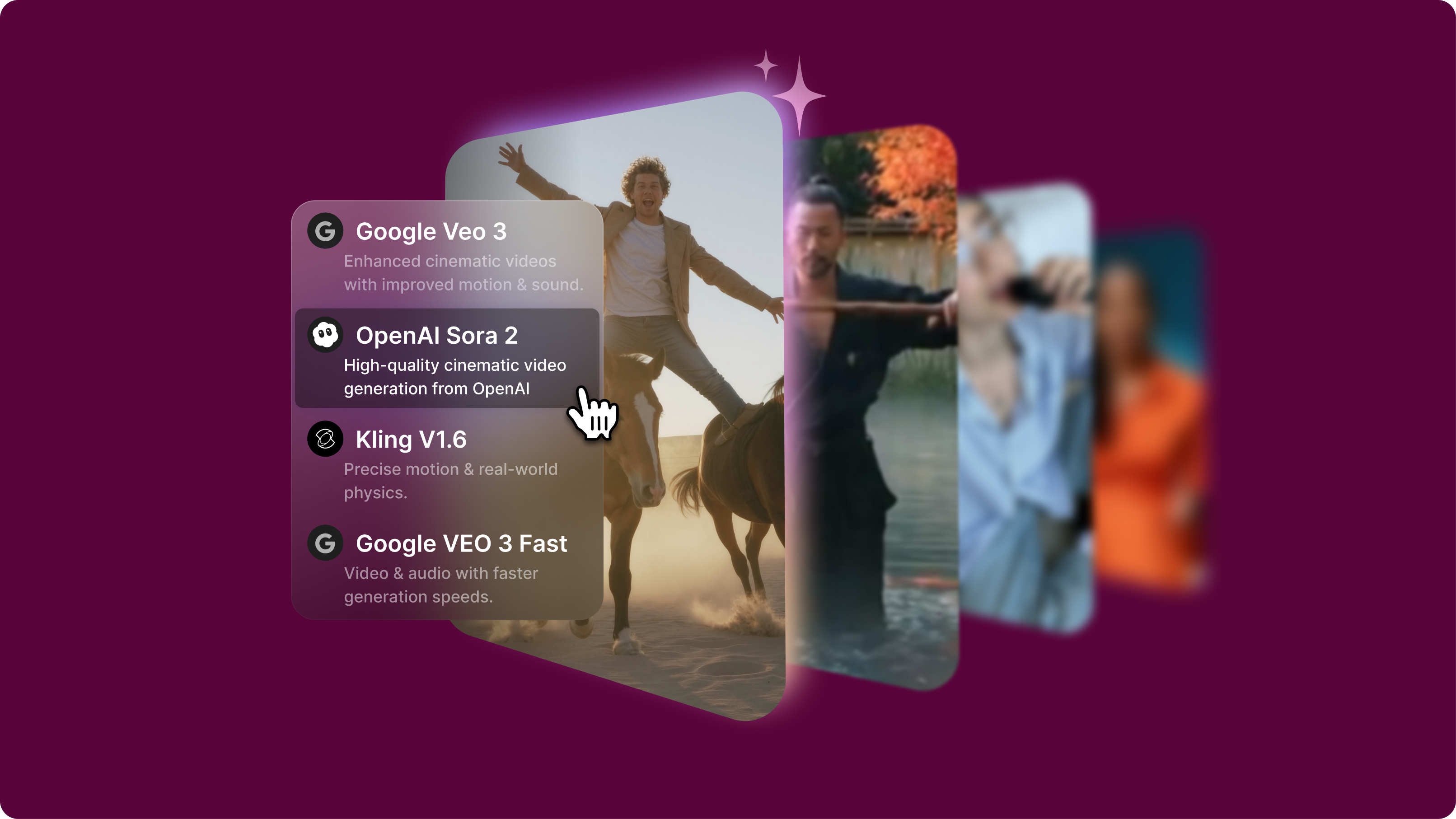
VEED's AI playground lets you test Veo 3.1 alongside other image-to-video AI models. Compare prompt adherence against Veo 3 for cinematic quality, Seedance for visual consistency, or PixVerse for stylized results. Upload the same photo to different models and see which interprets your motion instructions most accurately. Once you've generated your videos, enhance them with our video editor—add captions, combine clips into longer sequences, and apply brand assets. From model exploration to final production, all in one workspace. Start creating with VEED now.

VEED app displayed on mobile,tablet and laptop