
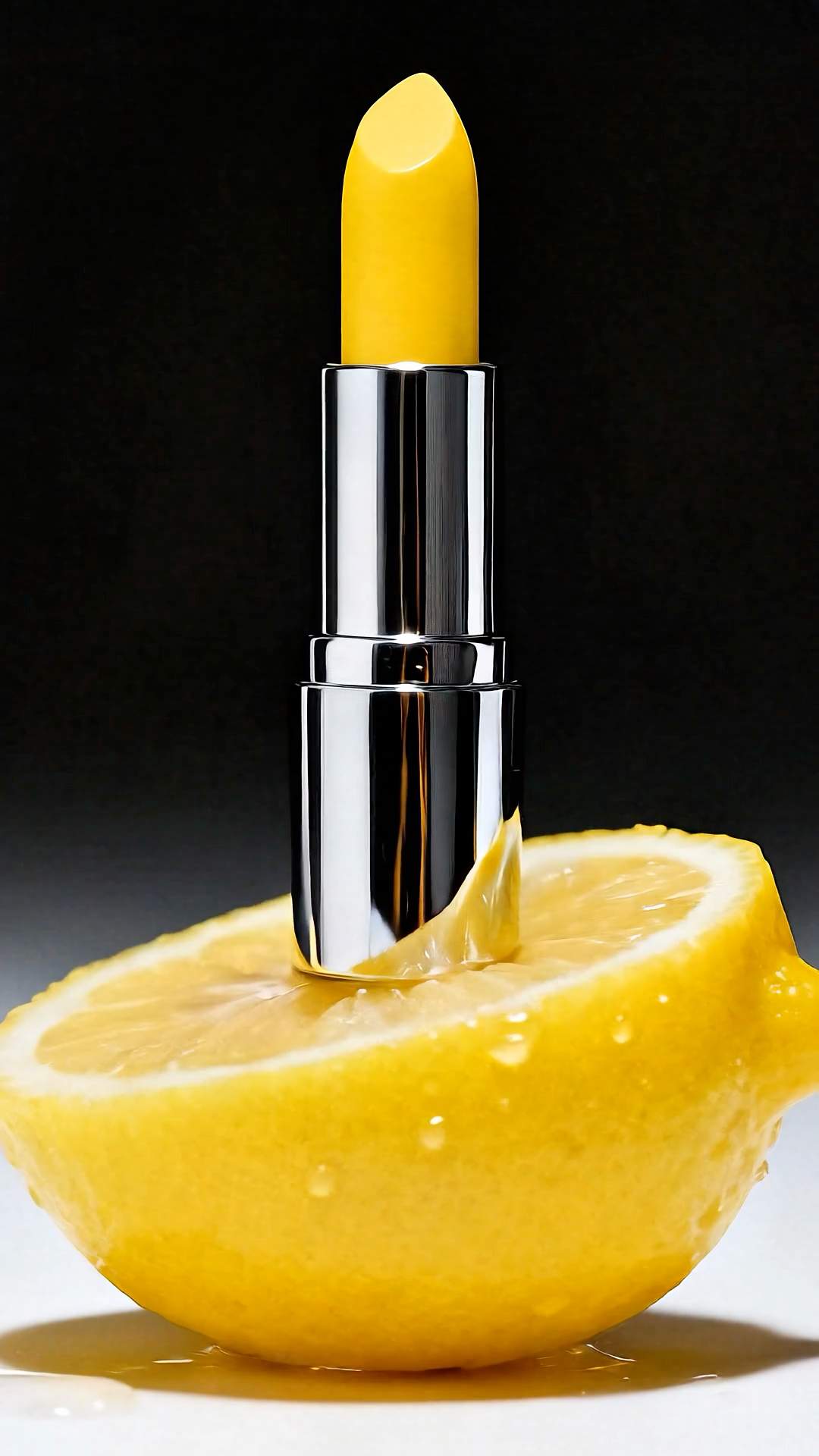























Hailuo 2.3 Image to Video

Animate photos with exceptional human physics, visual effects, and advanced stylization

4.6

319 reviews

Visa logo
Venture Foods logo
Merck logo
Target logo
Pentax logo
Procter & Gamble logo
Meta company logo with infinity symbol and text 'Meta' in gray.
Amazon logo with company wordmark and the brand's signature curved smile.
Google logo
BBC logo featured in VEED's customer showcases.
NBCUniversal
UBS logo with stylized snowflake symbol and text.
Netflix logo in gray lettering.
OpusClip logo with gray stylized p icon.
ElevenLabs logo
Visa logo
Venture Foods logo
Merck logo
Target logo
Pentax logo
Procter & Gamble logo
Meta company logo with infinity symbol and text 'Meta' in gray.
Amazon logo with company wordmark and the brand's signature curved smile.
Google logo
BBC logo featured in VEED's customer showcases.
NBCUniversal
UBS logo with stylized snowflake symbol and text.
Netflix logo in gray lettering.
OpusClip logo with gray stylized p icon.
ElevenLabs logo

Turn static images into cinematic videos with realistic movement

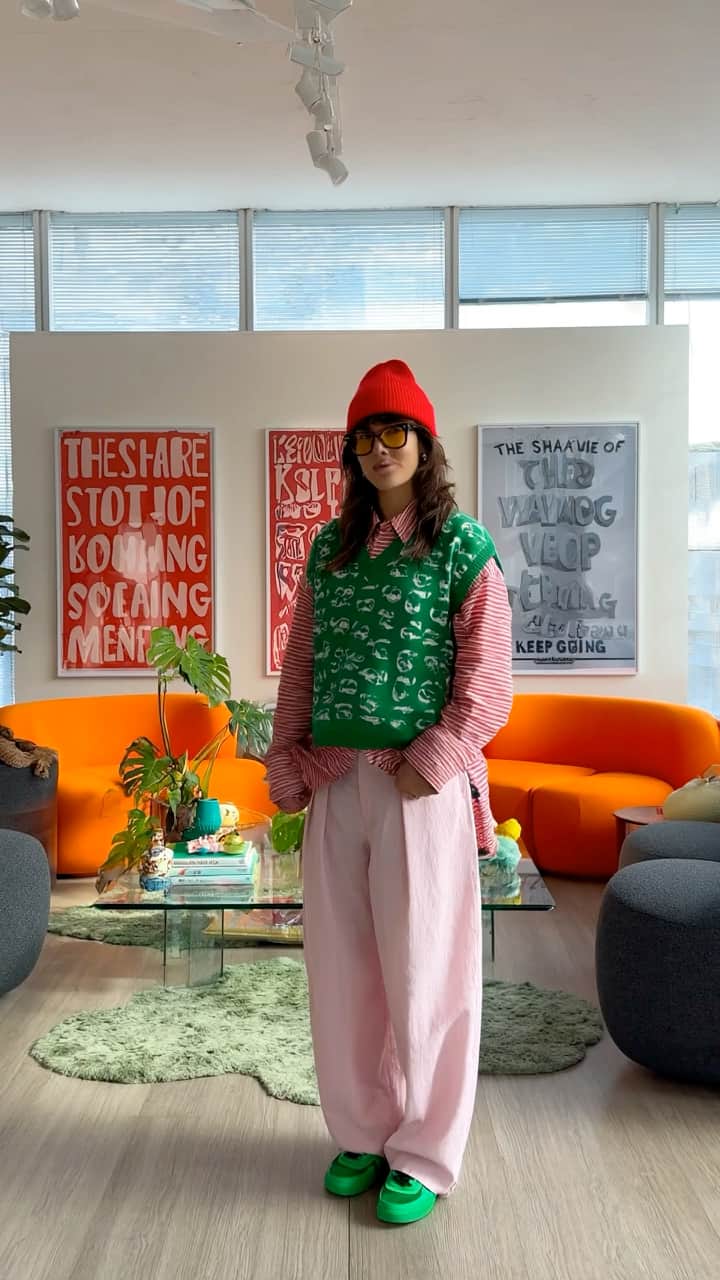
MiniMax Hailuo 2.3 brings your photos to life with fluid dancing sequences, complex flips, and natural character movements. This model also excels at cinematic VFX, seamless style transformations (think Pixar-style visuals or surrealist effects), and even text and logo animation.

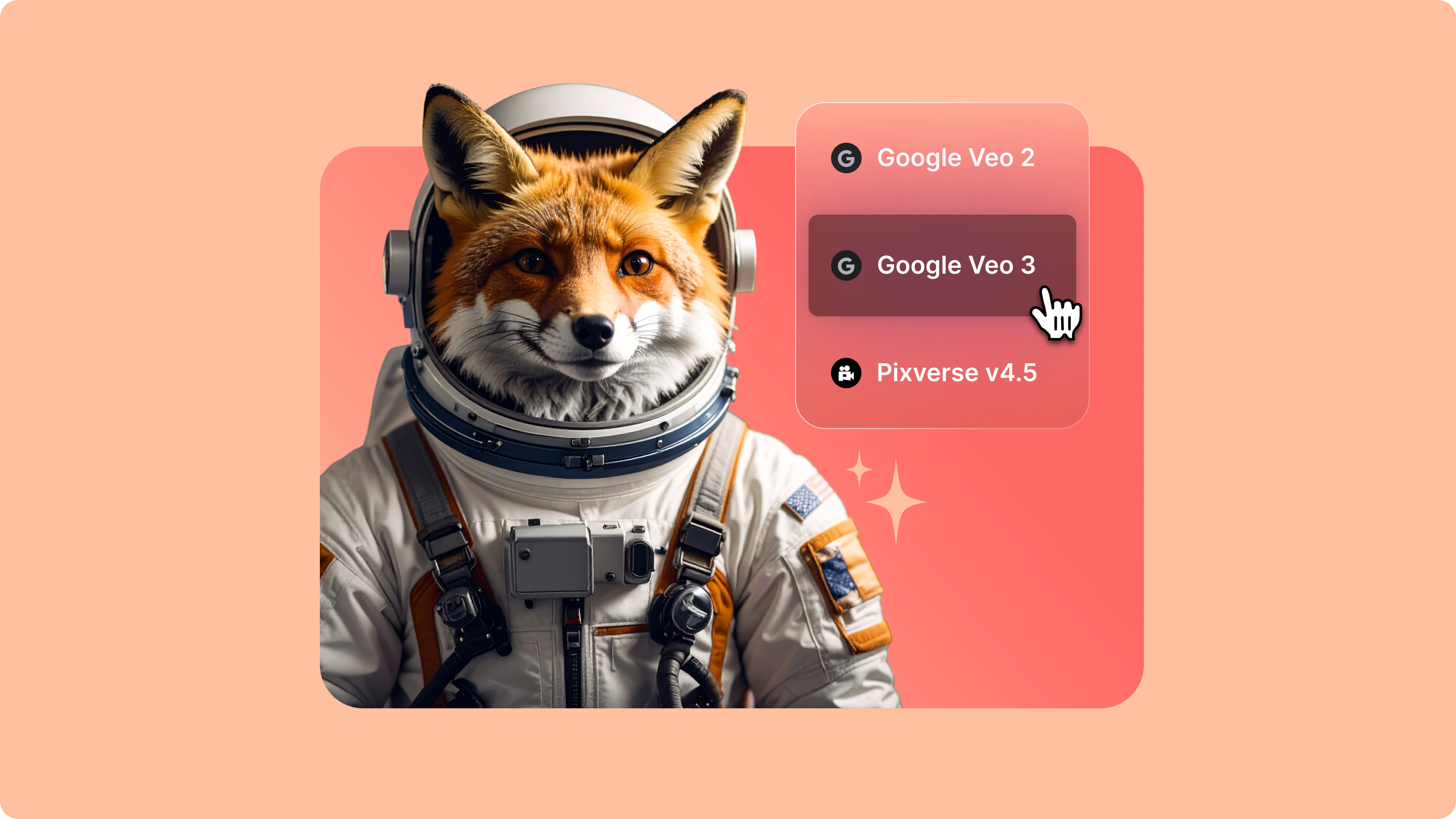
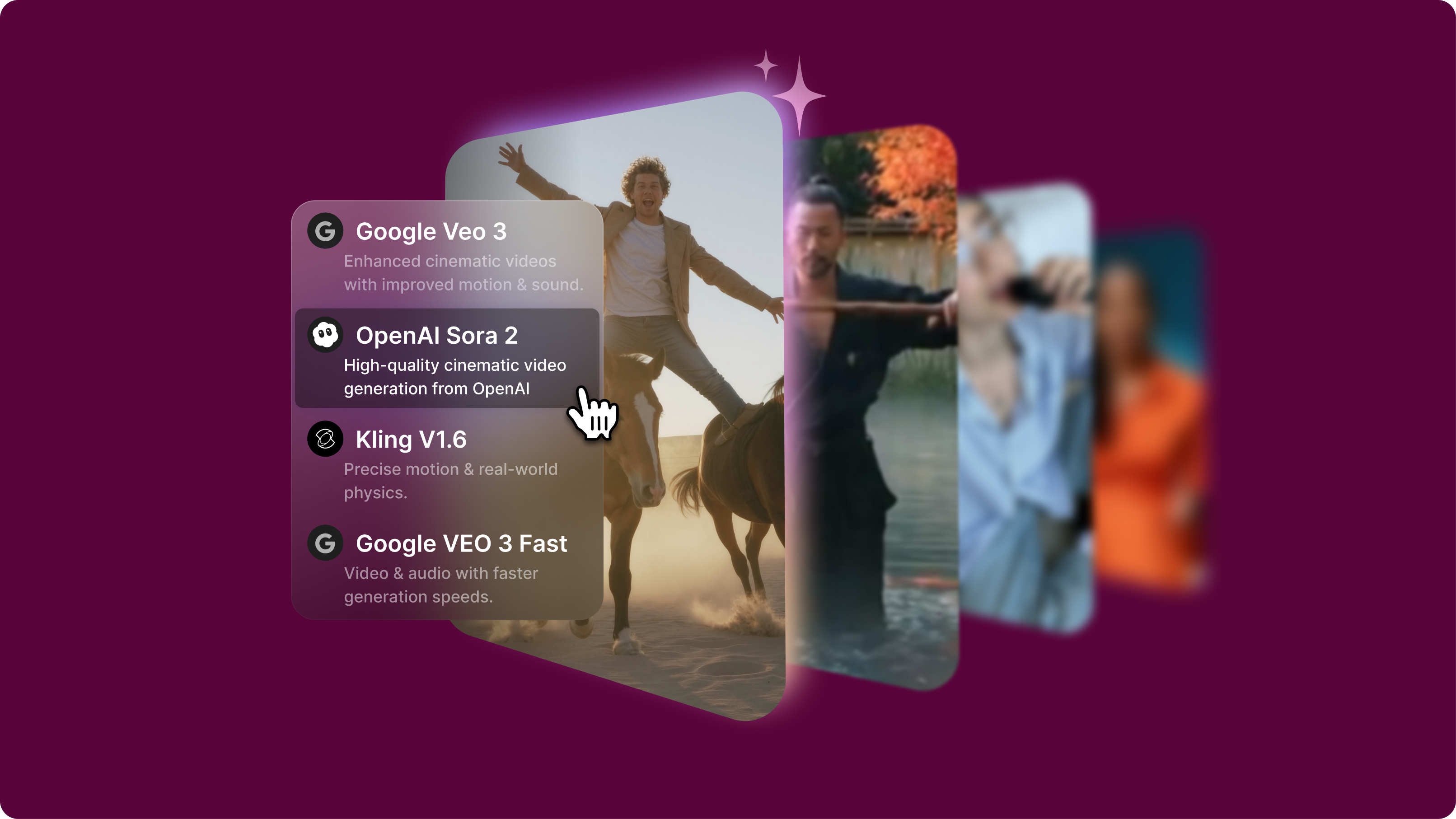
VEED's AI playground lets you use Hailuo 2.3 image to video alongside models like Veo 3.1 Fast and Sora 2. Test various animation styles for creative projects or compare how different models handle human motion. Try Hailuo 2.3 now and explore what this newly released model can do.

How to use Hailuo 2.3 image to video:

Step 1

Upload image

Upload a photo and select MiniMax Hailuo 2.3 in the model menu. The model works with any aspect ratio, automatically preserving your original image composition.

Step 2

Add your prompt

Add a text prompt describing how you want the image to move—whether it's a character dancing, performing acrobatics, or any dynamic action sequence. Hailuo 2.3's improved prompt adherence means straightforward descriptions typically generate accurate results.

Step 3

Generate and download your video

Watch Hailuo 2.3 animate your image with realistic human physics and character consistency. Download your video when ready. You can also try Wan 2.5 or Kling AI to compare video generation capabilities.

Learn More

Watch this AI playground demo:

Realistic human physics that handle complex movements

Human motion is Hailuo 2.3's standout strength. The model generates fluid dancing sequences, from belly dancing to waltz. You can also create acrobatic flips and dynamic action without the awkward physics that plague other image-to-video models. When AI enthusiasts tested the same "TikTok dancer doing flips on a drone" prompt across models, community feedback noted Hailuo 2.3 "looks so realistic that with some blur it could be shown on TV" while other models struggled with physics accuracy.

Character consistency across animated sequences

Hailuo 2.3 excels at character consistency, letting you include reference collages in your input image. Show multiple angles of a character plus scale references (like size comparisons between characters or objects). The model maintains those features throughout the animation. AI creators have successfully used this technique to prompt multiple shots and tie them together as sequences—a workflow that addresses one of the biggest pain points in AI video generation.

Cinematic VFX, stylization, and text animation capabilities

Beyond human motion, Hailuo 2.3 delivers versatility. The model handles VFX like explosions, particle effects, and atmospheric lighting transitions with cinematic realism. The model shifts seamlessly between photorealism and surrealist effects while maintaining coherent motion. Text and logo animation also sees major improvements; animated logos stay readable and integrated naturally into scenes. In one user test of crowd scenes, destruction sequences, and camera zooms, Hailuo 2.3 passed all three with effects looking "more realistic and natural" compared to competing models.

FAQ

Loved by creators.

Loved by the Fortune 500


VEED has been game-changing. It's allowed us to create gorgeous content for social promotion and ad units with ease.

Headshot of Max Alter in a circular portrait, wearing a plaid shirt against a white-to-purple gradient background.

Max Alter
Director of Audience Development, NBCUniversal

NBCUniversal logo.

I love using VEED. The subtitles are the most accurate I've seen on the market. It's helped take my content to the next level.

Professional headshot of woman in dark blazer and white shirt with sunglasses on head, circular crop.

Laura Haleydt
Brand Marketing Manager, Carlsberg Importers

Carlsberg® logo

I used Loom to record, Rev for captions, Google for storing and Youtube to get a share link. I can now do this all in one spot with VEED.

Headshot of Cedric Gustavo Ravache wearing glasses.

Cedric Gustavo Ravache
Enterprise Account Executive, Cloud Software Group

Cloud Software Group logo featuring a nested cloud icon.

VEED is my one-stop video editing shop! It's cut my editing time by around 60%, freeing me to focus on my online career coaching business.

Professional headshot of Nadeem L. wearing a dark green blazer over a burgundy turtleneck.

Nadeem L
Entrepreneur and Owner, TheCareerCEO.com

TheCareerCEO brand logo combining a play button with ascending bars, representing video content for career growth.

More from VEED

When it comes to amazing videos, all you need is VEED

Try Hailuo 2.3 image-to-video

No credit card required

Beyond Hailuo 2.3 image to video

VEED's AI playground gives you access to multiple image-to-video models in one place. Compare how Hailuo 2.3's human physics stack up against Kling's motion quality, or test whether Veo 3.1's approach works better for your specific animation needs. Whether you're an AI researcher evaluating capabilities, a developer building workflows, or a creative exploring what's possible with image animation, VEED helps you make informed decisions about which models to use.

VEED app displayed on mobile,tablet and laptop