


Trusted by 1M+ creators
Summer Wallpaper
Generate bright, beachy wallpapers for your phone lock screen or desktop, sized right the first time. Describe the palette and mood, then hit generate.
No credit card required
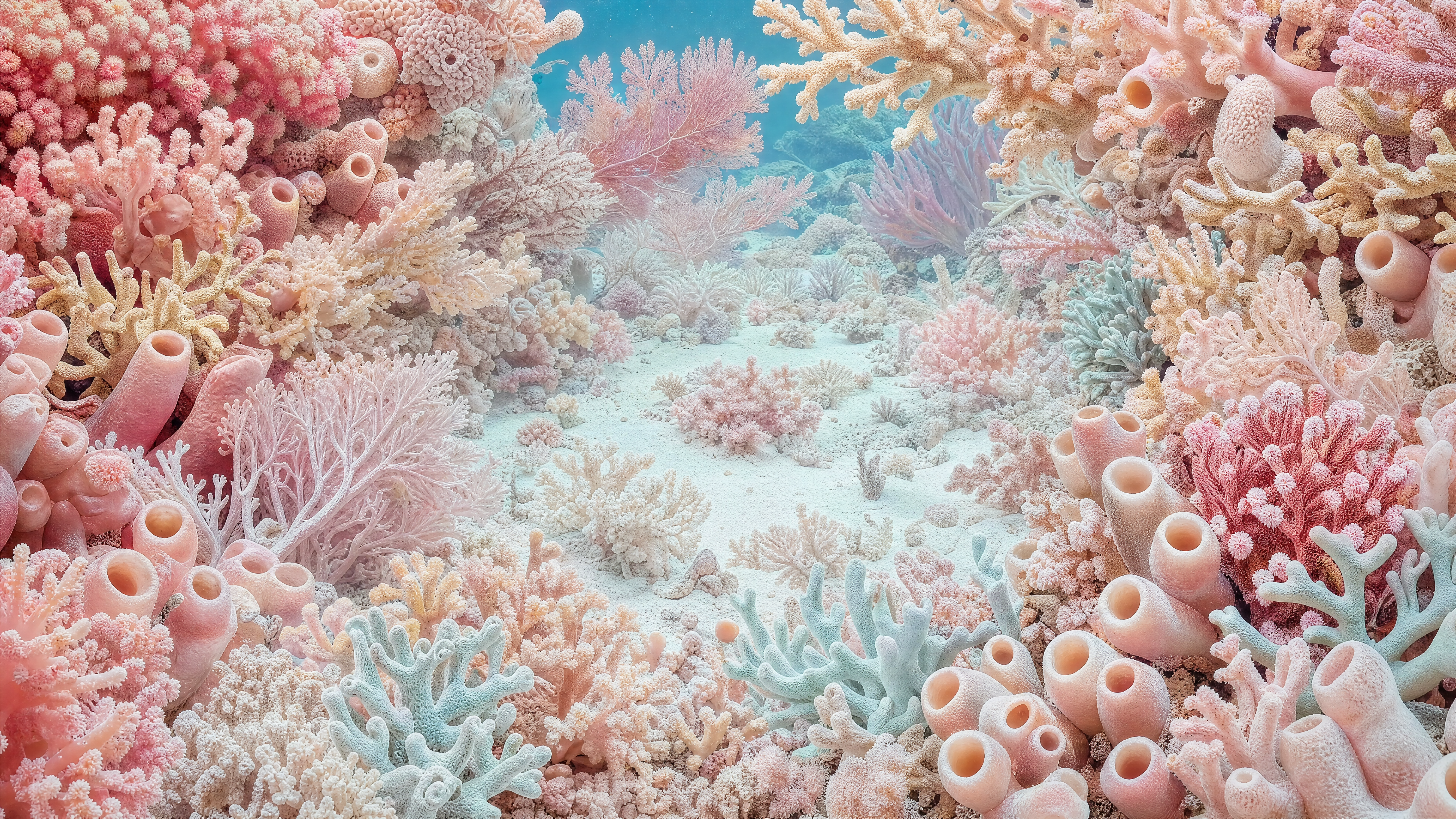
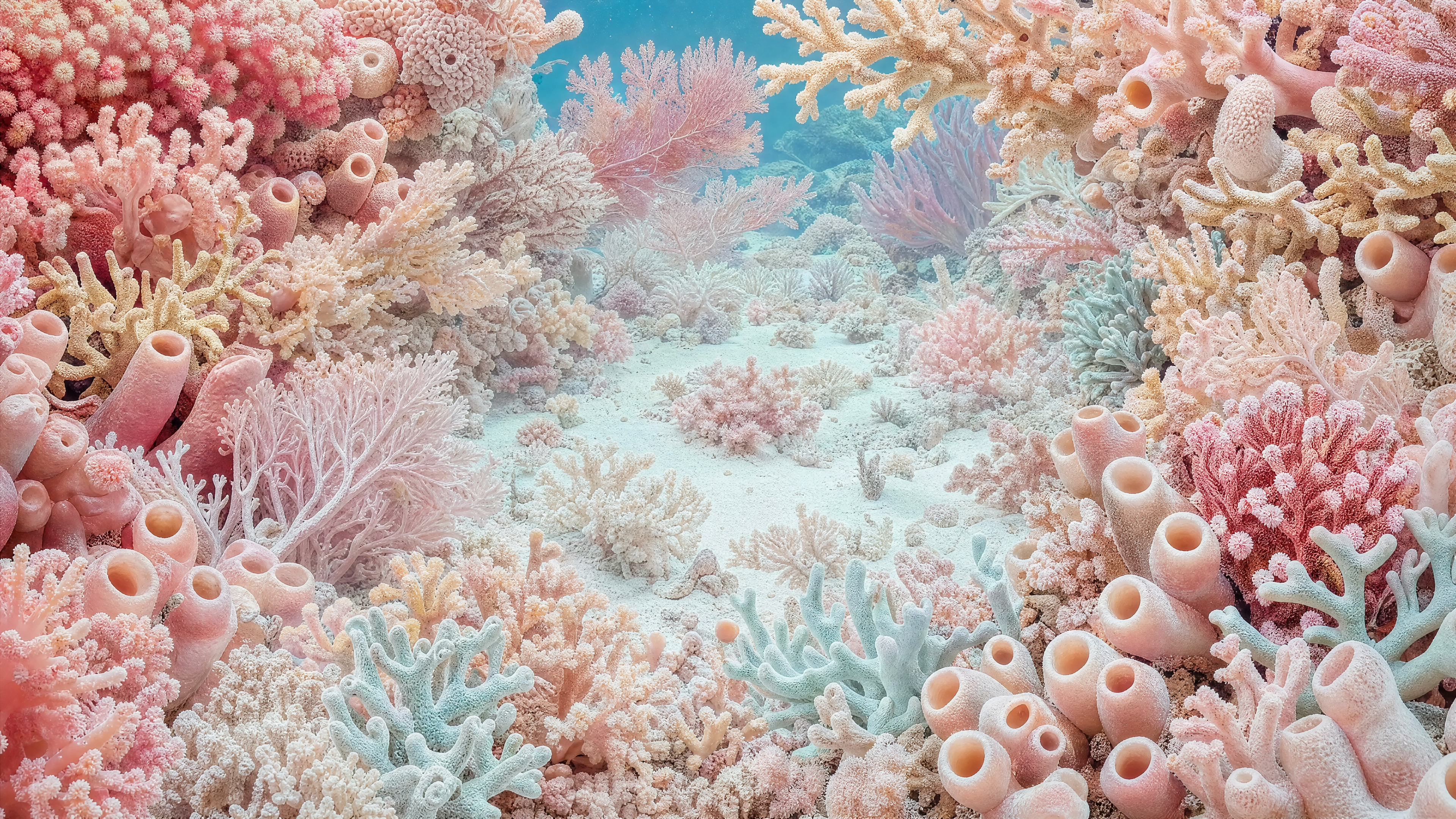
Pink and Aqua Macro Coral Reef Background
Wallpapers
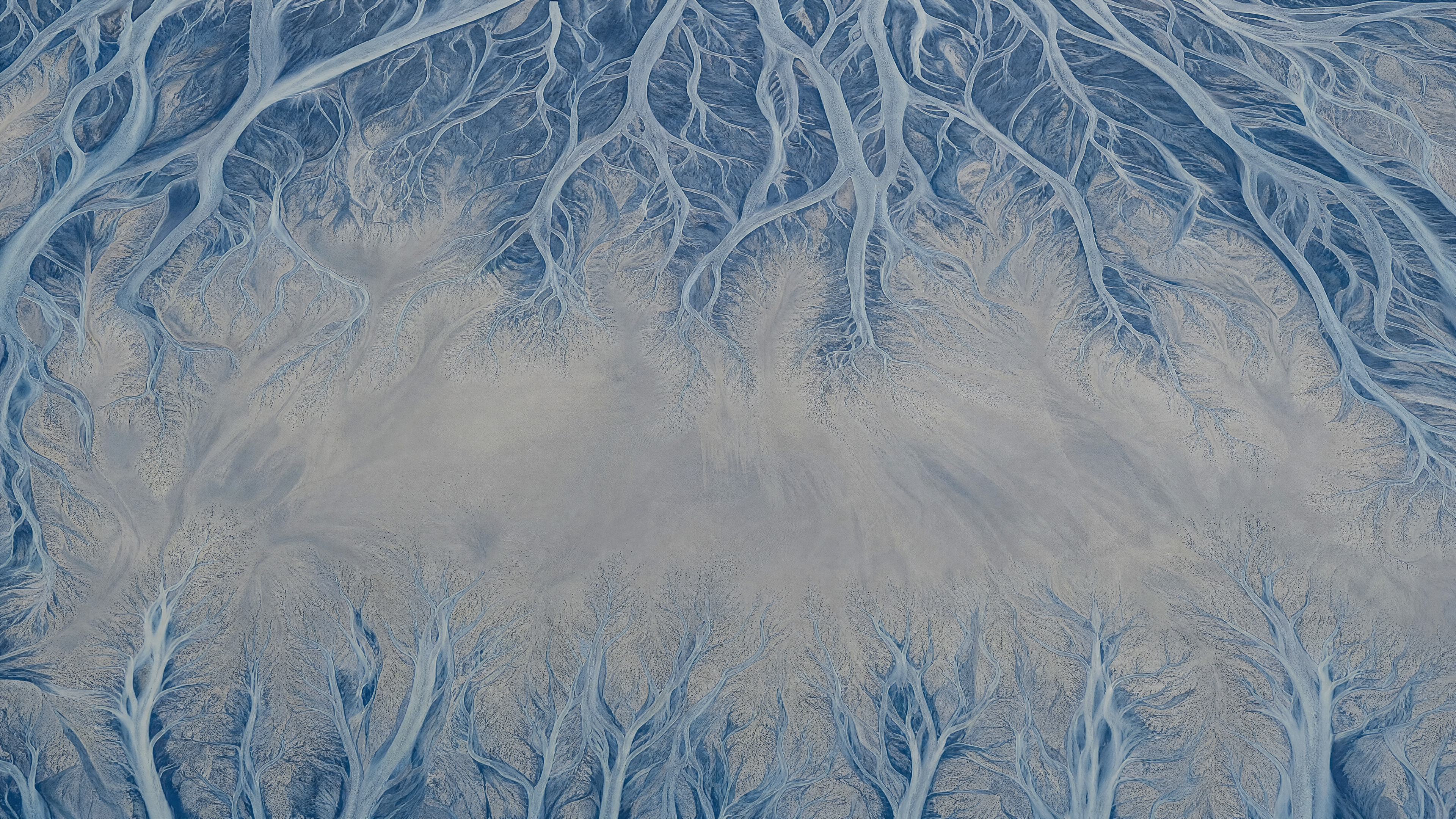
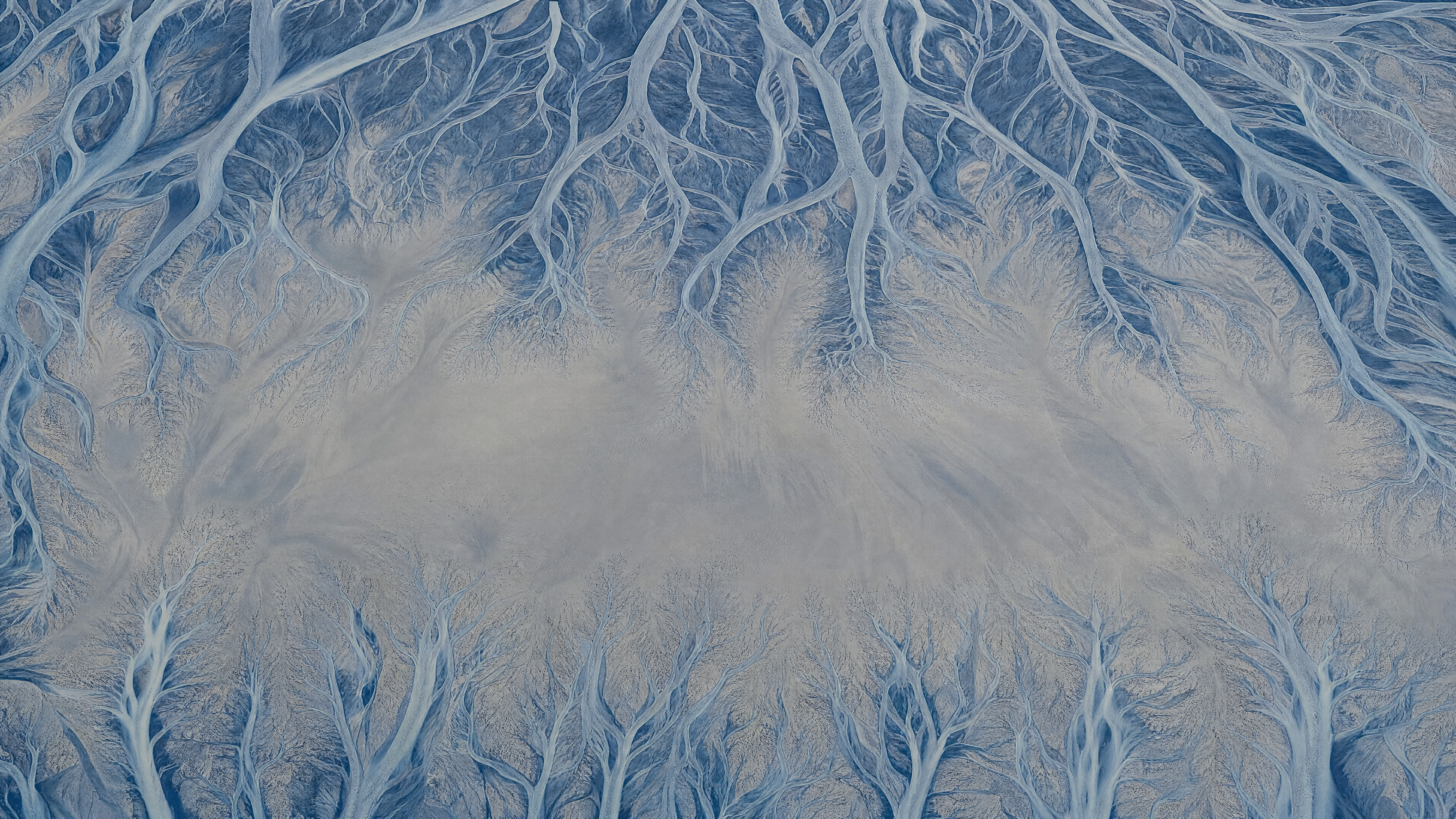
Slate Blue Aerial River Delta Background
Wallpapers
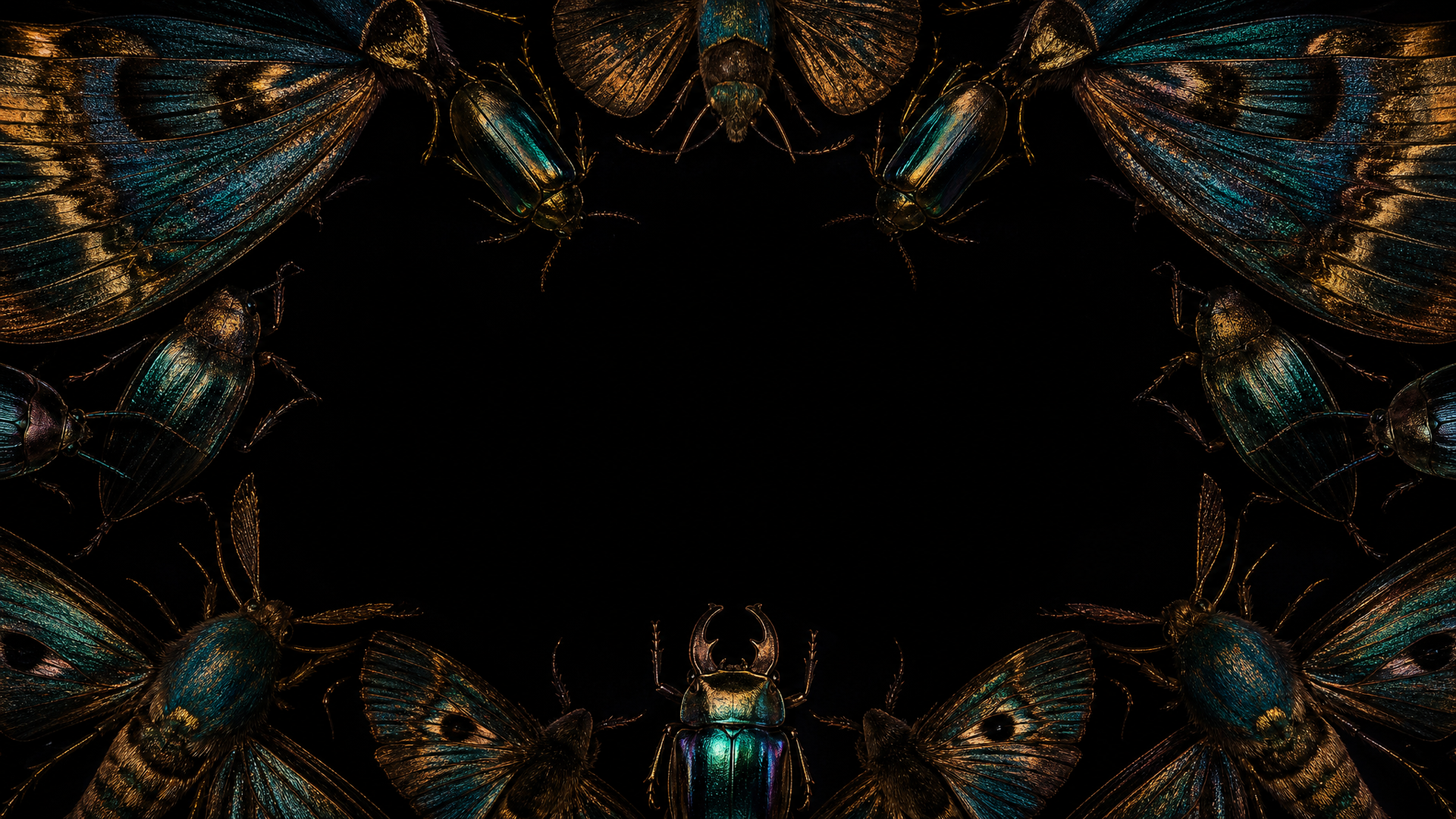
Black and Bronze Iridescent Moth Background
Wallpapers
4.6
2,100+ reviews















Summer light on your screen long after the season ends
A summer wallpaper pulled from a download site is sized for someone else's phone or desktop, at whatever resolution the uploader picked, and probably already sitting on a few thousand other screens. Generating a summer wallpaper works the other way: describe the beach scene, sunset palette, or pastel stripes you want, and AI builds it sized for your phone lock screen or your desktop from scratch.
Type the mood along with the shape you need: 9:16 for a phone lock screen, 16:9 for a desktop or TV. That covers a beachy lock screen, a pastel-striped desktop for the season, or a virtual background for video calls. To start from a blank prompt with full creative control, try the AI wallpaper generator.
How to make a summer wallpaper with AI:
Step 01
Enter a prompt
Type your wallpaper idea into the prompt box. Describe your subject, color palette, art style, and mood. The more specific the prompt, the less generic the wallpaper.
Step 02
Indicate the screen size and generate
Write the shape into the same prompt: 9:16 for a phone lock screen, 16:9 for a desktop, monitor, or TV. Hit "generate" and the AI composes the image for that ratio instead of handing you a square to crop.
Step 03
Download
Download your wallpaper or clean up distracting elements first in the AI image editor.
Learn More
Check out Nano Banana Pro and try it on VEED:
The horizon still reads clearly on a wide monitor
The horizon line is what gives away a cropped wallpaper. Generated at 9:16, a beach scene can keep a stretch of plain sky where your icons and widgets sit. Generated at 16:9 for a desktop or a TV, the same scene needs a horizon that holds up across a 3840 x 2160 display. Ask for each shape on its own.
You decide whether it is golden hour or pastel stripes
The exact pink or pale blue you had in mind is something you can ask for, rather than something you hunt for in a stock library. Describe pastel stripes, a preppy pattern, or late sun over water. Sand and water come out differently on each AI model, so try a second one and keep the texture you like.
You choose the hour the scene is set in
The light is the part you get to keep tuning. Ask for a later hour, a cooler palette, or the horizon dropped so a lock-screen clock has space above it, and keep the version you want. VEED’s animated wallpapers tool makes it a video file, and image to video AI carries it into a Stories or Reels backdrop.
FAQ
A wallpaper sized for the wrong screen shows up stretched, cropped, or centered with black bars on either side. Phones need a tall 9:16 image, not a square or a landscape photo resized to fit. In VEED's AI Playground, write "9:16" into your summer wallpaper prompt along with the scene you want, and the AI composes for that shape instead of returning something to crop yourself.
A 4K wallpaper measures roughly 3840 by 2160 pixels, about four times the pixel count of standard 1080p HD. For a phone, a 2160 by 3840 file covers nearly every modern device, since current flagship displays run closer to 1290 by 2796. Generate your summer wallpaper tall and let the phone scale it down, or use the image upscaler if you need more resolution afterward.
The best summer wallpaper colors depend on the mood: warm corals and golden-hour orange for a beach sunset, or pastel pink, light blue, and cream stripes for a preppy, poolside look. Either way, keep enough contrast and open sky or water in the frame so a lock-screen clock and app icons stay readable once the wallpaper is set.
This page generates still images, not moving ones. For a summer scene that animates, like water that ripples or clouds that drift, VEED's animated wallpapers tool is the separate tool built for that, and it outputs a video file you set as a live wallpaper instead of a static one.
A free summer wallpaper site hands you a fixed image at whatever resolution and crop someone else chose, and there's no guarantee it fits your screen or looks any different from the next visitor's download. Generating one lets you set the palette, scene, and aspect ratio yourself, so the result is sized for your device and isn't already on a thousand other phones.
VEED's AI image generation runs on credits rather than a flat price. The credit cost depends on the AI model you pick and how many images you generate, and it's shown on the generate button before you commit to a run. Check VEED's pricing page for current plans and credit allowances.
Loved by creators.
Loved by the Fortune 500
“
With VEED I didn't need 15 tutorials - I jumped straight in and started editing.

Gwenne Wilcox
Founder,
Brand Brainery
“
You can go beyond choppping things. VEED actually makes my videos look great.

Michael Glover
Demand Gen Manager,
ConvertFlow
“
The first four videos i created with VEED got over 40,000 impressions on LinkedIn.

Travis Tyler
Senior Content Producer,
PandaDoc
“
I found VEED at the right time: if you're making UGC ads and not using Eye Contact Correction and Noise Reduction on VEED you're missing out on ROI.

Sebastian Schurgers
Head of Growth Marketing,
Gronda
“
With VEED I didn't need 15 tutorials - I jumped straight in and started editing.
Gwenne Wilcox
Founder,
Brand Brainery
“
You can go beyond choppping things. VEED actually makes my videos look great.
Michael Glover
Demand Gen Manager,
ConvertFlow
“
The first four videos i created with VEED got over 40,000 impressions on LinkedIn.
Travis Tyler
Senior Content Producer,
PandaDoc
“
I found VEED at the right time: if you're making UGC ads and not using Eye Contact Correction and Noise Reduction on VEED you're missing out on ROI.
Sebastian Schurgers
Head of Growth Marketing,
Gronda
“
The first four videos i created with VEED got over 40,000 impressions on LinkedIn.
Travis Tyler
Senior Content Producer,
PandaDoc
“
I found VEED at the right time: if you're making UGC ads and not using Eye Contact Correction and Noise Reduction on VEED you're missing out on ROI.
Sebastian Schurgers
Head of Growth Marketing,
Gronda
“
With VEED I didn't need 15 tutorials - I jumped straight in and started editing.
Gwenne Wilcox
Founder,
Brand Brainery
“
You can go beyond choppping things. VEED actually makes my videos look great.
Michael Glover
Demand Gen Manager,
ConvertFlow
Discover more
Explore related tools
More from VEED

This is the Best YouTube Banner Size (and Examples of Great Channel Art)
Here's the best size for your YouTube banner and everything you need to know to make eye-catching channel art.

AI Art Prompts: How to Write Better Prompts, Creative Examples, and Tools to Try
Getting your AI art prompts is the key to winning with generative AI tools. Learn how to write better prompts here.

Branded Video 101: What is it and How to Get Started
A branded video is a marketing asset that uses storytelling to engage an audience and build brand awareness. Learn more in this guide.
Trusted by 1M+ creators
When it comes to amazing videos, all you need is VEED
No credit card required
More than a summer wallpaper maker
A summer wallpaper is usually just the start of a bigger seasonal refresh, a new phone background today, maybe a Stories cover or a stream overlay next. VEED is an AI video creation platform: generate the beach or sunset scene from a prompt, refine it across a pass or two until the color and composition hold together, and keep the result looking like a choice you made on purpose rather than whatever a stock search turned up first. Export it ready to set as a background, then carry that same sunny scene into a looping backdrop for a summer sale announcement or a product walkthrough filmed against a bright, seasonal set. Browse VEED's other tools next.