


Trusted by 1M+ creators
Clip Maker
Turn a video into clips for YouTube, TikTok, and more
No credit card required
4.6
2,100+ reviews















Make captivating clips in minutes
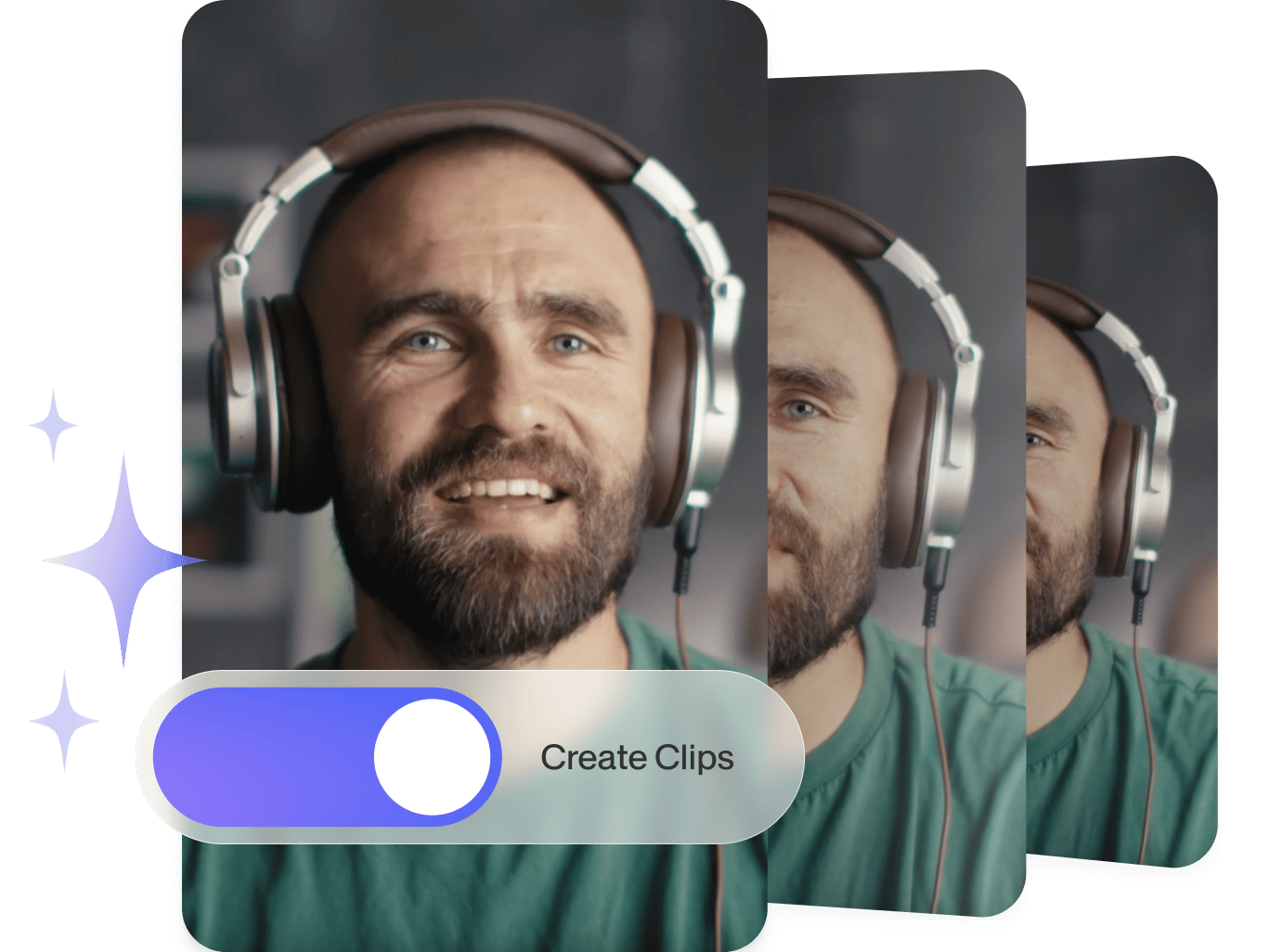
Turn lengthy videos into shareable clips with our AI clip maker. Have a funny or insightful moment you want to share on YouTube or TikTok? Our AI auto-curates the best parts of your video. Simply upload your content, and let our AI do the work. Download your clips instantly or fine-tune them with our advanced video editor.
How to create clips:
Step 01
Upload your video
Upload your video to VEED. You can drag and drop your files into the editor.
Step 02
Convert to clips
Our AI will choose the most compelling segments from your video.
Step 03
Download or edit
Download the generated clips. Or load our video editor to add your personal touches.
Learn More
‘Clip maker’ tutorial
Create compilation videos in a few clicks
Our clip maker turns your videos into excerpts without the hassle. Need viral shorts or highlights? Let our AI find the best parts of your video and generate clips. VEED also offers more ways to make content: convert text to video, or manually edit clips with our intuitive editor.
Edit like a pro
You can use VEED’s wide range of video editing tools to make your videos professional-looking. Choose from our camera filters and video effects, add text, images, background music, and more. It only takes a few clicks. You don’t need any experience in video editing to create professional-looking videos!
Add transitions
Add transition effects to your video clips to make them look stunning. Add them in between video clips—all you have to do is drag and drop the transition effect into the Timeline. This is perfect for creating informative or how-to videos, presentation videos, and other videos that require transitions.
FAQ
- Upload your video to VEED.
- Set the caption style, video goals, and maximum clip length.
- Generate clips in minutes. Download them or refine them in our video editor.
Yes, VEED’s clip maker is free. It auto-trims your videos into short, engaging clips. Alternatively, our Magic Cut tool removes filler words and awkward pauses from your videos. Please note that you’ll need a paid plan to remove the watermark and access higher-quality exports.
The best way to edit videos is to use VEED’s free video editing software. You can rotate, crop, and trim your videos. Add text, images, music, and so much more!
While there are many other free video maker apps out there, VEED stands out because of its ease of use and its incredibly clean interface.
Loved by creators.
Loved by the Fortune 500
“
With VEED I didn't need 15 tutorials - I jumped straight in and started editing.

Gwenne Wilcox
Founder,
Brand Brainery
“
You can go beyond choppping things. VEED actually makes my videos look great.

Michael Glover
Demand Gen Manager,
ConvertFlow
“
The first four videos i created with VEED got over 40,000 impressions on LinkedIn.

Travis Tyler
Senior Content Producer,
PandaDoc
“
I found VEED at the right time: if you're making UGC ads and not using Eye Contact Correction and Noise Reduction on VEED you're missing out on ROI.

Sebastian Schurgers
Head of Growth Marketing,
Gronda
“
With VEED I didn't need 15 tutorials - I jumped straight in and started editing.
Gwenne Wilcox
Founder,
Brand Brainery
“
You can go beyond choppping things. VEED actually makes my videos look great.
Michael Glover
Demand Gen Manager,
ConvertFlow
“
The first four videos i created with VEED got over 40,000 impressions on LinkedIn.
Travis Tyler
Senior Content Producer,
PandaDoc
“
I found VEED at the right time: if you're making UGC ads and not using Eye Contact Correction and Noise Reduction on VEED you're missing out on ROI.
Sebastian Schurgers
Head of Growth Marketing,
Gronda
“
The first four videos i created with VEED got over 40,000 impressions on LinkedIn.
Travis Tyler
Senior Content Producer,
PandaDoc
“
I found VEED at the right time: if you're making UGC ads and not using Eye Contact Correction and Noise Reduction on VEED you're missing out on ROI.
Sebastian Schurgers
Head of Growth Marketing,
Gronda
“
With VEED I didn't need 15 tutorials - I jumped straight in and started editing.
Gwenne Wilcox
Founder,
Brand Brainery
“
You can go beyond choppping things. VEED actually makes my videos look great.
Michael Glover
Demand Gen Manager,
ConvertFlow
Discover more
- AI ASMR
- Anniversary Video Maker
- Award Video
- Breaking News Video Maker
- Commentary Video
- Comparison Video
- Congratulations Video
- Customized Video
- Event Video
- Fancam Maker
- Greeting Video
- Gym Video Editing
- Hype Video Maker
- Karaoke Video Maker
- Reaction Video Maker
- Response Video
- Romantic Video Online
- Scary Video Maker
- Scrapbook Video Maker
- Snack Video Online Free
- Sponsor Video
- Teacher’s Day Video
- Timeline Video Maker
- Travel Video Editor
- Vertical Video Editor
- Video Maker for Kids
- Vlog Video Editing
Explore related tools
More from VEED

VEED Clips: Instant Repurposing for Social Media, Powered by Sieve
Built by VEED and powered by Sieve, Clips uses AI to create engaging video clips from long-form content. Learn more about this partnership in this post.

The Best OpusClip Alternative of All Time
Searching for a reliable OpusClip alternative? VEED Clips offers more than just content repurposing. Read on to learn more.

TikTok Alternatives: 15 Top Picks for Marketers and Creators
Looking for a TikTok alternative? Check out the best platforms that pack the same potential for reach, engagement, and harnessing your creativity.
Trusted by 1M+ creators
When it comes to amazing videos, all you need is VEED
No credit card required
More than a video clip maker
VEED lets you do so much more than just create video clips. With VEED, you can create videos both for personal and professional use. Create stunning professional-looking videos for your business, advertising videos, or presentation videos. You can also create videos for your friends and family—like holiday videos, birthday greeting videos, and so much more!