


Trusted by 1M+ creators
Thumbnails
Select and customize thumbnails. Thumbnail maker with professional templates and prompt-based editing
No credit card required
4.6
2,100+ reviews















Thumbnail maker: Pick a template, type your edits, export
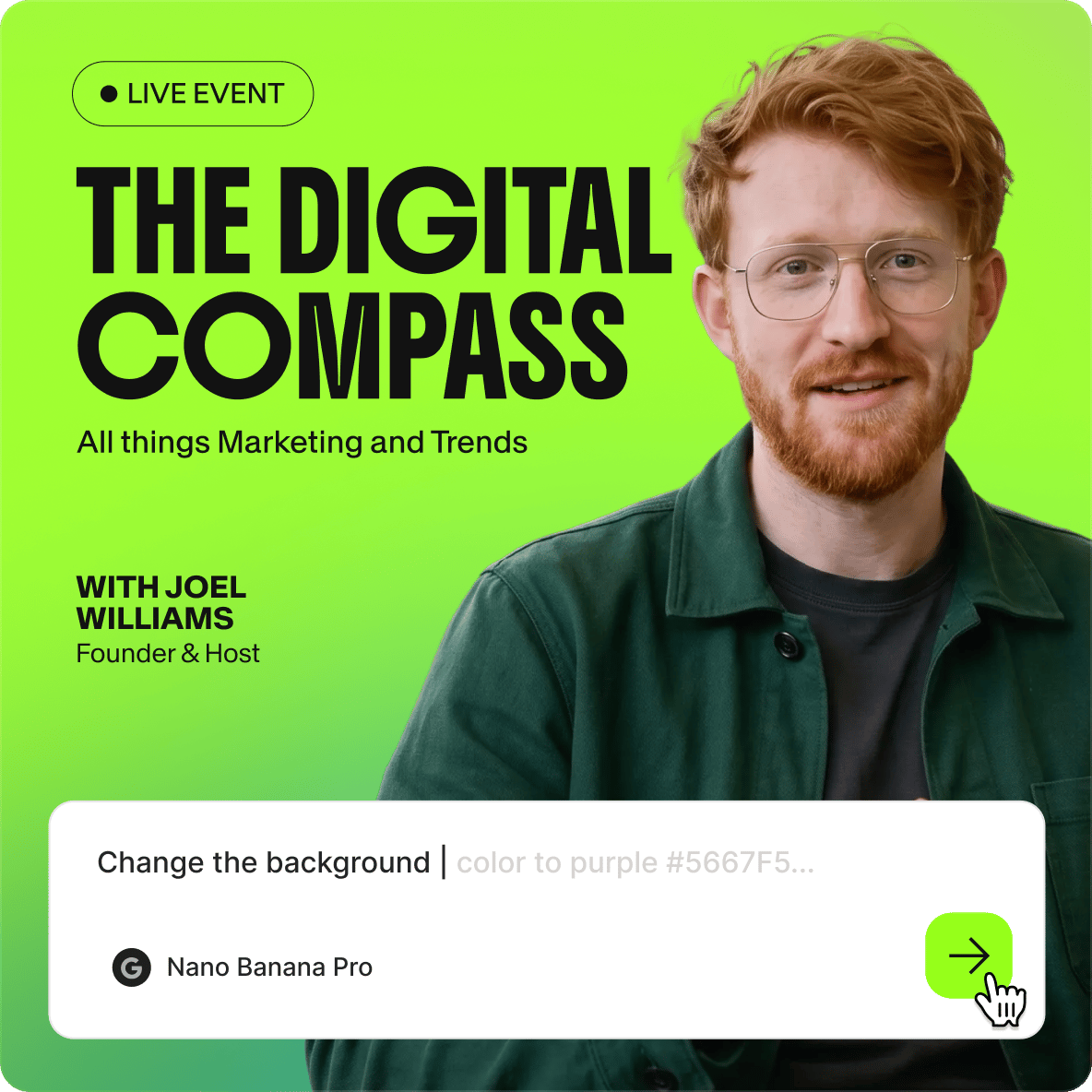
You made a great video, but without a strong thumbnail, it gets scrolled past. VEED gives you professional thumbnails you can edit just by typing. Pick a design and describe what you want changed. Modify the text, change the colors, or adjust the style. No dragging elements around or learning complex software.
No need to generate thumbnails from scratch and hope the AI gets it right. Start with a readymade thumbnail design, then make it yours with simple prompts. Make YouTube thumbnails, course covers, or blog featured images. Our thumbnail maker gives you polished results in minutes. Get started now.
How to make a thumbnail:
Step 01
Browse templates and pick a design
Explore thumbnail templates and find a layout that fits your content. Select it to start editing.
Step 02
Describe your edits with AI prompts
Type what you want changed. You can adjust text, colors, style, and composition. For example: "Change the headline to Top 10 Tips," "Make the background pastel blue," or "Add a surprised expression."
Step 03
Export your thumbnail
Download your finished thumbnail. Need multiple versions? Generate variations for A/B testing. For video intros or animation, you can add your thumbnail to a video project using our video editor.
Learn More
Check out Nano Banana Pro and try it on VEED:
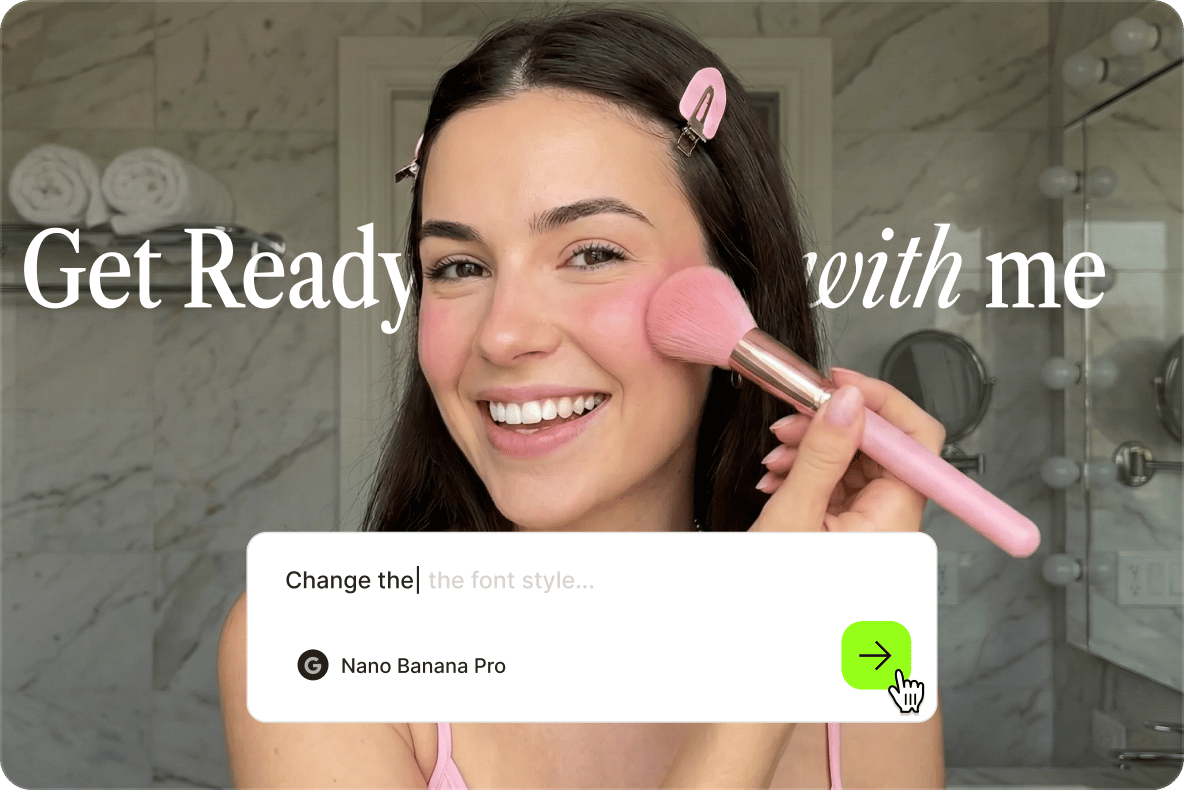
YouTube thumbnail maker: Customize templates by describing edits
Designing YouTube thumbnails usually takes time and complex skills: positioning text, adjusting layers, and adjusting colors until it looks right. VEED's YouTube thumbnail maker lets you skip the manual work. Start from templates with professional compositions, describe what you want changed, and export the thumbnail. No dragging design elements around. For your video needs, you can also create matching YouTube intros and outros.
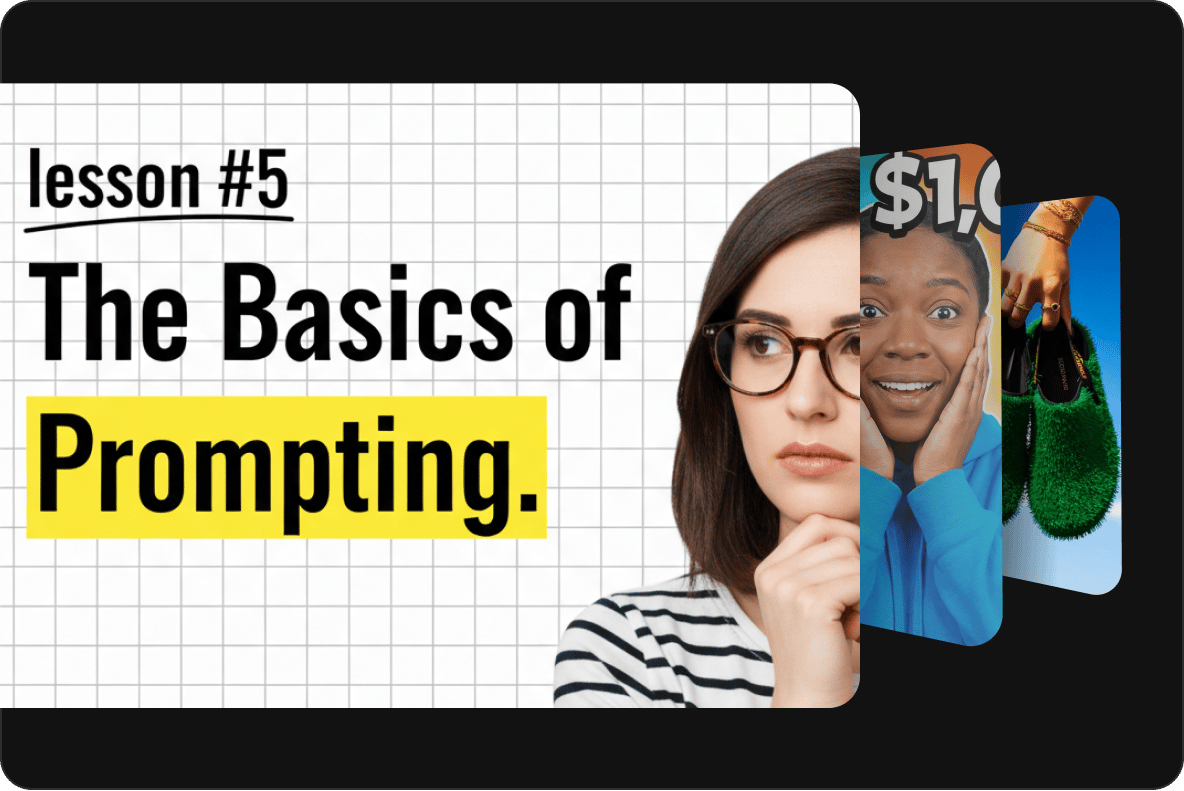
AI thumbnail maker for online courses, blogs, and more
Most thumbnail generators require you to describe your image from scratch and hope the output matches your vision. With VEED's AI thumbnail maker, you start with a well-composed template, then type prompts to customize it. Works for YouTube thumbnails, online course covers, and blog featured images. Choose from multiple AI models, like Nano Banana Pro for high-fidelity edits, Qwen for text-heavy designs, or Flux Kontext for fast iterations.
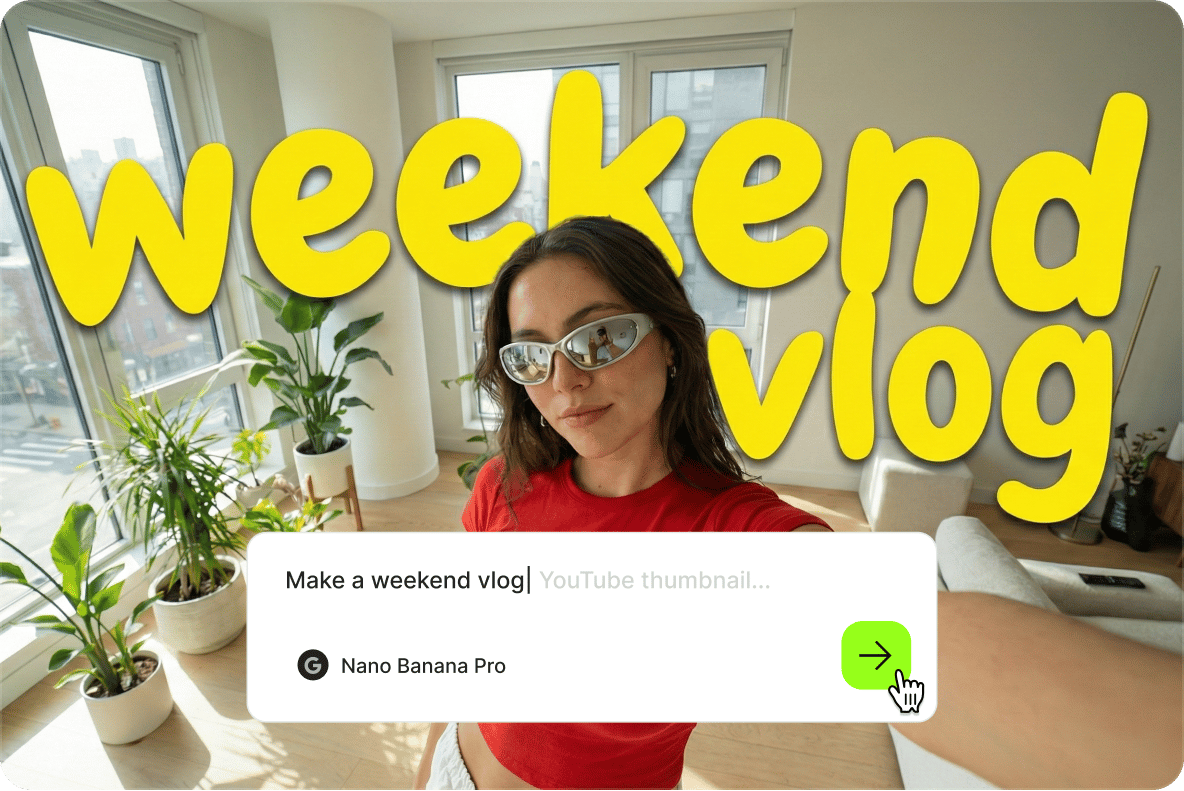
Thumbnail generator to build exactly what you envision
Have a specific vision that no template quite matches? VEED's thumbnail generator lets you describe what you want and generates it with AI. But if you'd rather start from something proven, the template library gives you layouts built for clicks. Pick what fits your workflow: generate from scratch or edit from templates.
FAQ
Most thumbnail tools are either drag-and-drop editors requiring manual adjustments or AI generators that create images from scratch with unpredictable results. VEED combines templates with prompt-based editing. You start with a professional layout, then describe your changes in plain language. The AI handles text edits, color shifts, and style adjustments while you keep control of the composition.
This thumbnail maker is best for YouTubers, podcasters, and marketers who need thumbnails fast without manual drag-and-drop editing. The prompt-based workflow lets you describe edits instead of placing elements yourself. VEED is a complete platform where you can make professional thumbnails and videos in one workflow. If you only need thumbnails, our templates and image editor work as standalone tools too.
Browse templates and pick a design. Select it to open the editor, then type what you want changed. The AI applies your edits. When you're happy with the thumbnail, export it as a PNG file or bring the thumbnail into our video editor.
- YouTube and other video platform thumbnails
- Online course covers
- Blog and article featured images
- Podcast cover art
- Portfolio thumbnails
- Clear and high-contrast, readable at small sizes
- Minimal text (3-5 words max)
- Faces with visible emotion when relevant
- Colors that stand out in a feed
- No clutter
- Matches what the content actually delivers (eye-catching is good, but misleading thumbnails disappoint viewers and hurt your channel long-term)
The thumbnail maker requires AI credits to access the image models. Credit costs display when you browse the model selection. Visit our pricing page for information on subscription plans and credit add-on options.
Loved by creators.
Loved by the Fortune 500
“
With VEED I didn't need 15 tutorials - I jumped straight in and started editing.

Gwenne Wilcox
Founder,
Brand Brainery
“
You can go beyond choppping things. VEED actually makes my videos look great.

Michael Glover
Demand Gen Manager,
ConvertFlow
“
The first four videos i created with VEED got over 40,000 impressions on LinkedIn.

Travis Tyler
Senior Content Producer,
PandaDoc
“
I found VEED at the right time: if you're making UGC ads and not using Eye Contact Correction and Noise Reduction on VEED you're missing out on ROI.

Sebastian Schurgers
Head of Growth Marketing,
Gronda
“
With VEED I didn't need 15 tutorials - I jumped straight in and started editing.
Gwenne Wilcox
Founder,
Brand Brainery
“
You can go beyond choppping things. VEED actually makes my videos look great.
Michael Glover
Demand Gen Manager,
ConvertFlow
“
The first four videos i created with VEED got over 40,000 impressions on LinkedIn.
Travis Tyler
Senior Content Producer,
PandaDoc
“
I found VEED at the right time: if you're making UGC ads and not using Eye Contact Correction and Noise Reduction on VEED you're missing out on ROI.
Sebastian Schurgers
Head of Growth Marketing,
Gronda
“
The first four videos i created with VEED got over 40,000 impressions on LinkedIn.
Travis Tyler
Senior Content Producer,
PandaDoc
“
I found VEED at the right time: if you're making UGC ads and not using Eye Contact Correction and Noise Reduction on VEED you're missing out on ROI.
Sebastian Schurgers
Head of Growth Marketing,
Gronda
“
With VEED I didn't need 15 tutorials - I jumped straight in and started editing.
Gwenne Wilcox
Founder,
Brand Brainery
“
You can go beyond choppping things. VEED actually makes my videos look great.
Michael Glover
Demand Gen Manager,
ConvertFlow
Explore related tools
More from VEED

YouTube Thumbnail Size Guide and Best Practices According to 3 YouTube experts
Want more views on your YouTube videos? Here's everything you need to know about thumbnails to get more clicks. We’ve also got proven YouTube thumbnail design tips from the pros who manage YouTube channels over at Ahrefs, Podia, and VEED.

Video Branding Strategies That Drive Results: A Complete Guide
Learn video branding practices: take your video content from forgettable to unforgettable.

YouTube Automation: How to Streamline Your Channel for Success
Master YouTube automation with our complete guide. Discover top strategies, tools, and tips to streamline your workflow and grow your channel effortlessly.
Trusted by 1M+ creators
When it comes to amazing videos, all you need is VEED
No credit card required
More than a thumbnail maker
From a thumbnail maker to dynamic captions, VEED gives you all the tools to make scroll-stopping videos. VEED is an AI video creation platform where you can generate, refine, and brand your content all in one place. Start from an idea, image, or existing footage. Make your video unmistakably yours by adding your logo, brand colors, and custom fonts. Then, save your brand assets to a brand kit for easy access across video projects. Create on-brand, post-ready videos in minutes. Sign up for VEED now.