


Trusted by 1M+ creators
Pinterest Video Maker
Pinterest video editor with intuitive tools and brand kit features
No credit card required
4.6
2,100+ reviews















Create high-quality, branded Pinterest videos in minutes
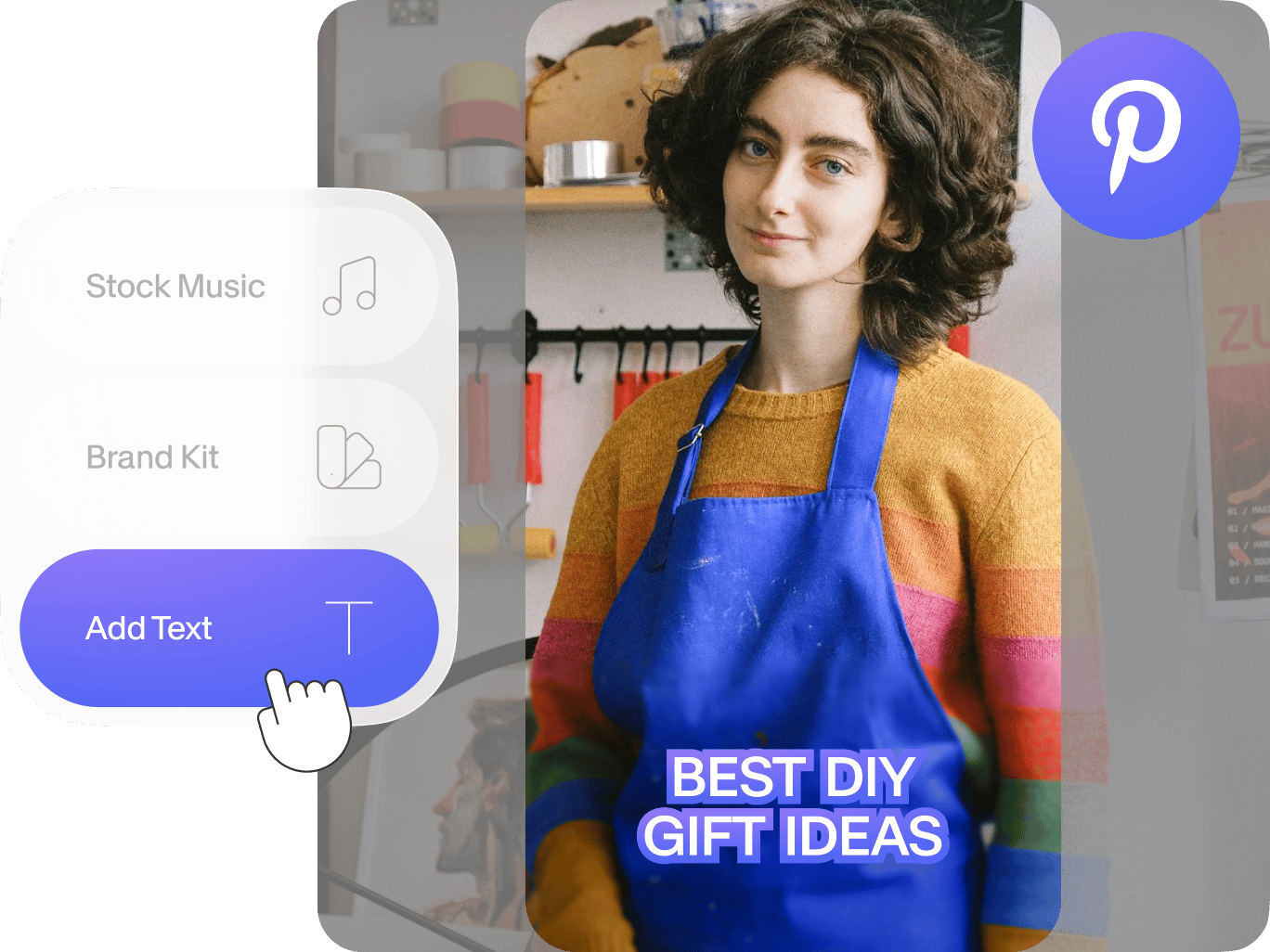
Want your content to stand out on Pinterest? Video is an engaging way to promote your brand. With our Pinterest video maker, you can create beautiful videos in just a few clicks. Add text overlays, animation, and music. Collaborate with your team. And use our brand kit to keep your visuals consistent and professional.
VEED is your all-in-one video editor, and it’s easy to use. Enhance your videos with color grading, ensuring your content looks its best. Make tutorials, product roundups, behind-the-scenes, and more. Captivate your viewers, drive clicks to your website, and boost your sales. Create with VEED now; try it out for free right from your browser.
How to make a Pinterest video:
Step 01
Upload
Upload your videos by dragging and dropping them into the editor. For best results, upload vertical clips or resize your video with our resizing tool.
Step 02
Customize
Enhance your video using VEED's editing tools. Add concise and eye-catching text, include your logo, and apply color grading to create a visually appealing video.
Step 03
Export
Click 'Done' and export your video. Share it on Pinterest, showcase your products, and drive customers to your website.
Learn More
Watch this social media video maker tutorial:
Personalize your Pinterest videos
Text helps you stand out without relying solely on audio. Plus, with translations available for 125+ languages, you can reach a global audience. Try AI text-to-video to create content from text prompts. Maintain brand consistency across Pinterest ads using VEED's brand kit, which allows you to add your logo, colors, and fonts seamlessly.
Resize videos for Pinterest
VEED lets you resize your videos for various social media platforms. Set your video to a 9:16 vertical format to optimize it for Pinterest. This ensures your content looks its best wherever you share it. Want to expand your audience? You can also cross-post your videos to other platforms like Instagram and TikTok. Just choose a preset to get the perfect video size.
Explore advanced editing tools
Collaborate seamlessly with your team on video projects, a unique feature that sets VEED apart from other individual-focused apps. Our platform allows multiple users to work on the same video simultaneously. This makes creating cohesive, high-quality Pinterest videos easier for businesses and marketing teams.
FAQ
VEED is the best Pinterest video maker if you’re looking for a tool with a wide range of customization options and advanced video editing features. It also lets you quickly generate high-quality content with AI, with tools like text-to-video, AI avatars, and text-to-speech.
Upload your clips and add text, animations, and your logo to create an engaging video. Enhance your visuals with color correction. You can also add subtitles to capture viewers’ attention even without sound. Download your video, upload it to Pinterest, and promote your brand.
Ensure good lighting and framing; natural light is a simple trick. Use high-resolution footage and clear text overlays. Make your brand the focal point, and keep videos between 6-15 seconds for best results. Choose a strong cover image that represents your content at a glance. Visually appealing elements and bold colors are also effective.
A 9:16 or 2:3 aspect ratio ensures your video fills the screen. These vertical formats work best for Pinterest users who typically view from mobile devices. MP4, MOV, or M4V file formats are recommended.
Loved by creators.
Loved by the Fortune 500
“
With VEED I didn't need 15 tutorials - I jumped straight in and started editing.

Gwenne Wilcox
Founder,
Brand Brainery
“
You can go beyond choppping things. VEED actually makes my videos look great.

Michael Glover
Demand Gen Manager,
ConvertFlow
“
The first four videos i created with VEED got over 40,000 impressions on LinkedIn.

Travis Tyler
Senior Content Producer,
PandaDoc
“
I found VEED at the right time: if you're making UGC ads and not using Eye Contact Correction and Noise Reduction on VEED you're missing out on ROI.

Sebastian Schurgers
Head of Growth Marketing,
Gronda
“
With VEED I didn't need 15 tutorials - I jumped straight in and started editing.
Gwenne Wilcox
Founder,
Brand Brainery
“
You can go beyond choppping things. VEED actually makes my videos look great.
Michael Glover
Demand Gen Manager,
ConvertFlow
“
The first four videos i created with VEED got over 40,000 impressions on LinkedIn.
Travis Tyler
Senior Content Producer,
PandaDoc
“
I found VEED at the right time: if you're making UGC ads and not using Eye Contact Correction and Noise Reduction on VEED you're missing out on ROI.
Sebastian Schurgers
Head of Growth Marketing,
Gronda
“
The first four videos i created with VEED got over 40,000 impressions on LinkedIn.
Travis Tyler
Senior Content Producer,
PandaDoc
“
I found VEED at the right time: if you're making UGC ads and not using Eye Contact Correction and Noise Reduction on VEED you're missing out on ROI.
Sebastian Schurgers
Head of Growth Marketing,
Gronda
“
With VEED I didn't need 15 tutorials - I jumped straight in and started editing.
Gwenne Wilcox
Founder,
Brand Brainery
“
You can go beyond choppping things. VEED actually makes my videos look great.
Michael Glover
Demand Gen Manager,
ConvertFlow
Explore related tools
More from VEED

Subtitling 101: How to Automatically Add and Customize Subtitles with VEED
Everything you need to automatically add, customize, translate, and download subtitles like a pro using VEED.

11 Easy Ways to Add Music to Video [Step-By-Step Guide] in 2026
Not sure where to find music for video whether free or paid? Want to learn how to find it, pick the right song, and then add it to your video content? Then dig in!

Best Aspect Ratios for Videos: The Only Guide You’ll Ever Need
Searching for the best aspect ratio for video? Read to learn what aspect ratios are, how they impact the viewing experience, and the best ratio for video.
Trusted by 1M+ creators
When it comes to amazing videos, all you need is VEED
No credit card required
More than a Pinterest video editor
VEED lets you do more than just Pinterest videos. Expand your content strategy and create other types of videos, such as Instagram Reels, TikTok trends, and long-form YouTube tutorials. With features like the screen recorder, video script generator, and background remover, VEED streamlines your workflow. Create pro-quality videos effortlessly and grow your online presence across platforms.