


Trusted by 1M+ creators
Cricket Video Editing
Create engaging, professional cricket videos in minutes
No credit card required
4.6
2,100+ reviews















Edit cricket videos like a pro
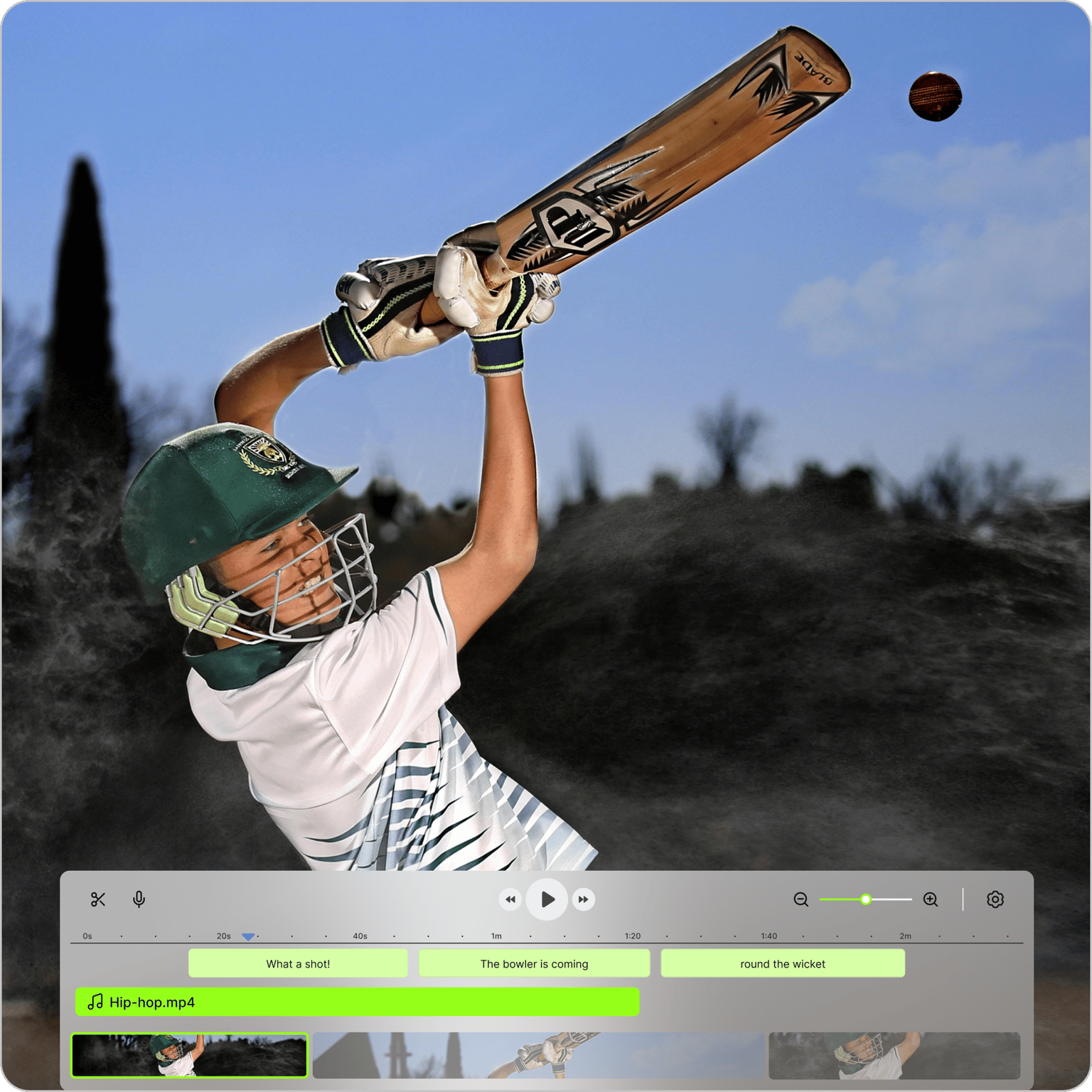
VEED's cricket video editor lets you turn raw match footage into highlight reels, player profiles, and promotional content — no complex software needed. Trim clips, add text, subtitles, and music, record commentary, or use text-to-speech for AI voiceovers. Use the brand kit to upload your logo and apply it consistently across every video. Resize for any platform before exporting.
How to make a cricket video:
Step 01
Upload videos
Upload your cricket footage into the video editor.
Step 02
Create your highlight reel
Bring your cricket video to life with text, music, and transitions. You can also add commentary with our text-to-speech tool.
Step 03
Export and share
Export your video in a high-quality format. Share your cricket highlight video on social media platforms, email, or your website.
Learn More
Learn how to make highlight reels:
Intuitive video editing
Upload your footage, then split, trim, and rearrange clips. Add text to highlight key moments — wickets, boundaries, player names — and enhance with transitions. Resize for YouTube, Instagram, TikTok, or your website in one step.
Seamless voiceover features
Add commentary by recording your own voice directly in the editor, or import a pre-recorded audio file. No time to record? Use text-to-speech to generate AI voiceovers in multiple languages.
Brand kit for professional cricket videos
Upload your logo and brand assets to VEED's brand kit once, then apply them to any project. Keeps your visual identity consistent across match highlights, tutorials, and promotional content.
FAQ
Popular cricket video ideas include match highlights, analyses, tutorials, player profiles, interviews, funny video memes, and news updates. You could also create an engaging cricket intro video featuring simple text, music, and animations.
Load your video into the editor and move through the timeline, identifying key moments like wickets and boundaries. Right-click a specific point in the timeline, then click 'Split Element' or press 'S' on the keyboard to isolate segments. Trim and arrange the clips to create a compelling highlight reel.
Absolutely! VEED's collaboration feature lets you invite team members to view, edit, or provide feedback on your cricket video projects. You can also easily share your finished videos directly from the platform via email, social media, or embed them on your website.
Yes, you can. With VEED's simple resize tool, quickly adjust your video’s dimensions to fit perfectly on platforms like Instagram, TikTok, YouTube, or your website. Simply click ‘Settings’ then choose the size you need.
Loved by creators.
Loved by the Fortune 500
“
With VEED I didn't need 15 tutorials - I jumped straight in and started editing.

Gwenne Wilcox
Founder,
Brand Brainery
“
You can go beyond choppping things. VEED actually makes my videos look great.

Michael Glover
Demand Gen Manager,
ConvertFlow
“
The first four videos i created with VEED got over 40,000 impressions on LinkedIn.

Travis Tyler
Senior Content Producer,
PandaDoc
“
I found VEED at the right time: if you're making UGC ads and not using Eye Contact Correction and Noise Reduction on VEED you're missing out on ROI.

Sebastian Schurgers
Head of Growth Marketing,
Gronda
“
With VEED I didn't need 15 tutorials - I jumped straight in and started editing.
Gwenne Wilcox
Founder,
Brand Brainery
“
You can go beyond choppping things. VEED actually makes my videos look great.
Michael Glover
Demand Gen Manager,
ConvertFlow
“
The first four videos i created with VEED got over 40,000 impressions on LinkedIn.
Travis Tyler
Senior Content Producer,
PandaDoc
“
I found VEED at the right time: if you're making UGC ads and not using Eye Contact Correction and Noise Reduction on VEED you're missing out on ROI.
Sebastian Schurgers
Head of Growth Marketing,
Gronda
“
The first four videos i created with VEED got over 40,000 impressions on LinkedIn.
Travis Tyler
Senior Content Producer,
PandaDoc
“
I found VEED at the right time: if you're making UGC ads and not using Eye Contact Correction and Noise Reduction on VEED you're missing out on ROI.
Sebastian Schurgers
Head of Growth Marketing,
Gronda
“
With VEED I didn't need 15 tutorials - I jumped straight in and started editing.
Gwenne Wilcox
Founder,
Brand Brainery
“
You can go beyond choppping things. VEED actually makes my videos look great.
Michael Glover
Demand Gen Manager,
ConvertFlow
Discover more
More from VEED
How to Make a YouTube Short (+ Best Practices to Help You Go Viral)
Learn how to make a YouTube short step-by-step and dive into our tried-and-tested tactics that helped us go viral in this guide.
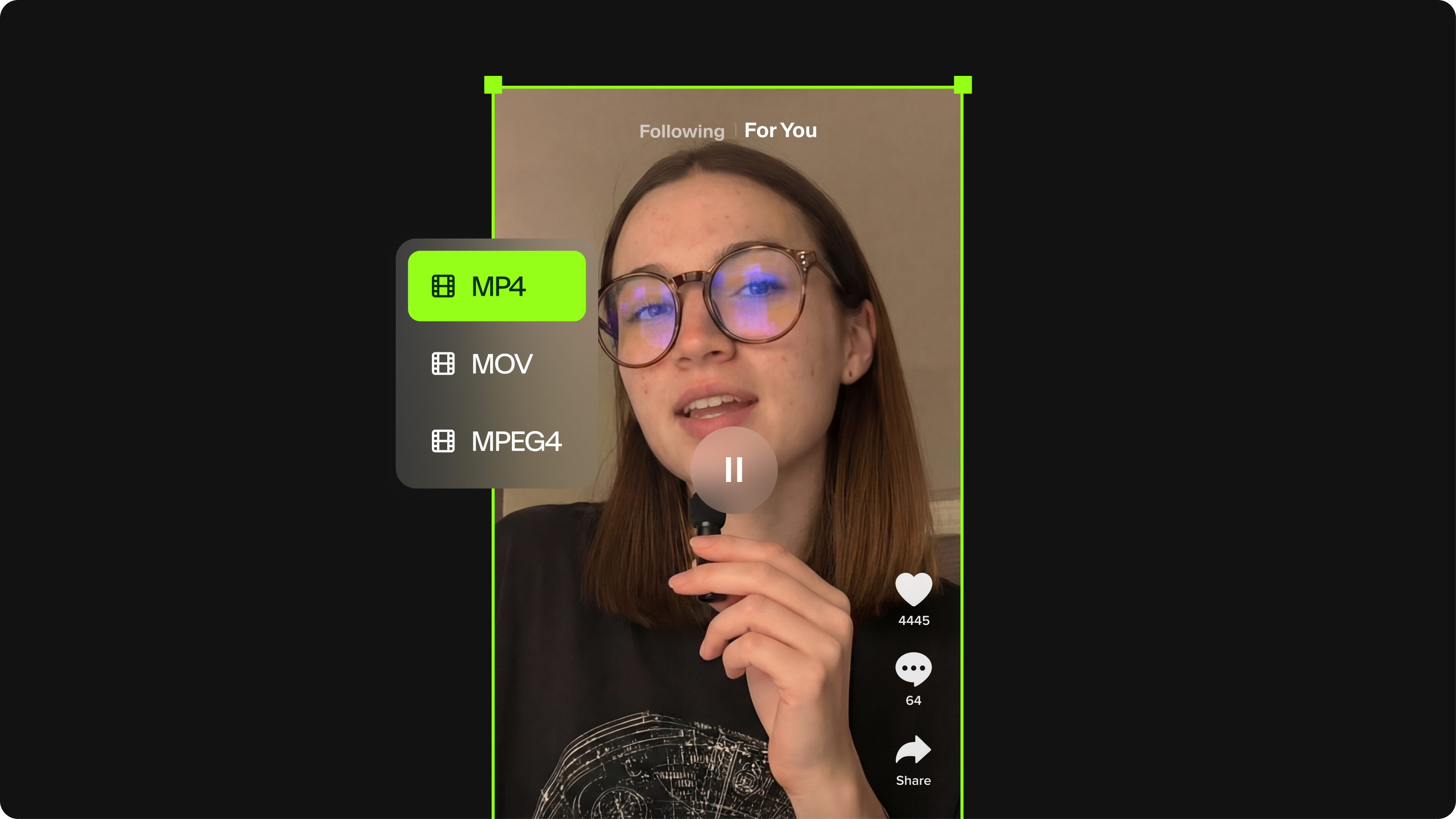
TikTok Video Size Guide: Everything You Need to Know
The last thing you want is for TikTok to scale down or cut off your video content. Here's the best file size, video length, and file format for your next TikTok.

How to Make a Reel on Instagram (Like a Pro)
Learn how to make a reel on Instagram with our step-by-step guide. Create engaging reels that captivate, entertain, and boost your brand.
Trusted by 1M+ creators
When it comes to amazing videos, all you need is VEED
No credit card required
More than a cricket video editor
Cricket highlight reels are one format in a much bigger content workflow. VEED is an AI video creation platform where you can generate, refine, and export videos for TikTok, Instagram, YouTube, and LinkedIn. Beyond match edits, use Gen-AI Studio to create coaching videos, player features, or branded sports content — with voiceovers, captions, and assets in one place. Start creating with VEED today.