


Trusted by 1M+ creators
Rainbow GIF
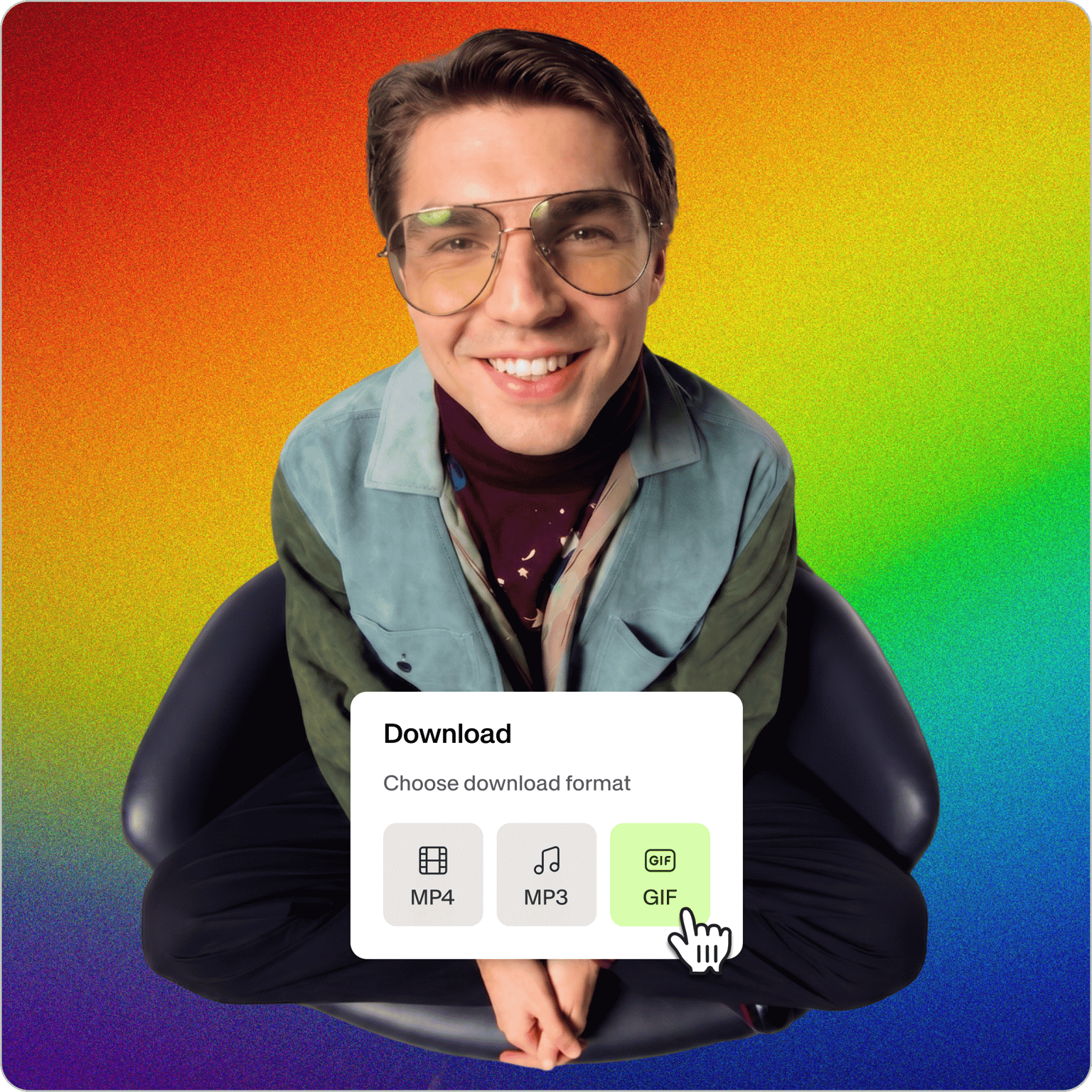
Turn any clip or GIF into a looping rainbow GIF. Add color-changing effects and animated text, then export in seconds
No credit card required
4.6
2,100+ reviews















Turn any clip or GIF into a looping rainbow GIF
A rainbow GIF cycles through bright, shifting colors on a loop, and it grabs attention in a chat thread or a feed faster than a static image. With VEED, you can make one from any video clip or existing GIF, right in your browser. Upload your file, apply animated effects, and export as a GIF, with no software to download.
Whether you're making a reaction GIF for Discord, a glowing banner for Twitch, or a scroll-stopping clip for Instagram, VEED gives you the color and the control. Add a rainbow overlay, set the speed so the colors shift slowly or quickly, and add effects to a GIF without leaving the page.
How to make a rainbow GIF online:
Step 01
Upload your clip or GIF
Open VEED's GIF maker and drag in a video clip or an existing GIF. You can also start with a screen recording or bring in a GIF from Giphy. Anything you upload is ready to edit right away.
Step 02
Add color-changing effects
Open the Filters tab and apply color grading or a color effect, then drag the slider to set how strong the rainbow looks. Adjust the speed to make the colors shift slowly or quickly, and drop in animated text or a rainbow sticker from the Elements tab.
Step 03
Export as a GIF
Preview the loop, then click Export and choose Download GIF. Want a transparent background instead? Run your clip through VEED's background remover before you export, so the colors sit cleanly over any chat or page.
Learn More
Watch this walkthrough of our rainbow GIF maker:
Looping rainbow GIFs that actually stand out
Make GIFs that loop through color on repeat, the kind that pull a reaction in a Discord server, a Slack channel, or an Instagram story. Export a clean, lightweight GIF that plays anywhere GIFs are supported, ready to drop into a message or a post.
Full control over color, speed, and text
Set the colors you want, dial any video effects up or down with a slider, and choose whether the shift is slow and subtle or fast and electric. Use your own brand colors and fonts so the result looks like your brand made it, not a generic loop pulled off a GIF site.
One tool, every kind of GIF
A rainbow effect is one of many ways to make a GIF pop. Add preset GIF filters for a vintage or glitch look, convert a video to a GIF in any format, or layer in text, emojis, and stickers. Resize for TikTok, Reels, or a profile banner in a click.
FAQ
Upload a video clip or an existing GIF to VEED, then open the Filters tab and apply color grading or a color effect. Drag the slider to set the intensity, adjust the speed so the colors shift slowly or fast, and add animated text if you want. When it looks right, click Export and choose Download GIF.
A color-changing GIF is an animated image that loops through different colors over time, so the background, the whole frame, or a piece of text appears to cycle through a rainbow. Because GIFs loop on their own, the color shift repeats forever once you post it. They're popular as chat reactions, banners, and decorative overlays on social media.
Add a text layer to your GIF in VEED, type your words, then style the text with the color and font you want. Animate it so the letters move or the colors shift across the loop, and place the text anywhere on the frame. Export it as a GIF, and the animated text loops on its own, no separate generator needed.
Yes. GIFs support transparency, so you can make a rainbow GIF that sits over any background. Remove the background from your clip with VEED's background remover before you export, then download it as a GIF. A transparent rainbow GIF works well as an overlay, a sticker, or a glowing element layered onto another image or video.
Loved by creators.
Loved by the Fortune 500
“
With VEED I didn't need 15 tutorials - I jumped straight in and started editing.

Gwenne Wilcox
Founder,
Brand Brainery
“
You can go beyond choppping things. VEED actually makes my videos look great.

Michael Glover
Demand Gen Manager,
ConvertFlow
“
The first four videos i created with VEED got over 40,000 impressions on LinkedIn.

Travis Tyler
Senior Content Producer,
PandaDoc
“
I found VEED at the right time: if you're making UGC ads and not using Eye Contact Correction and Noise Reduction on VEED you're missing out on ROI.

Sebastian Schurgers
Head of Growth Marketing,
Gronda
“
With VEED I didn't need 15 tutorials - I jumped straight in and started editing.
Gwenne Wilcox
Founder,
Brand Brainery
“
You can go beyond choppping things. VEED actually makes my videos look great.
Michael Glover
Demand Gen Manager,
ConvertFlow
“
The first four videos i created with VEED got over 40,000 impressions on LinkedIn.
Travis Tyler
Senior Content Producer,
PandaDoc
“
I found VEED at the right time: if you're making UGC ads and not using Eye Contact Correction and Noise Reduction on VEED you're missing out on ROI.
Sebastian Schurgers
Head of Growth Marketing,
Gronda
“
The first four videos i created with VEED got over 40,000 impressions on LinkedIn.
Travis Tyler
Senior Content Producer,
PandaDoc
“
I found VEED at the right time: if you're making UGC ads and not using Eye Contact Correction and Noise Reduction on VEED you're missing out on ROI.
Sebastian Schurgers
Head of Growth Marketing,
Gronda
“
With VEED I didn't need 15 tutorials - I jumped straight in and started editing.
Gwenne Wilcox
Founder,
Brand Brainery
“
You can go beyond choppping things. VEED actually makes my videos look great.
Michael Glover
Demand Gen Manager,
ConvertFlow
Discover more
Explore related tools
Trusted by 1M+ creators
When it comes to amazing videos, all you need is VEED
No credit card required
More than a rainbow GIF maker
A rainbow GIF is a fast way to add personality to a post, and it's one small piece of what you can make. VEED is an AI video creation platform where you can generate, refine, and export videos for TikTok, Instagram, YouTube, and LinkedIn. Generate original clips with the latest AI models in Gen-AI Studio, refine them with auto subtitles and one-click edits, brand them with your own colors and fonts so they look like your brand made them, and export in the format each platform needs. Start with a rainbow GIF and build out from there.