


Trusted by 1M+ creators
AI Background
Make AI background images for products, video calls, and social posts. Edit the prompt, and hit generate
No credit card required
4.6
2,100+ reviews















AI backgrounds built around your subject, not borrowed from a stock site
Stock backgrounds rarely fit what you are putting in front of them. The light comes from the wrong side, the surface is wrong for your product, or a competitor is already using the same image. VEED’s AI background maker works the other way: open a template, edit the prompt, and generate the background you actually need.
Each template starts with a prompt already written for one job: product backdrops for Shopify and Amazon listings, virtual backgrounds for Zoom and Teams, and 9:16 backdrops for Instagram Stories and Reels. Change the surface, lighting, palette, and shape to match your brand. Marketers use them for ad and listing backdrops, creators for stream and thumbnail sets, and remote teams for a call background that is not a blurred kitchen.
How to make an AI background:
Step 01
Edit the prompt
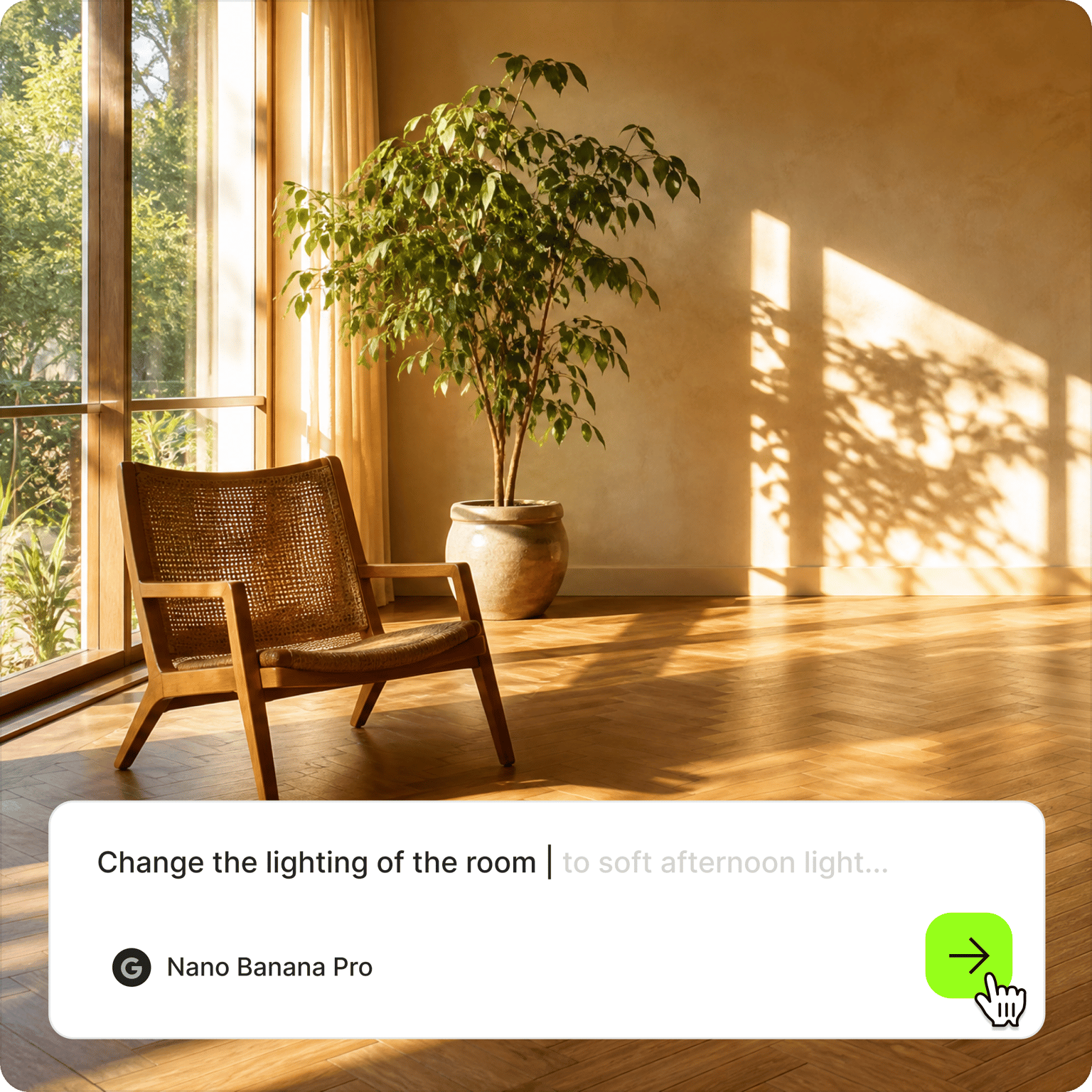
Every background template opens with a prompt already in the box. Change the subject, surface, lighting, color palette, and mood to fit what will sit in front of it. The more specific the prompt, the less generic the background.
Step 02
Set the shape and generate
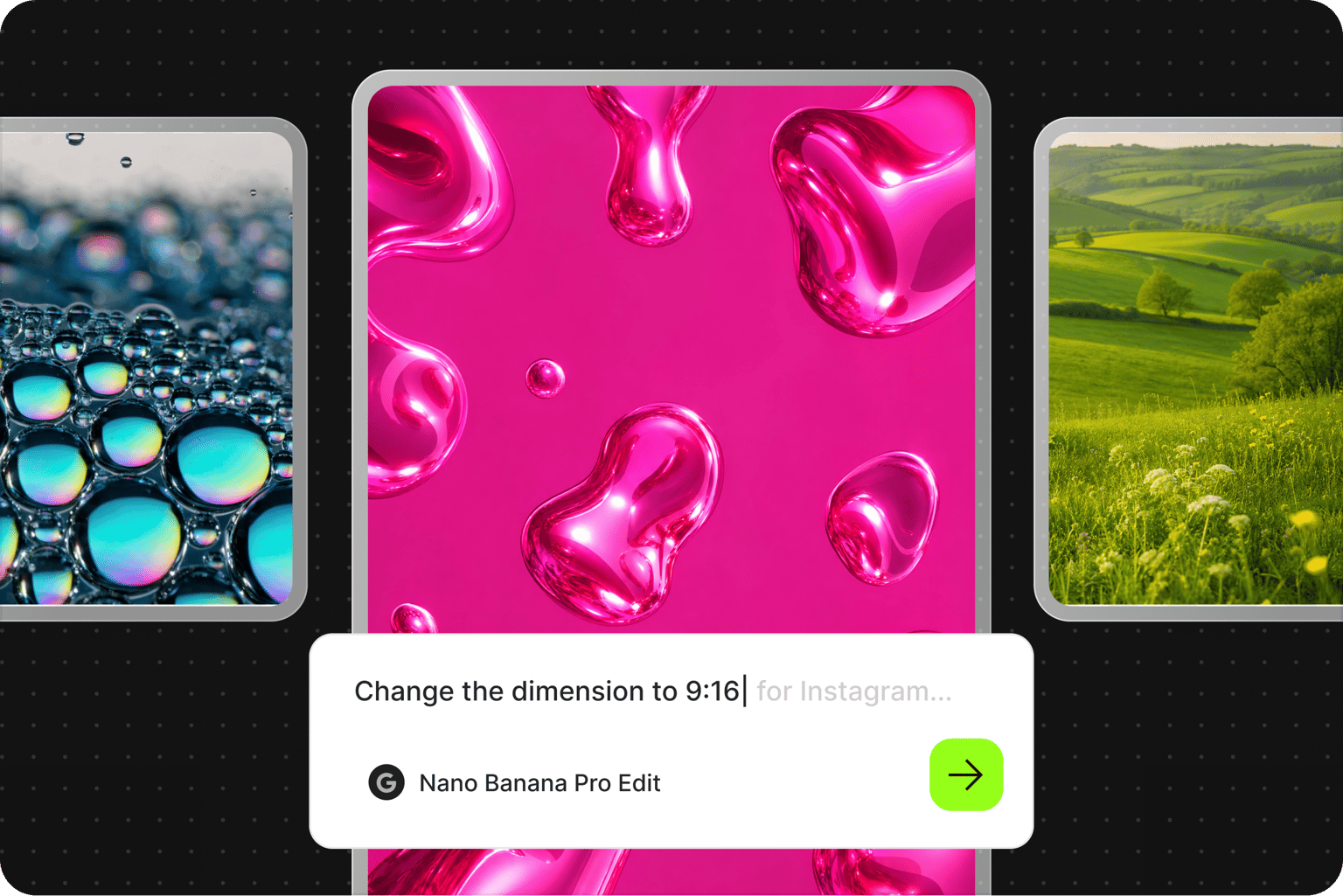
Write the shape into the same prompt: 1:1 for product listings, 16:9 for Zoom, Teams, and YouTube, and 9:16 for Stories and Reels. Hit “generate” and the AI composes the background for that ratio instead of handing you a square to crop.
Step 03
Download
Download your background. You can also clean up distracting elements in the AI image editor.
Learn More
Try Nano Banana on VEED:
One idea, a background for every place it has to live
A product launch needs a square backdrop for the store listing, a tall one for the Instagram Story, and a wide one for the webinar where you demo it. Ask for the same scene at 1:1, 9:16, and 16:9, and each version is composed for its shape from the start, with space left where the product, the text, or your head and shoulders will go.
Backgrounds that look like your brand chose them
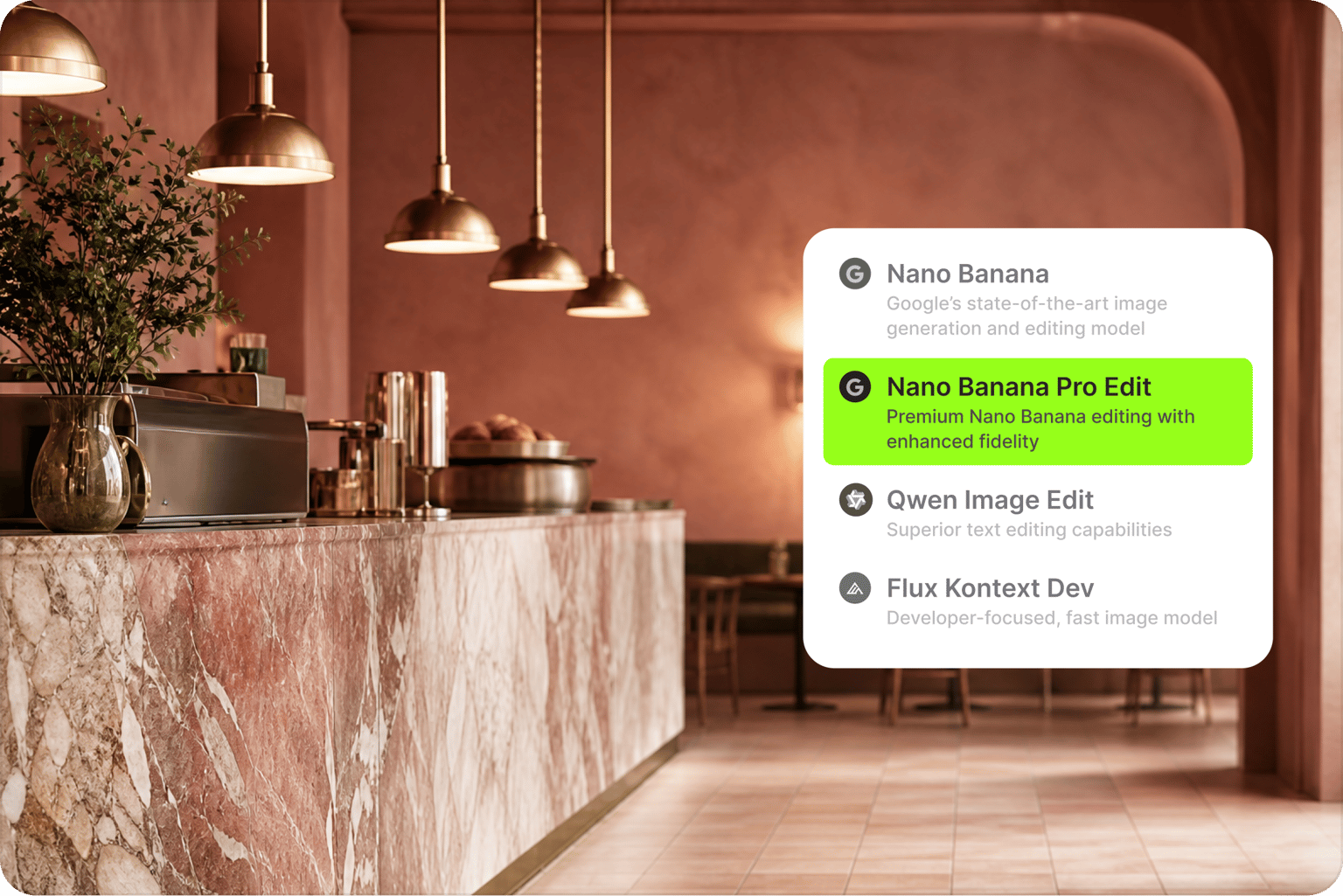
A good background should look like a deliberate choice, not a lucky roll. You control the surface, palette, lighting, and depth of field through the prompt, and you can switch the AI model when the texture is off. Re-prompt until the backdrop looks like your brand made it, not AI: warmer light, a colder palette, or the scene pushed further back.
From a still backdrop to a finished video
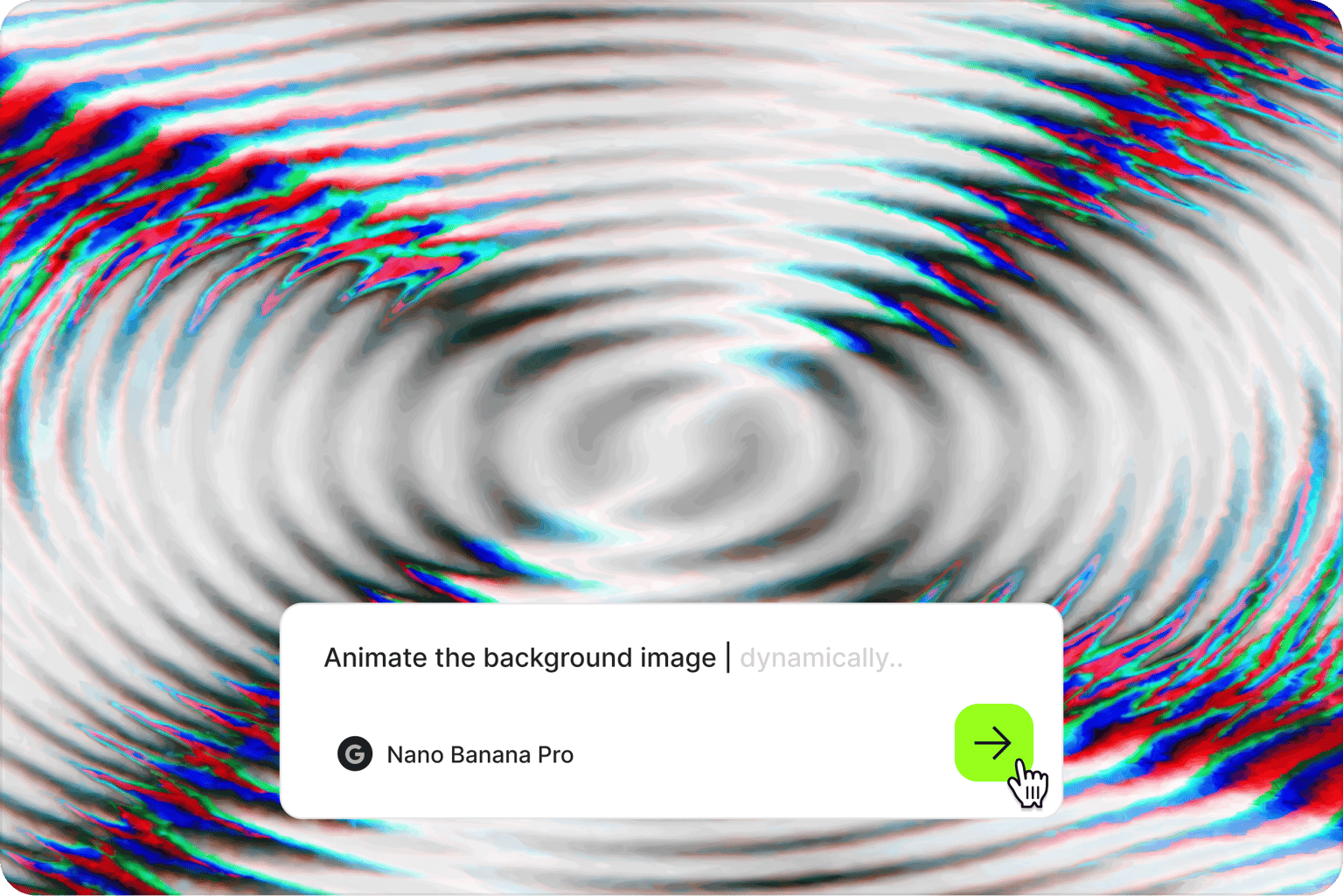
A background you make here does not have to stay a still image. Put it behind your footage with add background to video, after cutting out the original room with the video background remover. Need a phone or desktop screen instead? The wallpaper maker has templates sized for those.
FAQ
Open a background template and edit the prompt that is already there. Describe the scene, the surface, the lighting, and the color palette, then add the aspect ratio you need, such as 16:9 for a video call or 9:16 for a Story. Hit generate, compare the results, and re-prompt anything that is close but not right. Download the version you want to keep.
Prompt for the empty scene, not the product. Name the surface (marble counter, linen, concrete), the light direction, and a clear area where the product will sit, and match the light to your original product shot so the shadows line up. Generate a square version for store listings and a tall one for ads, then layer your product shot on top in the editor you already use.
Not from this page. These templates generate still images, which is what most product, call, and Story backgrounds are. For a moving backdrop, VEED’s animated wallpapers maker outputs a video file instead of an image. You can also bring a still background into a video project, where it sits behind your footage as the set for a talking head clip or a product demo.
Aim for 1920 × 1080 pixels at 16:9. Zoom accepts smaller files, down to 1280 × 720, but larger backgrounds stay sharper on big monitors. Keep the center of the image quiet, since that is where your head and shoulders will sit, and place any detail toward the edges. Zoom mirrors your own preview by default, so text can look backward to you while reading correctly for everyone else.
A 1080 × 1920 image at 9:16 with room for the interface. Instagram places your profile name at the top and the reply bar at the bottom, so keep roughly the top and bottom 250 pixels free of anything important. Softer gradients and low-detail textures work best behind text and stickers. Ask the prompt for negative space in the middle if you plan to add a product or a headline.
VEED’s AI background maker runs on AI credits. The credit cost depends on the AI model you select and the number of images you generate, and you will see the cost on the generate button before you commit. Visit the VEED pricing page to see current plan options. To start from a blank prompt rather than a template, use the AI background generator.
Loved by creators.
Loved by the Fortune 500
“
With VEED I didn't need 15 tutorials - I jumped straight in and started editing.

Gwenne Wilcox
Founder,
Brand Brainery
“
You can go beyond choppping things. VEED actually makes my videos look great.

Michael Glover
Demand Gen Manager,
ConvertFlow
“
The first four videos i created with VEED got over 40,000 impressions on LinkedIn.

Travis Tyler
Senior Content Producer,
PandaDoc
“
I found VEED at the right time: if you're making UGC ads and not using Eye Contact Correction and Noise Reduction on VEED you're missing out on ROI.

Sebastian Schurgers
Head of Growth Marketing,
Gronda
“
With VEED I didn't need 15 tutorials - I jumped straight in and started editing.
Gwenne Wilcox
Founder,
Brand Brainery
“
You can go beyond choppping things. VEED actually makes my videos look great.
Michael Glover
Demand Gen Manager,
ConvertFlow
“
The first four videos i created with VEED got over 40,000 impressions on LinkedIn.
Travis Tyler
Senior Content Producer,
PandaDoc
“
I found VEED at the right time: if you're making UGC ads and not using Eye Contact Correction and Noise Reduction on VEED you're missing out on ROI.
Sebastian Schurgers
Head of Growth Marketing,
Gronda
“
The first four videos i created with VEED got over 40,000 impressions on LinkedIn.
Travis Tyler
Senior Content Producer,
PandaDoc
“
I found VEED at the right time: if you're making UGC ads and not using Eye Contact Correction and Noise Reduction on VEED you're missing out on ROI.
Sebastian Schurgers
Head of Growth Marketing,
Gronda
“
With VEED I didn't need 15 tutorials - I jumped straight in and started editing.
Gwenne Wilcox
Founder,
Brand Brainery
“
You can go beyond choppping things. VEED actually makes my videos look great.
Michael Glover
Demand Gen Manager,
ConvertFlow
Discover more
Explore related tools
More from VEED

This is the Best YouTube Banner Size (and Examples of Great Channel Art)
Here's the best size for your YouTube banner and everything you need to know to make eye-catching channel art.

AI Art Prompts: How to Write Better Prompts, Creative Examples, and Tools to Try
Getting your AI art prompts is the key to winning with generative AI tools. Learn how to write better prompts here.

Branded Video 101: What is it and How to Get Started
A branded video is a marketing asset that uses storytelling to engage an audience and build brand awareness. Learn more in this guide.
Trusted by 1M+ creators
When it comes to amazing videos, all you need is VEED
No credit card required
More than an AI background maker
A background is one piece of the visual work you are already doing. VEED is an AI video creation platform where you can generate, refine, and export videos. Generate a scene from a written prompt or a script in the AI video generator, refine it until the pacing and the color hold together, then keep your fonts, colors, and logo in a brand kit so everything you publish reads as one body of work. Use a background you made as the set for a talking head clip, a product walkthrough, or an intro, and export it in the format each platform expects. Explore everything you can do with VEED.