


Trusted by 1M+ creators
AI Video Agent
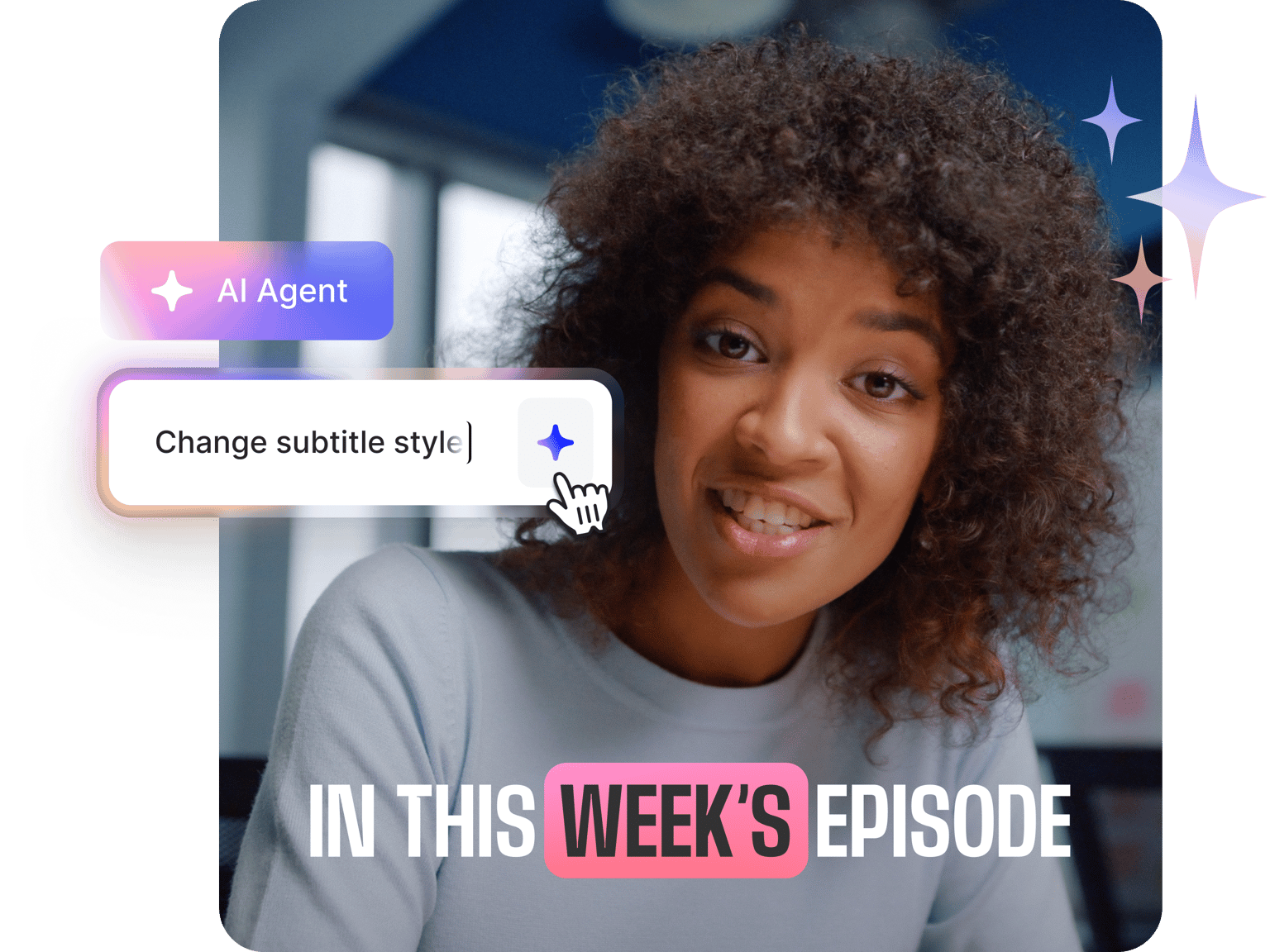
Create videos by typing instructions to VEED’s AI Agent. Generate stunning videos with various AI models
No credit card required
4.6
2,100+ reviews















Create videos with prompts in the AI playground
That ambitious video shouldn’t take a weekend of tutorials or an expensive editor on call. Our AI playground offers video models that turn your vision into a polished video. No need to navigate complex software. Just type your prompts. The AI Agent handles all the tedious video production tasks. Plus, you can add subtitles in your brand’s style. Find the perfect background music. Remove dead air and clean up your audio with our extensive AI tools. And optimize a video for TikTok or Instagram. Within VEED’s AI playground, you can create polished videos without the steep learning curve.
How to use the AI video agent within the playground:
Step 01
Select an AI model
You can select video generation models from the AI playground. Turn images into video, generate clips with popular models like Fabric and Veo 3 and more.
Step 02
Generate video
Type your prompt in the text field of your chosen AI model and generate your video. Be as specific as you can with lighting, scenes, and music. Edit your video with our AI tools.
Step 03
Export and share
Satisfied with your edits? Click 'Done' to export your video. Share your polished video on your preferred platform.
Learn More
Watch this auto video editor walkthrough:
No need to navigate confusing toolbars
The AI models inside our playground understand what you’re asking for in everyday language. Describe what you need; our AI agent has all the video capabilities. Add auto-subtitles, background music, or screen recordings. No more confusing interfaces with hundreds of buttons—just a simple chat with the AI Agent.
Reduce editing time from hours to minutes
Want to add captions or remove filler words from your audio? Use our automatic filler remover. You can also edit by script by generating a transcript of your video if it contains spoken audio. You can delete lines, awkward pauses, and entire scenes from your video.
Optimize for any platform in one click
Skip the platform research and guesswork. You can tailor your video to any popular platform by clicking on the presets. Choose a horizontal, square, or vertical format. Add captions that hook viewers even on silent autoplay. The AI assistant helps you polish your videos for YouTube, TikTok, Instagram, and more.
FAQ
Yes. Our text-to-video generator turns your prompts into videos and you can use AI tools to edit them. All tools work together to help you create professional content without complex editing skills.
You can access our AI playground and explore various AI models with a subscription.
Start with your goal, then add specifics. For platform optimization, try "Make this video work for Instagram." Need technical adjustments? Try "Change aspect ratio to vertical" or "Add subtitles." Mention style, mood, or platform requirements. The more specific your request, the better the results.
Absolutely. You have complete control of your project. If you don't like a scene, you can generate another video with more specific instructions. Or edit the project inside our editor using AI tools.
Loved by creators.
Loved by the Fortune 500
“
With VEED I didn't need 15 tutorials - I jumped straight in and started editing.

Gwenne Wilcox
Founder,
Brand Brainery
“
You can go beyond choppping things. VEED actually makes my videos look great.

Michael Glover
Demand Gen Manager,
ConvertFlow
“
The first four videos i created with VEED got over 40,000 impressions on LinkedIn.

Travis Tyler
Senior Content Producer,
PandaDoc
“
I found VEED at the right time: if you're making UGC ads and not using Eye Contact Correction and Noise Reduction on VEED you're missing out on ROI.

Sebastian Schurgers
Head of Growth Marketing,
Gronda
“
With VEED I didn't need 15 tutorials - I jumped straight in and started editing.
Gwenne Wilcox
Founder,
Brand Brainery
“
You can go beyond choppping things. VEED actually makes my videos look great.
Michael Glover
Demand Gen Manager,
ConvertFlow
“
The first four videos i created with VEED got over 40,000 impressions on LinkedIn.
Travis Tyler
Senior Content Producer,
PandaDoc
“
I found VEED at the right time: if you're making UGC ads and not using Eye Contact Correction and Noise Reduction on VEED you're missing out on ROI.
Sebastian Schurgers
Head of Growth Marketing,
Gronda
“
The first four videos i created with VEED got over 40,000 impressions on LinkedIn.
Travis Tyler
Senior Content Producer,
PandaDoc
“
I found VEED at the right time: if you're making UGC ads and not using Eye Contact Correction and Noise Reduction on VEED you're missing out on ROI.
Sebastian Schurgers
Head of Growth Marketing,
Gronda
“
With VEED I didn't need 15 tutorials - I jumped straight in and started editing.
Gwenne Wilcox
Founder,
Brand Brainery
“
You can go beyond choppping things. VEED actually makes my videos look great.
Michael Glover
Demand Gen Manager,
ConvertFlow
Discover more
Explore related tools
More from VEED
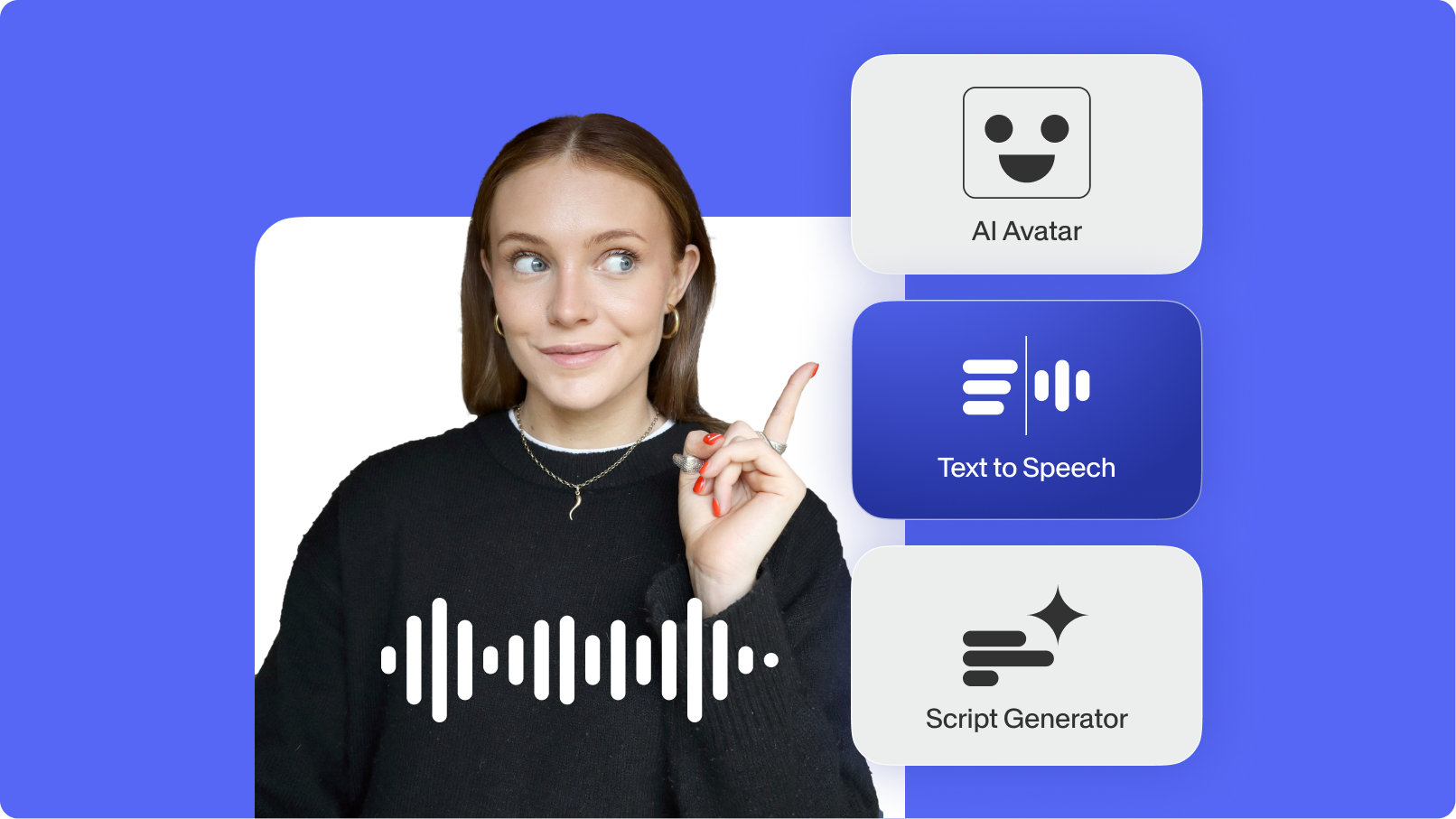
Top AI Video Generation and Creation Tools for Businesses in 2025
We’ve curated the best AI video generators for businesses—featuring automated editing and text-to-video generation.

Best AI Avatar Generators in 2026 (The Only List You'll Need)
Searching for the best AI avatar generator? We got you. Check out this expert round-up of the must-try generators out there.

How to Make AI Videos with VEED: Bring Your Ideas to Life
Want to learn how to make AI videos with VEED? Check out this starter guide to take your video projects from A to Z in the blink of AI.
Trusted by 1M+ creators
When it comes to amazing videos, all you need is VEED
No credit card required
More than an AI video editing assistant
VEED streamlines every step of your workflow, from scripting to repurposing content. Need cleaner audio? Remove background noise in one click. Want to grow your reach? Dub a video using the original voice. Promoting your podcasts? Extract shareable clips from your long-form video. You can do it all in one seamless platform. Create your first video now. Try VEED for free.