


Trusted by 1M+ creators
Image to Image AI
Turn photos into new visuals using AI image generation
No credit card required
4.6
2,100+ reviews















AI image generator from image: Restyle and reimagine your photos
Text-to-image generators can be hit or miss when you have a specific vision. With image-to-image AI, your photo guides the output. Convert portraits into illustrations, restyle product shots for campaigns, or turn vacation photos into stylized art. You get more predictable results because you're showing the AI what you want, not just describing it.
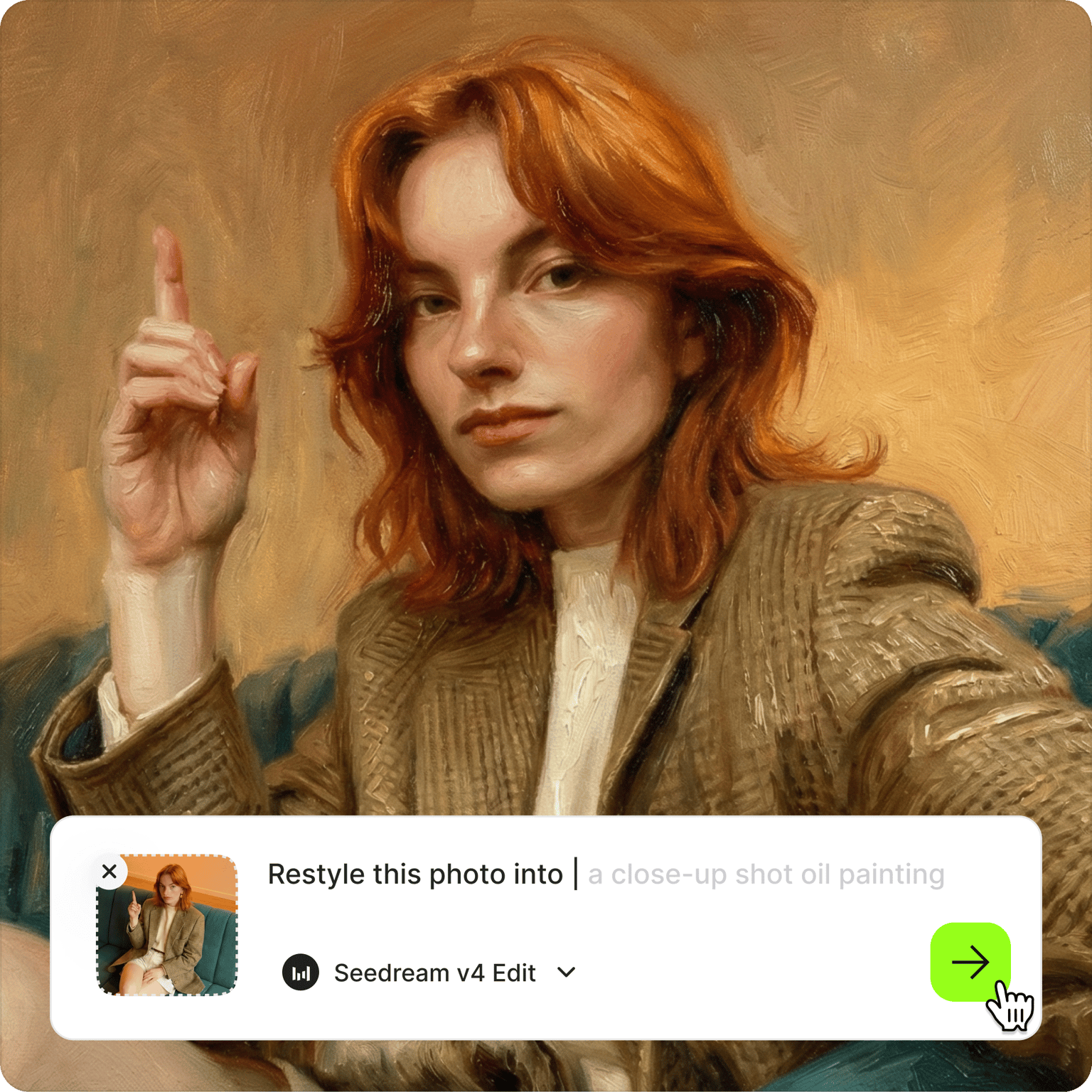
Choose from multiple AI models for different transformations. Nano Banana Pro handles complex style changes with high fidelity. Flux Kontext delivers fast iterations at lower cost. Seedream v4 adds artistic flair for stylized outputs. Explore different models to compare results and find the best fit for your image. Try the AI image-to-image generator now.
How to use the image to image AI:
Step 01
Upload your image
Upload the photo you want to transform. You can upscale low-resolution images first for better detail.
Step 02
Choose a model and type a prompt
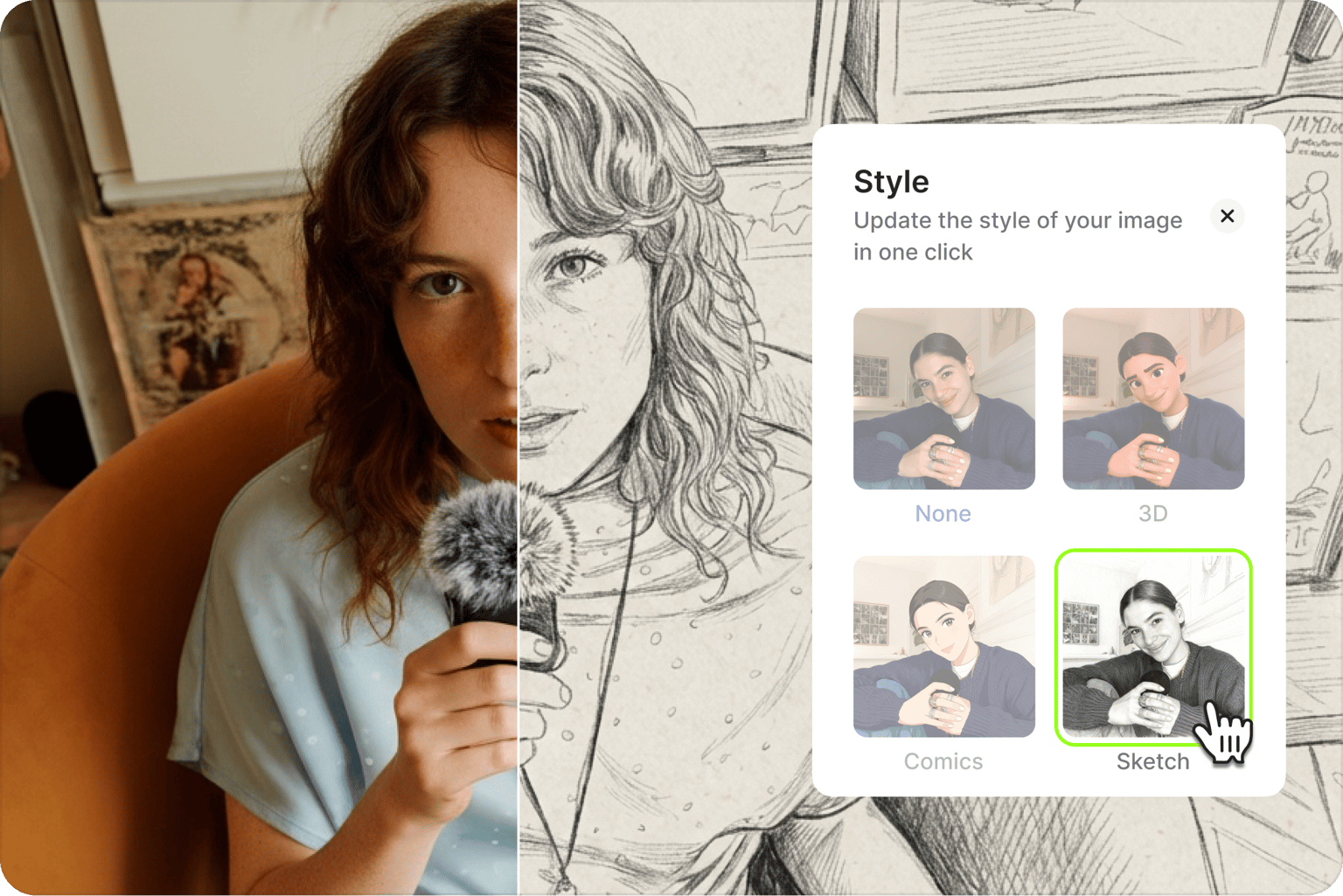
Select an AI model and type what you want to see. ‘Turn this into anime style.’ ‘Apply oil painting.’ ‘Restyle as cyberpunk illustration.’ You can also select one of our style presets.
Step 03
Download image or create video
Save your transformed image or bring it to life with image-to-video AI. Add motion effects, animate scenes, or create video content from your AI-generated visuals.
Learn More
Watch this Nano Banana Pro demo:
Turn photos into AI art and illustrations
Transform a photo into various artistic styles. Convert portraits to anime, turn landscapes into watercolor paintings, or restyle images as comic book art. Type your prompt describing the style, and the AI generates a transformed version using your original image as the base. Create unique profile pictures, social content, or art prints from your existing photos.
Multiple AI models for different transformations
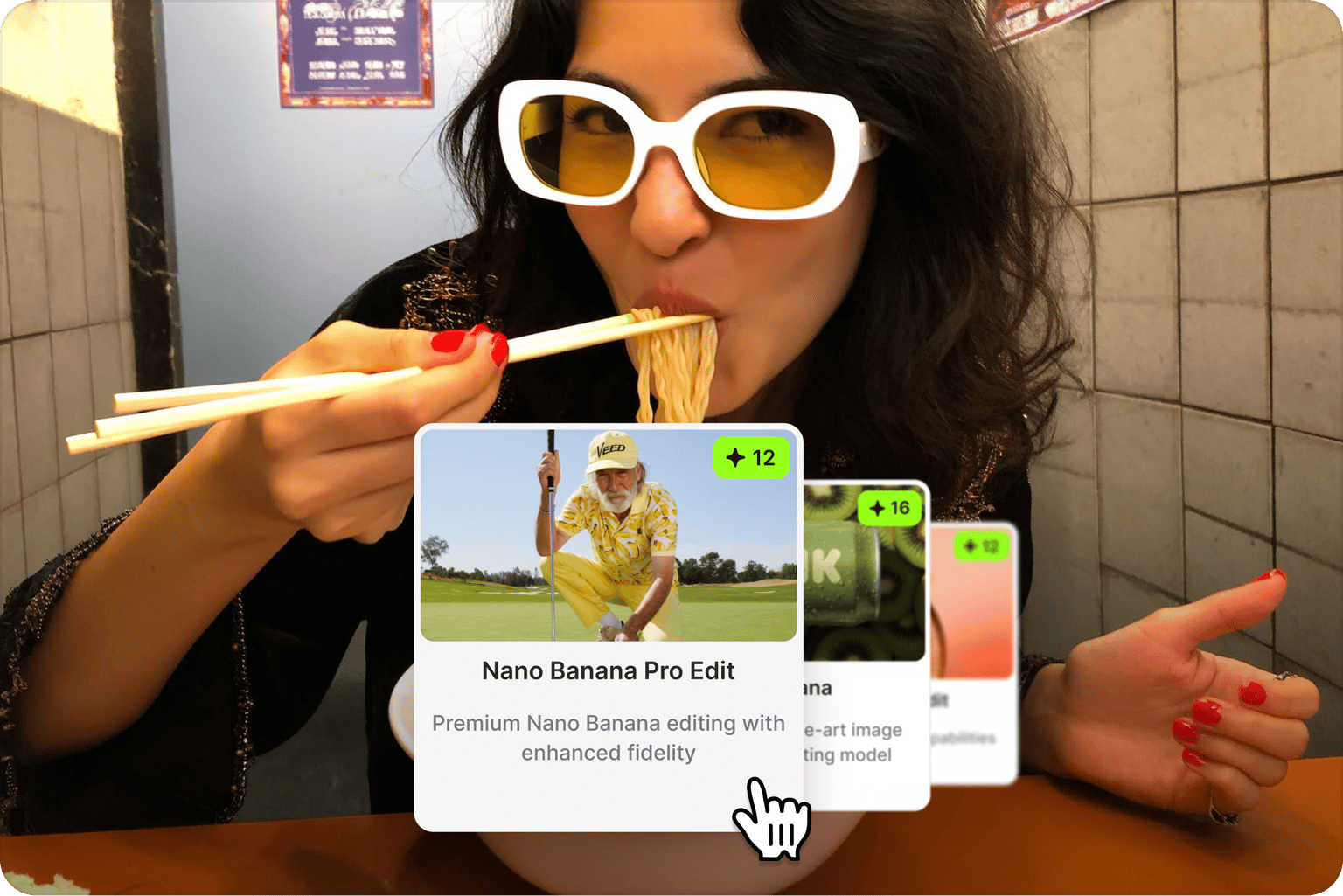
Different transformations need different AI image models. VEED's AI photo converter gives you options: Nano Banana Pro for high-fidelity complex changes, Qwen Image Edit for text editing, Flux Kontext Dev for fast iterations at lower cost, and Seedream v4 for artistic stylization. Compare outputs across AI models to find what works best for your project
From transformed images to video content
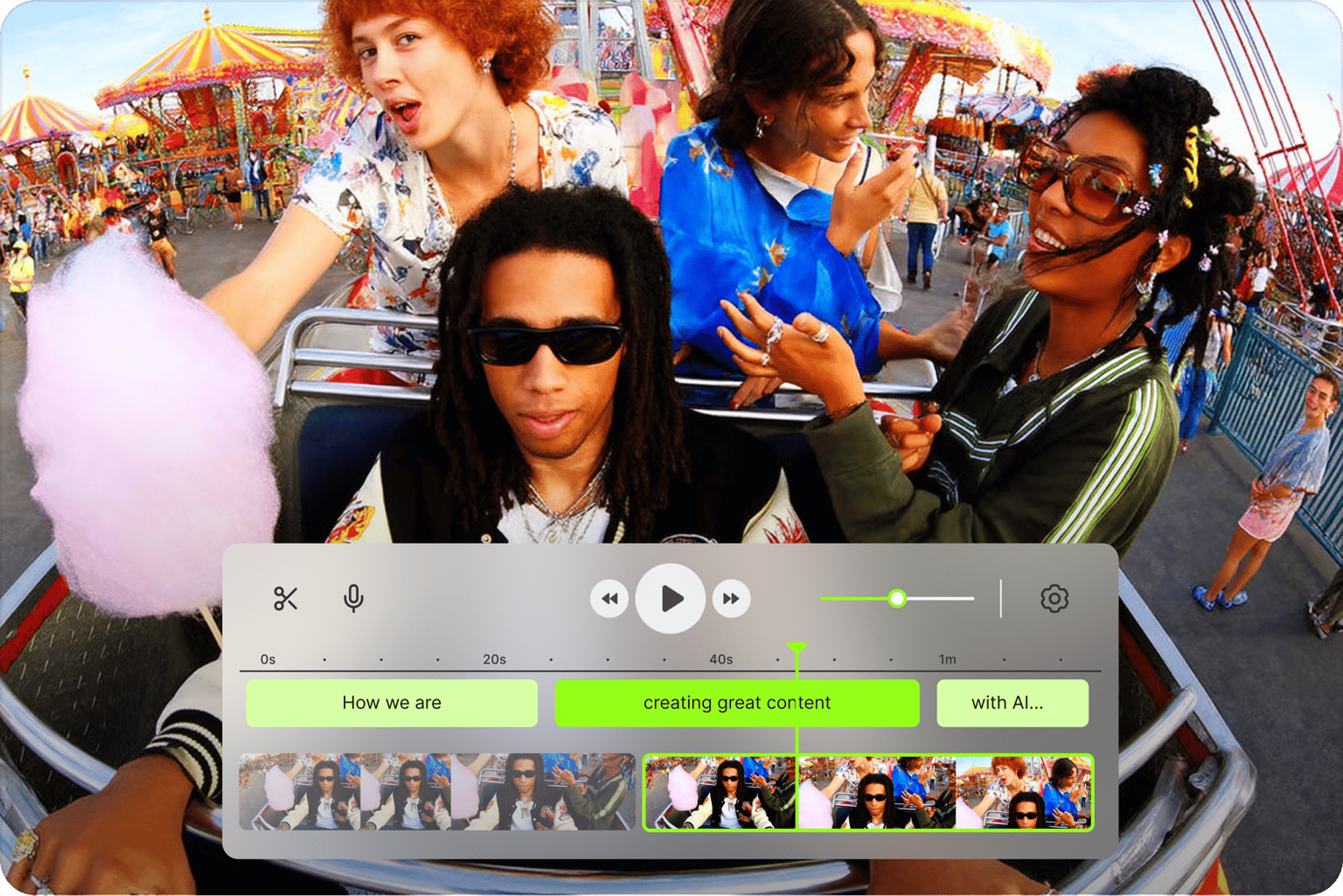
Many image-to-image tools stop at image generation. VEED connects AI image transformation to video creation. Once you've generated your visuals, animate them with image-to-video AI for social content and other video assets. Create video ads from restyled product shots. Build storyboards from transformed reference images.
FAQ
Image-to-image AI uses your existing photo as input to generate a new visual. Unlike text-to-image (which creates from text inputs), image-to-image transforms what you already have. Upload a portrait and convert it to anime. Take a product photo and restyle it for different campaigns. Your original image guides the AI output.
Common transformations include:
- Converting photos to artistic styles (anime, watercolor, oil painting, sketch)
- Restyling images for different aesthetics (vintage, cyberpunk, minimalist)
- Creating product photo variations for campaigns
- Creating AI art from personal photos
- Building visual concepts for storyboards and ads
- Image-to-image AI transforms your photo into something visually new. Different style, different aesthetic, reimagined output.
- AI image editing makes specific changes while keeping the original intact, like swapping a color, removing an object, or updating text.
Use image-to-image for transformation, image editing for targeted fixes.
VEED uses a credit-based system. Each AI model costs different credits per generation. You get access to multiple models, prompt-based control, and the ability to animate your generated images or add them to video projects. Check our pricing page for more information.
It depends on what you need. Nano Banana Pro handles complex style changes with high fidelity. Flux Kontext Dev delivers faster results at lower credit cost. Seedream v4 adds artistic flair for stylized outputs. Qwen Image Edit works well for text-based modifications. Test different models to compare results for your specific image.
Yes. VEED's image-to-image generator runs entirely in your browser. Upload your image, select a model, type your prompt, and download the result. No software to install, no app to download. Works online via desktop and mobile devices.
Loved by creators.
Loved by the Fortune 500
“
With VEED I didn't need 15 tutorials - I jumped straight in and started editing.

Gwenne Wilcox
Founder,
Brand Brainery
“
You can go beyond choppping things. VEED actually makes my videos look great.

Michael Glover
Demand Gen Manager,
ConvertFlow
“
The first four videos i created with VEED got over 40,000 impressions on LinkedIn.

Travis Tyler
Senior Content Producer,
PandaDoc
“
I found VEED at the right time: if you're making UGC ads and not using Eye Contact Correction and Noise Reduction on VEED you're missing out on ROI.

Sebastian Schurgers
Head of Growth Marketing,
Gronda
“
With VEED I didn't need 15 tutorials - I jumped straight in and started editing.
Gwenne Wilcox
Founder,
Brand Brainery
“
You can go beyond choppping things. VEED actually makes my videos look great.
Michael Glover
Demand Gen Manager,
ConvertFlow
“
The first four videos i created with VEED got over 40,000 impressions on LinkedIn.
Travis Tyler
Senior Content Producer,
PandaDoc
“
I found VEED at the right time: if you're making UGC ads and not using Eye Contact Correction and Noise Reduction on VEED you're missing out on ROI.
Sebastian Schurgers
Head of Growth Marketing,
Gronda
“
The first four videos i created with VEED got over 40,000 impressions on LinkedIn.
Travis Tyler
Senior Content Producer,
PandaDoc
“
I found VEED at the right time: if you're making UGC ads and not using Eye Contact Correction and Noise Reduction on VEED you're missing out on ROI.
Sebastian Schurgers
Head of Growth Marketing,
Gronda
“
With VEED I didn't need 15 tutorials - I jumped straight in and started editing.
Gwenne Wilcox
Founder,
Brand Brainery
“
You can go beyond choppping things. VEED actually makes my videos look great.
Michael Glover
Demand Gen Manager,
ConvertFlow
Discover more
More from VEED
Best AI Image Generators: Top Tools for Creating Stunning Visuals in 2026
From text prompts to breathtaking visuals in mere seconds, AI image generators have revolutionized the way we create digital art. Whether you're building content for social, school, or just for fun, turning ideas into visuals has never been easier. This guide breaks down the best AI image generators of 2025. You'll see what each tool does well, where it struggles, and who it’s built for, so you can pick the right one for your goals and budget.

AI Art Prompts: How to Write Better Prompts, Creative Examples, and Tools to Try
Getting your AI art prompts is the key to winning with generative AI tools. Learn how to write better prompts here.

How to Cartoonize Your Photo with AI (Step-by-Step Guide)
Learn how to cartoonize your photo using AI, and how to use ChatGPT to craft the perfect visual prompt to bring your unique style to life.
Trusted by 1M+ creators
When it comes to amazing videos, all you need is VEED
No credit card required
More than an image to image tool
VEED is an AI video creation platform where generation is the starting point, not the finish line. Try text-to-image, image-to-video, and video-to-video models in the AI playground. Once you've generated your visuals, move them into the editor. Add captions, combine clips, and add your branding. Built for marketers and creators who need content that looks uniquely theirs. Create your first video now.