


Trusted by 1M+ creators
Eye Tracking Software
An instant eye tracker to help direct your eye movements to the camera using AI. Read scripts unnoticeably!
No credit card required
4.6
2,100+ reviews















Always look at the camera: Use the powerful AI eye tracker
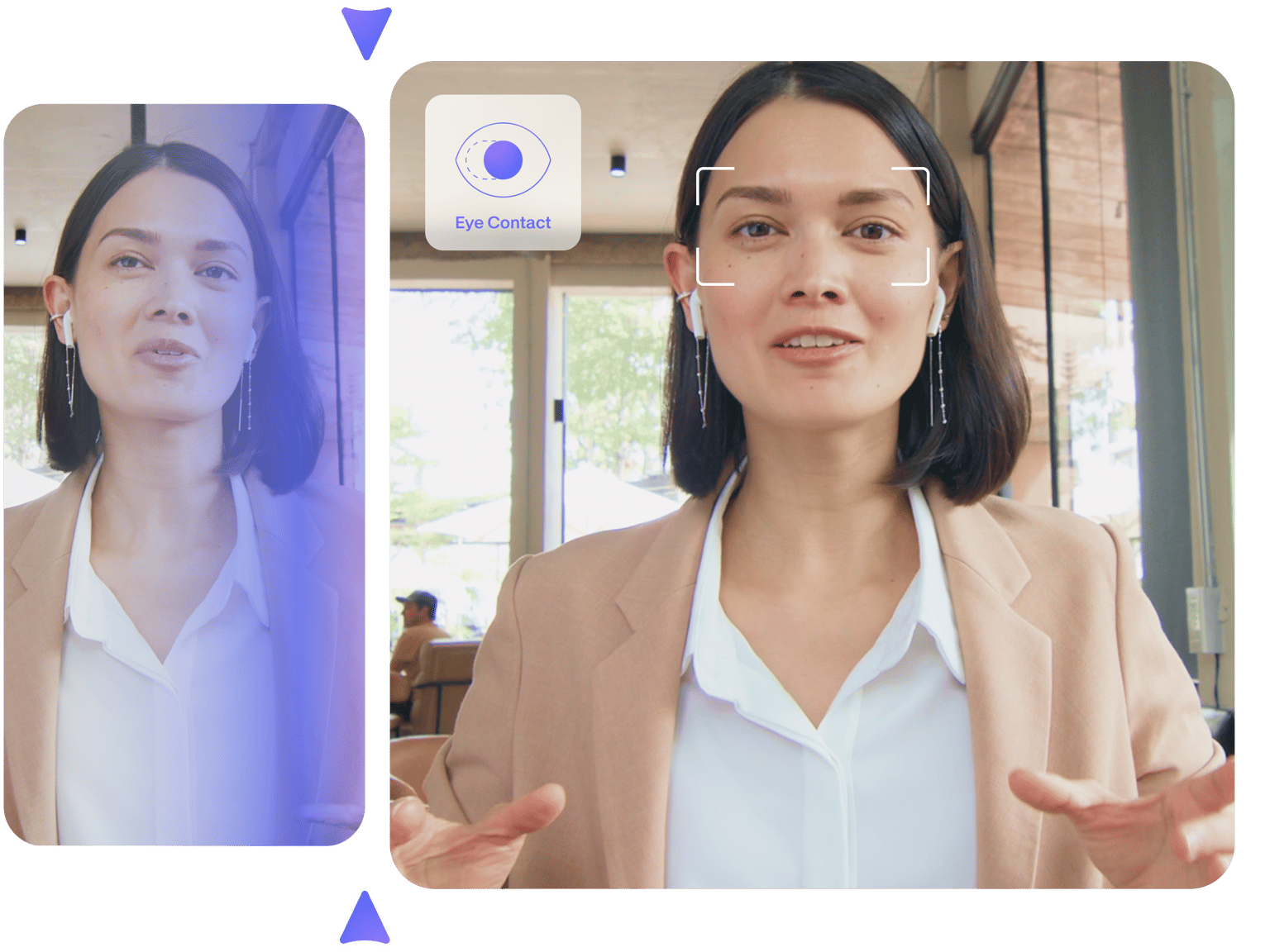
Make it look like you’re always looking at the camera, even if you’re reading a script, with the AI eye-tracking software. Use the eye contact video tool to redirect your eyes’ focus on your webcam. The webcam eye tracking app would help you look more confident, professional, and well-prepared.
You can also use our video background remover to make your video clutter-free. Remove background noise from your video to ensure crisp, clean, and professional-quality audio. Explore our full range of AI video editing tools to create engaging videos that grab attention. Use our video enhancer, and add subtitles to make your videos accessible to all.
How to use the webcam eye-tracking software:

Step 01
Upload your video or record online
Upload your video to VEED or record yourself using our webcam recorder. You can also use our teleprompter while recording to read scripts.

Step 02
Correct eye movements
Click on your video on the Timeline and toggle the Eye Contact button on the side menu. The AI eye fixer will make it look like you’re always looking at the camera.
Step 03
Export your video or keep editing
Export your video or keep exploring our AI video editing tools. You can also add stock music, sound effects, and even video clips from our stock library.
Learn More
Watch this video to learn more about our eye-tracking software:

An instant eye tracker tool for your videos
The AI eye tracker makes the user experience flawless in correcting eye movements on your videos. Fix your eyes on your videos. With one click, you can redirect subtle eye movements to the camera to make it appear like you’re not reading a script! This is perfect for creating talking head videos that you can use for marketing and presentations. Use our Teleprompter while recording to read text while filming yourself easily. Edit your videos using our video editor to ensure the output looks as clean and professional as possible.
Remove visual clutter and noise in your recordings
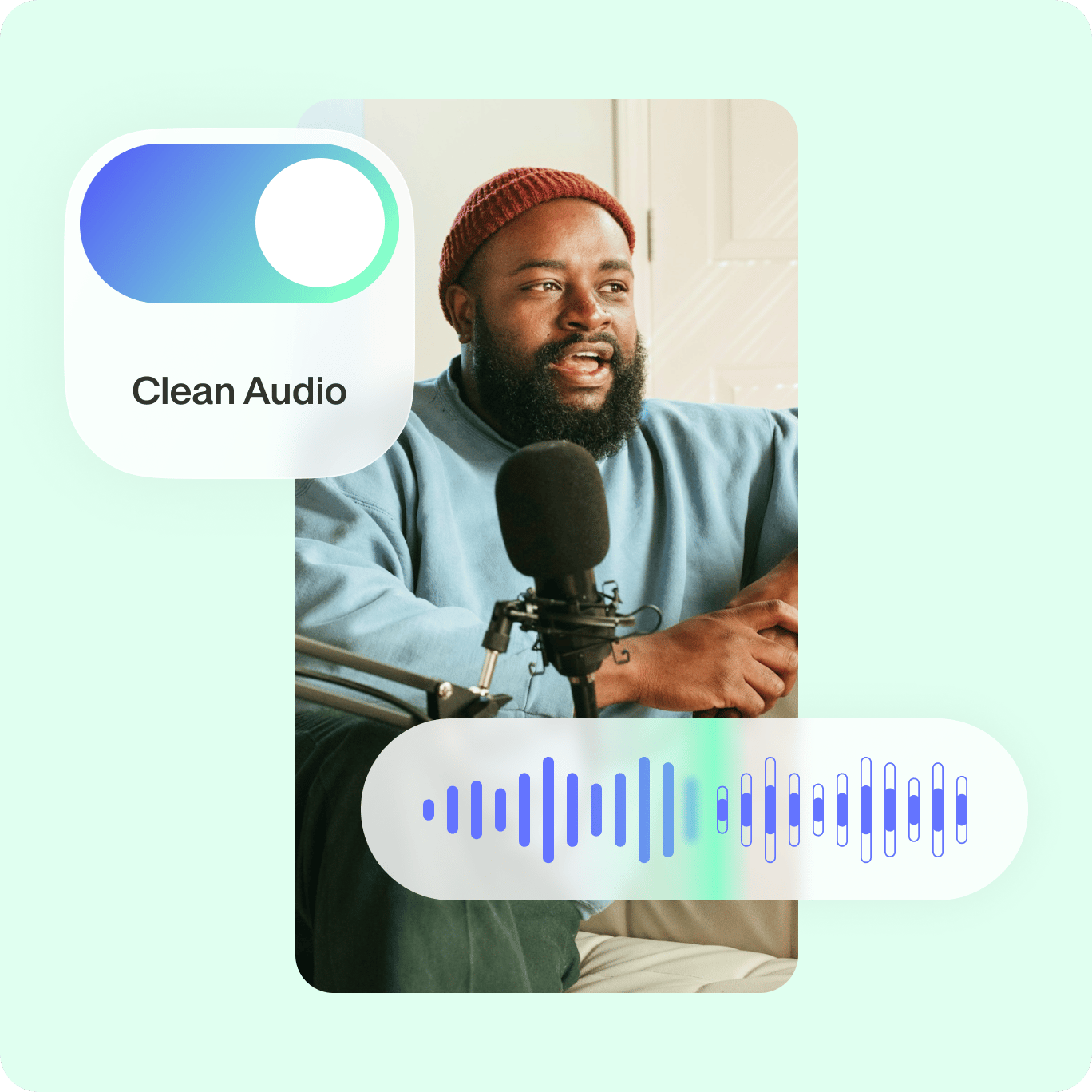
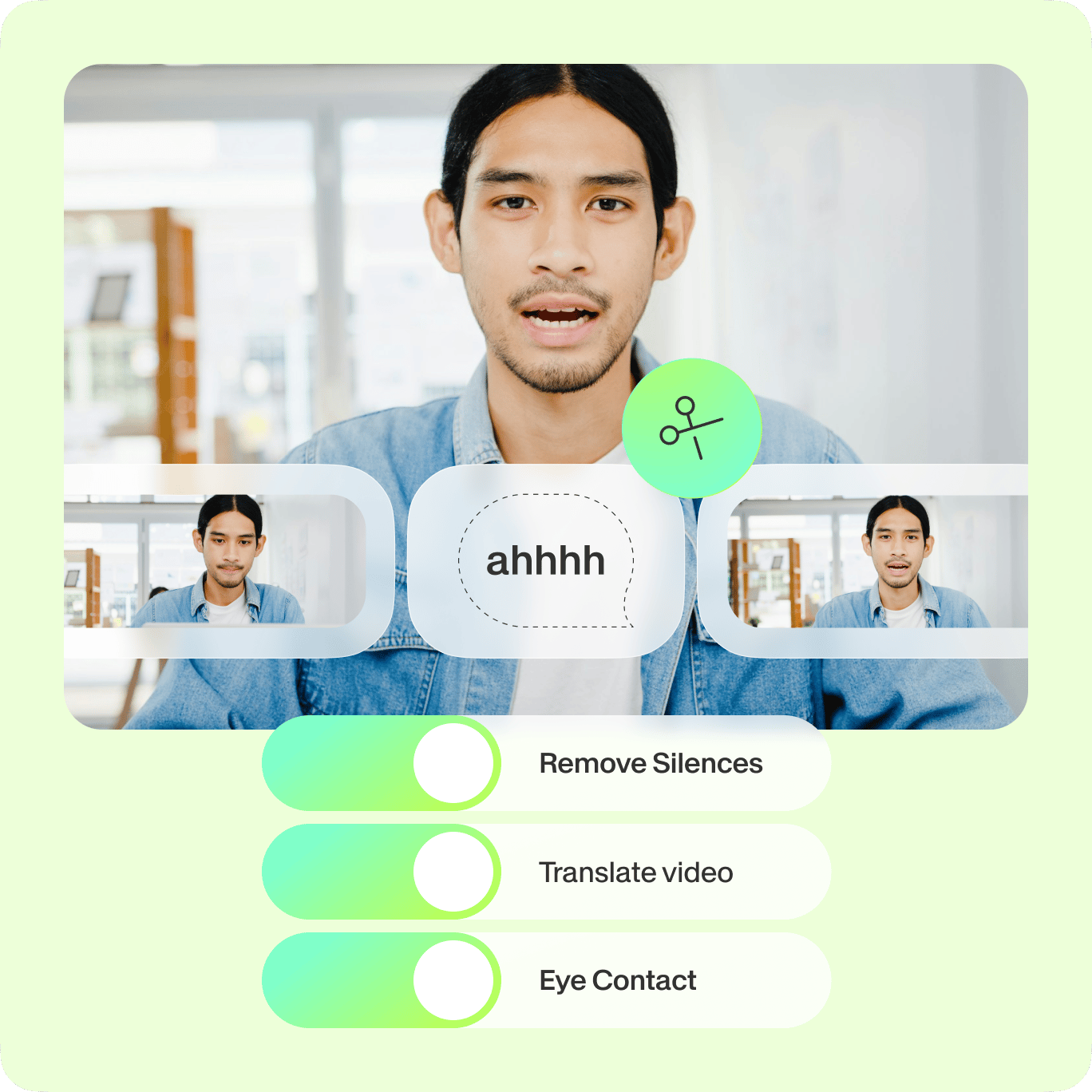
If you don’t have a professional studio, you can use our AI tools to make your recordings clutter and noise-free. Our background noise remover and video background remover let you remove those unwanted visuals and sounds in your videos in one click. You can even remove filler words and awkward pauses. These AI tools work hand-in-hand with our eye-tracking software. It all works like magic!
Eye contact correction software and AI tools
Besides our amazing AI eye-tracking software, VEED offers a full range of AI video editing features that let you create professional-looking videos—minus the learning curve. Let our magic cut tool create a masterpiece video out of your clips. Add animated text, images, video captions, emojis, and drawings to your presentation videos. Don’t know where to start? You can always use one of our highly customizable video templates!
FAQ
The AI eye tracker tool uses a sensor that automatically detects your eye movement to follow where you’re looking and redirect it to the camera. It’s a powerful AI that makes you look at the camera in your videos. Correct subtle eye movements to make it look like you’re focused at all times.
Absolutely! Use the eye direction changer online for free to make yourself look professional onscreen using our AI technology—and do it straight from your browser.
Our eye tracker was designed to provide precise eye movement correction. We are continuously improving our AI tools using machine learning to give you the best user experience at all times. If you have feedback or suggestions, you can always send us a message!
No. Our AI eye tracker subtly redirects your eye movements so that your viewers won’t notice you weren’t looking at the camera in the first place.
You can use VEED’s Teleprompter to read text right on your screen while recording. Use it together with our webcam recorder.
Plenty! You can remove background noise from your videos, remove unwanted pauses and noise, and more. We want to ensure the success of your content at all times.
Loved by creators.
Loved by the Fortune 500
“
With VEED I didn't need 15 tutorials - I jumped straight in and started editing.

Gwenne Wilcox
Founder,
Brand Brainery
“
You can go beyond choppping things. VEED actually makes my videos look great.

Michael Glover
Demand Gen Manager,
ConvertFlow
“
The first four videos i created with VEED got over 40,000 impressions on LinkedIn.

Travis Tyler
Senior Content Producer,
PandaDoc
“
I found VEED at the right time: if you're making UGC ads and not using Eye Contact Correction and Noise Reduction on VEED you're missing out on ROI.

Sebastian Schurgers
Head of Growth Marketing,
Gronda
“
With VEED I didn't need 15 tutorials - I jumped straight in and started editing.
Gwenne Wilcox
Founder,
Brand Brainery
“
You can go beyond choppping things. VEED actually makes my videos look great.
Michael Glover
Demand Gen Manager,
ConvertFlow
“
The first four videos i created with VEED got over 40,000 impressions on LinkedIn.
Travis Tyler
Senior Content Producer,
PandaDoc
“
I found VEED at the right time: if you're making UGC ads and not using Eye Contact Correction and Noise Reduction on VEED you're missing out on ROI.
Sebastian Schurgers
Head of Growth Marketing,
Gronda
“
The first four videos i created with VEED got over 40,000 impressions on LinkedIn.
Travis Tyler
Senior Content Producer,
PandaDoc
“
I found VEED at the right time: if you're making UGC ads and not using Eye Contact Correction and Noise Reduction on VEED you're missing out on ROI.
Sebastian Schurgers
Head of Growth Marketing,
Gronda
“
With VEED I didn't need 15 tutorials - I jumped straight in and started editing.
Gwenne Wilcox
Founder,
Brand Brainery
“
You can go beyond choppping things. VEED actually makes my videos look great.
Michael Glover
Demand Gen Manager,
ConvertFlow
Discover more
More from VEED
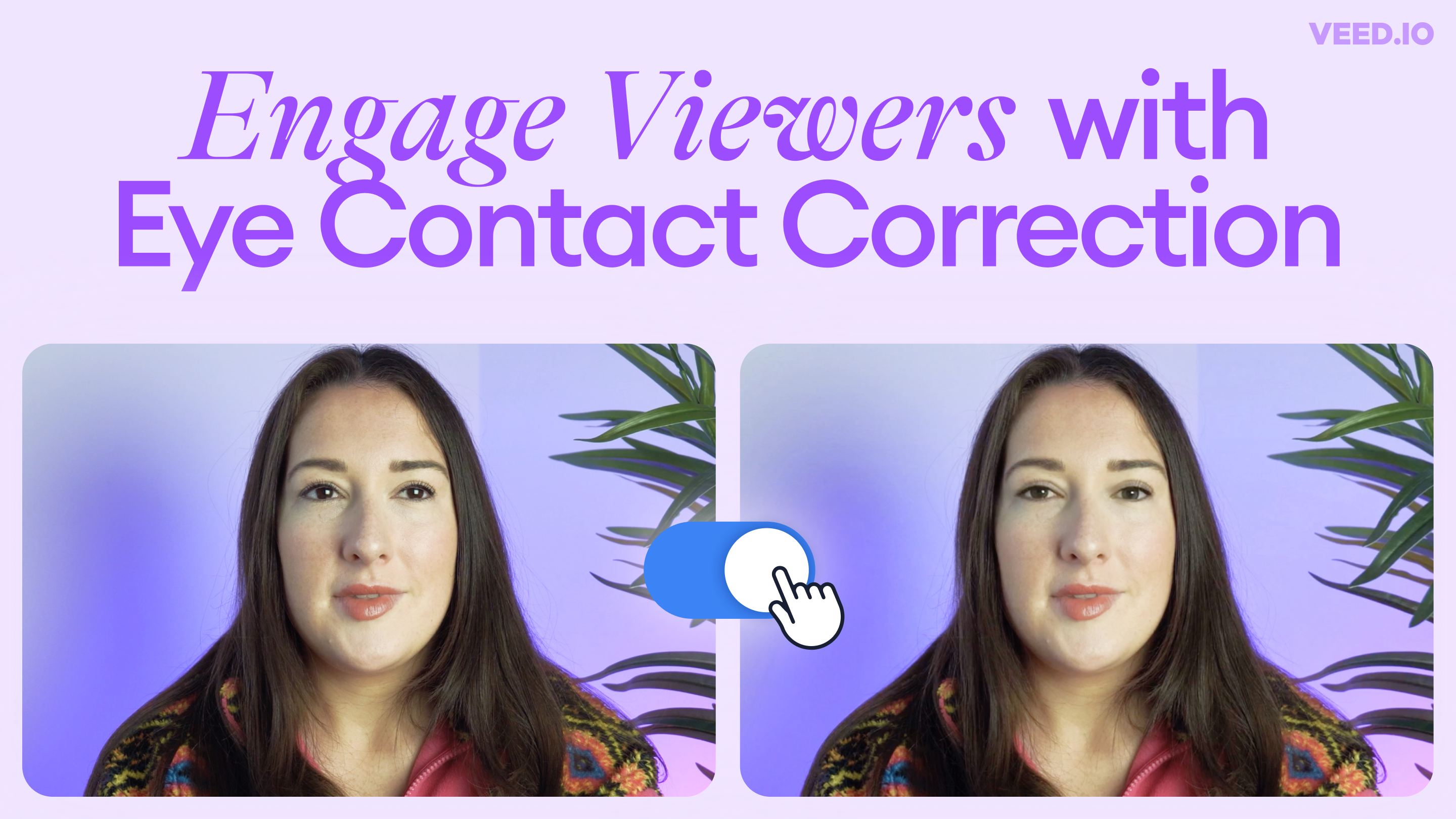
Introducing Eye Contact Correction: Correct Your Gaze with AI
Engage your viewers with VEED’s new AI-powered Eye Contact Correction tool. Read on to learn more!

How To Translate a YouTube Video to English (and Any Other Language)
Knowing how to translate YouTube videos online can be one of the most useful things in a bilingual content creator’s arsenal.
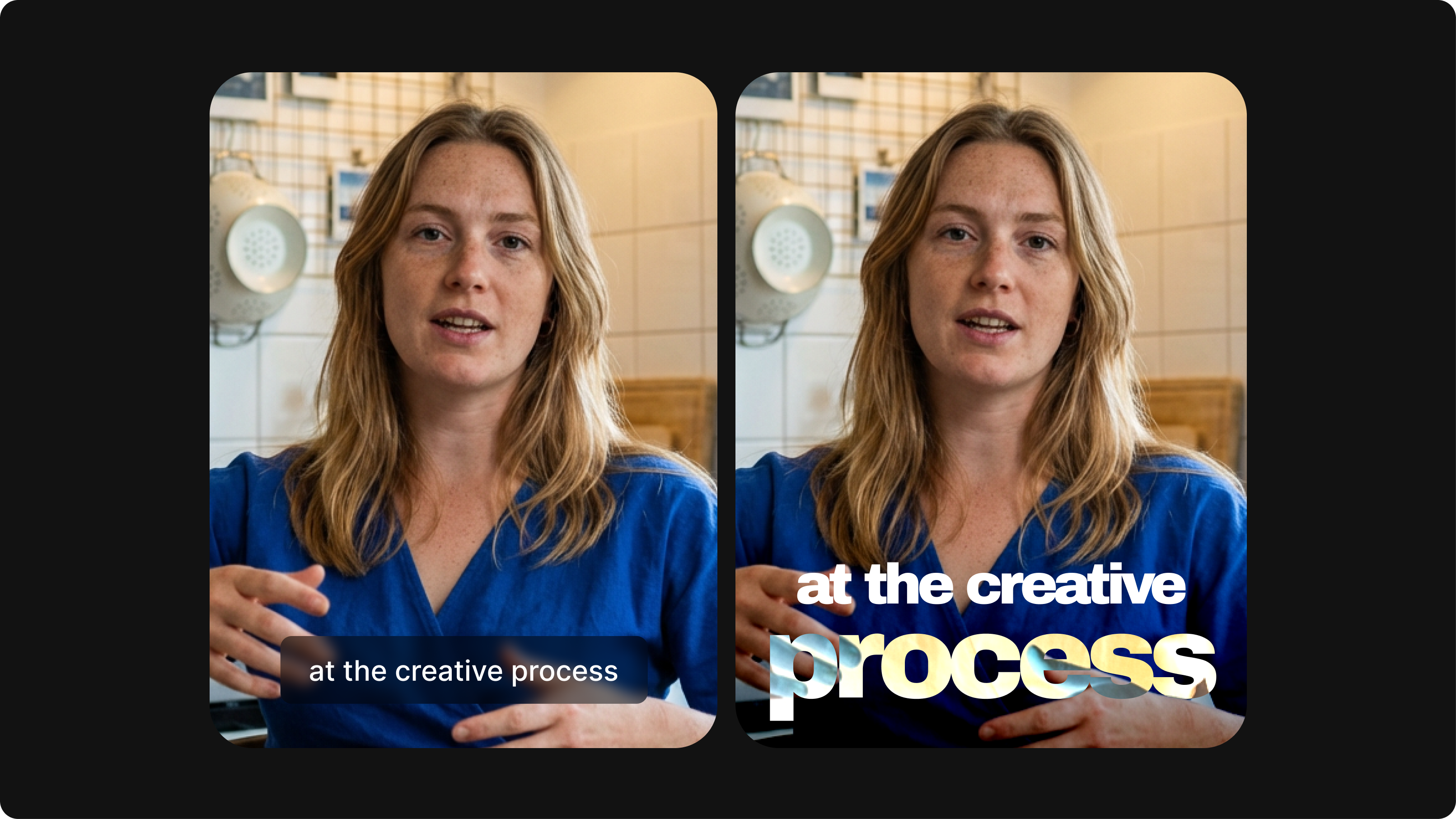
Closed Captioning VS Subtitles: Differences & When to Use Them
Understand what differentiates subtitles and closed captioning and how to add them to your own videos with ease.
Trusted by 1M+ creators
When it comes to amazing videos, all you need is VEED
No credit card required
AI eye tracker, video editing tools, and more!
VEED’s AI technology doesn’t stop at eye contact correction! It lets you do so much more than just redirect eye movements to the camera. It’s an all-in-one video editing suite that lets you create engaging videos in just minutes—letting you streamline your content creation process. Plus, you can make use of our video templates. Create sales videos, marketing ads, movie trailers, and so much more. Explore our AI video editing tools today!