

Trusted by 1M+ creators
AI Music Generator
Turn a text prompt into an original soundtrack for your video. Free to try, no credit card required
No credit card required
4.6
2,100+ reviews















Royalty-free AI Song Generator
AI music generator: Describe the sound you want, get a track back
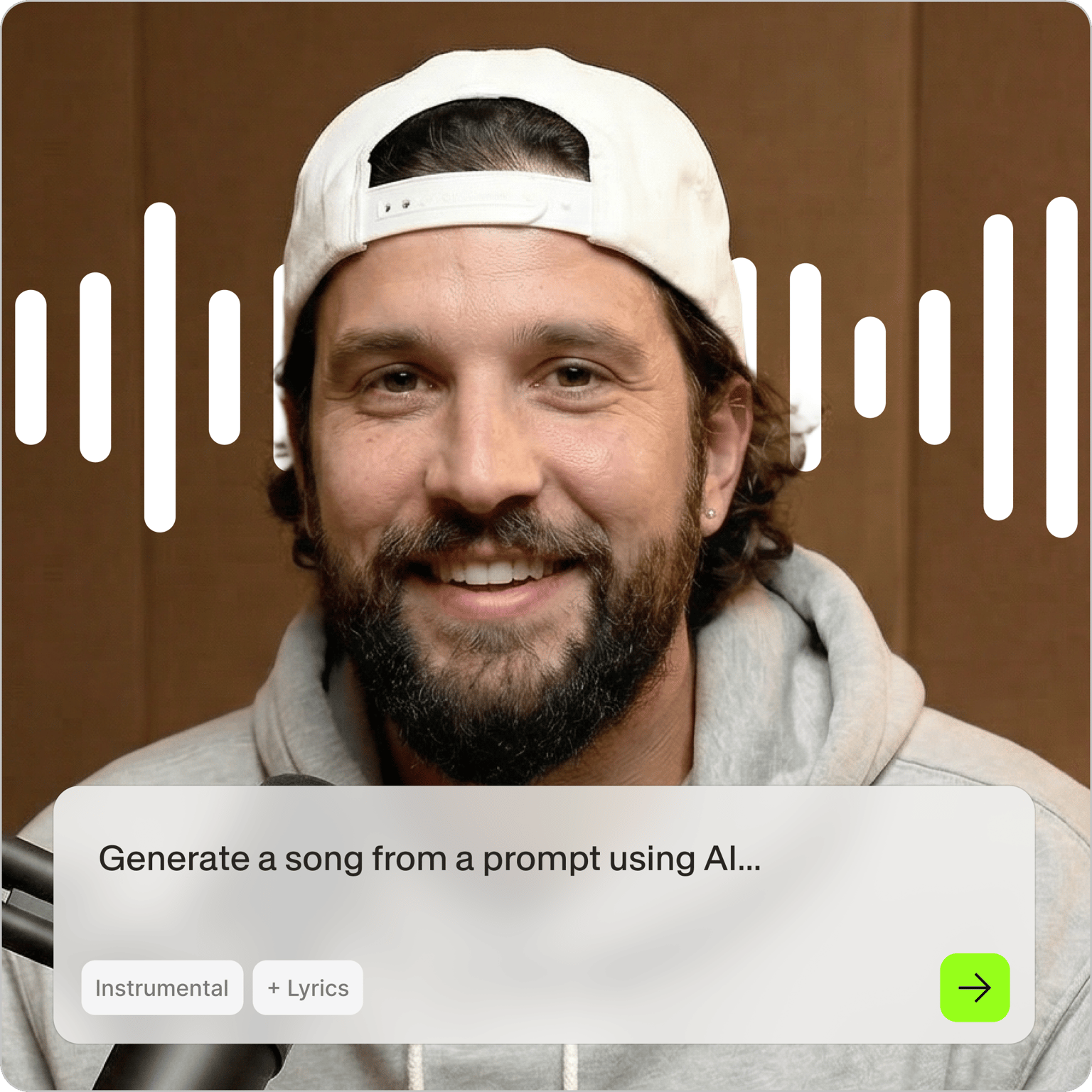
You know the music you need for this video. You just spent twenty minutes scrolling a stock library and still haven't found it. Type the description instead. VEED's AI music generator reads your prompt and writes a 20-second loop, instrumental or with vocals, built on Riffusion, based on your music ideas.
It takes about 20 seconds to generate, so you can try three directions before you commit to one. Use it for TikTok hooks, Reels, YouTube Shorts intros, podcast stingers, and Twitch highlights. Download the MP3, or add the music to your video without leaving VEED.
How to generate music with AI:
Step 01
Write your prompt
Describe the sound you want, the way you'd describe it to a friend. "A video game soundtrack similar to popular adventure games, but chill" works better than "background music." Check Instrumental if you don't want vocals, then press Generate music.
Step 02
Set the lyrics, tempo, and vibe
On the next screen, pick your lyrics type: Auto-Generate, Write My Own, or Instrumental. Slide the BPM to set the tempo, then choose a vibe: cheerful, active, relaxing, or moody. Change the prompt and generate again until it sounds right.
Step 03
Play it, then download or edit
Press play to hear your loop. Download the track as an MP3, or open it in VEED, where it drops onto your timeline looped four times. Layer it under your footage and add subtitles before you export.
A soundtrack made for your video, not licensed by ten thousand other channels
Every track comes out of your prompt, so the music matches the edit instead of the edit bending to fit the music. Generate a moody loop for a product teaser, a bright one for a launch Reel, a slow one for a podcast intro. Each one takes about 20 seconds.
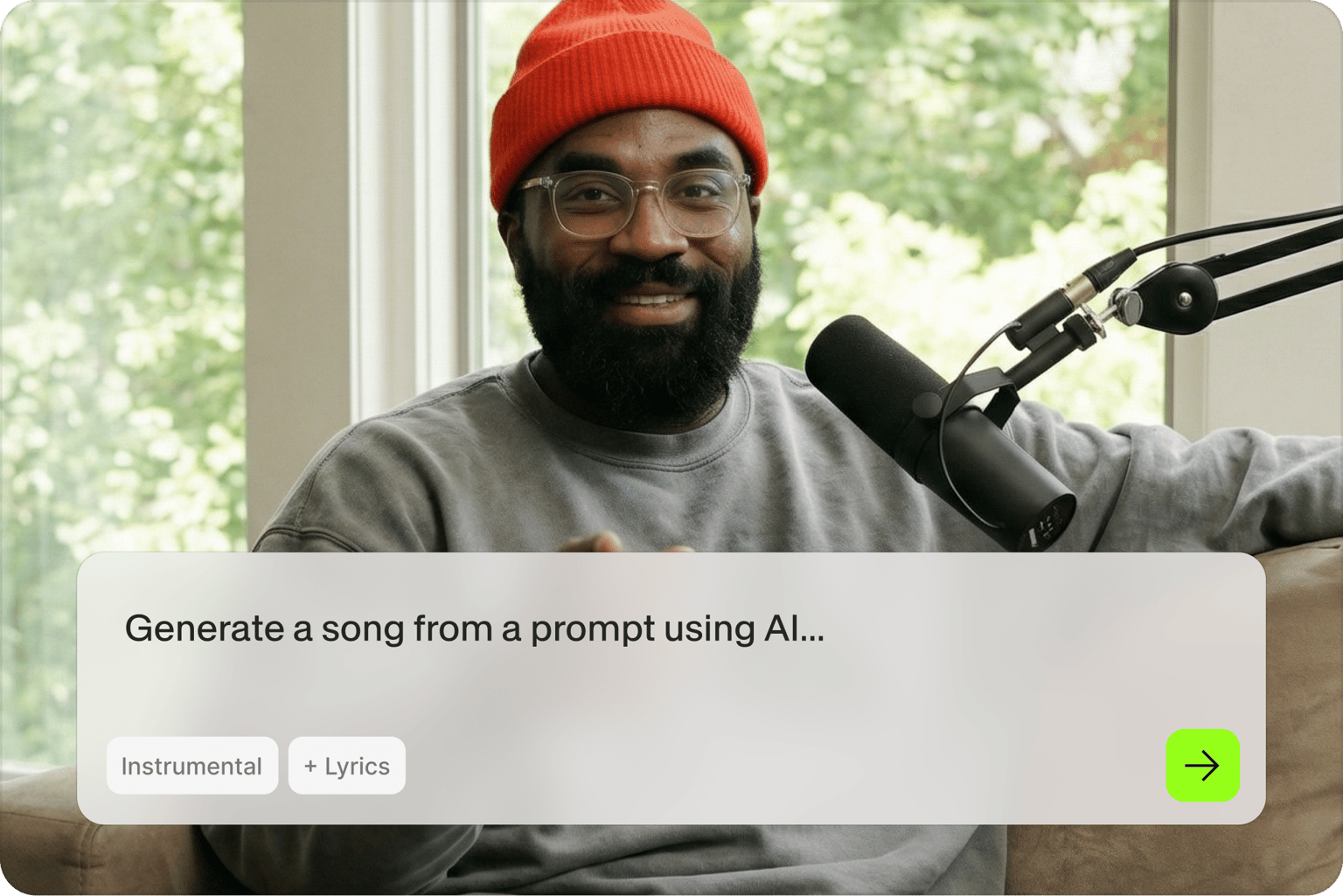
Keep going until it sounds like you
First tracks rarely land, and you're not stuck with them. Rewrite the prompt, switch the vibe, push the BPM, swap vocals for instrumental. Then pair it with your fonts, colors, and captions so the finished video sounds like your channel and looks like it too.
The track is only the beginning of your music video
Turn your audio into a waveform video with the AI music visualizer, or follow the full workflow for adding music to a video. Generate the visuals, cut the footage, caption it, and export for every platform in one place.
FAQ
Type a description of the sound you want into the prompt box, choose instrumental or vocals, and press Generate music. On the next screen you can set the lyrics type, BPM, and vibe, then generate again. Your track plays back in about 20 seconds. Download it as an MP3 or send it straight to your video.
Yes, you can generate music for free and no credit card is needed to start. Free generations come with the same prompt box, vibe options, and BPM control as paid plans. Paid plans unlock watermark-free exports, longer projects, and the rest of VEED's AI video creation tools. Check the pricing page for what each plan includes.
Both. Choose Auto-Generate to have the AI write and sing the lyrics, Write My Own to supply your own words, or Instrumental for music with no vocals at all. Instrumental works better under voiceover and talking-head video, where lyrics compete with the speaker. For lyric-led social posts, generate with vocals and build the visuals around it.
Yes. Once your track finishes generating, press play to check it, then download it as an MP3 file you can use anywhere: your video editor of choice, a podcast host, a game project, or another social tool. You can also skip the download and open the track in VEED, where it lands on your timeline looped four times.
Yes, tracks you generate are yours to use in the videos you post. If your video needs artist-made music with cleared commercial rights, VEED also includes a royalty-free library you can drop onto the same timeline.
This app is built on top of Riffusion, an AI model that generates audio from text descriptions. Prompts go straight to the model, so specific detail helps: name the instruments, the tempo, the mood, and a reference style. Prompts involving:
- violence
- sexual content
- or children
are blocked, the same as VEED's script generator.
Loved by creators.
Loved by the Fortune 500
“
With VEED I didn't need 15 tutorials - I jumped straight in and started editing.

Gwenne Wilcox
Founder,
Brand Brainery
“
You can go beyond choppping things. VEED actually makes my videos look great.

Michael Glover
Demand Gen Manager,
ConvertFlow
“
The first four videos i created with VEED got over 40,000 impressions on LinkedIn.

Travis Tyler
Senior Content Producer,
PandaDoc
“
I found VEED at the right time: if you're making UGC ads and not using Eye Contact Correction and Noise Reduction on VEED you're missing out on ROI.

Sebastian Schurgers
Head of Growth Marketing,
Gronda
“
With VEED I didn't need 15 tutorials - I jumped straight in and started editing.
Gwenne Wilcox
Founder,
Brand Brainery
“
You can go beyond choppping things. VEED actually makes my videos look great.
Michael Glover
Demand Gen Manager,
ConvertFlow
“
The first four videos i created with VEED got over 40,000 impressions on LinkedIn.
Travis Tyler
Senior Content Producer,
PandaDoc
“
I found VEED at the right time: if you're making UGC ads and not using Eye Contact Correction and Noise Reduction on VEED you're missing out on ROI.
Sebastian Schurgers
Head of Growth Marketing,
Gronda
“
The first four videos i created with VEED got over 40,000 impressions on LinkedIn.
Travis Tyler
Senior Content Producer,
PandaDoc
“
I found VEED at the right time: if you're making UGC ads and not using Eye Contact Correction and Noise Reduction on VEED you're missing out on ROI.
Sebastian Schurgers
Head of Growth Marketing,
Gronda
“
With VEED I didn't need 15 tutorials - I jumped straight in and started editing.
Gwenne Wilcox
Founder,
Brand Brainery
“
You can go beyond choppping things. VEED actually makes my videos look great.
Michael Glover
Demand Gen Manager,
ConvertFlow
Explore related tools
More from VEED

How To Add Royalty Free Music To A Video
Royalty-free music has two big benefits over traditional music licensing: It’s a lot easier to find and download songs that fit your project, and it’s a lot cheaper.
VEED x ElevenLabs: Create Custom Music for Your Videos with AI
VEED's AI Background Music lets you create custom music with a simple tap. At the heart of this tool? Eleven Music, ElevenLabs' cutting-edge music API. Learn more here.

How to Dub a Video with AI: Step-by-Step Guide for Perfect Audio Sync
Want to learn how to dub a video with AI? This guide is all you need.
Trusted by 1M+ creators
When it comes to amazing videos, all you need is VEED
No credit card required
More than an AI music generator
VEED is an AI video creation platform. Generate the footage with the latest frontier video models and the soundtrack in the same workflow, then shape both until they're right: trim the cut, write the script, add subtitles in your own fonts and colors, and drop in your logo. Export in the size each platform wants, then post. One place, from empty timeline to finished video.