


Trusted by 1M+ creators
AI Song Generator
A song generator AI that writes lyrics, sings them, and gives you a 20-second hook to build on
No credit card required
4.6
2,100+ reviews















A sung hook from one sentence, in seconds
An AI song generator turns a written description into a short song with vocals. Type the mood, genre, and what the song is about, and VEED's AI song generator writes the lyrics, sings them, and plays back a 20-second loop you can download as an MP3. Supply your own lyrics or let it write them.
Creators use it for a TikTok hook that nobody else has. Marketers put a jingle under a product teaser. Podcasters generate a sung intro sting with the show's name in it. When the loop is ready, add the music to your video in the same session and keep editing.
How to generate a song with AI:
Step 01
Write your prompt
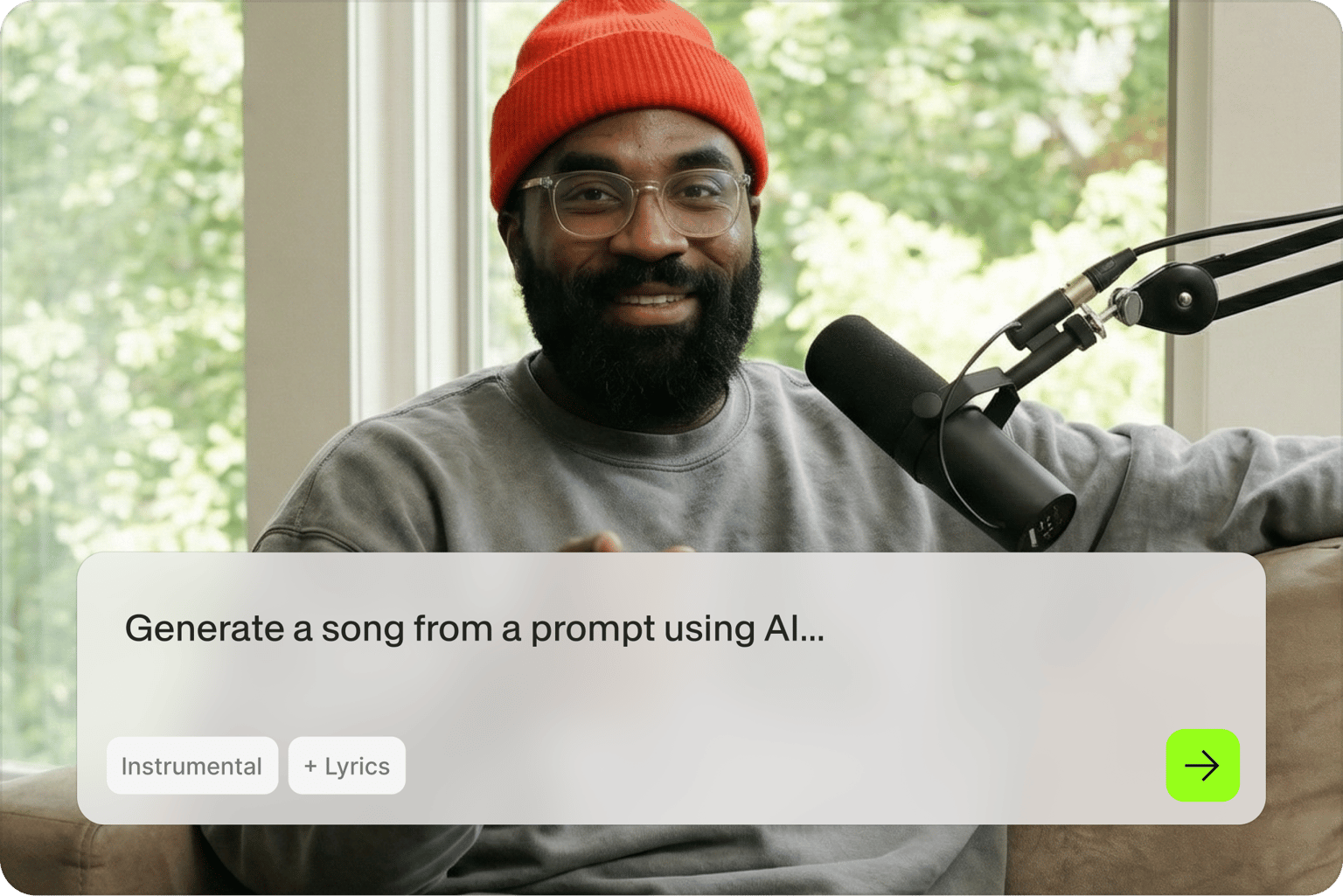
Describe the song the way you'd pitch it to a friend: "an upbeat indie pop chorus about a Monday morning coffee run, female vocal, handclaps." Leave the Instrumental box unchecked so the generator includes vocals, then press Generate music.
Step 02
Set the lyrics, tempo, and vibe
Pick Auto-Generate to have the AI write the words, or Write My Own to paste in lyrics you have. Slide the BPM to set the pace and choose a vibe: cheerful, active, relaxing, or moody. Change the prompt and generate again until it sounds right.
Step 03
Play it, then download or edit
Press play to hear the loop. Download it as an MP3, or open it in VEED, where it lands on your timeline looped four times. Add your footage, auto subtitles for the lyrics, and export.
Learn More
Watch this AI song generator walkthrough:
Lyrics written and sung for you, or sung from your own words
Choose Auto-Generate and the AI song lyrics generator writes a short set of lyrics to match your prompt, then sings them in the voice and style you asked for. Choose Write My Own and paste in your lyrics: a birthday message, a product tagline, the three lines you've been humming all week. Either way the vocal comes back with the melody already fitted to the words, so there's no separate step for recording or syncing.
Try a few directions before you commit to one
Each loop takes about 20 seconds, so testing is cheap. Generate the same idea as cheerful pop and as a moody acoustic version, then play them against your footage and keep the one that fits. Push the BPM up for a Reel and down for a podcast intro. For a rap verse, the rap generator runs on the same prompt box with a flow built for spoken delivery.
From a 20-second hook to a finished video
The song is the start of the post. Open it in VEED and it drops onto the timeline looped four times. Lay your clips over it, time the cuts to the beat, and turn the lyrics into on-screen captions. To talk over the intro, record a voiceover, or generate one from a script with AI voice cloning so the narration is in your own voice. Then make the visual with the AI music visualizer.
FAQ
Type a description of the song into the prompt box, including genre, mood, and subject, and leave Instrumental unchecked so it includes vocals. Press Generate music, then choose Auto-Generate for AI-written lyrics or Write My Own to use yours, set the BPM and vibe, and generate. The loop plays back in about 20 seconds, ready to download as an MP3.
Both. With vocals on, it writes or takes your lyrics and sings them over a melody it composes for the prompt. Check Instrumental and you get the music alone, which works better under a voiceover or a talking-head video. You can generate one of each from the same prompt and compare them side by side.
Each generation is a 20-second loop, built for hooks, intros, stings, and social clips rather than a full-length track. Open it in VEED and it lands on the timeline looped four times, which covers a Reel or a Short. For a longer piece, generate a few sections and arrange them in the audio editor.
Yes, generating a song is free to try, and you don't need a credit card to start. Free generations include the prompt box, the lyrics options, the BPM slider, and the vibe picker. Paid plans unlock watermark-free exports, longer projects, and the rest of VEED's AI video creation tools, and the pricing page lists what each one includes.
Yes. After you press Generate music, pick Write My Own on the next screen and paste your words in. Keep them short enough to fit a 20-second loop, roughly a chorus or a verse, and the generator fits a melody and vocal to them. If a line doesn't land, edit it and generate again.
Loved by creators.
Loved by the Fortune 500
“
With VEED I didn't need 15 tutorials - I jumped straight in and started editing.

Gwenne Wilcox
Founder,
Brand Brainery
“
You can go beyond choppping things. VEED actually makes my videos look great.

Michael Glover
Demand Gen Manager,
ConvertFlow
“
The first four videos i created with VEED got over 40,000 impressions on LinkedIn.

Travis Tyler
Senior Content Producer,
PandaDoc
“
I found VEED at the right time: if you're making UGC ads and not using Eye Contact Correction and Noise Reduction on VEED you're missing out on ROI.

Sebastian Schurgers
Head of Growth Marketing,
Gronda
“
With VEED I didn't need 15 tutorials - I jumped straight in and started editing.
Gwenne Wilcox
Founder,
Brand Brainery
“
You can go beyond choppping things. VEED actually makes my videos look great.
Michael Glover
Demand Gen Manager,
ConvertFlow
“
The first four videos i created with VEED got over 40,000 impressions on LinkedIn.
Travis Tyler
Senior Content Producer,
PandaDoc
“
I found VEED at the right time: if you're making UGC ads and not using Eye Contact Correction and Noise Reduction on VEED you're missing out on ROI.
Sebastian Schurgers
Head of Growth Marketing,
Gronda
“
The first four videos i created with VEED got over 40,000 impressions on LinkedIn.
Travis Tyler
Senior Content Producer,
PandaDoc
“
I found VEED at the right time: if you're making UGC ads and not using Eye Contact Correction and Noise Reduction on VEED you're missing out on ROI.
Sebastian Schurgers
Head of Growth Marketing,
Gronda
“
With VEED I didn't need 15 tutorials - I jumped straight in and started editing.
Gwenne Wilcox
Founder,
Brand Brainery
“
You can go beyond choppping things. VEED actually makes my videos look great.
Michael Glover
Demand Gen Manager,
ConvertFlow
Discover more
Explore related tools
Trusted by 1M+ creators
When it comes to amazing videos, all you need is VEED
No credit card required
More than an AI song generator
A song with vocals is one of the things VEED can make from a line of text. VEED is an AI video creation platform, so the track can keep going: build a lyric video around the words, generate footage to cut to it, or add it under a talking clip with captions and your logo. Everything exports in the size each platform wants. Sign up now to start creating.