


Trusted by 1M+ creators
Meme Maker
Online video meme maker to help you create shareable content. Online, free
No credit card required
4.6
2,100+ reviews















Make Video Memes Online
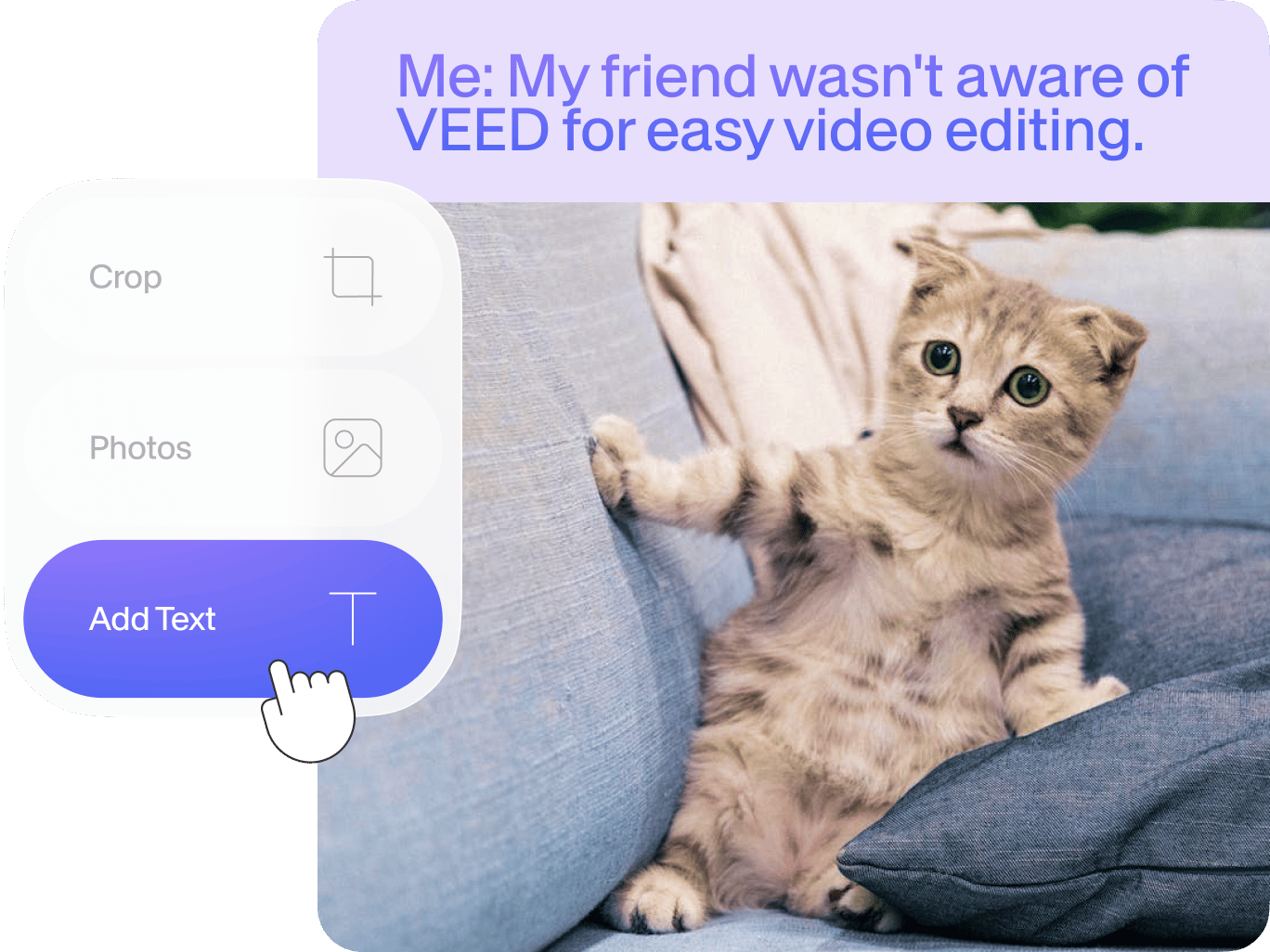
Create relatable video memes in a few simple steps with VEED’s online meme generator. Simply import your clip into VEED’s video meme editor, crop and resize your video to square so it’s ready for Instagram’s dimensions. You can then add text, images, and even a watermark to prevent your memes from getting stolen. VEED’s meme generator is super easy to use. It only takes a few clicks. Create multiple video memes in just minutes! You can even create memes from your YouTube videos. You can select your favorite clip from the entire video, cut out the rest, and edit the video as a meme. It is extremely easy to add text, images, and captions to make your video meme unique!
How to Create a Video Meme:
Step 01
Upload a video
Click on ‘Choose Video’ and select your video from your folders

Step 02
Edit your video meme
Add text to your video to turn it into a meme. You can put text on the top and bottom of your video to make a proper meme. You can also resize it to fit different social media platforms.
Step 03
Export
When you’re done editing, just click on ‘Export’. Download your video in the format that you prefer.
Learn More
‘Create a Video Meme’ Tutorial

Free online video meme maker
Create all the video memes you want straight from your browser using VEED’s video meme generator. No need to download any software that can eat up huge storage space in your device. Creating an account is optional but doing so will allow you to save all your meme projects and other video projects in one place. Access your videos anytime, anywhere—from any device! You can name your projects, save them, and go back to them later for editing.

Optimize your video for social media
Optimize your video for better engagement on Instagram, Facebook, Twitter, TikTok, and more. Add text titles, subtitles, progress bars, and other elements. Optimizing your videos for different social media platforms will help you get more engagement on your posts. Crop your video meme for YouTube and other video-sharing platforms in just a few clicks. We have all major social media platform dimensions saved for you. Create funny video memes that people can relate to, tell amazing stories through videos, and start conversations.

Customize your video memes
VEED is a powerful video editor that allows you to make endless customizations for your videos. You can add audio, sound effects, voice recordings, and more. Add background music to your videos as well as other sounds and voice-overs. You don’t even need to have any experience in video editing! All tools are super easy to use, and you can do them all straight from your browser!
FAQ
VEED makes it incredibly simple for you to create your own video memes. Just upload your video, edit and customize it to turn it into a meme (it only takes a few clicks), and download your video to your device!
While there are many apps out there that let you create video memes, VEED stands out because it is super easy to use and free! You can easily add text to your video memes, add images, audio, drawings, and more. You don’t even need to create an account and it works straight from your browser.
To add captions to your video meme, just click on the Text tool from the left menu and start typing! You can place your text on the top, bottom, sides, and anywhere on the video.
Memes have become increasingly popular over the years. The term comes from the Greek word “minema” which means imitated. It is not an abbreviation of any sort.
Meme is usually pronounced as “meem”.
Memes can be in the form of photos, videos, or text. If you want to create video memes, VEED’s meme generator is the best tool to use.
Loved by creators.
Loved by the Fortune 500
“
With VEED I didn't need 15 tutorials - I jumped straight in and started editing.

Gwenne Wilcox
Founder,
Brand Brainery
“
You can go beyond choppping things. VEED actually makes my videos look great.

Michael Glover
Demand Gen Manager,
ConvertFlow
“
The first four videos i created with VEED got over 40,000 impressions on LinkedIn.

Travis Tyler
Senior Content Producer,
PandaDoc
“
I found VEED at the right time: if you're making UGC ads and not using Eye Contact Correction and Noise Reduction on VEED you're missing out on ROI.

Sebastian Schurgers
Head of Growth Marketing,
Gronda
“
With VEED I didn't need 15 tutorials - I jumped straight in and started editing.
Gwenne Wilcox
Founder,
Brand Brainery
“
You can go beyond choppping things. VEED actually makes my videos look great.
Michael Glover
Demand Gen Manager,
ConvertFlow
“
The first four videos i created with VEED got over 40,000 impressions on LinkedIn.
Travis Tyler
Senior Content Producer,
PandaDoc
“
I found VEED at the right time: if you're making UGC ads and not using Eye Contact Correction and Noise Reduction on VEED you're missing out on ROI.
Sebastian Schurgers
Head of Growth Marketing,
Gronda
“
The first four videos i created with VEED got over 40,000 impressions on LinkedIn.
Travis Tyler
Senior Content Producer,
PandaDoc
“
I found VEED at the right time: if you're making UGC ads and not using Eye Contact Correction and Noise Reduction on VEED you're missing out on ROI.
Sebastian Schurgers
Head of Growth Marketing,
Gronda
“
With VEED I didn't need 15 tutorials - I jumped straight in and started editing.
Gwenne Wilcox
Founder,
Brand Brainery
“
You can go beyond choppping things. VEED actually makes my videos look great.
Michael Glover
Demand Gen Manager,
ConvertFlow
Explore related tools
Trusted by 1M+ creators
When it comes to amazing videos, all you need is VEED
No credit card required
More than a meme maker
VEED is super fun to use because it features so many tools that let you get creative and make your videos unique. Create and edit videos like a pro even without video editing experience. Professionals and beginners alike use VEED for their videos. You can even compress and convert your videos to different file formats. Convert to and from MP4, MOV, AVI, and more. And you can do all these straight from your browser, with just a few clicks! Download the VEED mobile app on iOS!