


Trusted by 1M+ creators
Dark Wallpaper
Generate a dark wallpaper for your phone, tablet, or desktop with AI. Describe the palette and mood in the prompt, then generate and download.
No credit card required
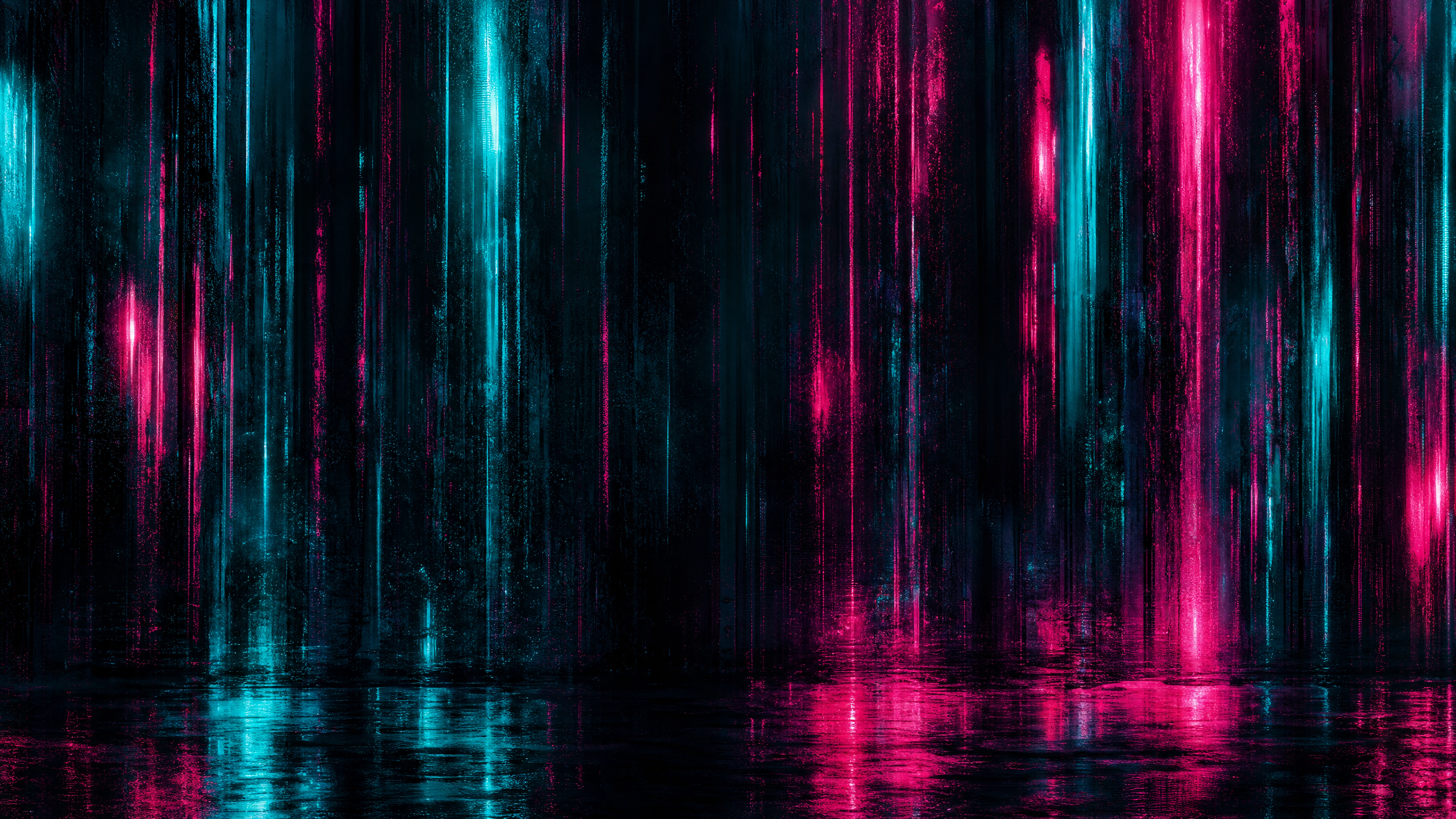
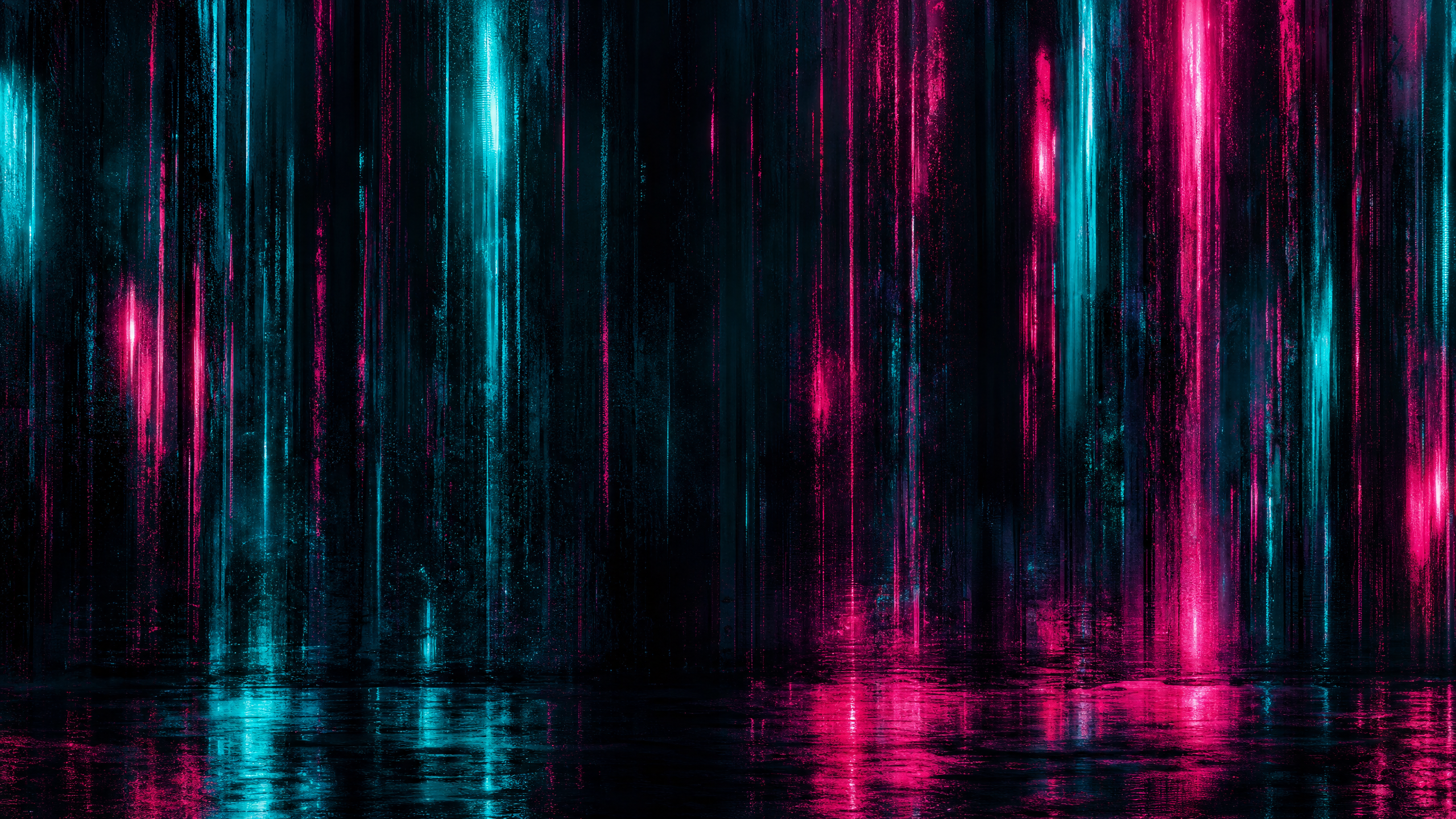
Teal and Magenta Neon Cyberpunk Background
Wallpapers
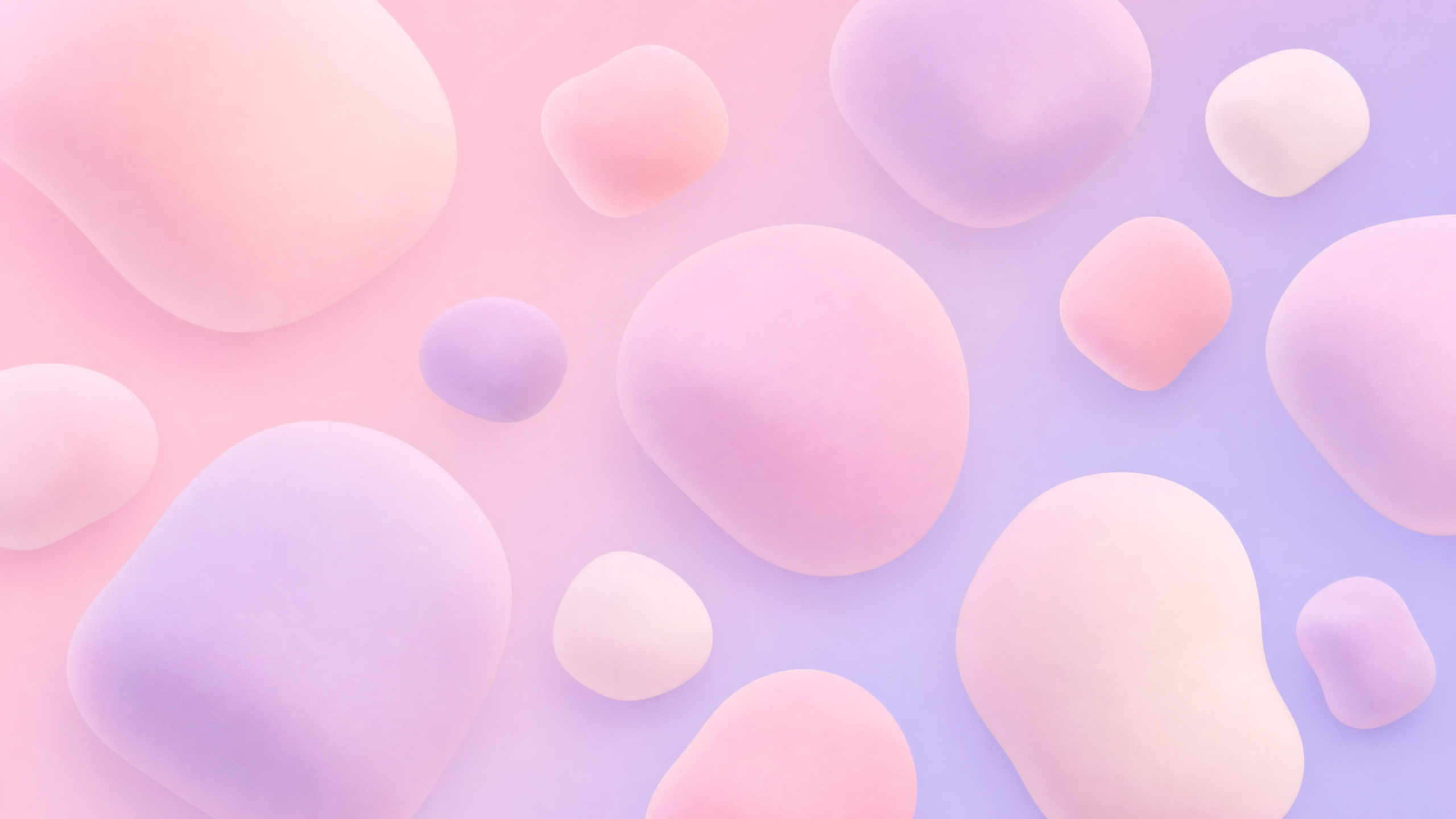
Pink and Lavender Pillowy Marshmallow Background Design
Wallpapers


Cream and Honey Linen Texture Background
Wallpapers
4.6
2,100+ reviews















A dark wallpaper that goes properly black, not muddy grey
A dark wallpaper is a low-light background image for a phone, tablet, or desktop screen, built around deep tones like charcoal, navy, or black instead of a bright palette. A free wallpaper site hands you a fixed size, a resolution lower than your display, and a scene thousands of other screens already show. Generating a dark wallpaper with AI works the other way: describe the palette and mood you want, and the image comes back composed for your screen from the start.
In VEED's AI Playground, name the subject, the color palette, and the art style, then write the ratio into the same prompt, 9:16 for a phone lock screen or 16:9 for a desktop, monitor, or TV. People personalizing a home screen and streamers setting up a moody stream backdrop use it the same way. To start from a blank prompt with full control over every setting instead, VEED's AI wallpaper generator is built for that.
How to make a dark wallpaper with AI:
Step 01
Enter a prompt
Type your wallpaper idea into the prompt box. Describe your subject, color palette, art style, and mood. The more specific the prompt, the less generic the wallpaper.
Step 02
Indicate the screen size and generate
Write the shape into the same prompt: 9:16 for a phone lock screen, 16:9 for a desktop, monitor, or TV. Hit "generate" and the AI composes the image for that ratio instead of handing you a square to crop.
Step 03
Download
Download your wallpaper or clean up distracting elements first in the AI image editor.
Learn More
Check out Nano Banana Pro and try it on VEED:
Your icons need a stretch of flat black to sit on
On a dark wallpaper the flat part matters more than the detailed part. A 9:16 phone version needs a stretch of near-black that is clean enough for a lock-screen clock and app icons to read against. A 16:9 desktop version close to 3840 x 2160 needs a gradient that holds together across the width without banding. Ask for each shape separately.
You decide how dark it goes
A free wallpaper site returns whatever black, navy or charcoal image it happens to hold. You can describe what you want instead, whether that is a matte gradient, a moody abstract or a low-light photo-style scene. Black levels differ between AI models, so you can run the prompt again and choose how deep the dark goes.
You can keep pushing it further into black
Dark covers a lot of range, and you get to pick your point in it. Ask for night instead of dusk, a colder palette, or the subject pushed back so a widget has flat, empty space to sit on, then keep the one you want. The same still loops as an animated wallpaper on a desktop, or becomes a stream intro through AI image to video.
FAQ
A wallpaper fits a phone screen when it is generated in a tall 9:16 ratio instead of cropped from a square or a landscape shot. Write the ratio directly into the prompt alongside the subject and palette, for example a charcoal gradient at 9:16, and VEED's AI Playground composes the dark wallpaper for that shape from the start, with room left near the top and bottom for a lock-screen clock and icons.
A 4K display needs a wallpaper close to 3840 x 2160 pixels, roughly four times the pixel count of standard 1080p HD, or dark detail like a gradient or a starfield can look soft or banded when stretched to fill the screen. Generate at that size or larger directly in the prompt, and if a saved dark wallpaper falls short, VEED's image upscaler adds resolution after the fact instead of forcing a re-generation.
A good dark wallpaper balances a low-light palette, black, charcoal, or deep navy, with enough contrast and negative space that icons, widgets, and a lock-screen clock stay legible on top of it. Flat or busy patterns tend to swallow small text. Describing contrast and empty space directly in the prompt, alongside the subject and mood, gives the AI Playground a clearer target than a vague request for something dark.
A dark wallpaper generated here is a still image, not a moving one. Live or animated wallpapers are a separate output made from a video file rather than a picture, since they loop motion behind the home screen. VEED's animated wallpapers tool is built for that instead and outputs a short video clip rather than a static download.
A free wallpaper site hands over whatever size and shade of dark another photographer or designer already made, often at a resolution lower than a current phone or monitor and already used on thousands of other screens. Generating a dark wallpaper starts from a prompt instead, so the palette, subject, and aspect ratio are chosen for one screen rather than picked from a shared library.
AI image generation runs on credits rather than a flat fee, and the credit cost changes with the AI model selected and how many versions are generated in a pass. VEED shows the exact cost on the generate button before a dark wallpaper is created, and the full pricing page breaks down what each model costs per image.
Loved by creators.
Loved by the Fortune 500
“
With VEED I didn't need 15 tutorials - I jumped straight in and started editing.

Gwenne Wilcox
Founder,
Brand Brainery
“
You can go beyond choppping things. VEED actually makes my videos look great.

Michael Glover
Demand Gen Manager,
ConvertFlow
“
The first four videos i created with VEED got over 40,000 impressions on LinkedIn.

Travis Tyler
Senior Content Producer,
PandaDoc
“
I found VEED at the right time: if you're making UGC ads and not using Eye Contact Correction and Noise Reduction on VEED you're missing out on ROI.

Sebastian Schurgers
Head of Growth Marketing,
Gronda
“
With VEED I didn't need 15 tutorials - I jumped straight in and started editing.
Gwenne Wilcox
Founder,
Brand Brainery
“
You can go beyond choppping things. VEED actually makes my videos look great.
Michael Glover
Demand Gen Manager,
ConvertFlow
“
The first four videos i created with VEED got over 40,000 impressions on LinkedIn.
Travis Tyler
Senior Content Producer,
PandaDoc
“
I found VEED at the right time: if you're making UGC ads and not using Eye Contact Correction and Noise Reduction on VEED you're missing out on ROI.
Sebastian Schurgers
Head of Growth Marketing,
Gronda
“
The first four videos i created with VEED got over 40,000 impressions on LinkedIn.
Travis Tyler
Senior Content Producer,
PandaDoc
“
I found VEED at the right time: if you're making UGC ads and not using Eye Contact Correction and Noise Reduction on VEED you're missing out on ROI.
Sebastian Schurgers
Head of Growth Marketing,
Gronda
“
With VEED I didn't need 15 tutorials - I jumped straight in and started editing.
Gwenne Wilcox
Founder,
Brand Brainery
“
You can go beyond choppping things. VEED actually makes my videos look great.
Michael Glover
Demand Gen Manager,
ConvertFlow
Discover more
Explore related tools
More from VEED

This is the Best YouTube Banner Size (and Examples of Great Channel Art)
Here's the best size for your YouTube banner and everything you need to know to make eye-catching channel art.

AI Art Prompts: How to Write Better Prompts, Creative Examples, and Tools to Try
Getting your AI art prompts is the key to winning with generative AI tools. Learn how to write better prompts here.

Branded Video 101: What is it and How to Get Started
A branded video is a marketing asset that uses storytelling to engage an audience and build brand awareness. Learn more in this guide.
Trusted by 1M+ creators
When it comes to amazing videos, all you need is VEED
No credit card required
More than a dark wallpaper maker
A dark wallpaper is often just the first piece of a bigger low-light look, a moody desktop that ends up matching a stream overlay, a set of thumbnails, or a slide deck built around the same charcoal-and-navy palette. VEED is an AI video creation platform: generate the scene from a prompt, refine it across a few passes by re-prompting for a colder palette or better contrast and trying a different AI model, keep the result looking like a deliberate choice rather than a random render, and export a file that is ready to set as a background right away. The same dark scene can carry straight into a looping backdrop for a stream overlay or a low-light product walkthrough. Keep going with VEED's video tools.