


Trusted by 1M+ creators
Social Media Video Maker
Create professional-looking videos for social media online, free
No credit card required
4.6
2,100+ reviews















Create Video Content for Social Media in Minutes
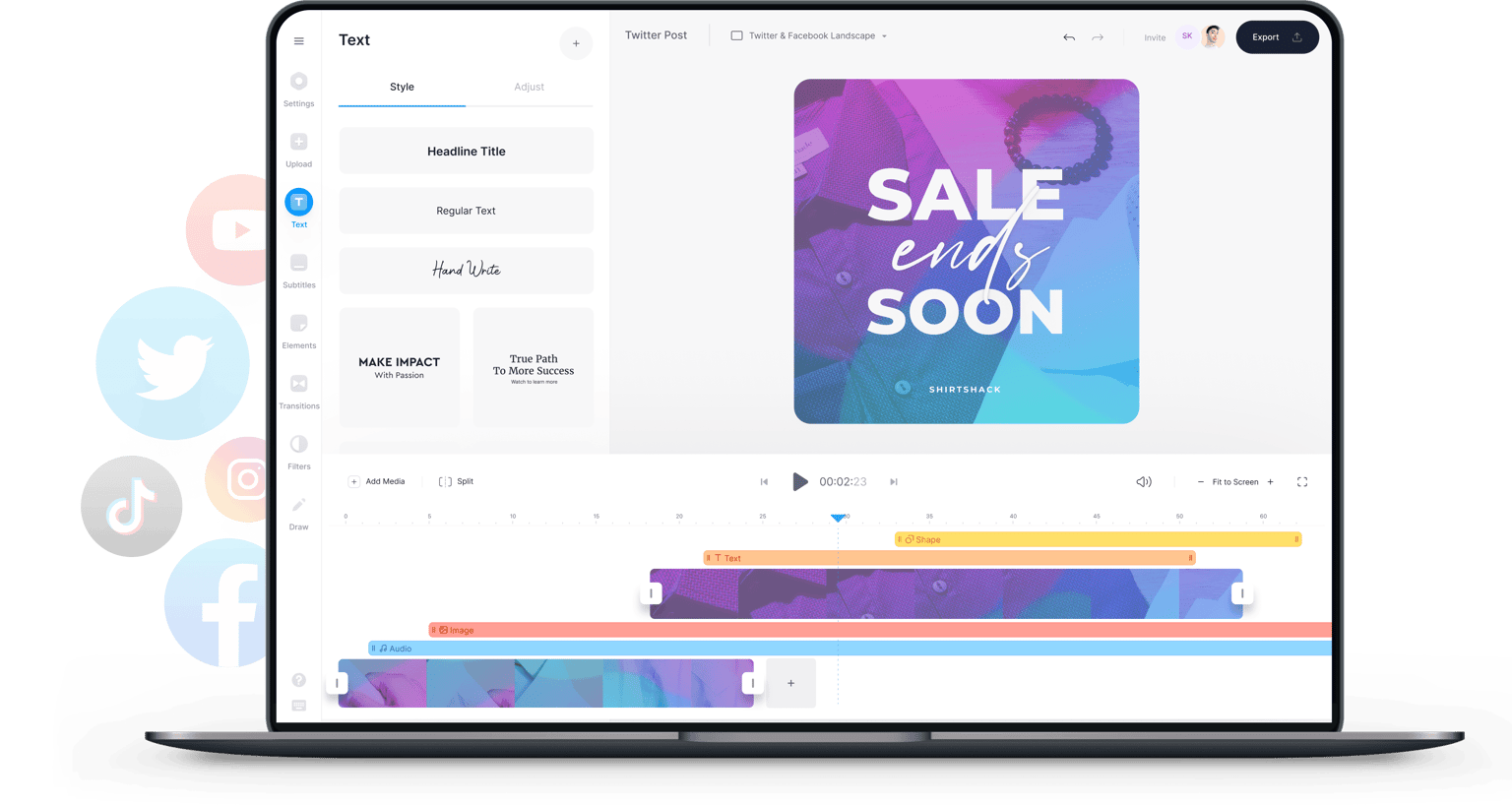
Videos get more views, likes, shares, and comments on social media than other types of content. Compared to plain text or images, videos help you engage more with your fans online. That’s why it’s very important to create professional-looking video content if you want to get more engagement in your social pages. You can use VEED to create and edit videos perfect for any social media platform! VEED’s free video editor is a browser-based app so you don’t need to download any software. You can create square videos for Instagram, portrait and landscape videos for Facebook, YouTube, Twitter, and other social media sites. It is super easy to use and it’s free! No need to use expensive or complicated software like Adobe Creative Cloud or Premiere Pro.
How to Create a Social Media Video:
Step 01
Upload
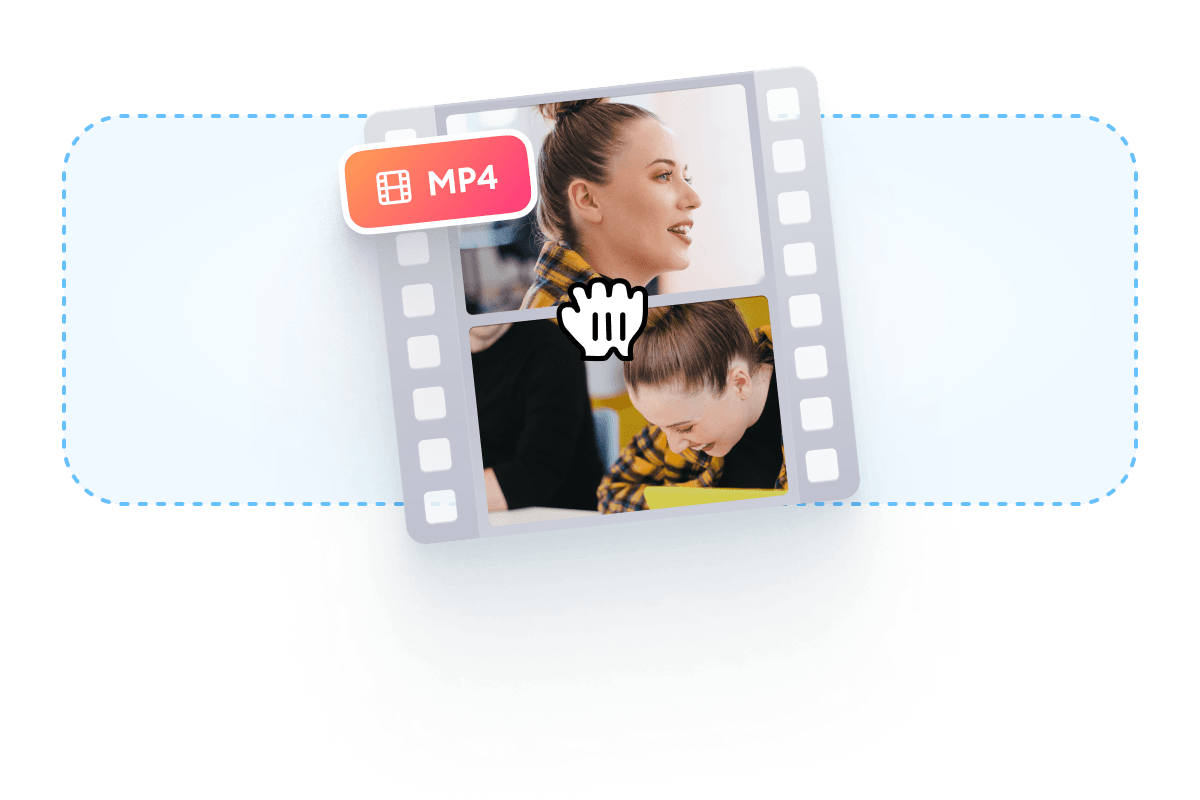
Upload your video to VEED. You can just drag and drop your video file into the editor.
Step 02
Edit your video and select the right preset
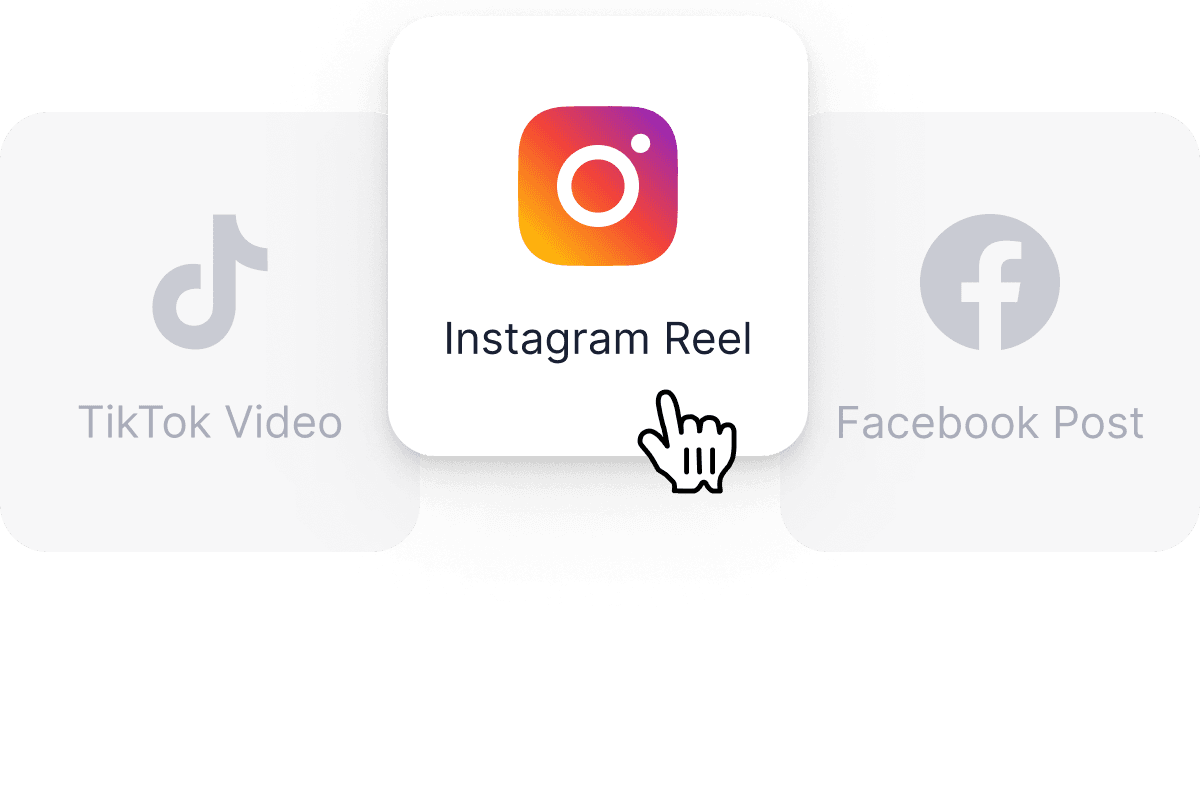
Edit, crop, and resize your video to fit any social media platform. You can also just select a preset canvas from the Settings.
Step 03
Export
When you’re happy with your social media video, just click on ‘Export’. Download your video in the format that you prefer.
Learn More
‘Social Media Video’ Tutorial
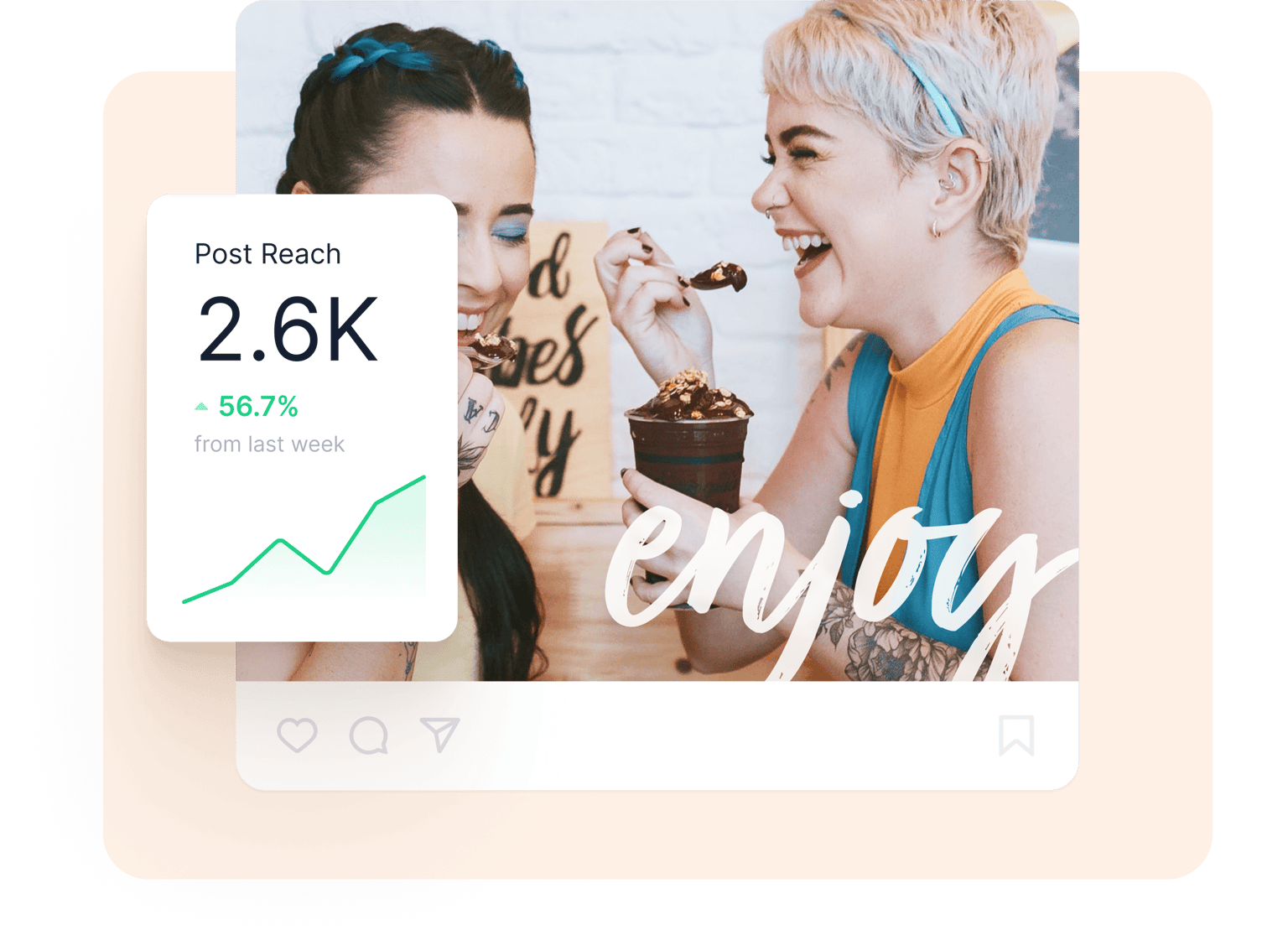
Drive results for your social campaigns
Using VEED’s incredibly easy-to-use video editing software, you can create professional-looking videos for any social media site in minutes. This will help you drive excellent results for your social media marketing campaigns. Get more tags, comments, and views on your videos, and encourage your online community to engage with your content. You don’t need any video editing experience. Everything can be done in a few clicks or by dragging and dropping elements right within the editor.
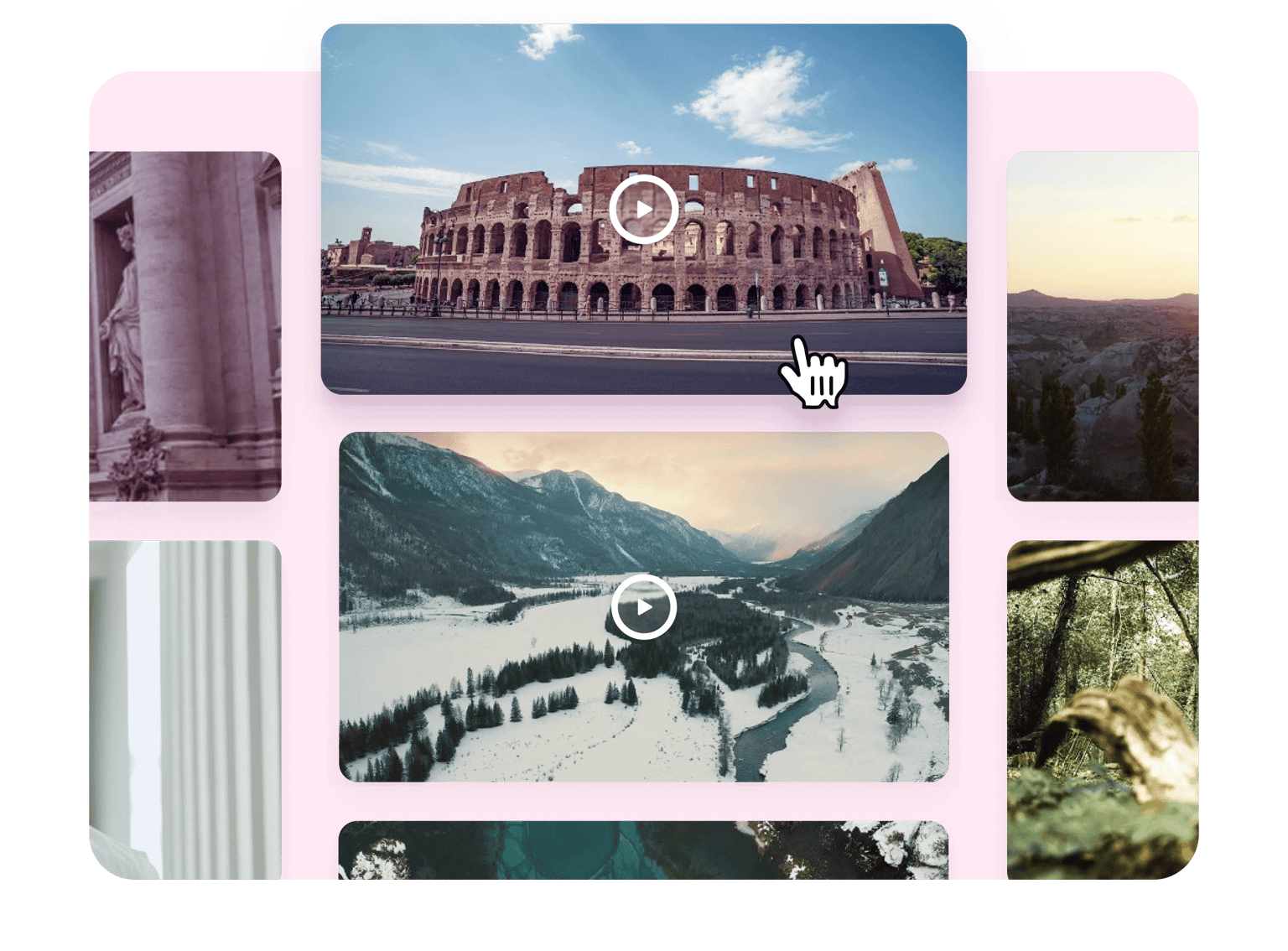
Use stock videos and personalize
VEED also features stock videos that you can use if you don’t want to record your own. Select from our collection of stock videos and personalize them. You can change the images, text, and more. These stock videos are professionally filmed so you don’t have to worry about quality. All you need to do is edit them to make them your own. Add a message, a photo, and additional text or headings. You can even add a music visualizer to create an awesome music video!
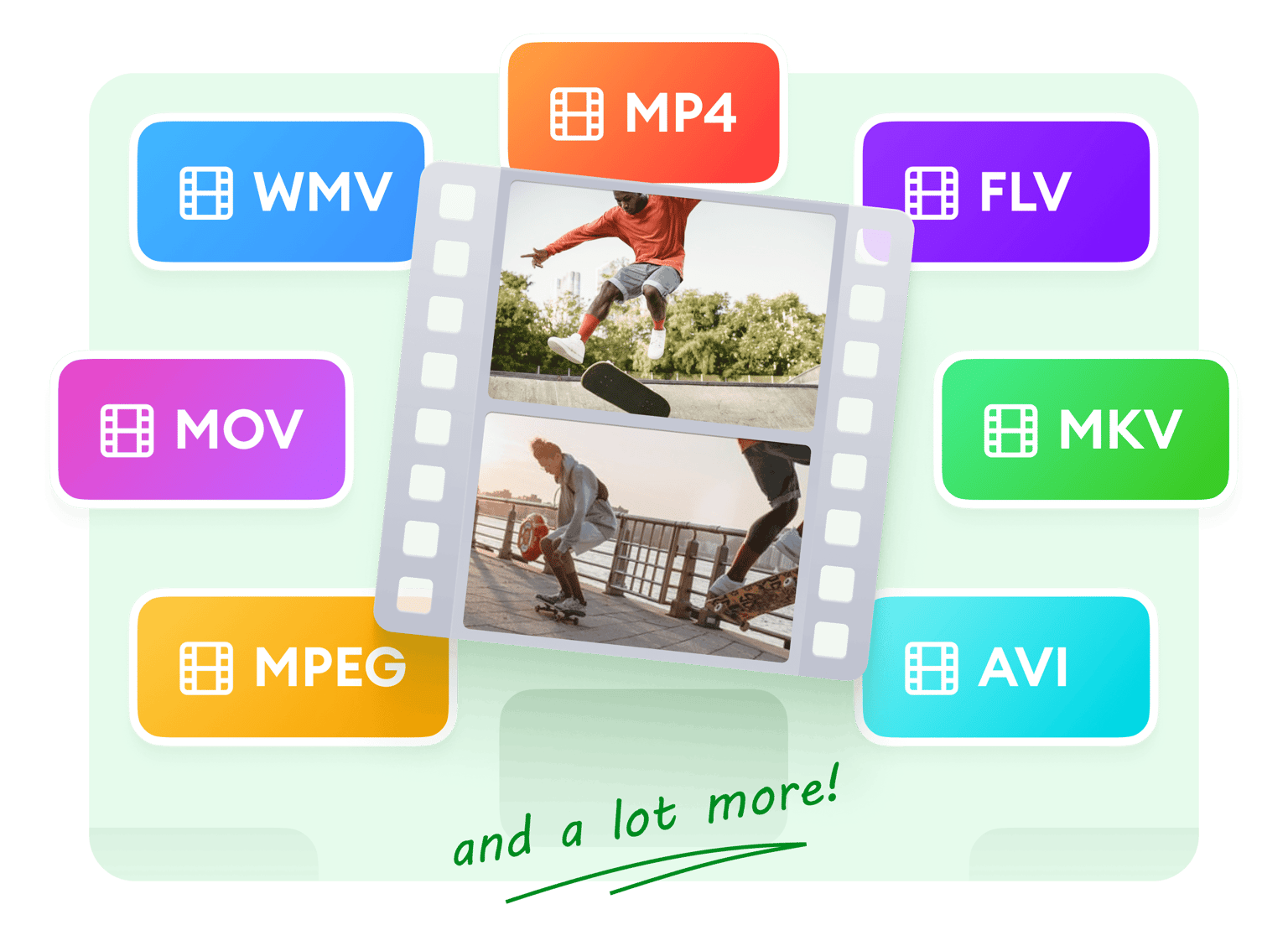
Convert your video for different platforms
Certain social media platforms only accept certain video formats like MP4 and MOV. If your video is in an MKV format, you can use VEED to convert it to MP4. It is super easy to do! Just upload your video, edit it as needed, and select MP4 or your desired format from the download options. This will ensure that you can easily upload your video to Instagram from any device. You can also convert it to other formats if you want. Convert to and from MP4, MOV, AVI, and more!
FAQ
Upload your video to VEED. Edit and select your desired social media platform from the Size options from the menu. Download your video and share it on social!
VEED is completely free to use. You can create as many videos as you want for different social media sites. You don’t even need to create an account!
While Instagram allows you to record videos directly from the app, it doesn’t have a comprehensive collection of video editing tools. The best thing to do is to record a video and edit it on VEED before uploading it to Instagram.
Instagram allows you to upload videos from 3 to 60 seconds. If your video exceeds one minute, you would have to cut it and either post it separately or use the option to upload multiple videos at once, splitting them into parts.
VEED is the best app you can use to create and edit videos for any social media site. All it takes is just a few clicks and it’s free!
Unlike other free software, VEED doesn’t even require you to create an account before you can use it. You can just go to the VEED site, upload, and edit your video!
Loved by creators.
Loved by the Fortune 500
“
With VEED I didn't need 15 tutorials - I jumped straight in and started editing.

Gwenne Wilcox
Founder,
Brand Brainery
“
You can go beyond choppping things. VEED actually makes my videos look great.

Michael Glover
Demand Gen Manager,
ConvertFlow
“
The first four videos i created with VEED got over 40,000 impressions on LinkedIn.

Travis Tyler
Senior Content Producer,
PandaDoc
“
I found VEED at the right time: if you're making UGC ads and not using Eye Contact Correction and Noise Reduction on VEED you're missing out on ROI.

Sebastian Schurgers
Head of Growth Marketing,
Gronda
“
With VEED I didn't need 15 tutorials - I jumped straight in and started editing.
Gwenne Wilcox
Founder,
Brand Brainery
“
You can go beyond choppping things. VEED actually makes my videos look great.
Michael Glover
Demand Gen Manager,
ConvertFlow
“
The first four videos i created with VEED got over 40,000 impressions on LinkedIn.
Travis Tyler
Senior Content Producer,
PandaDoc
“
I found VEED at the right time: if you're making UGC ads and not using Eye Contact Correction and Noise Reduction on VEED you're missing out on ROI.
Sebastian Schurgers
Head of Growth Marketing,
Gronda
“
The first four videos i created with VEED got over 40,000 impressions on LinkedIn.
Travis Tyler
Senior Content Producer,
PandaDoc
“
I found VEED at the right time: if you're making UGC ads and not using Eye Contact Correction and Noise Reduction on VEED you're missing out on ROI.
Sebastian Schurgers
Head of Growth Marketing,
Gronda
“
With VEED I didn't need 15 tutorials - I jumped straight in and started editing.
Gwenne Wilcox
Founder,
Brand Brainery
“
You can go beyond choppping things. VEED actually makes my videos look great.
Michael Glover
Demand Gen Manager,
ConvertFlow
Discover more
Trusted by 1M+ creators
When it comes to amazing videos, all you need is VEED
No credit card required
More than a social media video maker
VEED’s free video editor allows you to do so much more than just create videos for social media. With our wide range of tools, you can create videos for business and marketing purposes. Create presentation videos for work, educational videos, fun greeting videos, and cute videos. Our tools are incredibly easy to use. Try VEED today and start creating professional-looking videos for free!