


Trusted by 1M+ creators
X Banner
Make an X banner for your X (Twitter) profile header in minutes. Browse templates, describe the edits in a prompt, and download a still image
No credit card required
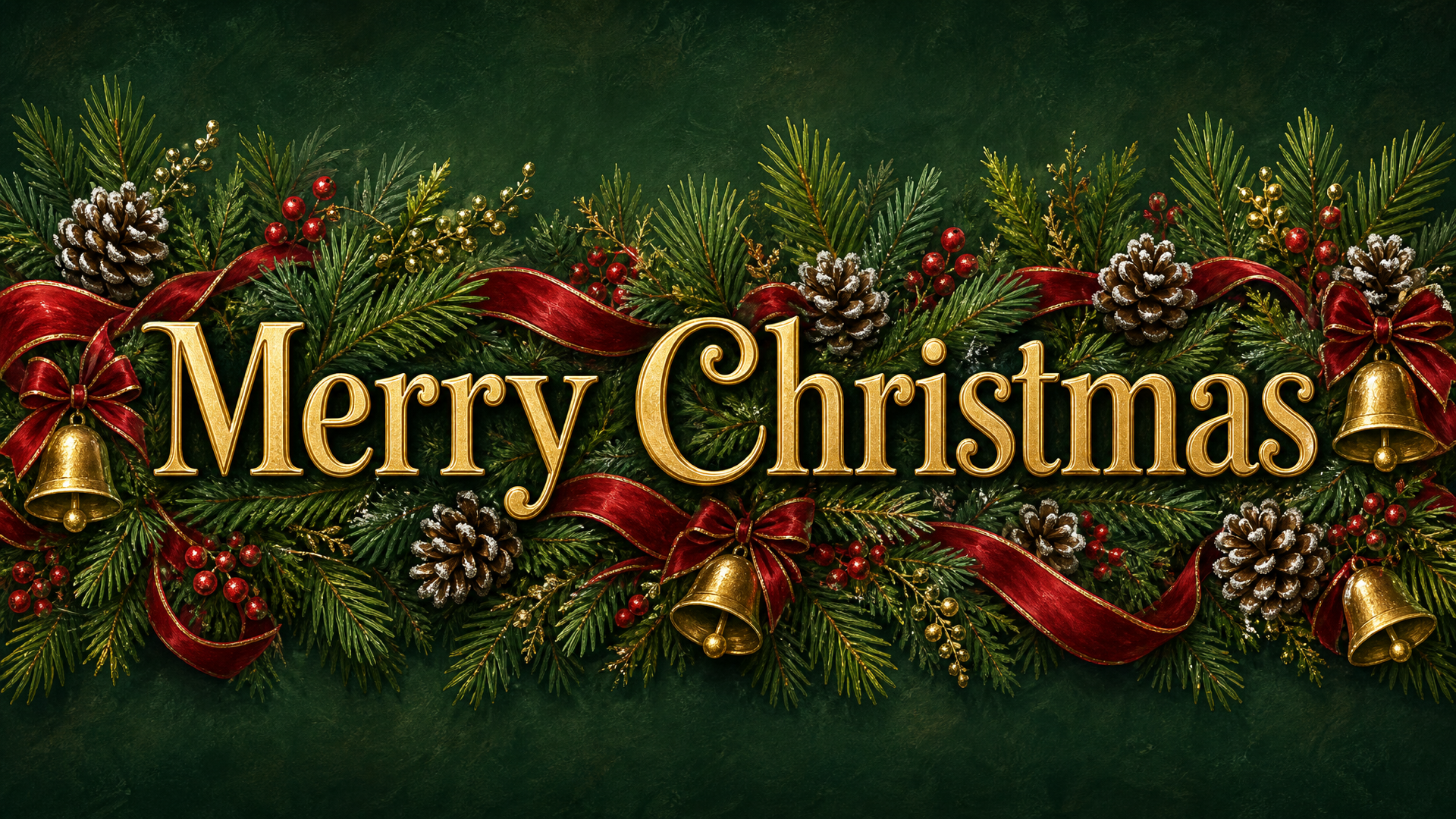
Green and Gold Painted Pine Garland Christmas Banner
Social Banners
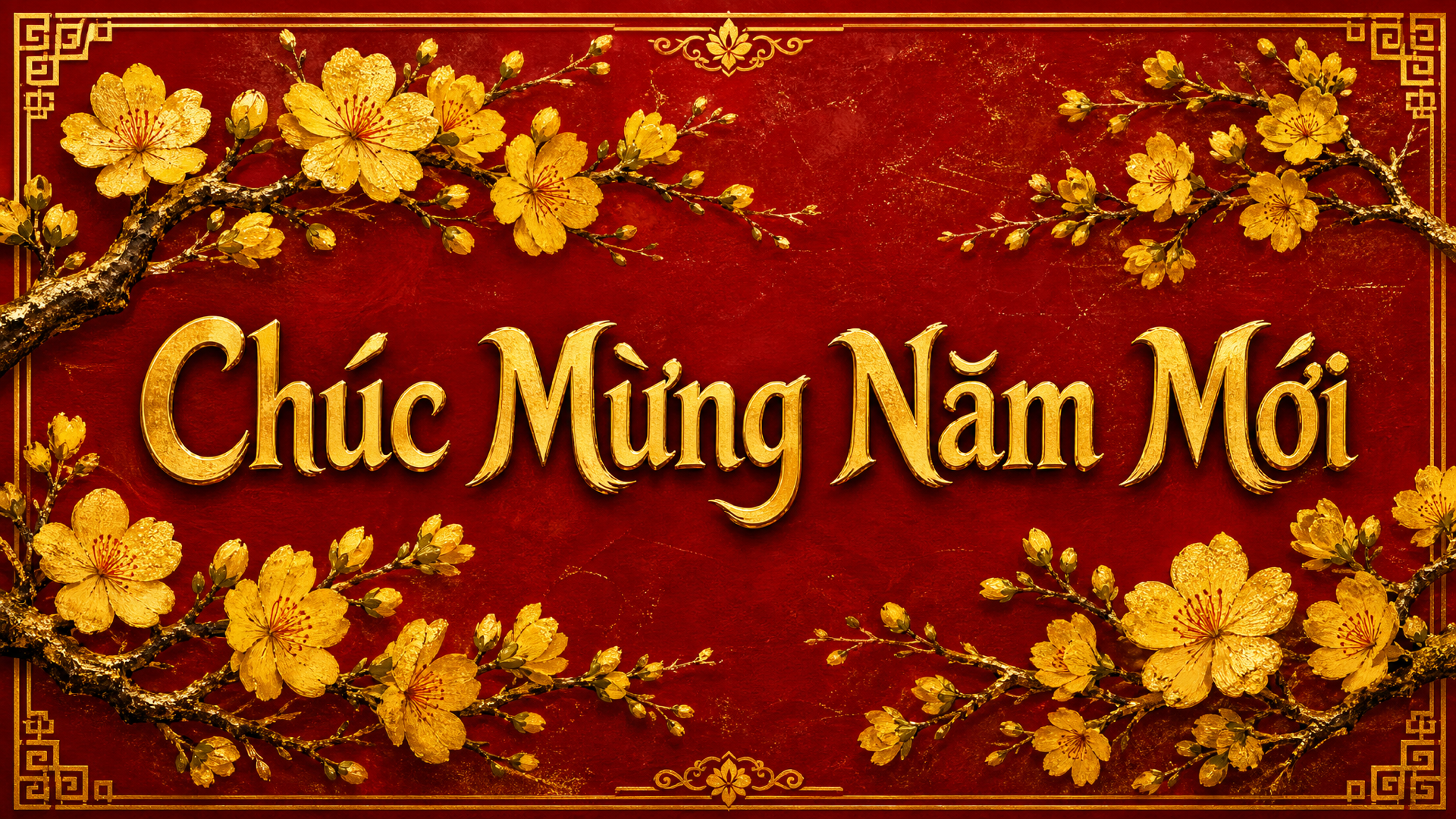
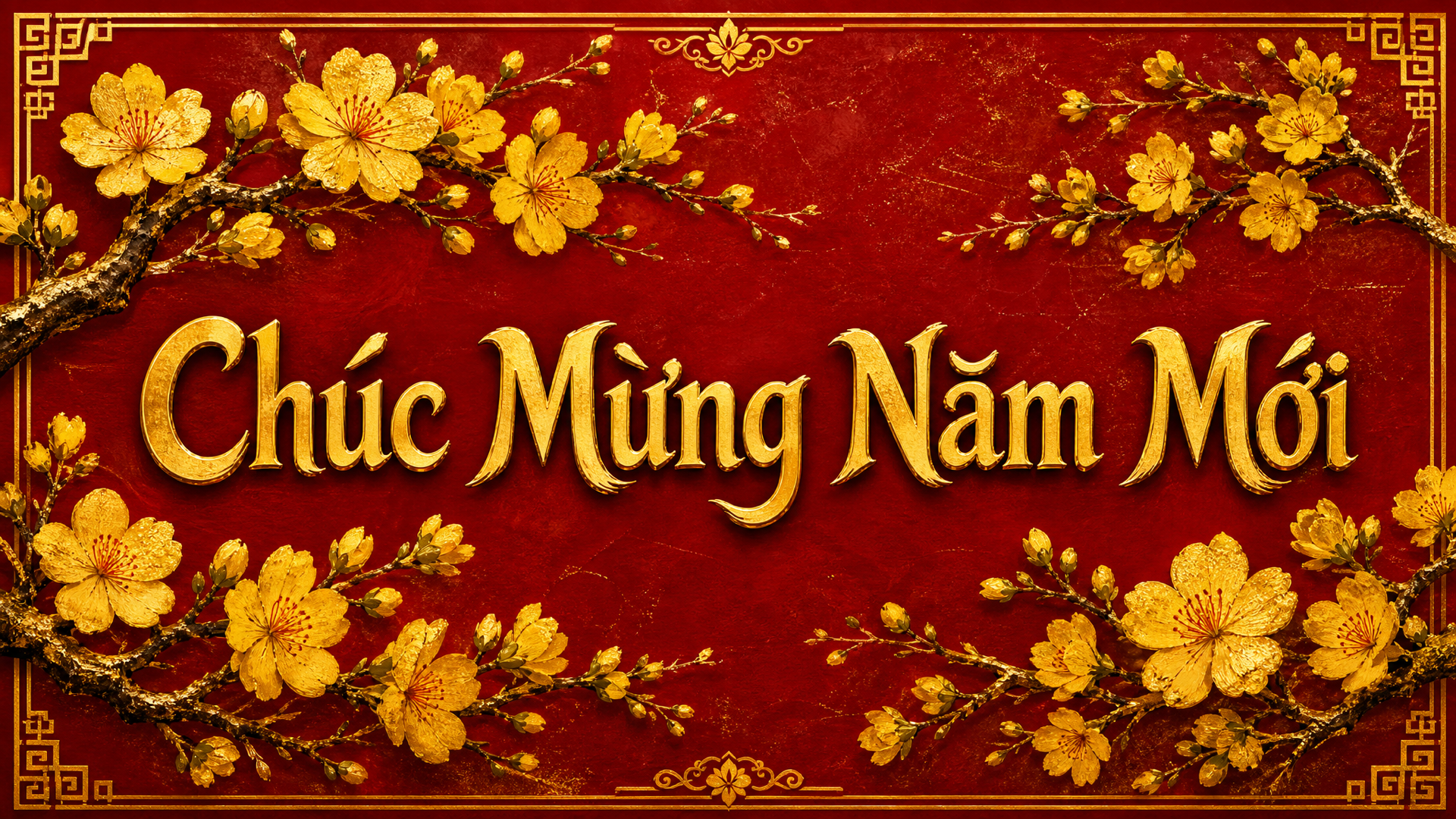
Red and Gold Apricot Blossom Banner
Social Banners
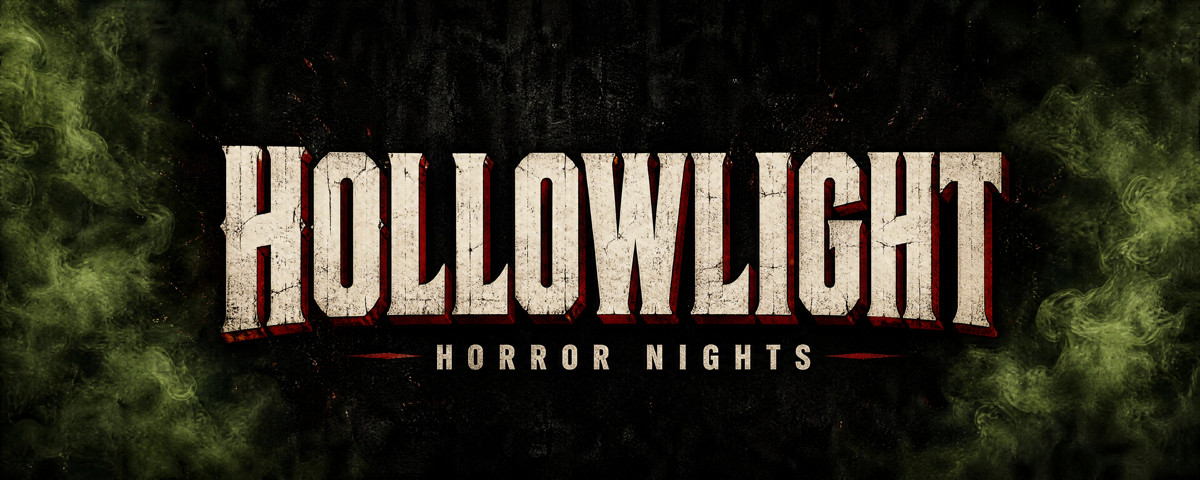
Black and Green Grainy Horror Twitch Banner
Social Banners
4.6
2,100+ reviews















An X header that says what you do before anyone scrolls
An X banner is the wide header image at the top of an X (Twitter) profile: a digital image made for screens, not a printed stand. Drag-and-drop editors mean moving text boxes, fiddling with layers, and guessing at composition. Picking a template that is already well composed and describing the changes skips all of that.
A prompt can change the headline, the colors, the style, or the composition. Founders, creators, and small teams use it for a profile refresh, a product launch, or a seasonal promotion, and the same flow works for other social banners too.
How to make an X banner:
Step 01
Choose a template
Explore banner templates and find a design that fits your platform and brand. Select it to start editing.
Step 02
Describe your edits with AI prompts
Type what you want changed. Adjust text, colors, style, and composition. For example: "Change the headline to SUMMER SALE," "Make the background navy blue," or "Switch to a minimalist style with clean lines."
Step 03
Export your banner
Download your finished banner. Need versions for multiple platforms? Generate variations for Facebook, X, or YouTube channel art.
Learn More
Check out Nano Banana Pro and try it on VEED:
Prompt your X header into shape
The profile photo covers the lower left corner of an X header, so the message needs room elsewhere. Start from a template that leaves it, then type the edit: "Move the tagline to the right and keep the left side clear." Use Nano Banana Pro for high-fidelity edits, Qwen for text-heavy designs, or Flux Kontext for fast iterations.
Build an X header from your own photo
A headshot, product photo, or brand asset can become the header. Upload it to the AI image editor and describe what you want: your name across the top, a cleaner layout, a new style. If the photo is too square, extend an image to fit a wide header first.
From a still X header to motion
This page makes a still X header. When a launch needs movement, the video banner maker covers animated banners for your social channels, and the GIF banner maker covers motion in ads and email.
FAQ
An X banner, also called a Twitter header, is the wide image across the top of an X profile. It is the first thing visitors see, so it tells them who you are, what you post, or what you are promoting. VEED offers banner templates you can edit with AI prompts, then download as a still image to use on your profile.
Making an X banner takes three moves: pick a template, describe the changes, and download the result. In VEED, you browse banner templates, choose one that fits your profile, then type the edits, such as a new headline, different colors, or a cleaner style. Re-prompt until it looks right. There are no layers or text boxes to drag by hand.
The X (Twitter) header is 1500 x 500 pixels, a wide 3:1 shape. The profile photo overlaps the lower left corner, and the crop differs between mobile and web, so keep the headline and main subject away from that corner and the edges. VEED ends at download, so upload the image yourself and check the preview.
An effective X banner says one thing clearly. Follow these basics:
- Keep the headline to 5 words or fewer.
- Use high contrast between text and background.
- Stick to your brand colors.
- Keep one focal point, away from the lower left where the profile photo sits.
- Check the mobile crop.
In VEED, a prompt like "make the headline larger" handles most fixes.
X header ideas usually fall into three groups, each with its own content:
- A product launch: the product image, a short headline, and the launch date.
- A personal brand refresh: your headshot, your name or niche in plain words, and your colors.
- A seasonal promotion: the offer, the dates, and holiday colors.
Start from a template in VEED and describe the change.
AI image tools usually run on credits rather than a flat fee. VEED's banner maker requires AI credits to access the image models, and the credit cost displays when you browse the model selection, so you can see it before you generate. See pricing for subscription plans and credit add-ons.
Loved by creators.
Loved by the Fortune 500
“
With VEED I didn't need 15 tutorials - I jumped straight in and started editing.

Gwenne Wilcox
Founder,
Brand Brainery
“
You can go beyond choppping things. VEED actually makes my videos look great.

Michael Glover
Demand Gen Manager,
ConvertFlow
“
The first four videos i created with VEED got over 40,000 impressions on LinkedIn.

Travis Tyler
Senior Content Producer,
PandaDoc
“
I found VEED at the right time: if you're making UGC ads and not using Eye Contact Correction and Noise Reduction on VEED you're missing out on ROI.

Sebastian Schurgers
Head of Growth Marketing,
Gronda
“
With VEED I didn't need 15 tutorials - I jumped straight in and started editing.
Gwenne Wilcox
Founder,
Brand Brainery
“
You can go beyond choppping things. VEED actually makes my videos look great.
Michael Glover
Demand Gen Manager,
ConvertFlow
“
The first four videos i created with VEED got over 40,000 impressions on LinkedIn.
Travis Tyler
Senior Content Producer,
PandaDoc
“
I found VEED at the right time: if you're making UGC ads and not using Eye Contact Correction and Noise Reduction on VEED you're missing out on ROI.
Sebastian Schurgers
Head of Growth Marketing,
Gronda
“
The first four videos i created with VEED got over 40,000 impressions on LinkedIn.
Travis Tyler
Senior Content Producer,
PandaDoc
“
I found VEED at the right time: if you're making UGC ads and not using Eye Contact Correction and Noise Reduction on VEED you're missing out on ROI.
Sebastian Schurgers
Head of Growth Marketing,
Gronda
“
With VEED I didn't need 15 tutorials - I jumped straight in and started editing.
Gwenne Wilcox
Founder,
Brand Brainery
“
You can go beyond choppping things. VEED actually makes my videos look great.
Michael Glover
Demand Gen Manager,
ConvertFlow
Discover more
Explore related tools
More from VEED

This is the Best YouTube Banner Size (and Examples of Great Channel Art)
Here's the best size for your YouTube banner and everything you need to know to make eye-catching channel art.

AI Art Prompts: How to Write Better Prompts, Creative Examples, and Tools to Try
Getting your AI art prompts is the key to winning with generative AI tools. Learn how to write better prompts here.

Branded Video 101: What is it and How to Get Started
A branded video is a marketing asset that uses storytelling to engage an audience and build brand awareness. Learn more in this guide.
Trusted by 1M+ creators
When it comes to amazing videos, all you need is VEED
No credit card required
More than an X banner maker
Your X header is one part of a profile people judge in seconds, next to the pinned post and the posts under it. VEED is an AI video creation platform, so the same workflow that makes the banner also covers the video around it: generate a scene or a clip from a written prompt in the AI video generator, refine it in the video editor, keep fonts, colors, and logo consistent across your profile, and export in the format X expects. A natural next step is a pinned video post that repeats the header's headline in motion.