


Trusted by 1M+ creators
Movie Poster Generator
Make a movie poster for your short film, your movie night, or a fun idea you can't shake. Pick a template, edit the prompt with your title and tagline, and hit generate
No credit card required
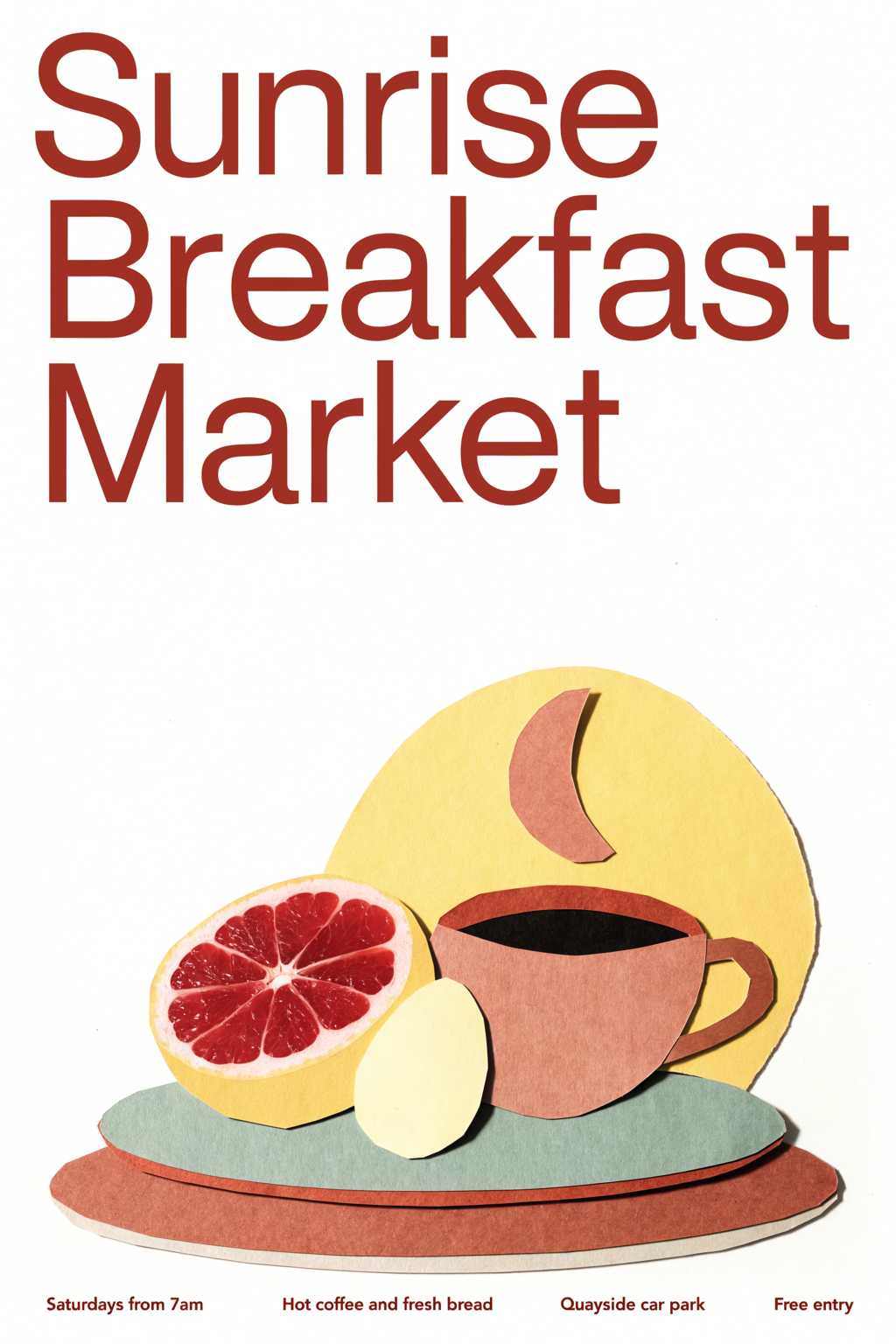
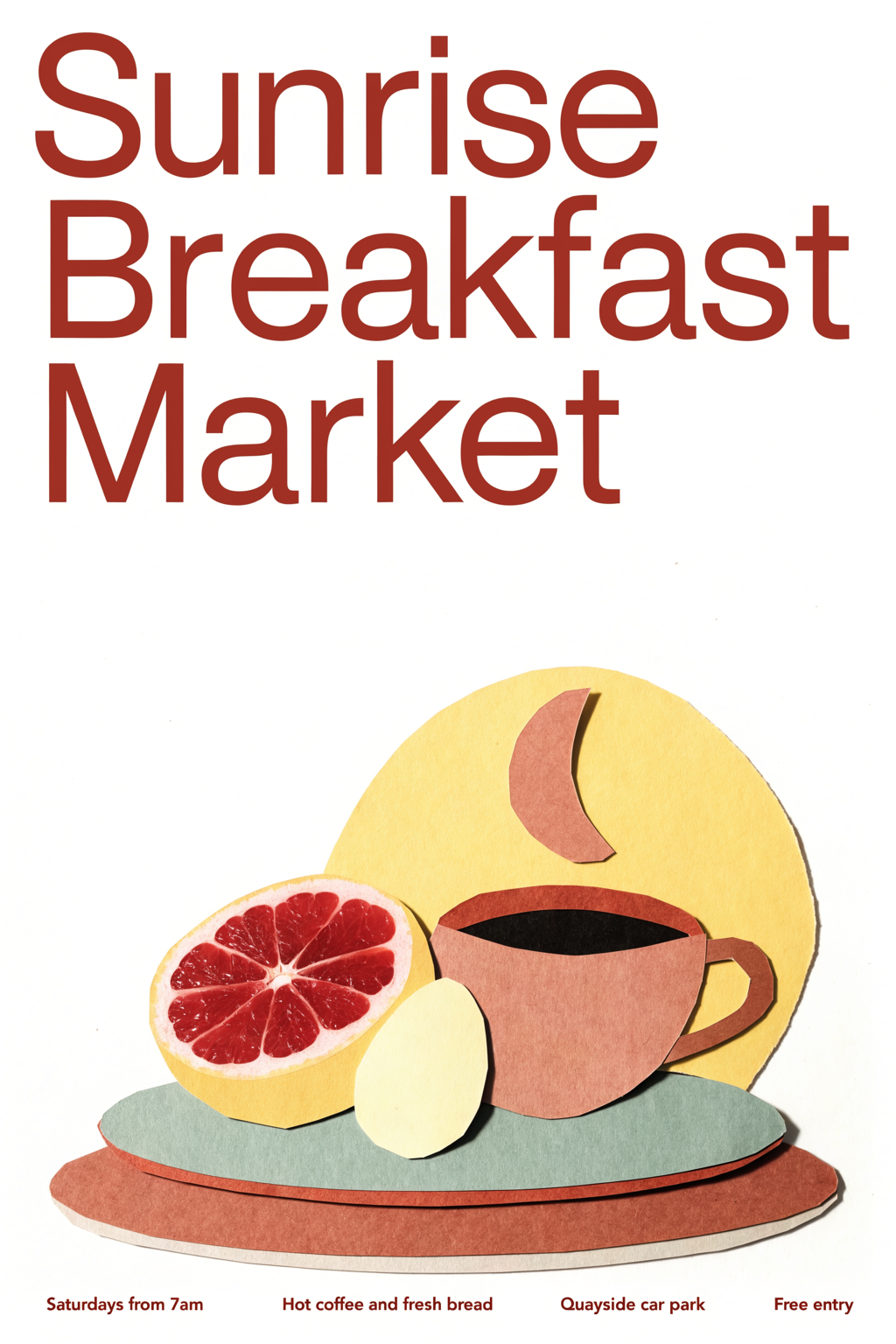
Terracotta Cream Cut Paper Breakfast Poster Design
Posters
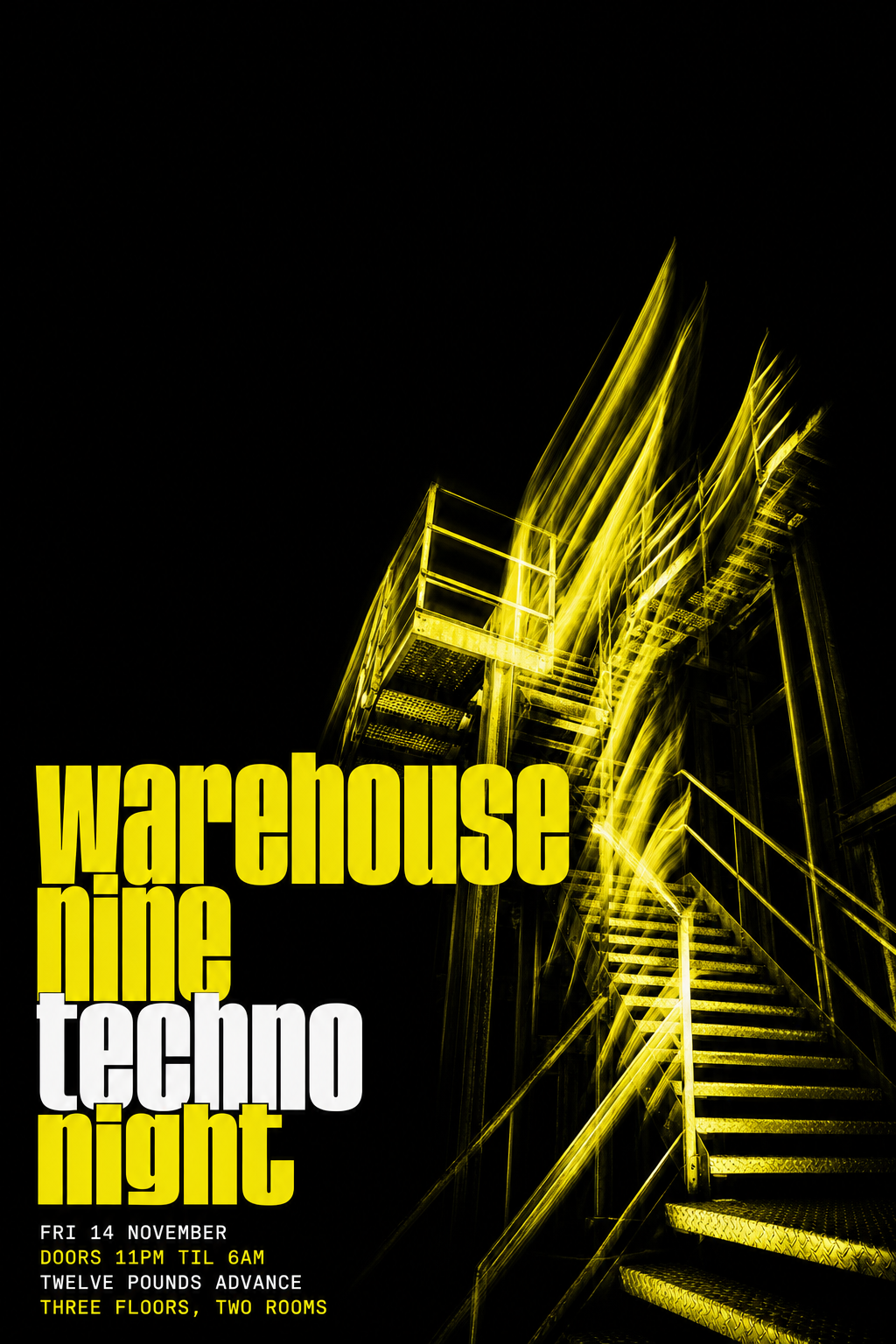
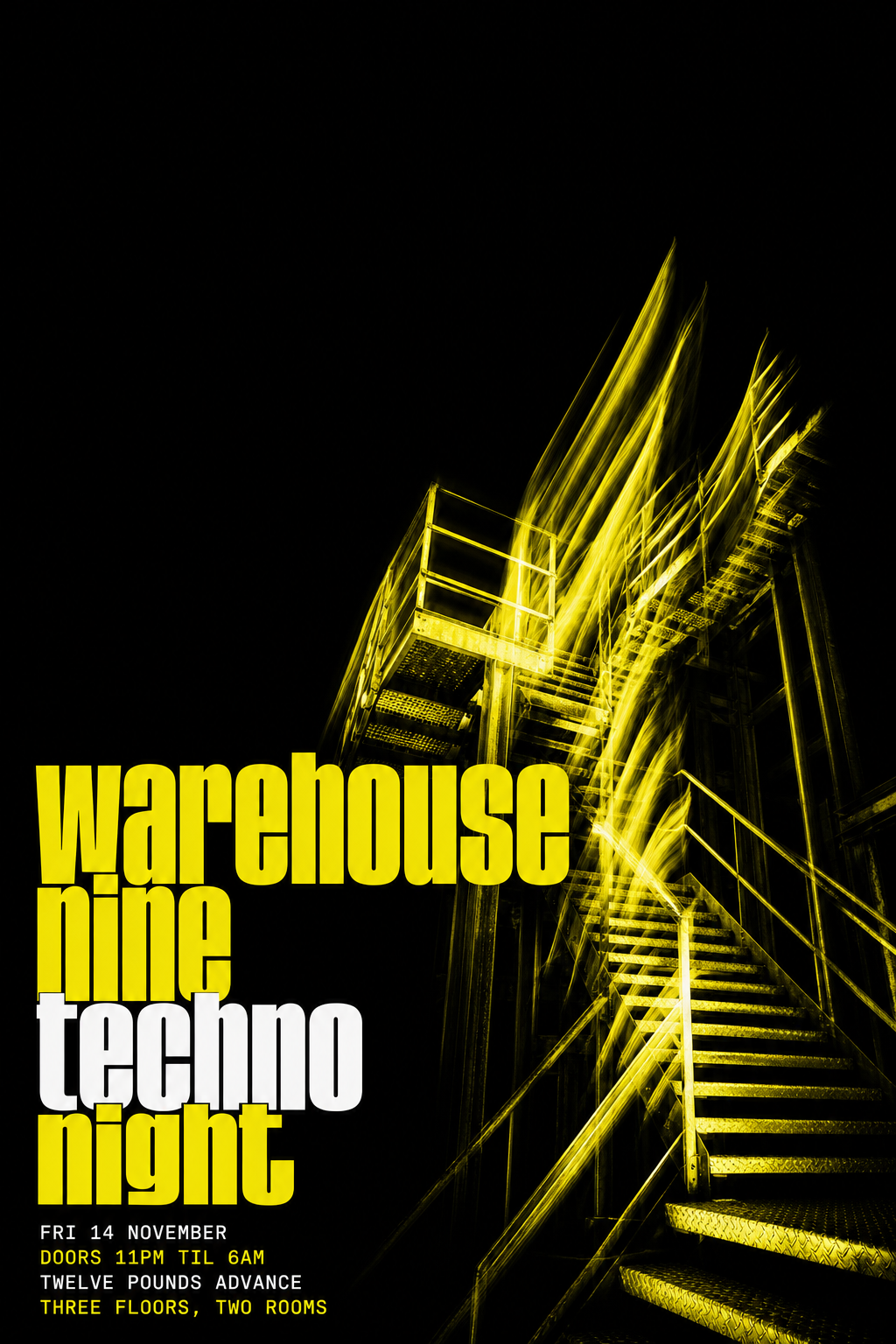
Black and Acid Yellow Techno Club Poster
Posters
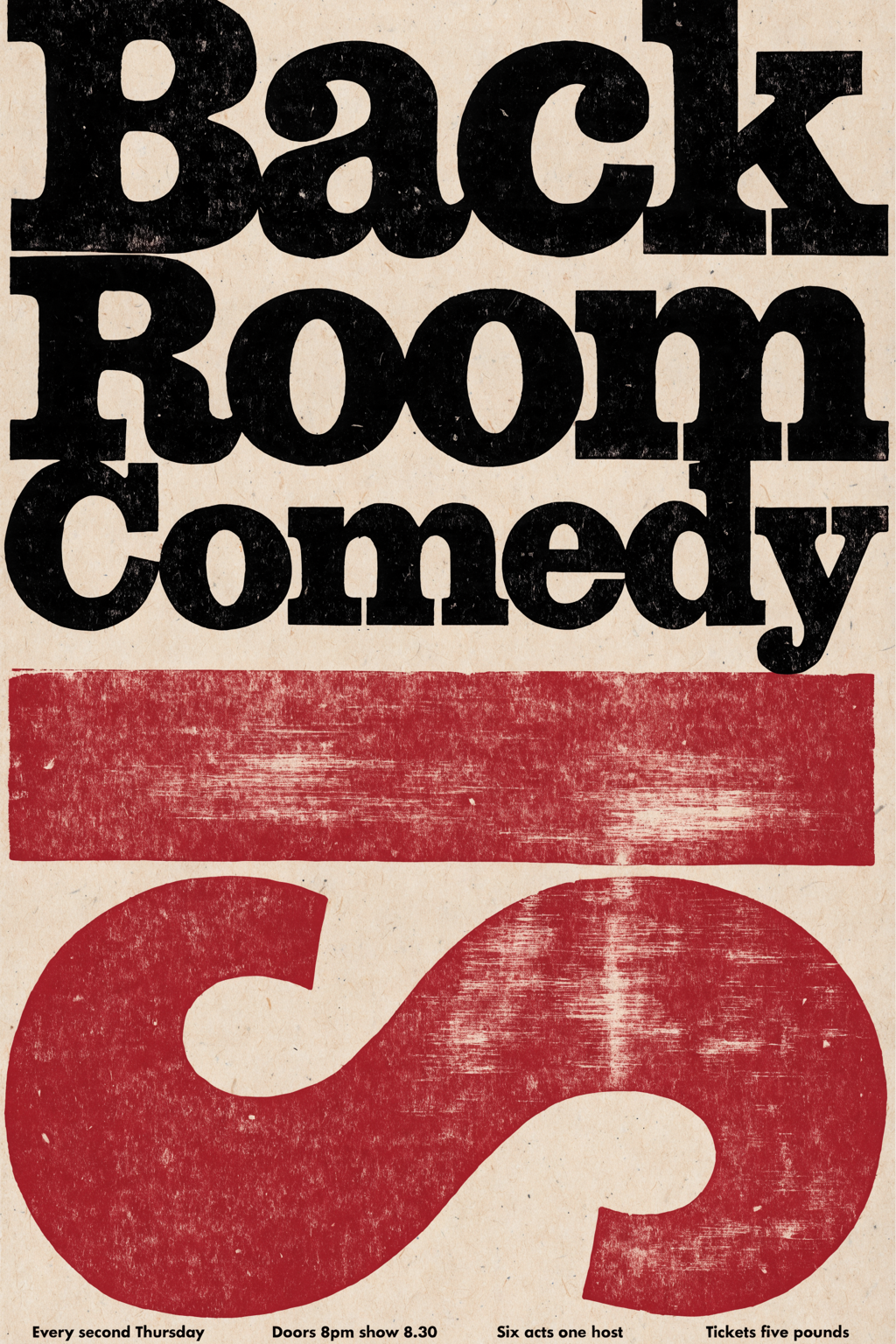
Oxblood Black Letterpress Comedy Night Poster
Posters
4.6
2,100+ reviews















A movie poster for a film that you can now show the world
Most poster tools hand you an empty canvas and a sidebar of fonts, or a template thousands of others have already used. This movie poster generator starts you most of the way there: pick a poster template that opens with a prompt written for a film one-sheet, change the title, tagline, colors, and genre style, then generate.
Filmmakers, students, and people planning a movie night make these for a short film, a school project, a birthday gag, or a pet's big break. A title, a tagline, a release-date line, and a credits block go on it. Want it built around your own photo? Use the AI image editor.
How to make a movie poster:
Step 01
Choose a poster template
Browse poster templates and pick the design closest to what you need, from gig posters to seasonal sale posters. Each template opens with a prompt already written for that design.
Step 02
Edit the prompt and generate
Change the headline, date, venue, colors, and style in the prompt. Put the exact words you want on the poster in quotation marks, and add the shape you need: 2:3 for a 24 × 36 print, 4:5 for an Instagram post, or 9:16 for Stories. Hit "generate."
Step 03
Download your poster
Download your poster. To fix a single word or remove a distracting detail first, open it in the AI image editor.
Learn More
Check out Nano Banana Pro and try it on VEED:
One movie poster, every venue the film plays
A one-sheet for the wall is 2:3, but the same film also needs a 4:5 version for the feed and a 9:16 one for Stories. Generate each at its own ratio and the title and tagline land where they read instead of getting cropped. Try "a noir one-sheet with 'LAST TRAIN TO MARLOW' in tall gold type, 2:3".
A genre look you set in the prompt
Horror, rom-com, sci-fi, and western posters each have a palette and a type style people recognize at a glance. Ask for "a teal and orange sci-fi poster with 'THE QUIET ORBIT' in thin chrome letters". If it is off, re-prompt for bolder type or switch models: Nano Banana Pro for high-fidelity key art, Qwen for the title and tagline, Flux Kontext for fast tries.
From the poster to the trailer
A poster is the still. The film idea can keep moving: turn the design into a short clip with image to video AI, or cut a teaser with the trailer maker. This page makes the still poster; the motion lives in those tools.
FAQ
A movie poster is a single vertical sheet that sells a film with a title, a tagline, key art, and a credits block. To make one online, open a poster template in VEED, edit the prompt that is already there, add your ratio such as 2:3, and generate. Compare the results, re-prompt anything close but not right, then download.
Movie posters carry a big title, a tagline, a release-date line, and a small credits block. Put each exact line in quotation marks in the prompt, keep the title to about eight words or fewer, and list the tagline and date separately. Use Qwen for text-heavy posters. Long credit text rarely renders cleanly, so keep it short and fix a wrong word in the AI image editor.
A photo-based movie poster puts a real face or a pet in the lead role. The poster templates generate new designs, so when your own picture has to stay in, upload it to the AI image editor and describe the poster around it: the title, the tagline, the mood. Use photos of yourself or people who agreed, not real actors.
Common print sizes are 11 × 17, 18 × 24, and 24 × 36 inches. A 24 × 36 print is a 2:3 ratio and 18 × 24 is 3:4, so ask for the ratio that matches your print. For Instagram, use 4:5 (1080 × 1350) for feed posts and 9:16 (1080 × 1920) for Stories. An 18 × 24 print at 300 DPI needs 5400 × 7200 pixels, so upscale with the image upscaler before printing.
A movie poster should include a title, a tagline, key art, a release-date line, and a credits block at the bottom. A genre cue helps too: a dark palette for horror, warm light for a romance. In VEED, put each piece in the prompt, such as a title in quotes, a one-line tagline, a lone figure on a rooftop, and "Coming this summer."
AI poster generation is credit-based. The poster maker runs on AI credits, and you can sign up without a credit card. The credit cost depends on the AI model you pick and how many images you generate, and it shows when you browse the model selection. See pricing for current plans and credit add-ons, or start from a blank prompt instead of a template.
Loved by creators.
Loved by the Fortune 500
“
With VEED I didn't need 15 tutorials - I jumped straight in and started editing.

Gwenne Wilcox
Founder,
Brand Brainery
“
You can go beyond choppping things. VEED actually makes my videos look great.

Michael Glover
Demand Gen Manager,
ConvertFlow
“
The first four videos i created with VEED got over 40,000 impressions on LinkedIn.

Travis Tyler
Senior Content Producer,
PandaDoc
“
I found VEED at the right time: if you're making UGC ads and not using Eye Contact Correction and Noise Reduction on VEED you're missing out on ROI.

Sebastian Schurgers
Head of Growth Marketing,
Gronda
“
With VEED I didn't need 15 tutorials - I jumped straight in and started editing.
Gwenne Wilcox
Founder,
Brand Brainery
“
You can go beyond choppping things. VEED actually makes my videos look great.
Michael Glover
Demand Gen Manager,
ConvertFlow
“
The first four videos i created with VEED got over 40,000 impressions on LinkedIn.
Travis Tyler
Senior Content Producer,
PandaDoc
“
I found VEED at the right time: if you're making UGC ads and not using Eye Contact Correction and Noise Reduction on VEED you're missing out on ROI.
Sebastian Schurgers
Head of Growth Marketing,
Gronda
“
The first four videos i created with VEED got over 40,000 impressions on LinkedIn.
Travis Tyler
Senior Content Producer,
PandaDoc
“
I found VEED at the right time: if you're making UGC ads and not using Eye Contact Correction and Noise Reduction on VEED you're missing out on ROI.
Sebastian Schurgers
Head of Growth Marketing,
Gronda
“
With VEED I didn't need 15 tutorials - I jumped straight in and started editing.
Gwenne Wilcox
Founder,
Brand Brainery
“
You can go beyond choppping things. VEED actually makes my videos look great.
Michael Glover
Demand Gen Manager,
ConvertFlow
Discover more
Explore related tools
More from VEED

This is the Best YouTube Banner Size (and Examples of Great Channel Art)
Here's the best size for your YouTube banner and everything you need to know to make eye-catching channel art.

AI Art Prompts: How to Write Better Prompts, Creative Examples, and Tools to Try
Getting your AI art prompts is the key to winning with generative AI tools. Learn how to write better prompts here.

Branded Video 101: What is it and How to Get Started
A branded video is a marketing asset that uses storytelling to engage an audience and build brand awareness. Learn more in this guide.
Trusted by 1M+ creators
When it comes to amazing videos, all you need is VEED
No credit card required
More than a movie poster maker
A movie poster is usually the first piece of something bigger: a short film, a school project, or a screening night with friends. VEED is an AI video creation platform, so a teaser trailer for your movie idea can start from the poster's title and tagline. Generate a scene from a written prompt or a script in the AI video generator, add an AI avatar or a voiceover for the trailer voice, refine the cut until the pacing holds, keep fonts, colors, and logo consistent so the poster and the trailer look like you made them, not AI, and export post-ready video for TikTok, Reels, and YouTube.