


Trusted by 1M+ creators
Instagram Post Templates
Browse editable Instagram post templates, start from a template, and swap in your own text and photos.
No credit card required
4.6
2,100+ reviews















Instagram post templates you can edit right in your browser
An Instagram post template gives you a design that already works, so you're not staring at a blank grid. VEED's templates are editable in your browser, with no files to download and open in another app. Browse the gallery, pick a layout, and swap in your own text and photos. Static image posts: you edit both the same way and export them sized for Instagram.
Promoting a launch, sharing a quote, or filling next week's grid, you start from a template or a blank canvas and make it yours in minutes. Change the copy, drop in your product photo, match your brand colors and fonts, and then post. You keep full control of the look without opening design software. And use our full suite of AI video editing tools to scale your content creation.
How to make an Instagram post from a template:
Step 01
Browse templates and pick a post
Explore the Instagram post templates and choose a layout that fits your post. Select it to open in the editor.
Step 02
Edit the template and swap in your elements
Replace the elements with yours. Rewrite the text, drop in your photos and match your brand colors.
Step 03
Resize and post to Instagram
Set the size for a feed post, then export. Download your post ready to share on Instagram.
Learn More
Watch this walkthrough of our Instagram post maker:
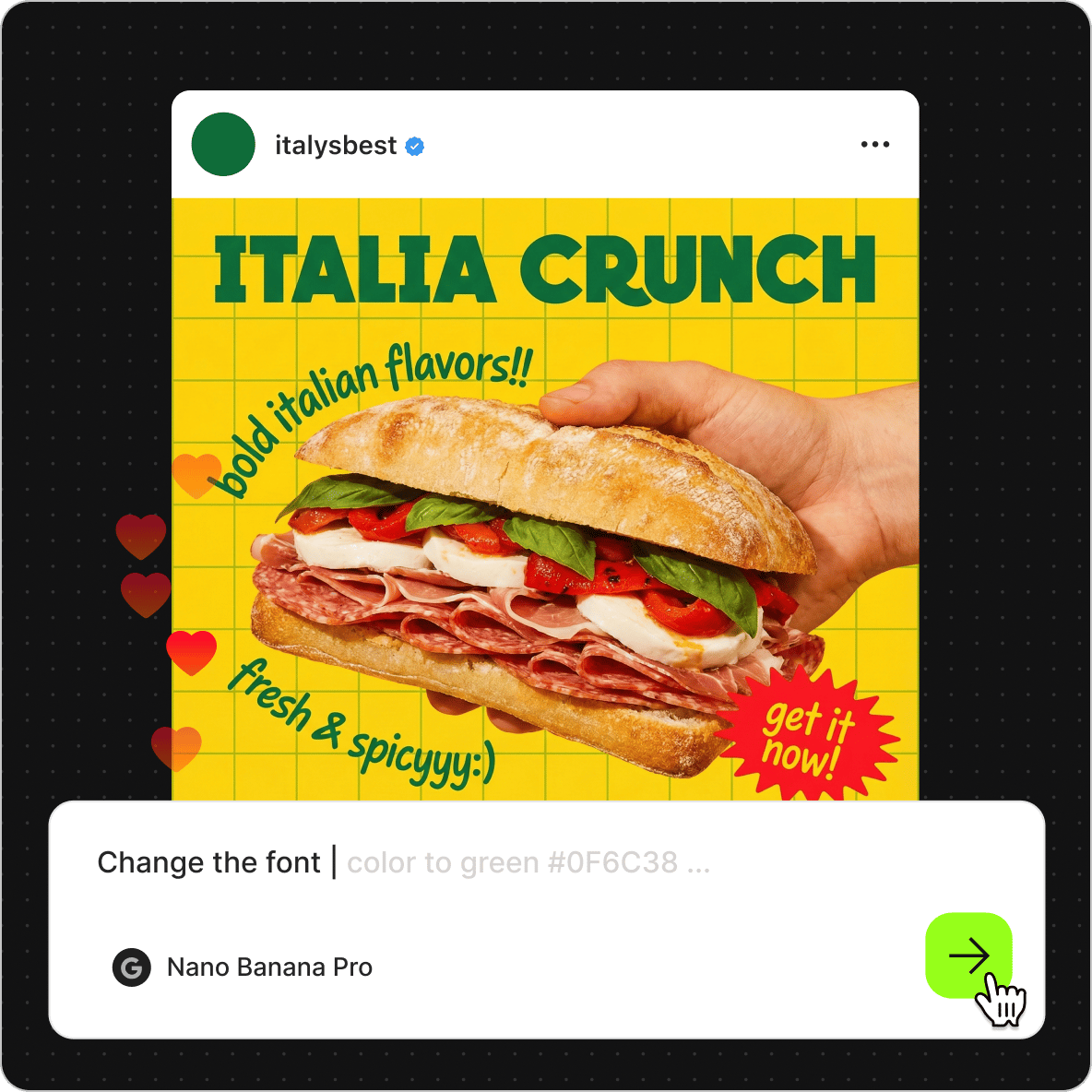
Editable in your browser, not another download
Most sites that offer Instagram post templates give you a file to download and open somewhere else. VEED's templates are editable in the browser. Open one, rewrite the text, swap the images, and change colors on the spot. Need a fresh visual? Generate one with the AI image generator and drop it in. Export when it's ready.
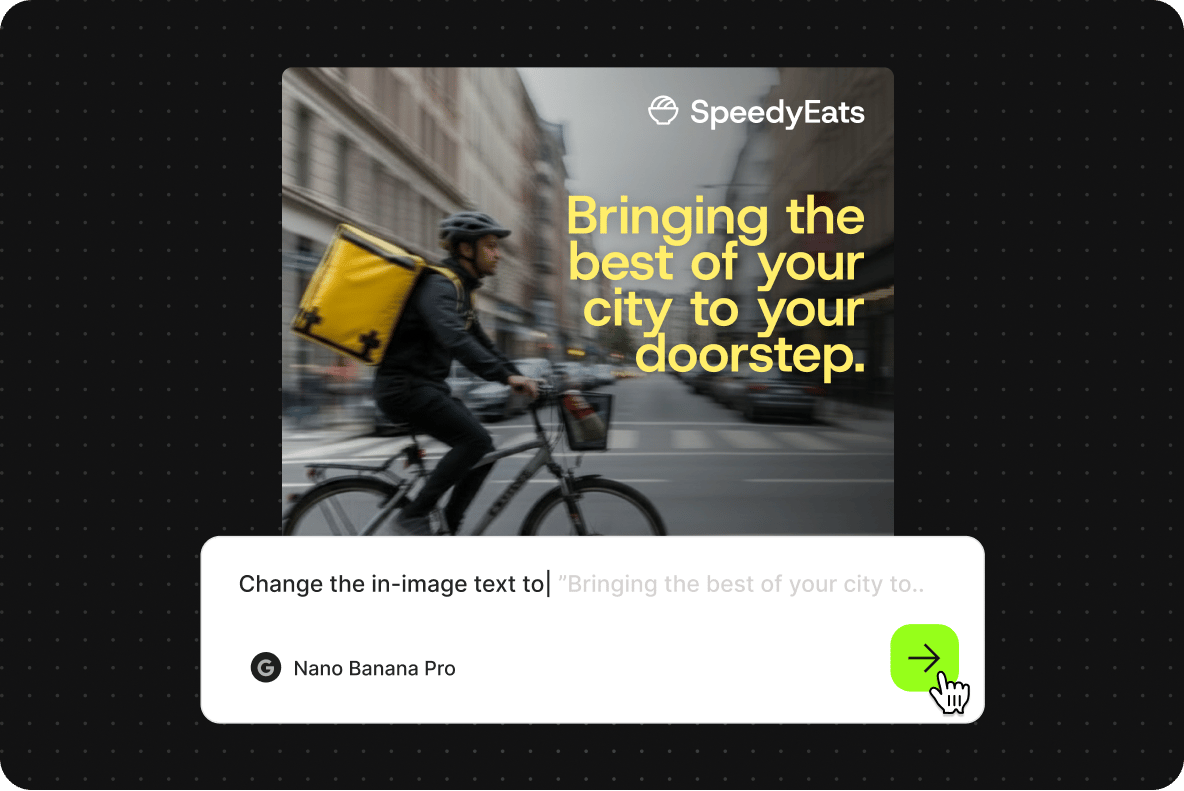
Start from a template and make it for your brand
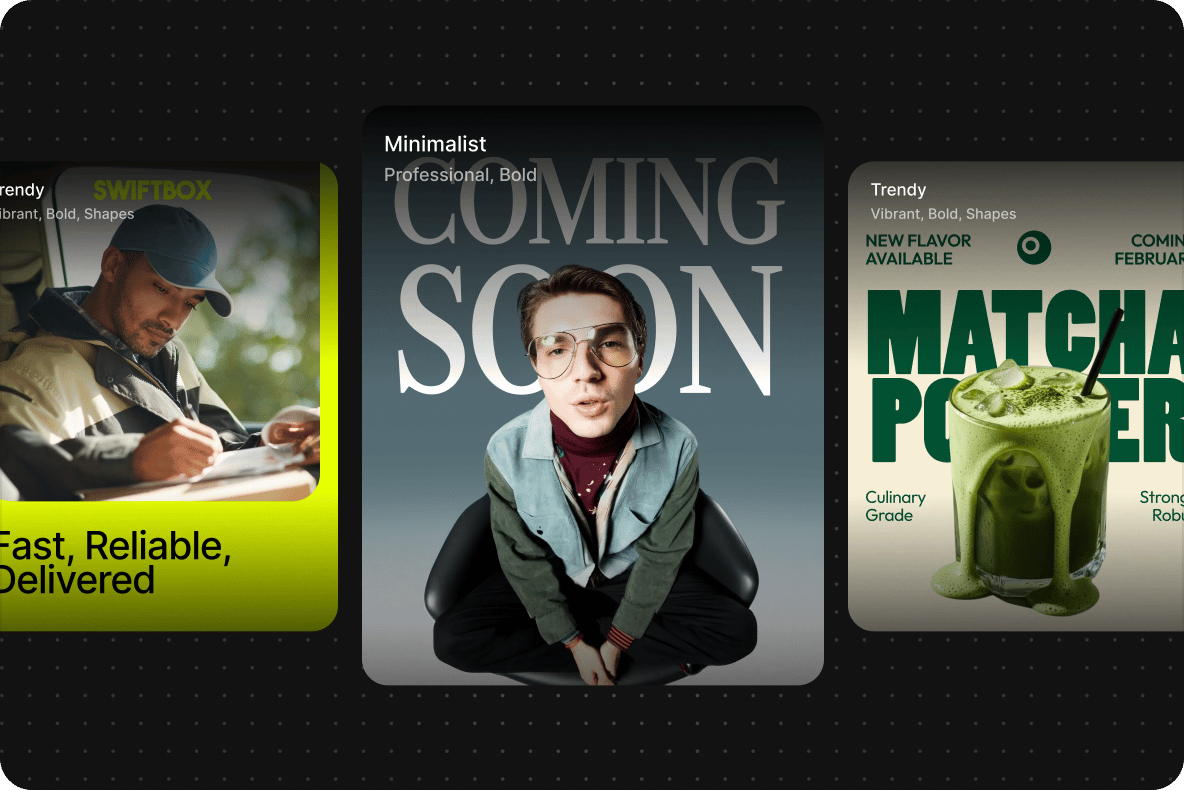
Want a proven layout? Pick a template and customize it with your brand elements. You can add your logo or even create one from our logo templates. Want a clean start? Open any canvas, already sized for the feed, and build from the first element. Add text for a quote post, drop in a photo, or lay out a grid. You decide how much structure you start with.
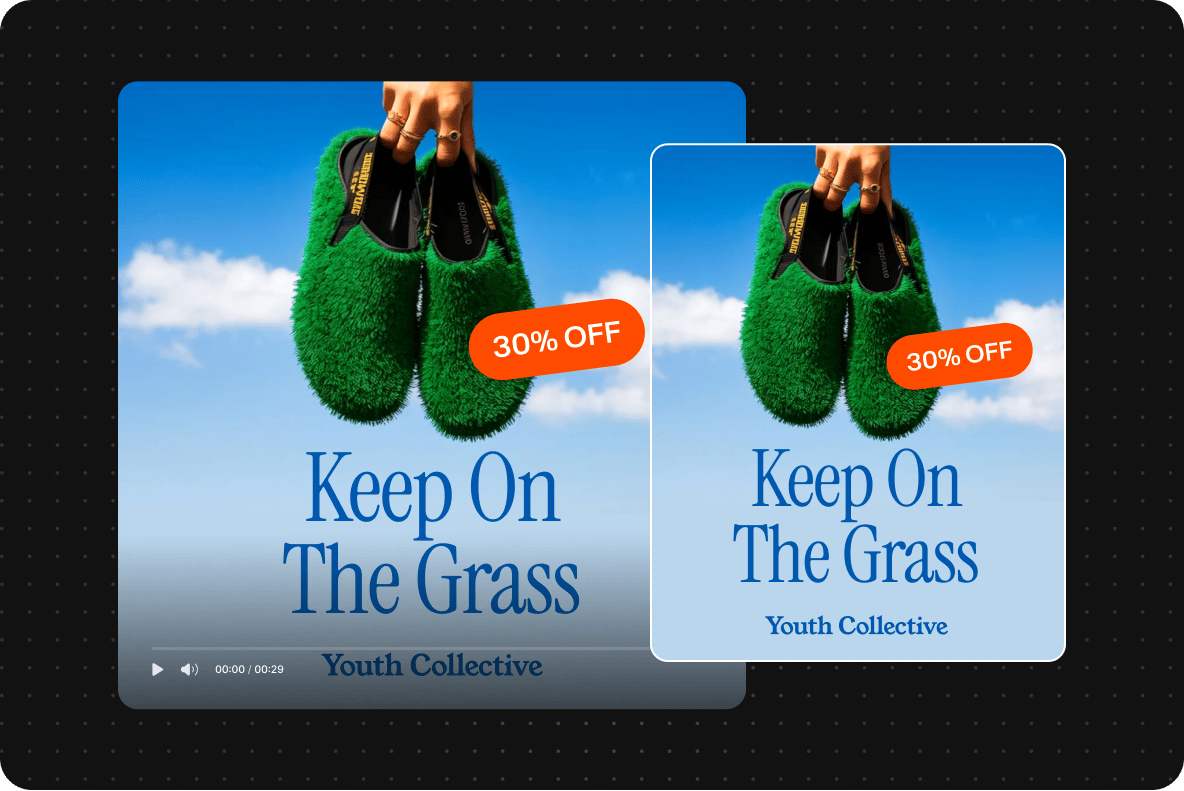
Static posts edited the same way
An Instagram post can be a single image or a multi-slide carousel, and VEED handles both. Edit every slide in the same place, swap a background with the background remover, or brand the whole set to match your feed. Making stories too? Use the Instagram story templates alongside these.
FAQ
An Instagram post template is a ready-made design for a feed post that you customize instead of building from scratch. It sets the layout, style, and sizing, so you swap in your own text, photos, or video. In VEED, templates are editable in the browser, and you can start from a themed design or a blank, correctly sized canvas.
Every VEED template is set to a supported Instagram size, so your post never gets awkwardly cropped in the feed. If you start from a blank canvas, pick a size first, then design inside it.
- Square: 1080 x 1080 px (1:1), the classic feed post
- Portrait: 1080 x 1350 px (4:5), takes up the most space in the feed
- Landscape: 1080 x 566 px (1.91:1), for wide images
In the Instagram app, template options are limited and mostly appear when you reuse a Reel or post someone marked as a template. There's no full, searchable gallery. For that, browse VEED's Instagram post templates, filter by the look you want, and open any one in the editor. You get far more choice than the app, plus full editing controls
Build a post once, then save the layout, fonts, and brand colors so you can reuse it as your own template. In VEED, start from a template or a blank canvas, brand it, and keep it for next time. Reusing the same base keeps your feed consistent and cuts the time it takes to make each new post.
A blank Instagram post template is an empty, correctly sized canvas with no pre-set design. You build the whole post yourself, which is useful when you want full control or a look the themed templates don't cover. In VEED, choose a post size first, then add your photos, text, and branding from an empty frame.
Instagram feed posts support three sizes: square at 1080 x 1080 px, portrait at 1080 x 1350 px, and landscape at 1080 x 566 px. A portrait takes up the most space in the feed. Every VEED template is already set to a supported size, and you can switch sizes or resize a post for stories before exporting.
Instagram's built-in options mostly reformat your existing photos into a fixed layout, and there aren't many. VEED gives you a full gallery of editable Instagram post templates, static or video, that you customize with your own text, images, and colors. You're not limited to the app's handful of formats, and you can build reusable, on-brand templates for your whole feed.
Loved by creators.
Loved by the Fortune 500
“
With VEED I didn't need 15 tutorials - I jumped straight in and started editing.

Gwenne Wilcox
Founder,
Brand Brainery
“
You can go beyond choppping things. VEED actually makes my videos look great.

Michael Glover
Demand Gen Manager,
ConvertFlow
“
The first four videos i created with VEED got over 40,000 impressions on LinkedIn.

Travis Tyler
Senior Content Producer,
PandaDoc
“
I found VEED at the right time: if you're making UGC ads and not using Eye Contact Correction and Noise Reduction on VEED you're missing out on ROI.

Sebastian Schurgers
Head of Growth Marketing,
Gronda
“
With VEED I didn't need 15 tutorials - I jumped straight in and started editing.
Gwenne Wilcox
Founder,
Brand Brainery
“
You can go beyond choppping things. VEED actually makes my videos look great.
Michael Glover
Demand Gen Manager,
ConvertFlow
“
The first four videos i created with VEED got over 40,000 impressions on LinkedIn.
Travis Tyler
Senior Content Producer,
PandaDoc
“
I found VEED at the right time: if you're making UGC ads and not using Eye Contact Correction and Noise Reduction on VEED you're missing out on ROI.
Sebastian Schurgers
Head of Growth Marketing,
Gronda
“
The first four videos i created with VEED got over 40,000 impressions on LinkedIn.
Travis Tyler
Senior Content Producer,
PandaDoc
“
I found VEED at the right time: if you're making UGC ads and not using Eye Contact Correction and Noise Reduction on VEED you're missing out on ROI.
Sebastian Schurgers
Head of Growth Marketing,
Gronda
“
With VEED I didn't need 15 tutorials - I jumped straight in and started editing.
Gwenne Wilcox
Founder,
Brand Brainery
“
You can go beyond choppping things. VEED actually makes my videos look great.
Michael Glover
Demand Gen Manager,
ConvertFlow
Discover more
- Blank Instagram Post Template
- Carousel Post
- Children's Day Template
- Coming Soon Instagram Post
- Congratulations Instagram Post
- Countdown Instagram Post
- Earth Day Instagram Post Ideas
- Easter Posts
- Fashion Post
- Fathers Day Post
- Food Post
- Halloween Post
- Happy Fathers Day Images Animated
- Happy Labour Day
- Happy Teachers Day
- Happy Thanksgiving Social Media Post
- Happy Women's Day Template
- Hotel Instagram Post
- Infographic Instagram Post
- Instagram Ad Template
- Instagram Feed Png
- Instagram Grid Maker
- Instagram Grid Template
- Instagram Post Background
- Instagram Post Cover
- Instagram Post Frame
- Instagram Post Grid Template
- Instagram Post Mockup
- Instagram Post Outline
- Instagram Post Overlay
- Instagram Post Slide Template
- Instagram Post Template
- Instagram Post Template With Caption
- Instagram Post Template With Comments
- International Day Of Sign Languages Poster
- Juneteenth Post
- Lunar New Year Social Media Posts
- Make Instagram Posts
- Meet The Staff Instagram Post
- New Year Social Media Post
- Nonprofit Instagram Post Ideas
- Now Hiring Instagram Post
- Poster On Periods
- Pro Choice Quotes
- Ramadan Template
- Republic Day Instagram Post
- Sale Post
- Social Media Christmas Post
- Summer Post
- Valentines Day Post
- Were Hiring Instagram Post
- Wheel Of Fortune Template
- World Disability Day Poster
Explore related tools
More from VEED

How Long is an Instagram Story: A Creator’s Guide
Trying to make the perfect Instagram story, but don't know how long they're supposed to be? Find out in this extensive guide.

Global Branded Content: Creating Videos That Resonates Across Markets
Learn how global businesses manage to streamline and preserve the integrity of their branded content across different markets.

19 Instagram Story Ideas and Best Practices to Grow Your Followers and Business
We studied top accounts and asked Instagram experts to share their Instagram story secrets for growth and engagement. Here’s what we learned…
Trusted by 1M+ creators
When it comes to amazing videos, all you need is VEED
No credit card required
More than Instagram post templates
VEED is an AI creation platform, and an Instagram template is one thing you make here, not the whole of it. Brand a design with the logo, colors, and fonts saved to your brand kit, then resize it for stories, posts, and everywhere else you publish. Fill a week of feed in one sitting, then carry the same look across the rest of your content. Start creating with VEED today.