


Trusted by 1M+ creators
Event Flyer
Make a flyer for your concert, fundraiser, or workshop in minutes. Pick a template, edit the prompt with the date, time, and place, and hit generate.
No credit card required
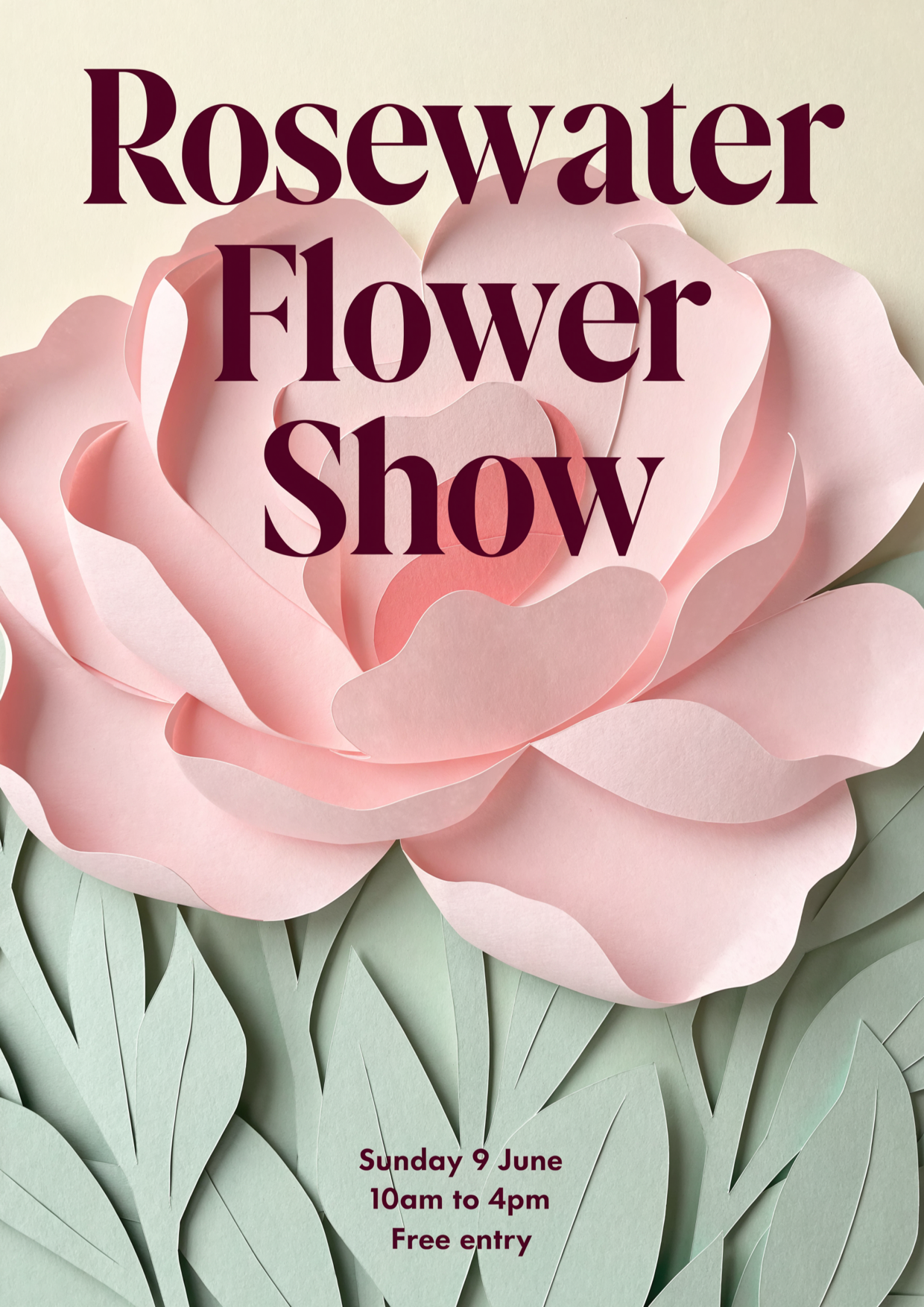
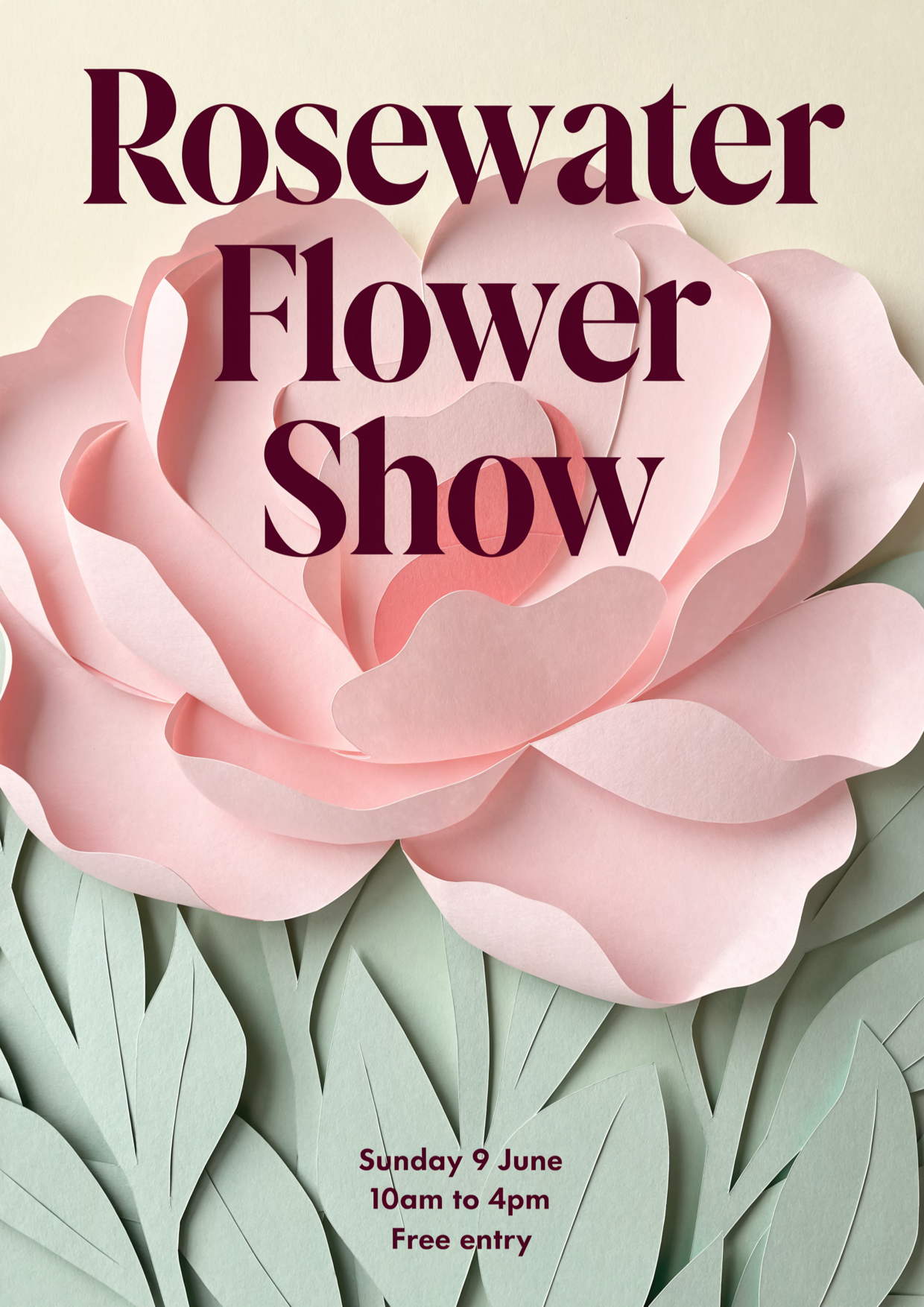
Pink and Plum Elegant Papercut Peony Flower Show Flyer
Flyers
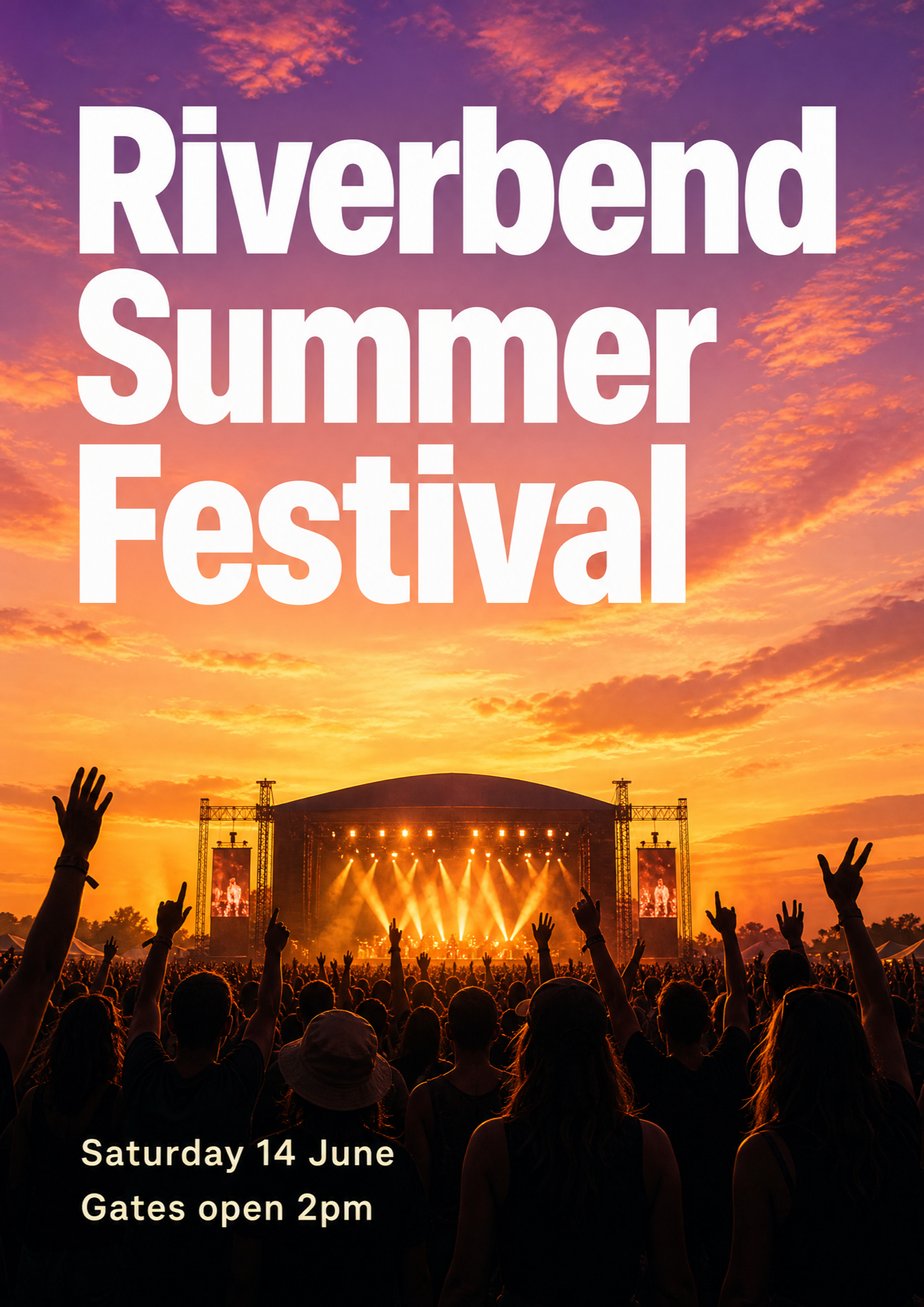
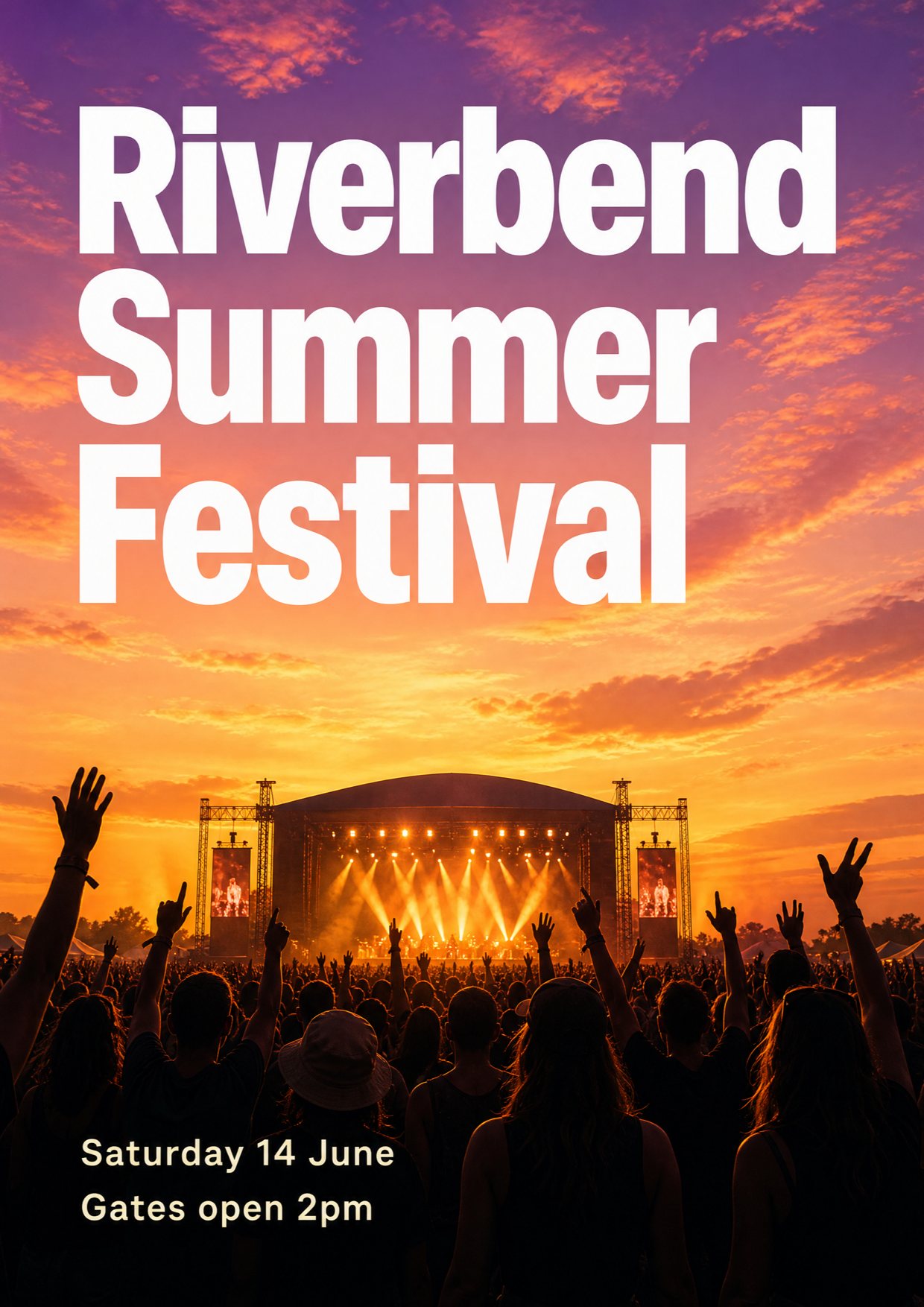
Peach and Violet Sunset Music Festival Crowd Flyer
Flyers
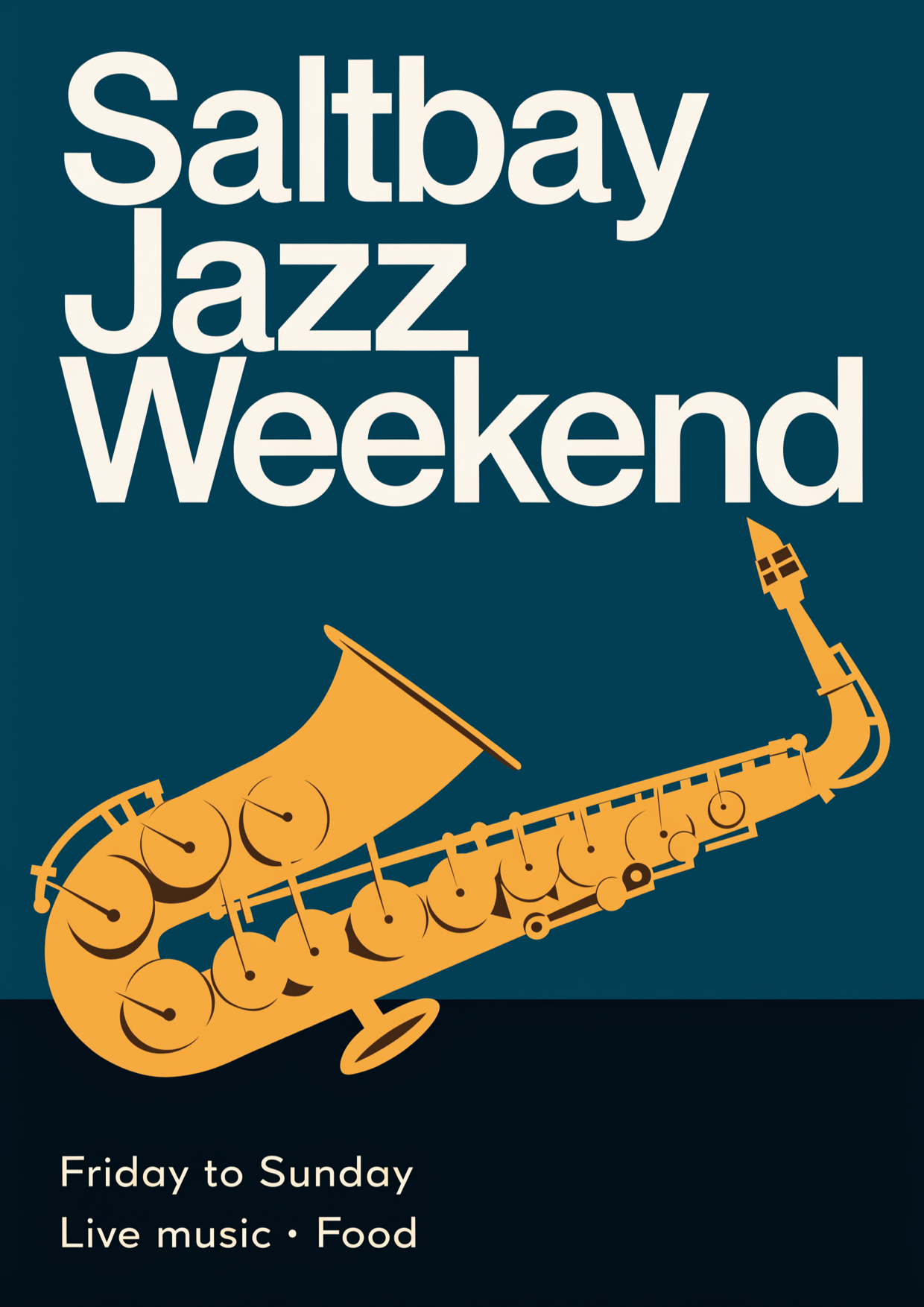
Teal and Gold Mid-Century Saxophone Jazz Flyer
Flyers
4.6
2,100+ reviews















Event flyers that answer what, when, and where at a glance
An event flyer is a single sheet or image that tells people what is happening, when, where, and how to get in. Most online flyer makers hand you an empty canvas or the same template every other organizer already used. A template that opens with a prompt written for an event flyer gets you most of the way there. You change the headline, the details, the colors, and the style, then generate.
Organizers of concerts, fundraisers, workshops, open mics, and club nights make these flyers, then pin them to a noticeboard, hand them out, or post them in a community group. Put the event name, the date and time, the place, and one way to respond on it. Printing? If the flyer looks soft at full size, run it through the image upscaler first.
How to make an event flyer:
Step 01
Choose a flyer template
Browse flyer templates and pick the design closest to what you're promoting, from bold concert flyers to clean "we're hiring" layouts. Each template opens with a prompt already written for that design.
Step 02
Edit the prompt and generate
Change the headline, date, time, place, colors, and style in the prompt. Put the exact words you want on the flyer in quotation marks, and add the shape you need: 3:4 for a printed flyer, 4:5 for an Instagram or Facebook post, or 9:16 for Stories. Hit "generate."
Step 03
Download your flyer
Download your flyer to print, post, or share. To fix a single word or swap a detail first, open it in the AI image editor.
Learn More
Check out Nano Banana Pro and try it on VEED:
One event flyer for the noticeboard, the feed, and Stories
A gig or a fundraiser gets seen in three places: printed on the café noticeboard, posted in a community Facebook group, and shared in Stories the night before. Generate the design at 3:4 for the printed sheet, 4:5 for the feed post, and 9:16 for Stories, so the date and the venue sit inside each shape instead of getting cropped.
A look that fits the crowd, with every detail spelled right
A school bake sale and a Saturday club night should not look alike. Set the mood in the prompt, such as "SATURDAY NIGHT LIVE" in glowing neon type on deep purple, 3:4, and put the date, time, and venue in quotes. Check every digit before you download, and fix a wrong one in the AI image editor instead of starting over.
From an event flyer to a promo clip
The flyer is a still image, and it does not have to stay one. Turn the design into a short animated clip with image-to-video AI, or build a full event promo video around it with music and a voiceover for the days before the doors open.
FAQ
An event flyer is a one-page announcement that tells people what is happening, when, where, and how to join. To make one online, open a flyer template in VEED, edit the prompt already written for it, add a ratio such as 3:4, and generate. Compare the results, re-prompt anything close but not right, then download. To see the full range, browse every flyer template.
A good event flyer answers what is happening, when and where, and how to respond, with one strong image and room around the text. Keep the headline to about six words. In VEED, put the exact words in quotation marks so they are spelled right, then check every date, address, and phone number before downloading. Fix a wrong digit in the AI image editor instead of generating the whole flyer again.
Yes, many event flyers carry a venue photo, a band shot, or an organizer logo. The flyer templates generate new designs, so they will not keep your picture. To keep it, make a flyer with your own photo or logo: upload it, then describe the headline, the details, the layout, and the style around it.
Most US flyers print on Letter paper, 8.5 × 11 inches, and a half-page flyer is 5.5 × 8.5 inches. Generate at 3:4 for Letter or 2:3 for a half page, and leave a small margin. For feeds, use 4:5 (1080 × 1350); for Stories, 9:16 (1080 × 1920). If the file looks soft, run it through the image upscaler before you print it at home or at a print shop.
Strong event flyers start from one clear idea. Three to try:
- Fundraiser: "BAKE SALE FOR THE LIBRARY" in warm, hand-lettered type, with the date, time, and place beneath it.
- Open mic: "OPEN MIC NIGHT" in bold type on a dark, stage-lit background, with the start time and venue.
- Workshop: "SKILLS WORKSHOP" in clean navy type with one agenda line and a sign-up contact.
Edit any of them in the prompt, then generate.
The cost of a flyer depends on how you make and print it. The VEED flyer maker runs on AI credits, and you can sign up without a credit card. The credit cost depends on how many images you generate, and it shows on the generate button before you commit. See pricing for current plans and credit add-ons, or start from a blank prompt in the AI image generator.
Loved by creators.
Loved by the Fortune 500
“
With VEED I didn't need 15 tutorials - I jumped straight in and started editing.

Gwenne Wilcox
Founder,
Brand Brainery
“
You can go beyond choppping things. VEED actually makes my videos look great.

Michael Glover
Demand Gen Manager,
ConvertFlow
“
The first four videos i created with VEED got over 40,000 impressions on LinkedIn.

Travis Tyler
Senior Content Producer,
PandaDoc
“
I found VEED at the right time: if you're making UGC ads and not using Eye Contact Correction and Noise Reduction on VEED you're missing out on ROI.

Sebastian Schurgers
Head of Growth Marketing,
Gronda
“
With VEED I didn't need 15 tutorials - I jumped straight in and started editing.
Gwenne Wilcox
Founder,
Brand Brainery
“
You can go beyond choppping things. VEED actually makes my videos look great.
Michael Glover
Demand Gen Manager,
ConvertFlow
“
The first four videos i created with VEED got over 40,000 impressions on LinkedIn.
Travis Tyler
Senior Content Producer,
PandaDoc
“
I found VEED at the right time: if you're making UGC ads and not using Eye Contact Correction and Noise Reduction on VEED you're missing out on ROI.
Sebastian Schurgers
Head of Growth Marketing,
Gronda
“
The first four videos i created with VEED got over 40,000 impressions on LinkedIn.
Travis Tyler
Senior Content Producer,
PandaDoc
“
I found VEED at the right time: if you're making UGC ads and not using Eye Contact Correction and Noise Reduction on VEED you're missing out on ROI.
Sebastian Schurgers
Head of Growth Marketing,
Gronda
“
With VEED I didn't need 15 tutorials - I jumped straight in and started editing.
Gwenne Wilcox
Founder,
Brand Brainery
“
You can go beyond choppping things. VEED actually makes my videos look great.
Michael Glover
Demand Gen Manager,
ConvertFlow
Discover more
Explore related tools
More from VEED

AI Art Prompts: How to Write Better Prompts, Creative Examples, and Tools to Try
Getting your AI art prompts is the key to winning with generative AI tools. Learn how to write better prompts here.

Branded Video 101: What is it and How to Get Started
A branded video is a marketing asset that uses storytelling to engage an audience and build brand awareness. Learn more in this guide.

Video Branding Strategies That Drive Results: A Complete Guide
Learn video branding practices: take your video content from forgettable to unforgettable.
Trusted by 1M+ creators
When it comes to amazing videos, all you need is VEED
No credit card required
More than an event flyer maker
An event flyer is usually one piece of something bigger: a launch night, a fundraiser, a season of workshops. VEED is an AI video creation platform, so the same event can get a countdown clip for the week before doors open, built from the flyer's headline, date, and venue. Generate a scene or a clip from a written prompt or a script in the AI video generator, add an AI avatar or a voiceover, and refine the cut until the pacing holds. Keep fonts, colors, and logo consistent so the flyer and the video look like your brand made them, not AI, then export post-ready video for TikTok, Reels, and YouTube.