Google Veo 3.1: The Next Generation of AI Video (Live on VEED)
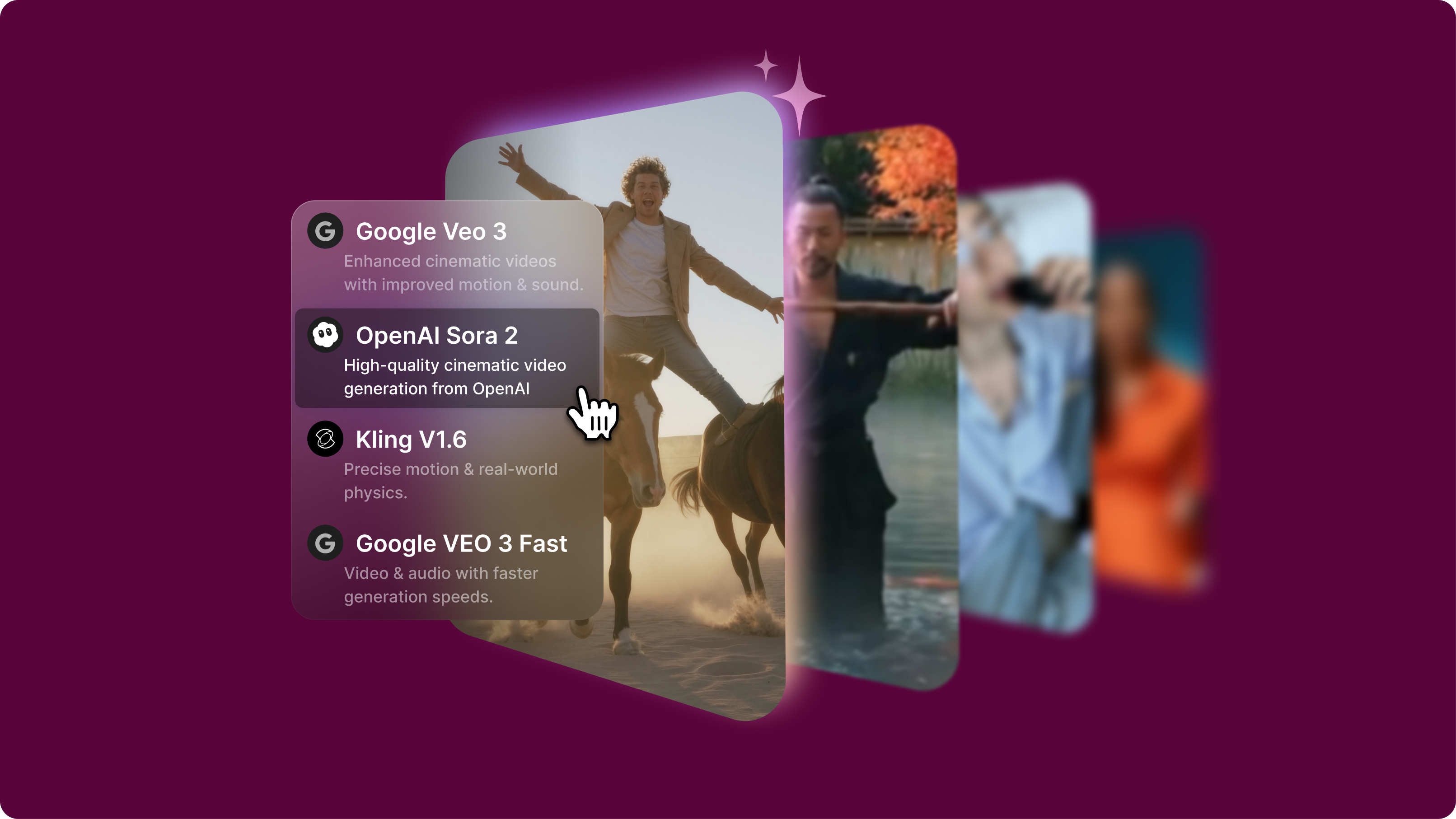
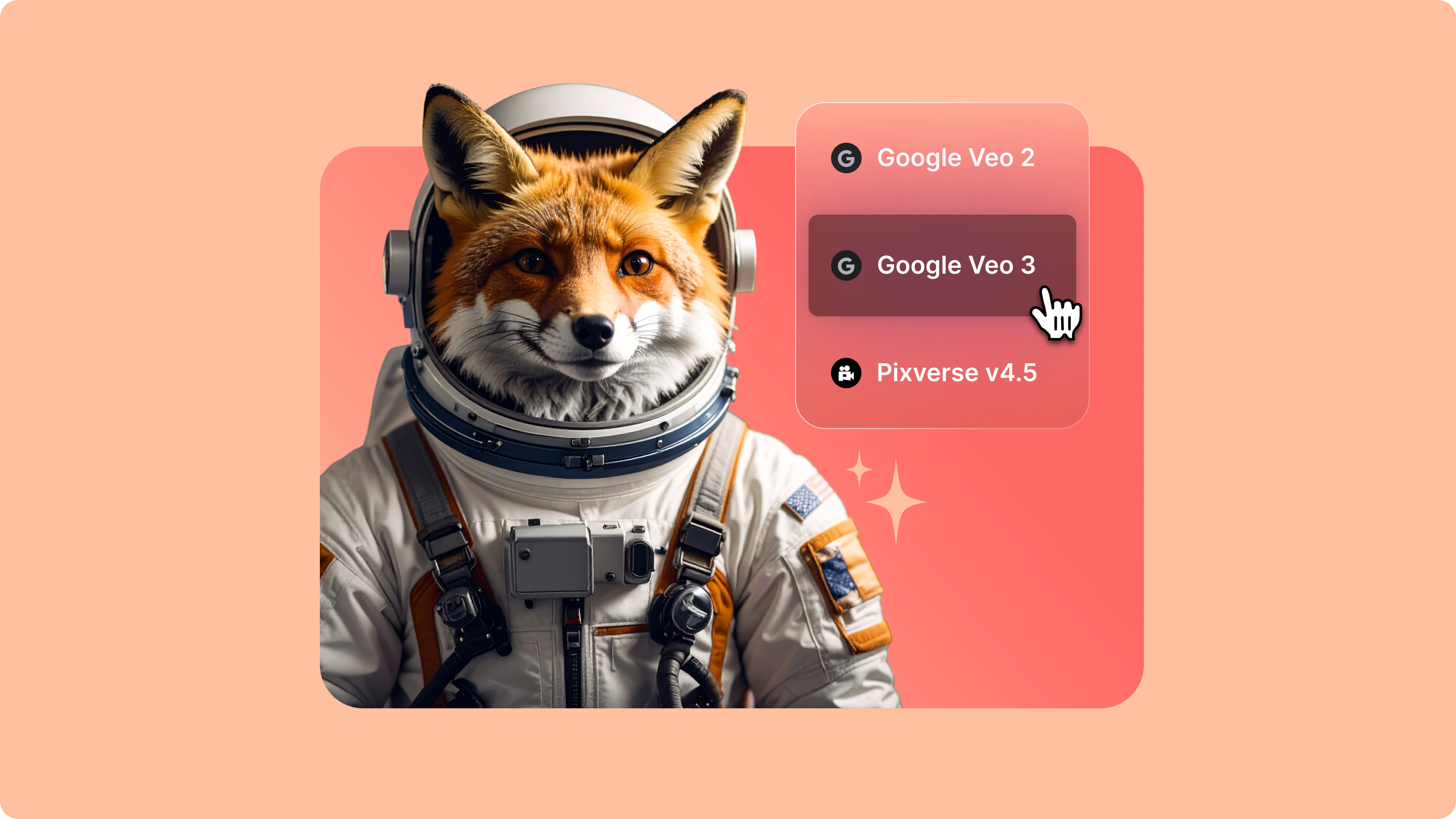
Google Veo 3.1 offers better realism, richer audio generation, and improved prompt adherence. And now, you can try it on VEED. Learn more here.
4.6
2,100+ reviews















Testing AI image models usually means juggling APIs and complex interfaces. VEED's AI playground removes these barriers with a streamlined, no-code interface. Test image generation models like Seedream 4.5, Nano Banana Pro, and Flux 2. Input your prompt into one model, then switch to another to compare results and find the best model for your project.
Evaluate how different models interpret your vision. Download your preferred image or move it into video creation. VEED lets you move from AI model exploration to video production seamlessly. Animate your image using image-to-video models, or load the image into our video editor to combine with video and sound. Start exploring text-to-image models now.
How to test image generation models:
Step 1
Choose an AI image model and aspect ratio from our AI playground menu. Describe the image you want to create.
Step 2
Test your prompt with different AI image models to compare style, quality, and interpretation. Generate multiple variations to find the perfect output for your specific use case.
Step 3
Download your preferred output — perfect for prototype development, content creation pipelines, and AI model research. You can also animate your image with image-to-video AI.
Learn More
Watch this AI playground walkthrough:
Compare AI image models without technical setup
Skip the API setup and authentication across multiple models. Our centralized playground gives you instant access to popular text-to-image models like Nano Banana Pro and Stable Diffusion 3. Test your prompt with one model, then easily switch to another to compare results. Get practical insights into each model's strengths and limitations before committing to a specific model.
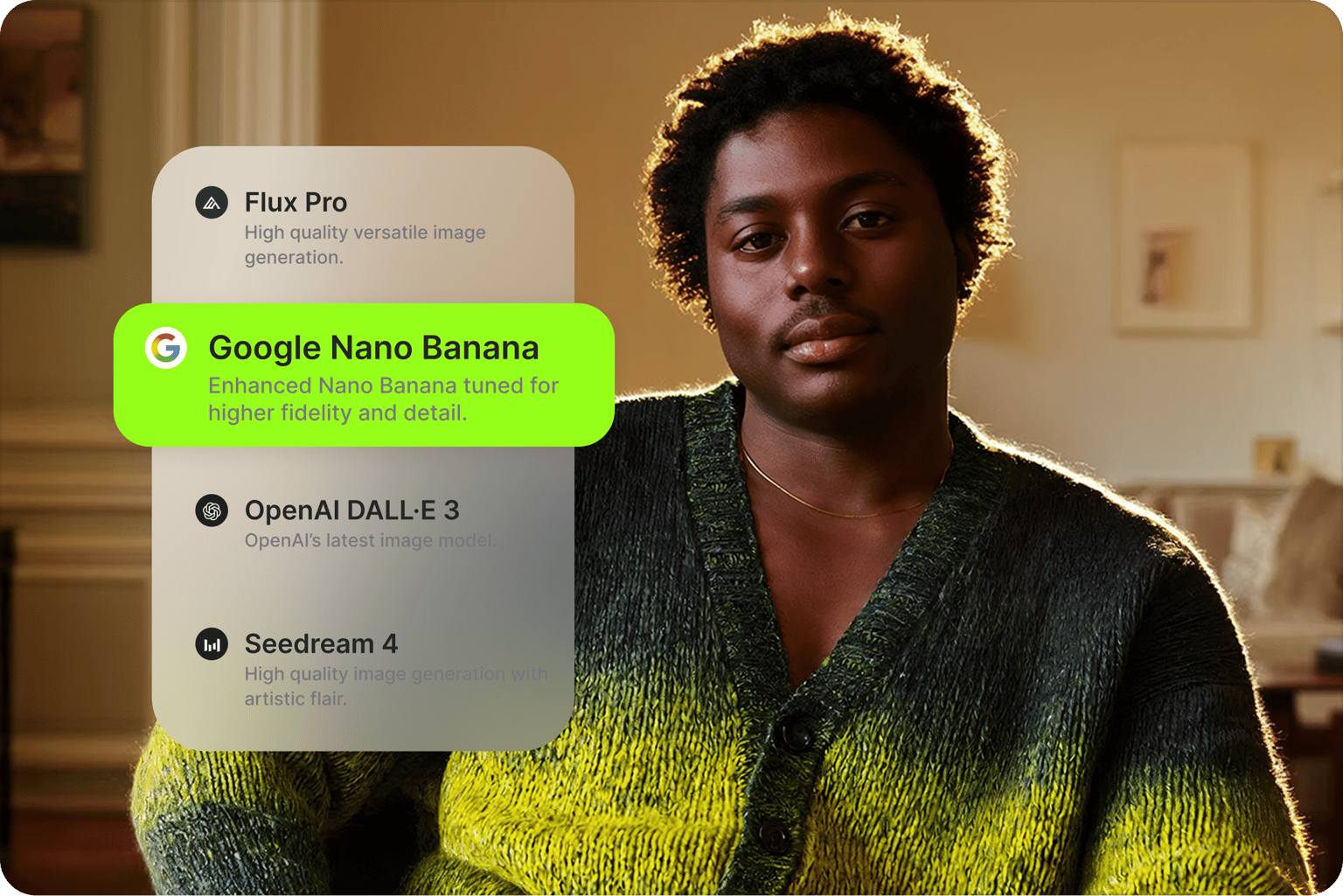
One prompt, multiple visual interpretations
Enter your text description and test it with different models by switching between them. Some models excel at photorealism while others deliver stylized artwork or technical illustrations. Switch between models to discover which AI best matches your creative vision. No need to manage separate accounts or navigate different platform interfaces for each test.
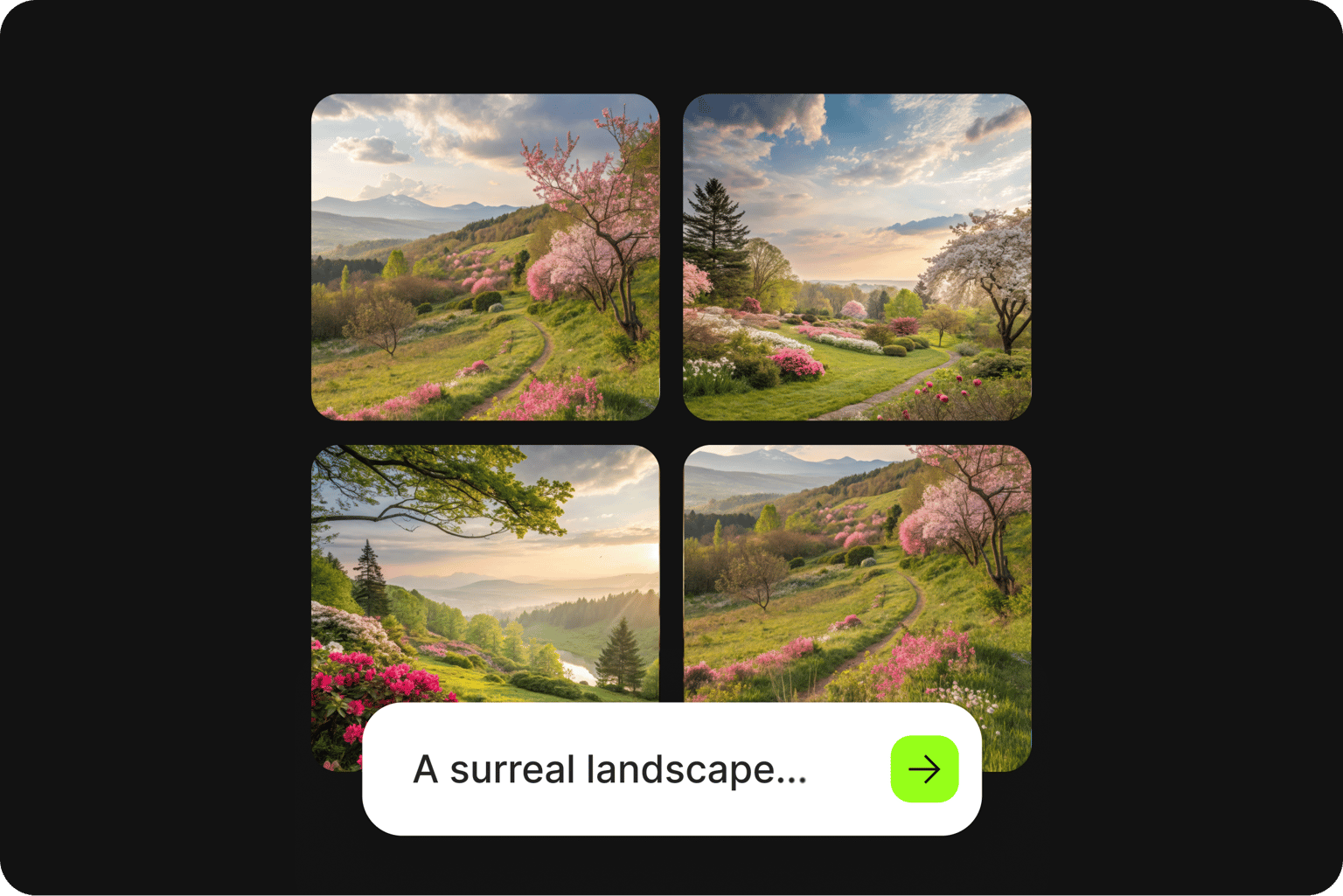
From AI exploration to content creation
Found the perfect AI-generated image? Keep the momentum going. VEED eliminates the typical workflow break where you'd need to download, transfer files, and switch platforms. Move your images into our video editor to combine them with video and sound. Or animate your images by describing the motion you want to see. Test models and build content in one continuous workflow.
FAQ
Discover more
Explore related tools
Loved by the Fortune 500
VEED has been game-changing. It's allowed us to create gorgeous content for social promotion and ad units with ease.

Max Alter
Director of Audience Development, NBCUniversal

I love using VEED. The subtitles are the most accurate I've seen on the market. It's helped take my content to the next level.

Laura Haleydt
Brand Marketing Manager, Carlsberg Importers
I used Loom to record, Rev for captions, Google for storing and Youtube to get a share link. I can now do this all in one spot with VEED.

Cedric Gustavo Ravache
Enterprise Account Executive, Cloud Software Group

VEED is my one-stop video editing shop! It's cut my editing time by around 60%, freeing me to focus on my online career coaching business.

Nadeem L
Entrepreneur and Owner, TheCareerCEO.com

More from VEED
When it comes to amazing videos, all you need is VEED
No credit card required
More than text to image models
Great images make great AI videos. Try the best text-to-image models in the AI playground. Generate images, then animate them with image-to-video AI. Plus, explore text-to-video and video-to-video models – all in one centralized platform. Move your output directly into the editor to combine clips, add text and captions, and more. VEED is an AI video creation platform that lets you go from first prompt to finished video. Sign up now to get started.