


Trusted by 1M+ creators
Lip Sync AI
Turn an avatar or photo into a talking video. Type a script, pick a voice, and match the lips with AI. Free to try
No credit card required
4.6
2,100+ reviews















Lip sync AI: The talking video you didn't have to film
Getting someone on camera to say something new means booking a shoot, and animating a mouth by hand means learning software you do not have time for. VEED's lip sync AI skips both. Pick an avatar or upload a photo, type what you want it to say, and pick a voice. The AI generates the speech and moves the lips to match it.
Marketers use it for ad hooks and UGC-style posts, founders for LinkedIn updates, and creators for TikTok, Reels, and Shorts. There is no recording session and no audio file to find, so the whole thing takes minutes. The video lands in VEED, ready to subtitle, brand, and export with the online video editor.
How to create a lip sync AI video:
Step 01
Choose or create a character
Sign in and select an avatar. You can also clone your face. Type your script in the prompt box, and pick a voice. The AI writes the speech from your words, so there is nothing to record.
Step 02
Add and style subtitles, and add branding
Under the prompt box, you can switch on subtitles and apply your brand kit so the output carries your fonts, colors, and logo. Set the aspect ratio for wherever the video is going.
Step 03
Generate, refine, and export
Generate, then check the sync. Reword a line or switch the voice if the read is off, trim the result, edit the subtitles, and export in HD for TikTok, Reels, Shorts, or YouTube.
Learn More
Watch this walkthrough of our lip sync AI video generator:
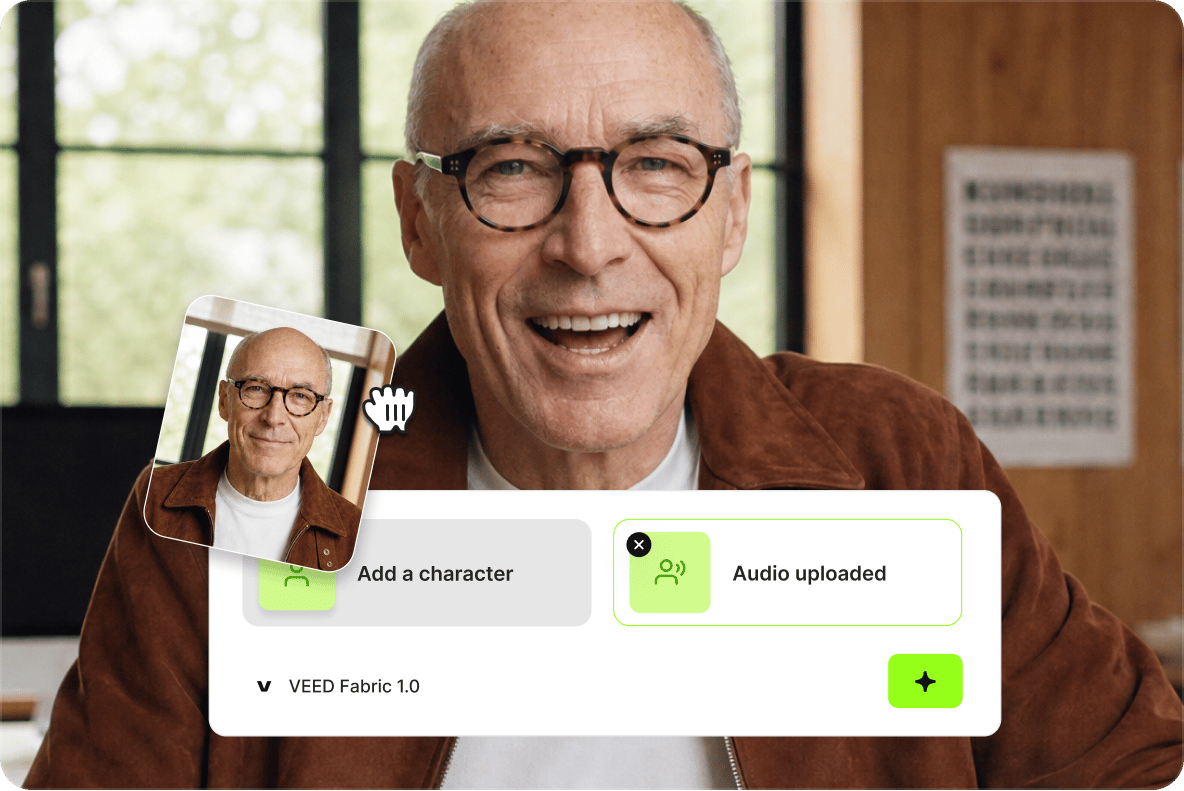
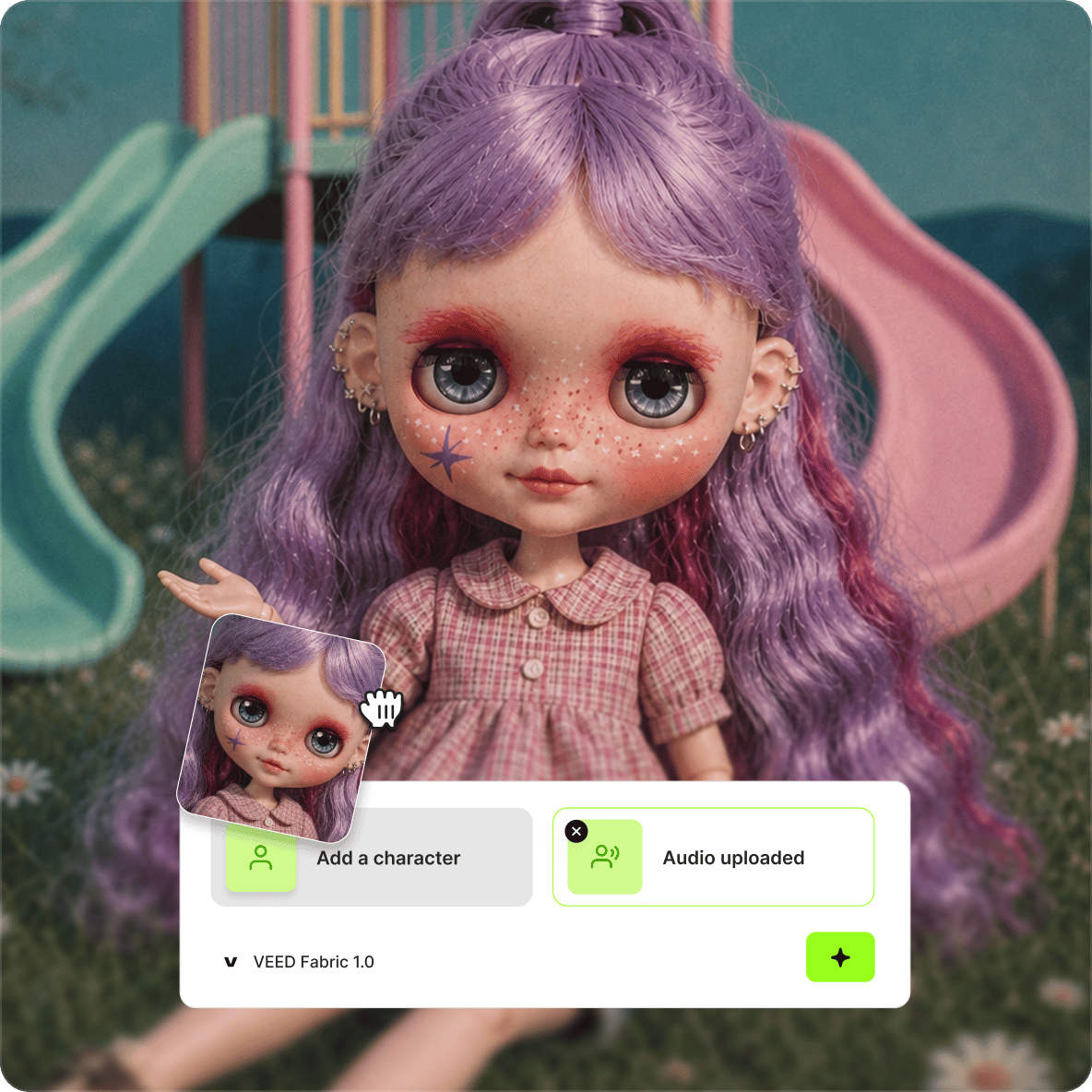
An avatar or photo is the only footage you need
Most lip sync tools want an existing video of someone talking. This one starts with a still image. Select an avatar or upload a headshot, a character illustration, or a brand mascot, type the line, and get a talking video sized for TikTok, Reels, Shorts, or a LinkedIn post. No camera, no talent, no reshoot.
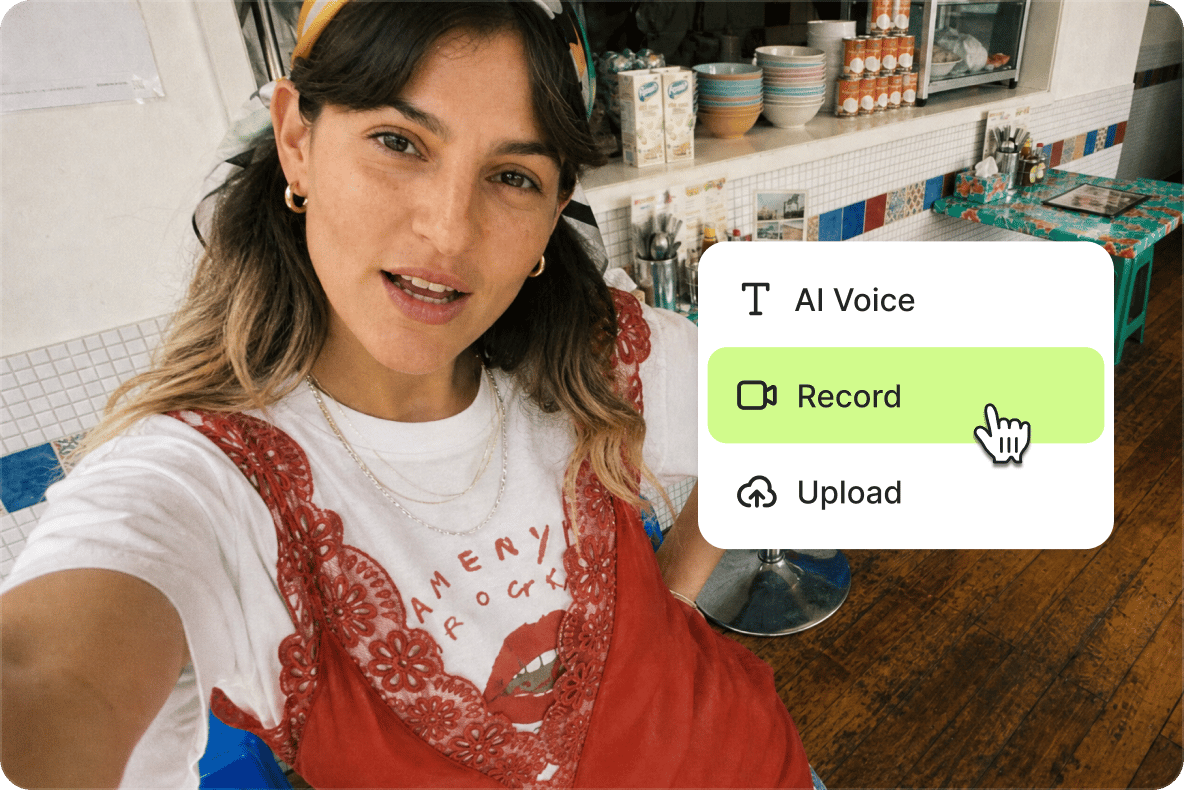
Yours down to the font and the voice
Accurate sync is only half the job. Choose the voice, rewrite the line, and rerun it until the delivery lands. Then apply your brand kit so the fonts, colors, and logo are yours, style the subtitles to match your feed, and trim the pacing. The finished video belongs on your channel, not in a gallery of generic AI clips.
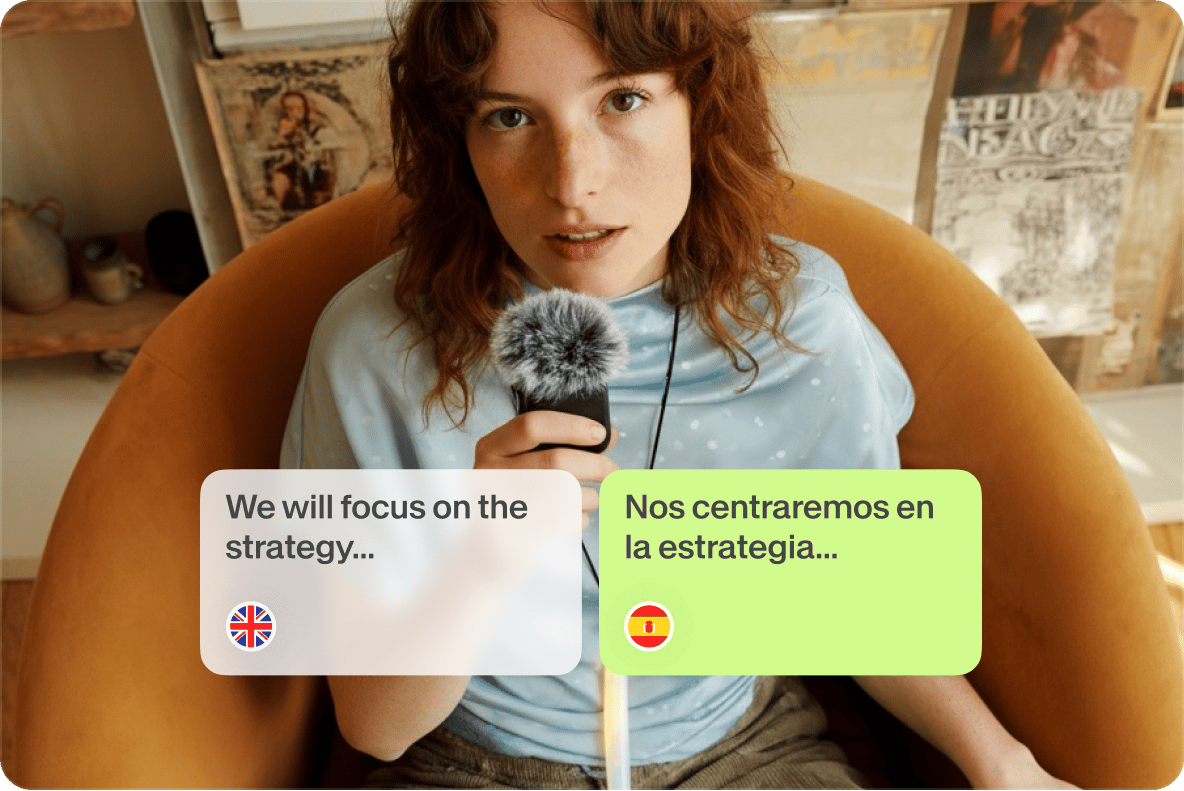
Say it in another language, and the lips follow
Paste your script in a second language, pick a voice that speaks it, and the mouth moves with those words instead of English shapes. One photo covers every market you post in. For videos already published, pair this with VEED's instant video translator or AI dubbing tool. The same flow handles song and music video lip sync and talking characters for explainers.
FAQ
Open your VEED workspace, choose an avatar or upload the photo you want to speak, and type your script in the prompt box. Pick a voice, then set your character, subtitles, and brand kit underneath. Generate, check the sync, and export in HD. There is no audio file to prepare and no animation work involved, so most videos are ready in minutes.
All three. Upload a headshot, start from one of VEED's AI avatars, or bring a character image you generated. Non-human and stylized subjects sync as well as real faces, so mascots, clay characters, and anime-style presenters all work. A still image is all the tool needs to produce a talking video.
No. The AI generates the speech from your script. Type or paste the line, choose a voice, and it produces the audio and syncs the lips to it in one pass. There is no microphone, no voice actor, and no audio file to prepare. Change the wording or switch the voice and generate again until the read lands.
Yes. Write the script in your target language and choose a voice that speaks it, and the lip movement matches those words rather than English mouth shapes. Teams use this to run one campaign across several markets from a single photo, without booking a shoot or a voice actor per language.
VEED's lip sync AI is free to try, and it runs on AI credits after that. The credit cost depends on the model and the length of the video, and you see it before you generate. An account is needed to save and export your work. Current plan options are listed on the VEED pricing page.
Two things decide the result: a photo where the face is visible and reasonably front-facing and a script written the way people speak. Get those right, and the mouth reads as natural speech rather than a pasted animation. Generation usually takes a few minutes depending on length. For high volume, teams build the same job into their stack with VEED's lip sync API.
Loved by creators.
Loved by the Fortune 500
“
With VEED I didn't need 15 tutorials - I jumped straight in and started editing.

Gwenne Wilcox
Founder,
Brand Brainery
“
You can go beyond choppping things. VEED actually makes my videos look great.

Michael Glover
Demand Gen Manager,
ConvertFlow
“
The first four videos i created with VEED got over 40,000 impressions on LinkedIn.

Travis Tyler
Senior Content Producer,
PandaDoc
“
I found VEED at the right time: if you're making UGC ads and not using Eye Contact Correction and Noise Reduction on VEED you're missing out on ROI.

Sebastian Schurgers
Head of Growth Marketing,
Gronda
“
With VEED I didn't need 15 tutorials - I jumped straight in and started editing.
Gwenne Wilcox
Founder,
Brand Brainery
“
You can go beyond choppping things. VEED actually makes my videos look great.
Michael Glover
Demand Gen Manager,
ConvertFlow
“
The first four videos i created with VEED got over 40,000 impressions on LinkedIn.
Travis Tyler
Senior Content Producer,
PandaDoc
“
I found VEED at the right time: if you're making UGC ads and not using Eye Contact Correction and Noise Reduction on VEED you're missing out on ROI.
Sebastian Schurgers
Head of Growth Marketing,
Gronda
“
The first four videos i created with VEED got over 40,000 impressions on LinkedIn.
Travis Tyler
Senior Content Producer,
PandaDoc
“
I found VEED at the right time: if you're making UGC ads and not using Eye Contact Correction and Noise Reduction on VEED you're missing out on ROI.
Sebastian Schurgers
Head of Growth Marketing,
Gronda
“
With VEED I didn't need 15 tutorials - I jumped straight in and started editing.
Gwenne Wilcox
Founder,
Brand Brainery
“
You can go beyond choppping things. VEED actually makes my videos look great.
Michael Glover
Demand Gen Manager,
ConvertFlow
Explore related tools
More from VEED
Launching VEED’s Lipsync API: World's Most Powerful Lip-Syncing Tech
We’re excited to introduce the VEED Lipsync API—the world’s most powerful lip-syncing technology, now available for developers and teams.
Launching VEED Fabric 1.0 API: World's First-Ever AI Talking Video Model
We’re excited to launch Fabric 1.0 API, the world’s first talking video model. It's 60x cheaper and 7x faster than comparable options. Learn more here.
Introducing Your AI Video Playground
If you’ve spent any time on LinkedIn or your favourite creator forums lately, you’ve probably seen the buzz: Minimax, PixVerse, Google Veo, and a growing list of next-gen generative AI models that are redefining how video gets made. But with new models launching every week, it’s hard to know what’s worth your time—or how they actually fit into your workflow.
Trusted by 1M+ creators
When it comes to amazing videos, all you need is VEED
No credit card required
More than a lip sync AI video generator
A talking video is one step in getting something posted. VEED is an AI video creation platform where you can generate, refine, and export videos: start from a single image with Fabric 1.0, tighten the pacing, subtitle it, and apply your brand kit so the fonts, colors, and logo carry across every version. Translate it, resize it, and export post-ready for social in one session. Start creating with VEED today.