


Trusted by 1M+ creators
Epidemic Sound
55,000+ royalty-free tracks and sound effects, built into VEED. Every genre. Post anywhere with zero copyright claims
No credit card required

4.6
2,100+ reviews















The right track exists—it's in VEED
Finding music for a video should take seconds, not sessions. VEED now includes the full Epidemic Sound catalog: 55,000+ royalty-free tracks spanning every genre and mood, a dedicated sound effects library, and discovery tools built for creators who need to move fast. Browse by genre, mood, or keyword, preview instantly, and drop your track onto the timeline. All without leaving your project.
Every track is commercially cleared. That means you can publish on YouTube, TikTok, Instagram, Twitch, LinkedIn, and Facebook without copyright claims, muted audio, or strikes. The license is included in your VEED plan. No separate Epidemic Sound account needed, no per-track fees, and no credit required in your video description.
How to add Epidemic Sound music to your video:
Step 01
Open your project and go to the audio panel
Head to VEED's video editor and upload your footage or open an existing project. Click the Audio tab in the left sidebar to open the stock audio catalog.
Step 02
Browse, search, and preview your track
Use the keyword search to describe the feeling you're after, or filter by genre or mood. Preview any track against your video in real time before you commit. The catalog also surfaces trending playlists and curated collections updated regularly by Epidemic Sound's editorial team.
Step 03
Drop the track on your timeline and export
Click to add the track. Adjust the volume, trim to fit, or layer in sound effects from the same library. When you're ready, export your video. The royalty-free license covers you on every platform you publish to.
Learn More
Watch this walkthrough of our audio integration:
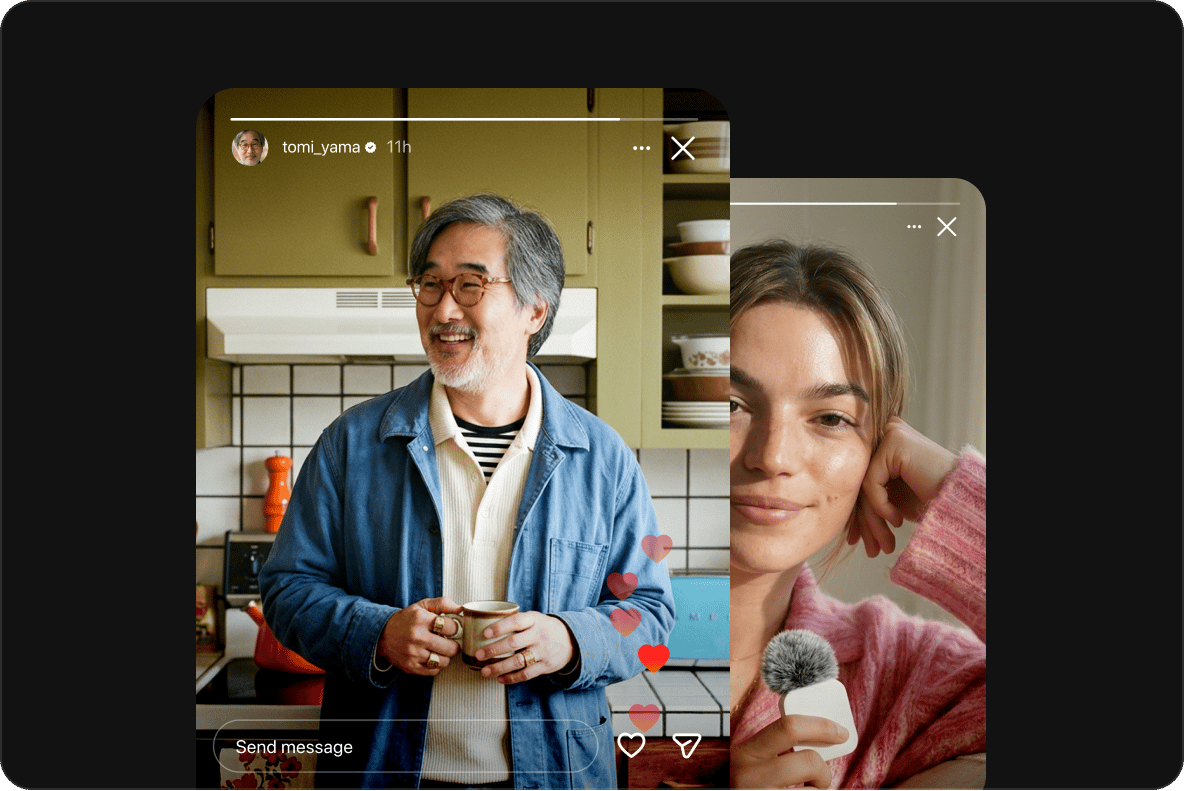
Post anywhere. No copyright claims, ever
Every Epidemic Sound track available in VEED is commercially cleared for use across all major platforms: YouTube (including monetized content), TikTok, Instagram Reels, Twitch, Facebook, and LinkedIn. The license is built into your VEED plan. You don't need to credit the artist, manage separate licenses, or worry about your video getting flagged after you publish.
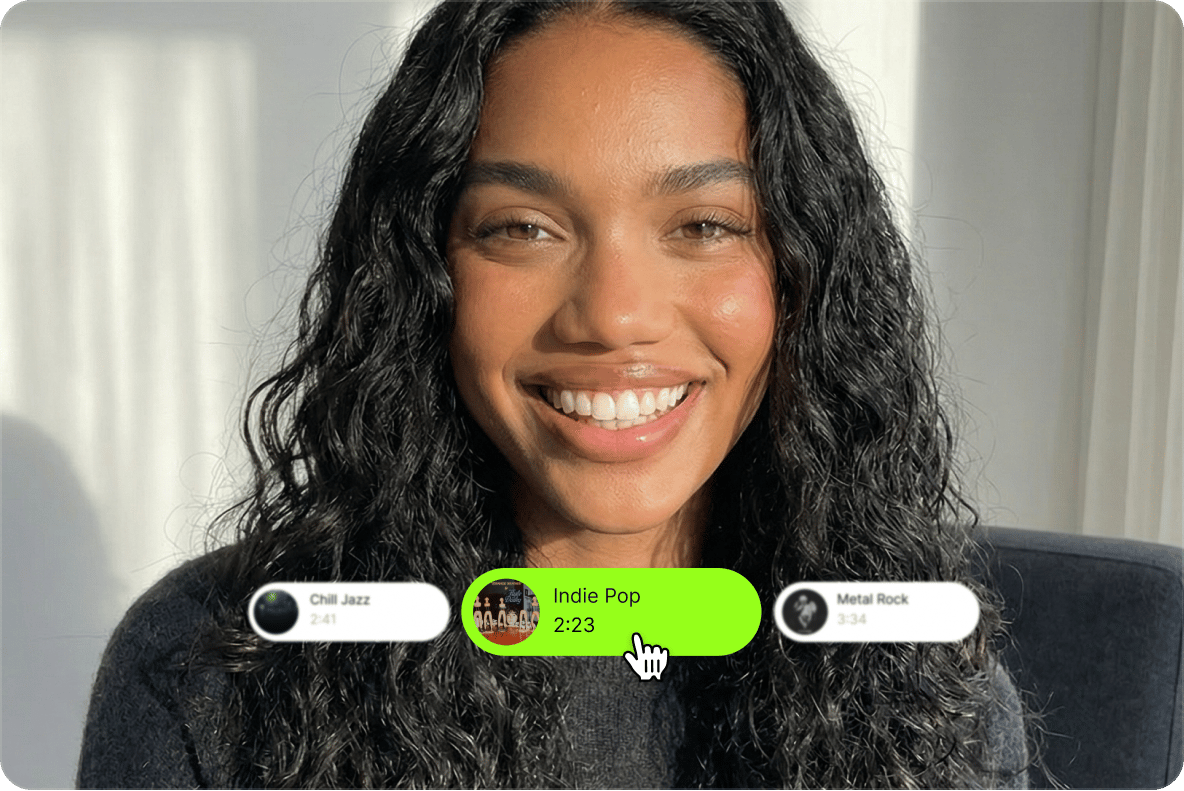
A catalog your content is actually worth using
55,000+ tracks is only useful if you can find what you need. Epidemic Sound inside VEED comes with genre and mood browsing, keyword search, trending playlists, and curated collections built around real creator use cases—product launches, travel content, YouTube intros, and UGC ads. Preview any track before committing. Swap in seconds. Your video sounds as considered as it looks.
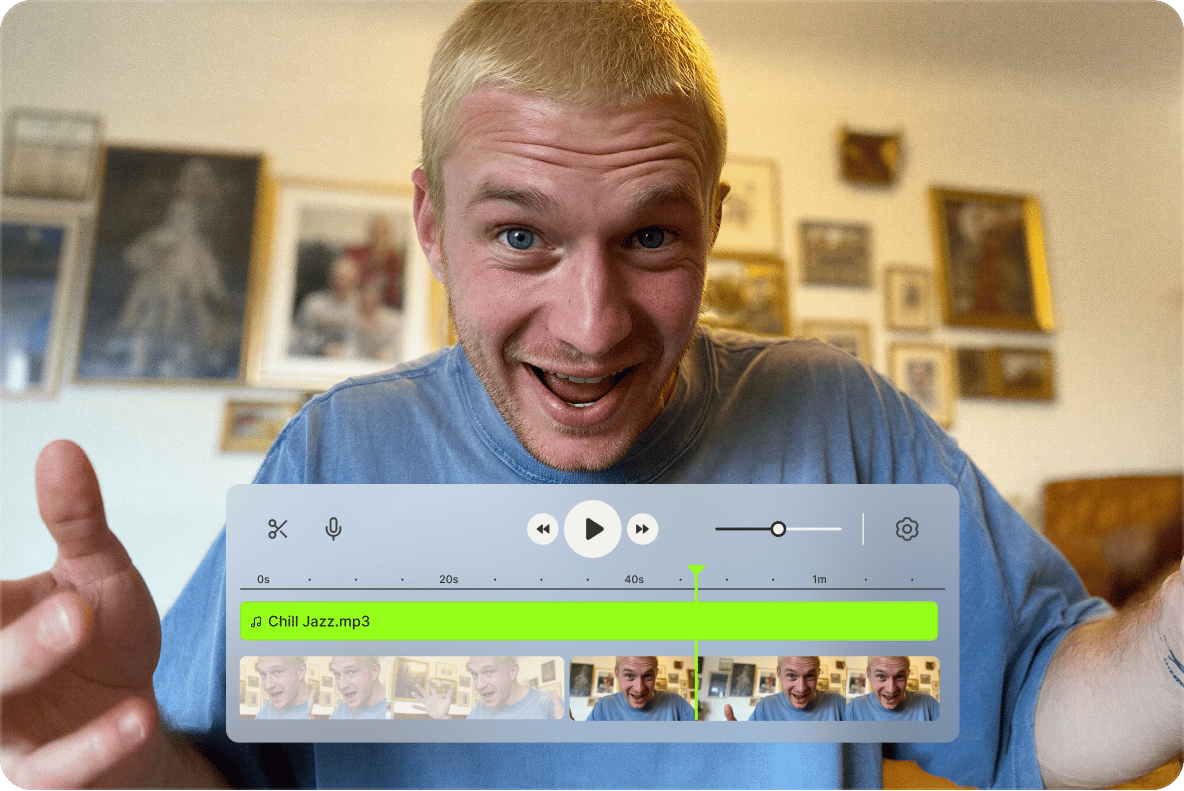
From the right track to a post-ready video, in one place
Music is one part of the workflow. VEED handles the rest. Once your track is on the timeline, use VEED's AI video editor to clean audio, add captions, resize for platforms, and fine-tune your edit. All without switching tools. Need to add audio to an existing video or layer multiple tracks? The same editor handles it. Generate, brand, and export in one workflow.
FAQ
Epidemic Sound is one of the world's leading royalty-free music platforms, with over 55,000 commercially cleared tracks and a curated sound effects library. VEED has integrated it directly into the editor and GenAI Studio, so you can access the full catalog without a separate Epidemic Sound subscription or login. Access is included in your VEED plan based on your tier.
Yes. Every track in the Epidemic Sound catalog is royalty-free and commercially cleared. You can use them in videos posted on YouTube, TikTok, Instagram, Twitch, Facebook, and LinkedIn without risking a copyright claim, content strike, or demonetization. The license is included with your VEED plan and applies automatically to every track you use.
No. Attribution is not required. Your VEED plan includes the Epidemic Sound license, which covers commercial use across platforms without any obligation to credit the artist or the platform in your video description, captions, or end screen. You can publish and monetize without adding credit.
Yes—and on TikTok, Instagram, Facebook, and LinkedIn too. The Epidemic Sound license included in VEED covers all major video and streaming platforms, including monetized YouTube content. You can stream with music on Twitch and post short-form content on TikTok and Reels without your audio being muted or your account flagged.
Free users get a curated 25-track Epidemic Sound playlist to explore the catalog quality before committing. Pro users unlock the full 55,000+ track catalog plus the complete sound effects library, with unlimited use across projects. Enterprise users get 500 lifetime exports with background music and full commercial clearance for brand content. No plan requires a separate Epidemic Sound subscription.
Open the Audio panel inside the VEED editor. From there you can search by keyword—type a mood, genre, or vibe like "upbeat product ad" or "dark cinematic"—or browse by genre and mood filter. Trending playlists and curated collections surface what's performing well right now. Preview any track directly against your video before adding it to the timeline.
Loved by creators.
Loved by the Fortune 500
“
With VEED I didn't need 15 tutorials - I jumped straight in and started editing.

Gwenne Wilcox
Founder,
Brand Brainery
“
You can go beyond choppping things. VEED actually makes my videos look great.

Michael Glover
Demand Gen Manager,
ConvertFlow
“
The first four videos i created with VEED got over 40,000 impressions on LinkedIn.

Travis Tyler
Senior Content Producer,
PandaDoc
“
I found VEED at the right time: if you're making UGC ads and not using Eye Contact Correction and Noise Reduction on VEED you're missing out on ROI.

Sebastian Schurgers
Head of Growth Marketing,
Gronda
“
With VEED I didn't need 15 tutorials - I jumped straight in and started editing.
Gwenne Wilcox
Founder,
Brand Brainery
“
You can go beyond choppping things. VEED actually makes my videos look great.
Michael Glover
Demand Gen Manager,
ConvertFlow
“
The first four videos i created with VEED got over 40,000 impressions on LinkedIn.
Travis Tyler
Senior Content Producer,
PandaDoc
“
I found VEED at the right time: if you're making UGC ads and not using Eye Contact Correction and Noise Reduction on VEED you're missing out on ROI.
Sebastian Schurgers
Head of Growth Marketing,
Gronda
“
The first four videos i created with VEED got over 40,000 impressions on LinkedIn.
Travis Tyler
Senior Content Producer,
PandaDoc
“
I found VEED at the right time: if you're making UGC ads and not using Eye Contact Correction and Noise Reduction on VEED you're missing out on ROI.
Sebastian Schurgers
Head of Growth Marketing,
Gronda
“
With VEED I didn't need 15 tutorials - I jumped straight in and started editing.
Gwenne Wilcox
Founder,
Brand Brainery
“
You can go beyond choppping things. VEED actually makes my videos look great.
Michael Glover
Demand Gen Manager,
ConvertFlow
More from VEED

How To Add Royalty Free Music To A Video
Royalty-free music has two big benefits over traditional music licensing: It’s a lot easier to find and download songs that fit your project, and it’s a lot cheaper.
VEED x ElevenLabs: Create Custom Music for Your Videos with AI
VEED's AI Background Music lets you create custom music with a simple tap. At the heart of this tool? Eleven Music, ElevenLabs' cutting-edge music API. Learn more here.

How to Dub a Video with AI: Step-by-Step Guide for Perfect Audio Sync
Want to learn how to dub a video with AI? This guide is all you need.
Trusted by 1M+ creators
When it comes to amazing videos, all you need is VEED
No credit card required
More than a music library
Epidemic Sound gives you the soundtrack. VEED gives you everything else. Generate videos from text prompts using Fabric or other leading AI models, or bring in your own footage and let VEED's AI video editor handle the heavy lifting: auto captions, noise removal, filler word removal, and platform resizing in minutes. Layer in your Epidemic Sound track; apply your brand colors, fonts, and logo. And export a video that looks like your team made it, not a tool. From idea to post-ready video, in one workflow, without stitching together five different apps.