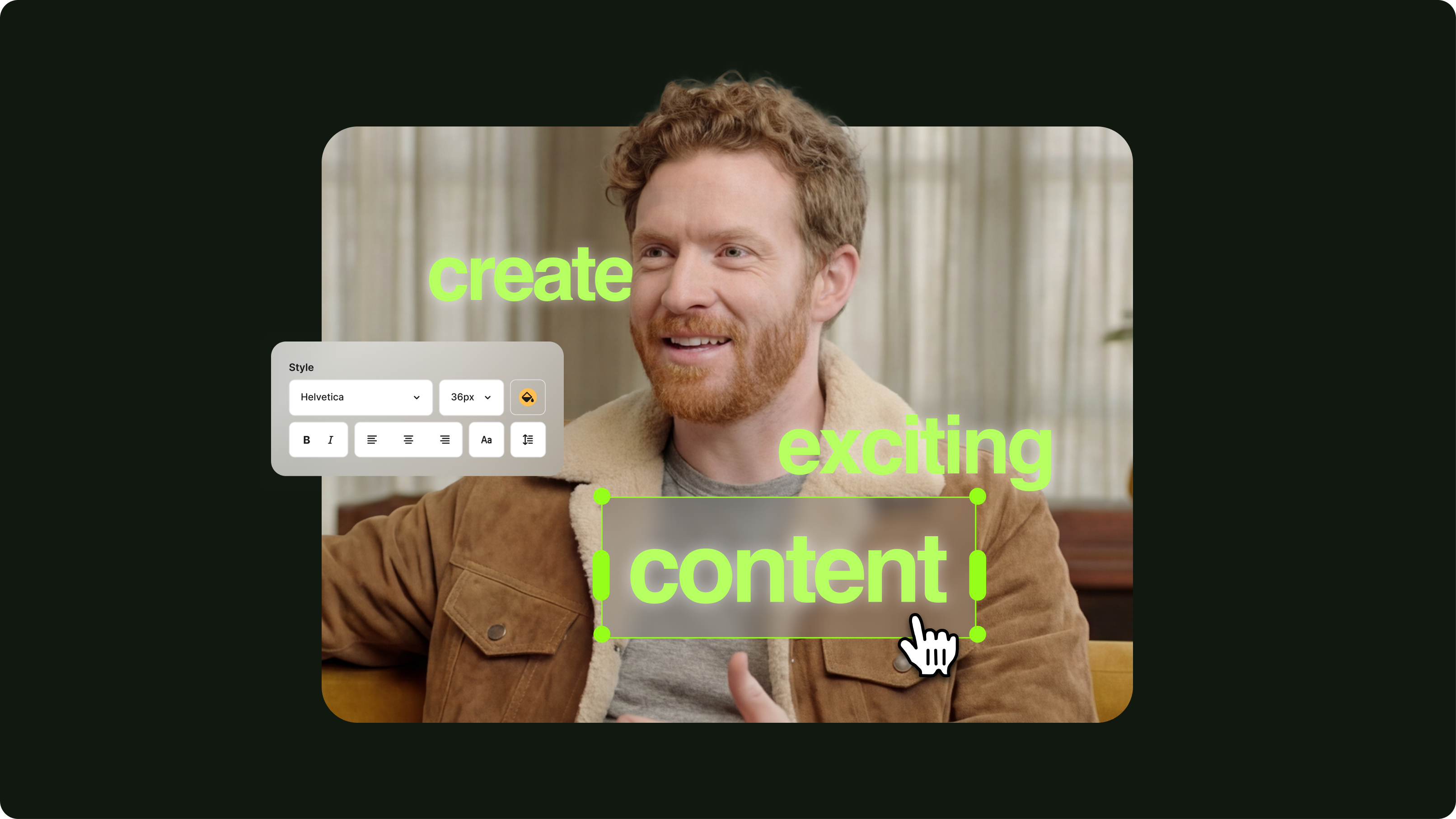
12 Best Subtitle Fonts for Video Editing (Free and Paid Options)
Want videos that are more engaging because they're easier to follow along? Here's 12 of the best free and paid subtitle fonts for better video content.



Trusted by 1M+ creators
Automatically generate subtitles to make your video accessible to all audiences
Video
4.6
319 reviews















Adding subtitles to your video can be time-consuming. Our AI auto-subtitle tool gets it done in minutes, with up to 99.9% accuracy. Burn or hardcode the subtitles into the video or download the subtitle file (SRT, VTT, and TXT). Our speech recognition software can also automatically transcribe your audio—perfect for meetings, interviews, and all business communications.
Subtitles help your videos stand out on crowded social feeds. Use our AI editor to create dynamic subtitles for video ads. The dynamic subtitles automatically emphasize key phrases — making them pop, pulse, or glide in sync with the spoken audio. And if you're creating for a global audience, you can translate your videos into multiple languages. Access our full suite of video creation tools to make professional content, minus the learning curve.
Step 01
Select ‘Auto Subtitle’ from the subtitle tool, and the AI will start transcribing and automatically produce dynamic subtitles. You can also upload a subtitle file (or type your subtitles manually).
Step 02
You can change your subtitles' style, font, and colors. Select from different animation styles and backgrounds. You can animate your subtitles and even highlight specific words.
Step 03
Export your video with the hardcoded subtitles or download the subtitle file (SRT, VTT, or TXT).
Learn More
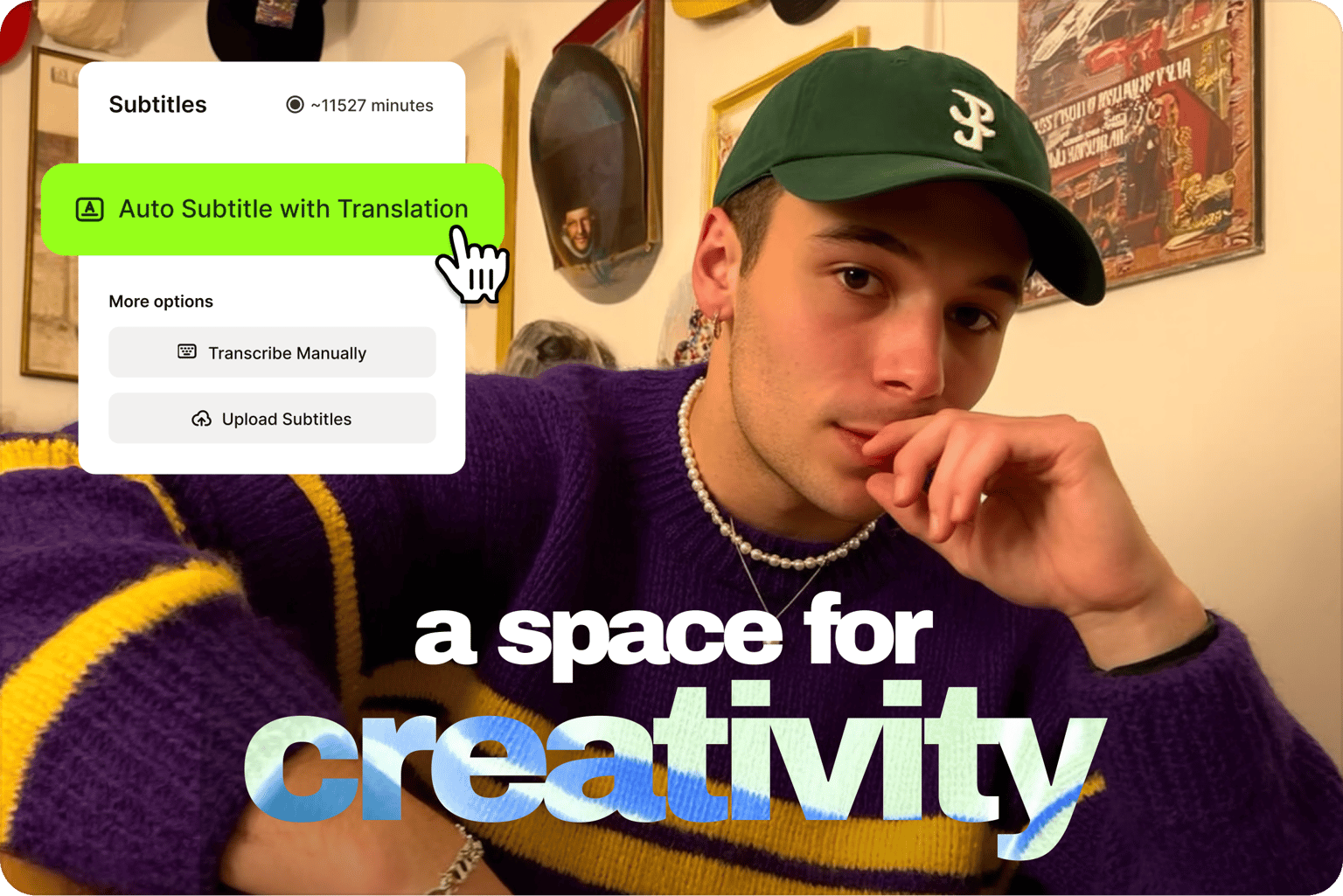
VEED is an AI video creation platform with subtitles built into the same workflow. The online subtitle editor lets you add subtitles to videos fast. For 100% accuracy, quickly edit captions for brand and industry-specific terms. Just click on a line and start typing. Focus on creating content that makes an impact, whether that’s a social video, a quick business video message, or a video ad. Spend less time on manual captioning and more time creating content that stands out.
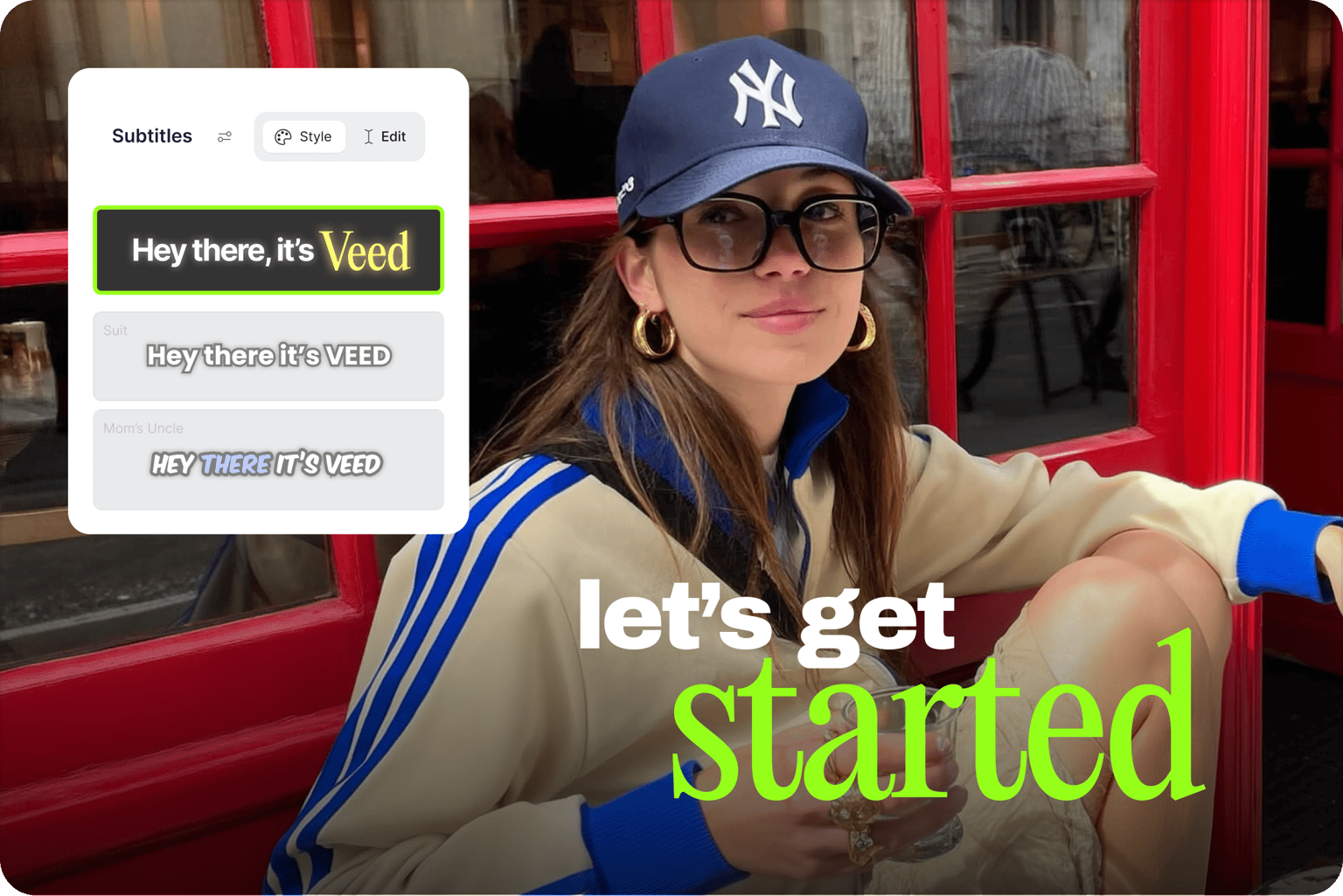
Create subtitle styles that look unmistakably yours, not like everyone else's video. Select from our different subtitle fonts, sizes, styles, and colors. Add eye-catching animations to subtitles — a box highlight, karaoke-style animation, or dynamic subtitles that move in sync with your spoken audio. You can also add your logo to a Brand Kit and save your video as a template to use in future projects. The AI auto-subtitle tool also lets you transcribe videos to text, perfect for creating blog posts and other written content.
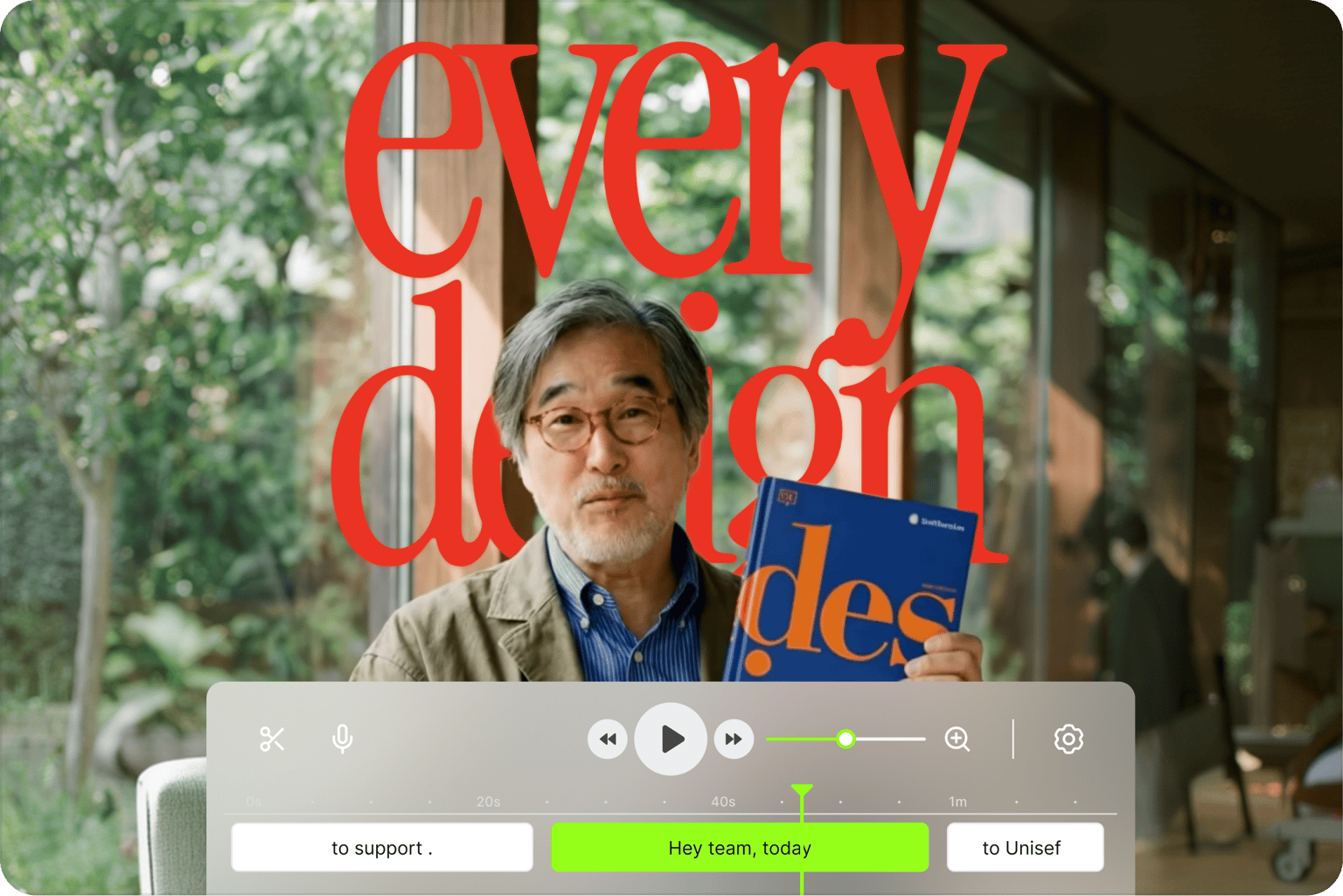
Around 85% of videos on mobile are watched without sound, which means captions are essential if you want your content to perform. A viewer may watch your video in a shared office, on the subway, or in loud areas and may be unable to watch any video without subtitles. VEED’s auto subtitle generator and full video creation toolkit help you keep viewers engaged and grow your reach across platforms. Grab viewers' attention and get your message across with subtitles and professional-quality videos.
The auto subtitle generator is free to try. Upgrade to a paid plan to subtitle longer videos and download subtitle files. A Creator plan starts at $20/month. Check our pricing page for more information.
VEED’s auto subtitle generator lets you add subtitles to a video without downloading software. Our auto subtitle generator is available online, just like every other tool on VEED. You can get started straight away.
To automatically add subtitles or captions to video:
Try automatic translation for free, and upgrade to a Pro plan to keep using the tool.
If your video is in another language and you need English subtitles:
Caption videos by using our AI auto-subtitle generator and adding the non-verbal information.
Create auto-captions for Instagram by generating subtitles and editing them to create captions. Upload the video you wish to post on Instagram, follow the above instructions to automatically generate subtitles, and then change the size or font to match your preferred style. Use our Preset Canvas Sizes to download your video in the best size for posting to Instagram.
Loved by the Fortune 500
“
With VEED I didn't need 15 tutorials - I jumped straight in and started editing.
Gwenne Wilcox
Founder,
Brand Brainery
“
You can go beyond choppping things. VEED actually makes my videos look great.

Michael Glover
Demand Gen Manager,
ConvertFlow
“
The first four videos i created with VEED got over 40,000 impressions on LinkedIn.

Travis Tyler
Senior Content Producer,
PandaDoc
“
I found VEED at the right time: if you're making UGC ads and not using Eye Contact Correction and Noise Reduction on VEED you're missing out on ROI.
Sebastian Schurgers
Head of Growth Marketing,
Gronda
“
With VEED I didn't need 15 tutorials - I jumped straight in and started editing.
Gwenne Wilcox
Founder,
Brand Brainery
“
You can go beyond choppping things. VEED actually makes my videos look great.
Michael Glover
Demand Gen Manager,
ConvertFlow
“
The first four videos i created with VEED got over 40,000 impressions on LinkedIn.
Travis Tyler
Senior Content Producer,
PandaDoc
“
I found VEED at the right time: if you're making UGC ads and not using Eye Contact Correction and Noise Reduction on VEED you're missing out on ROI.
Sebastian Schurgers
Head of Growth Marketing,
Gronda
“
The first four videos i created with VEED got over 40,000 impressions on LinkedIn.
Travis Tyler
Senior Content Producer,
PandaDoc
“
I found VEED at the right time: if you're making UGC ads and not using Eye Contact Correction and Noise Reduction on VEED you're missing out on ROI.
Sebastian Schurgers
Head of Growth Marketing,
Gronda
“
With VEED I didn't need 15 tutorials - I jumped straight in and started editing.
Gwenne Wilcox
Founder,
Brand Brainery
“
You can go beyond choppping things. VEED actually makes my videos look great.
Michael Glover
Demand Gen Manager,
ConvertFlow
Discover more
Explore related tools
Want videos that are more engaging because they're easier to follow along? Here's 12 of the best free and paid subtitle fonts for better video content.

A lot of social media platforms don't actually allow you to upload SRT files with your videos. This is where hard coded subtitles comes in.
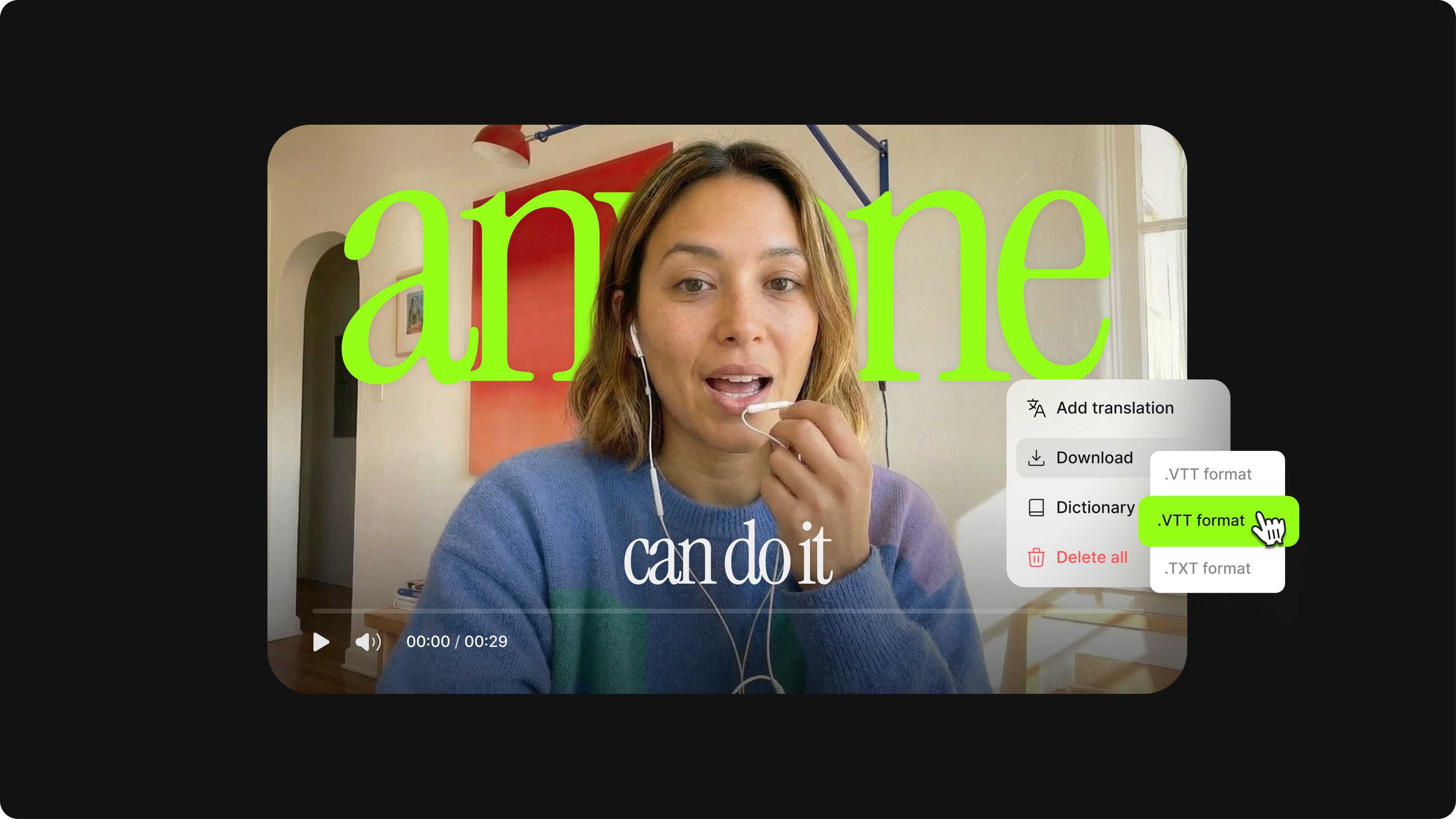
How to easily create, edit, and upload SRT subtitle files with a click of a button.
Trusted by 1M+ creators
No credit card required
VEED is more than a caption adder and subtitle editor. It’s an AI video creation platform where you can generate videos with AI, clean your audio, remove distracting backgrounds, and repurpose content — all without switching tools. Start with auto subtitles and take your content further with VEED. Built for marketers who need to produce social videos at scale. Sign up now to start creating. Download the VEED mobile app on iOS.