


Trusted by 1M+ creators
YouTube to GIF
Convert your YouTube videos to GIFs online. Free to use.
No credit card required
4.6
2,100+ reviews















Make a GIF from your YouTube Videos Online
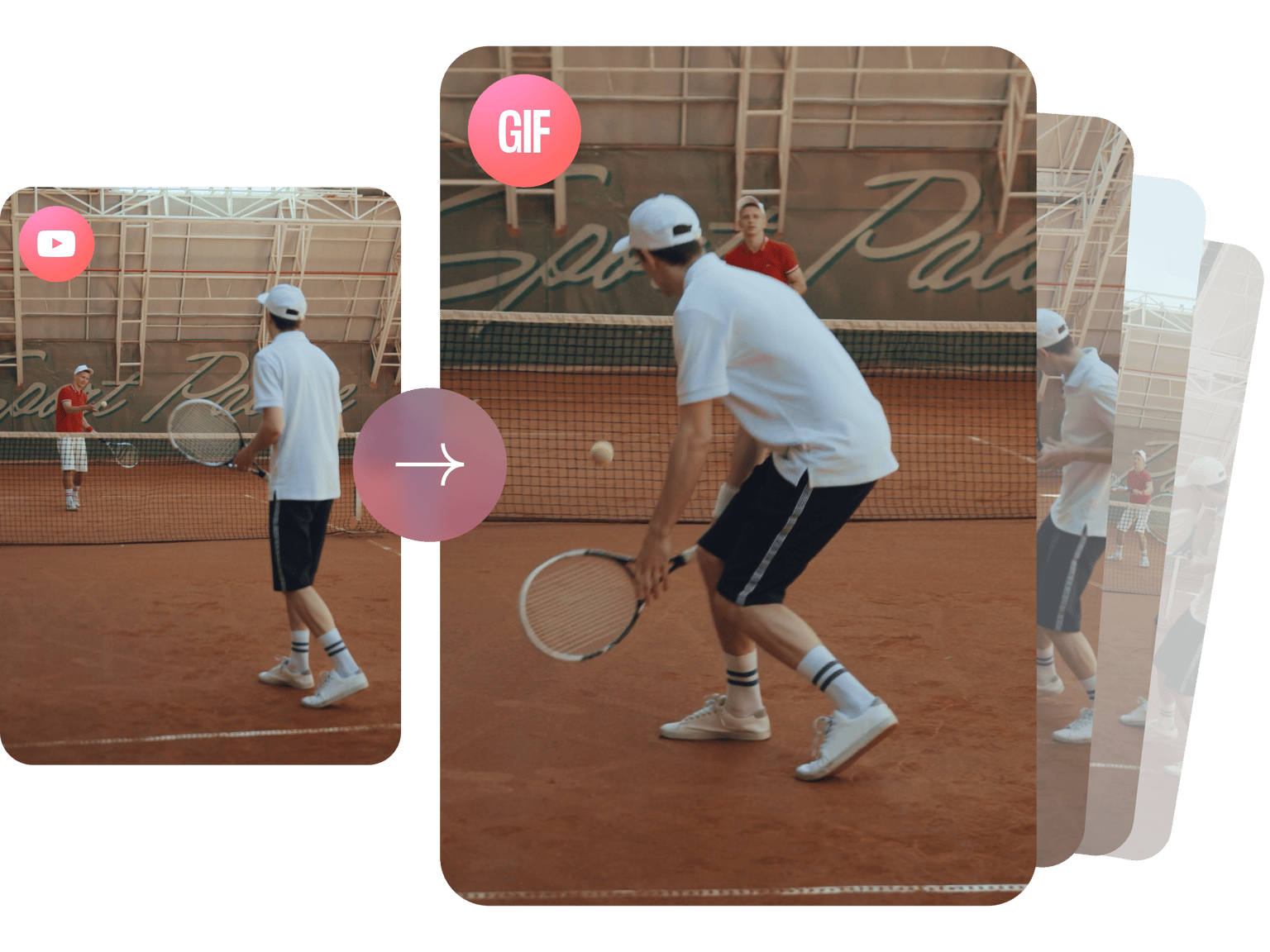
Have you got a YouTube channel? Have you been creating awesome content for YouTube and you want to share it over social media as a funny, attention-grabbing GIF? Well, now you can! With VEED you can create awesome GIFs from your content in a matter of seconds. You can trim, crop, add text, and more to create amazing GIFs from your YouTube Videos! Create GIFs with just a few clicks. Share them on Facebook, Instagram, and other social media platforms.
Remember you should only create GIFs from YouTube content that you yourself own. Never download copyrighted material and always follow YouTube's terms of service.
How to Create a GIF from your YouTube Videos
Step 01
Upload the video to VEED
Take the original file for one of your YouTube videos and upload this content to VEED. It's super easy, just add it from your device or drag & drop

Step 02
Crop, Resize and Add Text
The video is ready for editing. Trim the clip to your favorite moment then crop it to the size you want by clicking on the canvas size menu. Choose from preset social media dimensions. You can also add text, customize the font size, style, and more.
Step 03
Export
Just click on ‘Export’ and make sure to select ‘Download as GIF’ from the options. Your YouTube video has now been converted to a GIF file.
Learn More
Convert your YouTuve videos to GIFs
Free online GIF converter
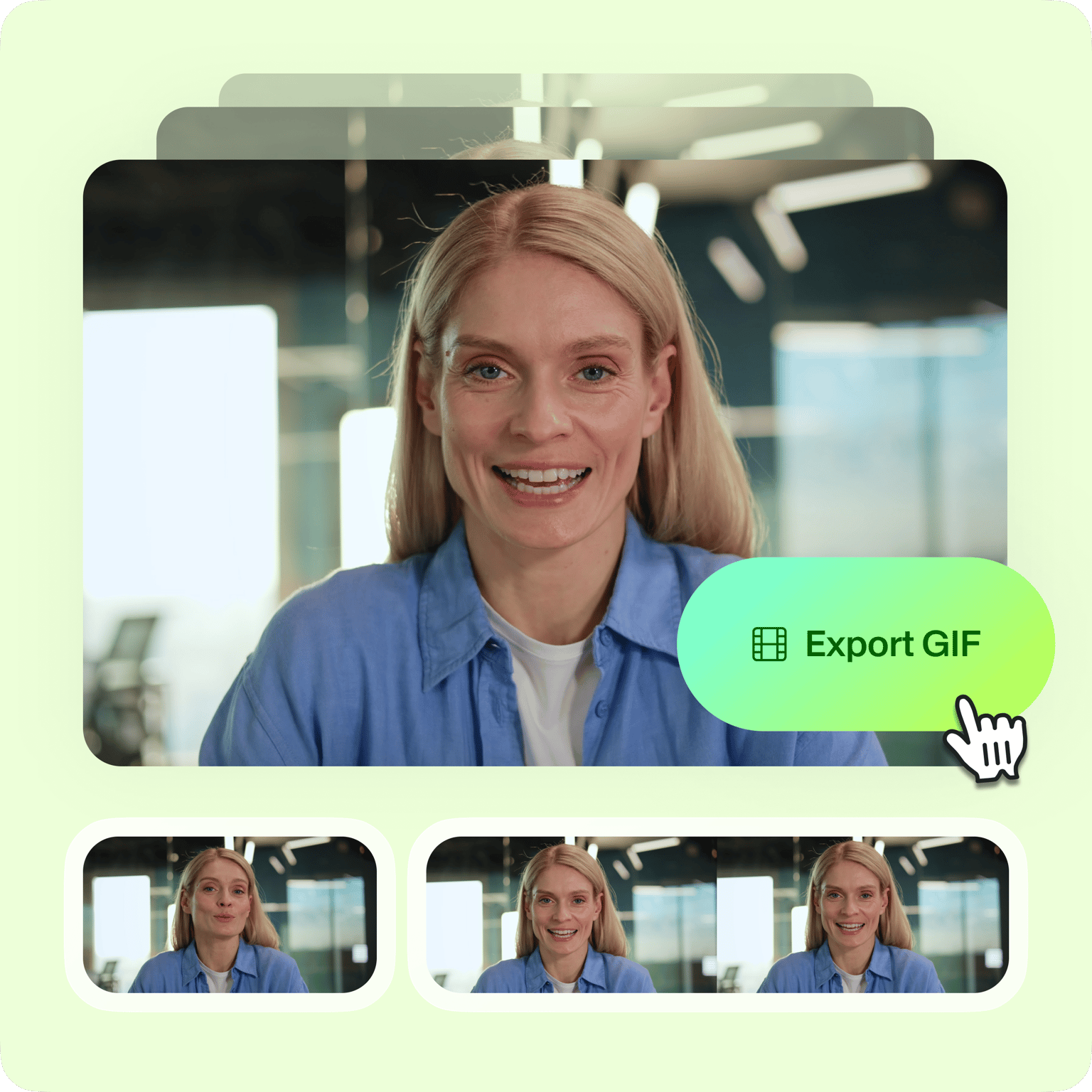
Create as many GIFs as you want, from your videos, and all straight from your browser (!) using VEED’s online GIF converter. No need to download any software. Quickly import videos that you've shared on YouTube, Instagram and more, then trim them down to shareable GIFs. You can make all sorts of edits to your GIF. You can crop, rotate, and trim your videos and turn your clips into animated GIFs. All free and online!
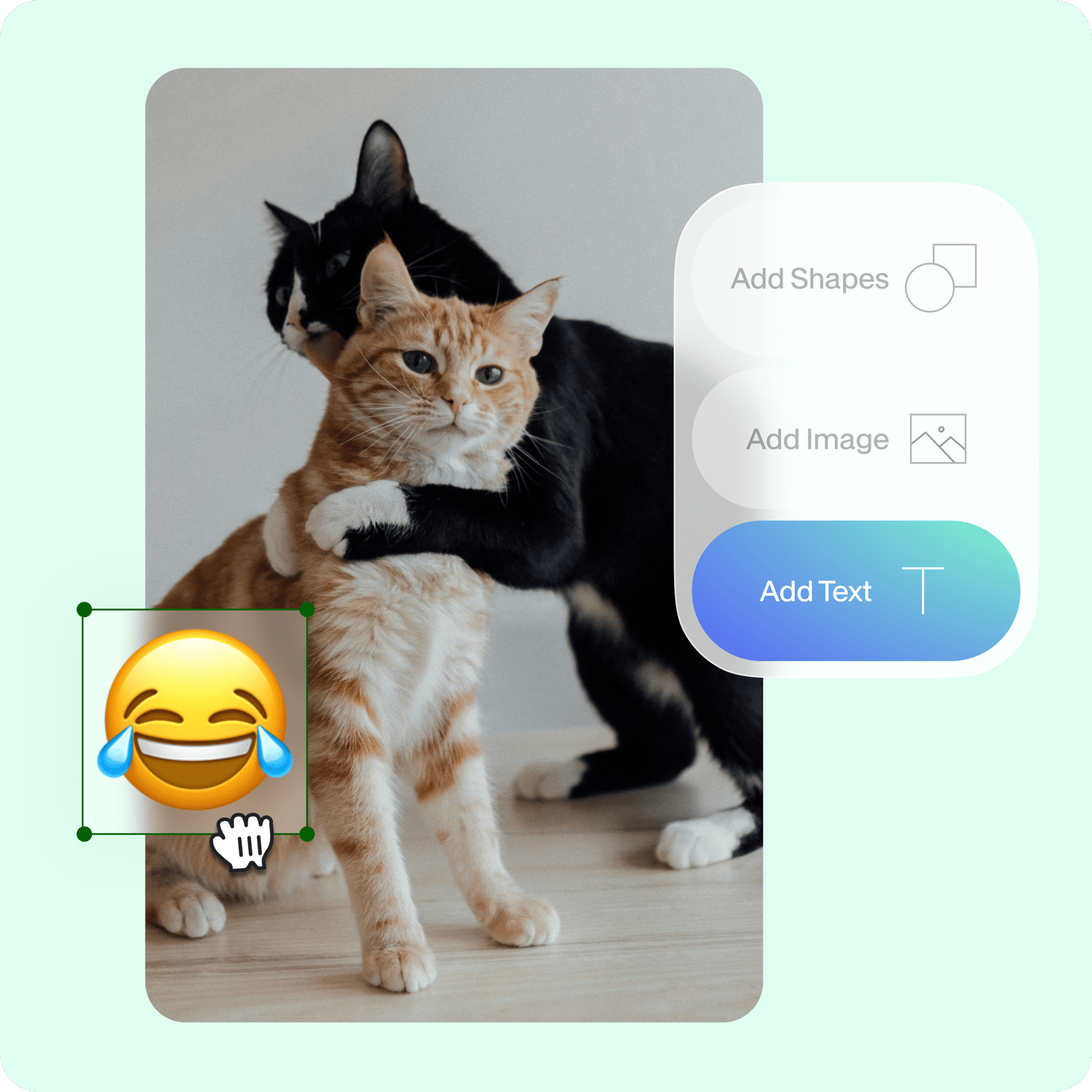
Add text, images, and more to your GIF
Once you have cropped the GIF to the perfect size, you can add various elements to make it unique. Create funny GIFs, birthday GIFs, and reaction GIFs for all occasions by captioning them with a text overlay. Your animated GIFs can become animated memes with classic white text overlays. Choose from multiple text styles and add them above and below the GIF to turn it into a meme. You can also add images anywhere onto the GIF. Add stickers, emojis, and other elements. Be creative and make your YouTube GIF your own mini-masterpiece!
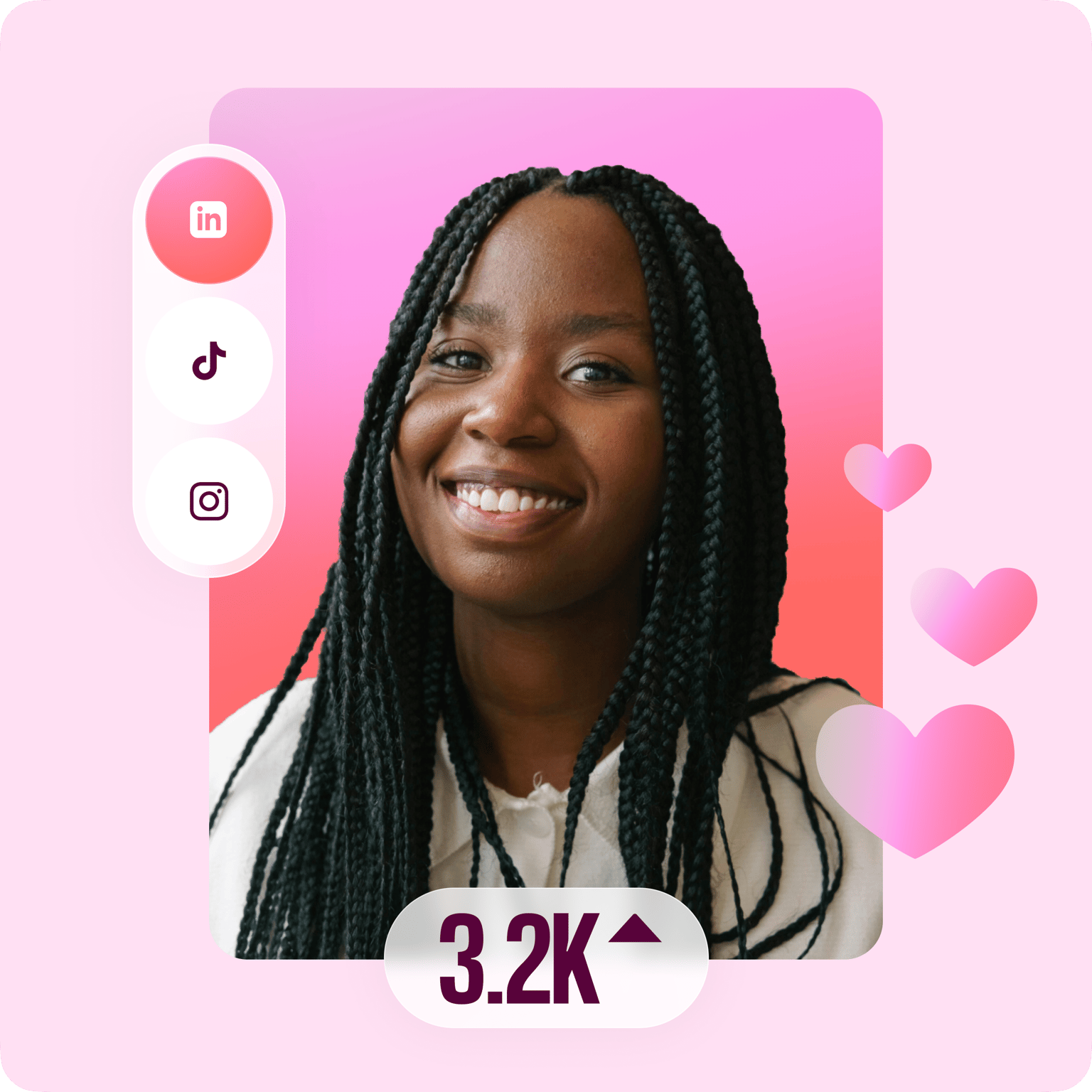
Increase your reach on social media
Creating funny and relatable promotional GIFs can increase your social reach dramatically. Add a punch to your posts with a quick animated GIF. GIFs increase your post views and retention times, key factors when it comes to growing your following on social media platforms. To repurpose your animated video GIFs you can select a preset size from the menu or specify the dimensions on the custom field. Resize your animated GIFs for TikTok, Instagram, Facebook, Twitter, and more, with a single click.
FAQ
Easy. Just grab the video file you uploaded to YouTube and drag & drop it into VEED. Once it's there you can trim the video to just the clip you want, and hit 'Export'. Then just 'Download as GIF'. That's it! Happy GIF-ing!
It’s understandable that you would only want to take a short clip from your YouTube video and turn that particular clip into a GIF. You can do this easily on VEED's timeline, simply by dragging the ends of the video to the desired locations. It only takes a few seconds.
You can easily rearrange the clips you have trimmed by dragging and dropping them on the timeline. Move them forward and back, change the order, trim each clip and more!
Yep! VEED works on iPhone, Android, and all mobile devices. Just go to the VEED site from your mobile browser. You can use any popular browser including Safari, Chrome, and Firefox.
You can easily caption your GIF or add multiple text layers by clicking on the Text tool on the left menu. Choose a format or a theme and start typing!
Loved by creators.
Loved by the Fortune 500
“
With VEED I didn't need 15 tutorials - I jumped straight in and started editing.

Gwenne Wilcox
Founder,
Brand Brainery
“
You can go beyond choppping things. VEED actually makes my videos look great.

Michael Glover
Demand Gen Manager,
ConvertFlow
“
The first four videos i created with VEED got over 40,000 impressions on LinkedIn.

Travis Tyler
Senior Content Producer,
PandaDoc
“
I found VEED at the right time: if you're making UGC ads and not using Eye Contact Correction and Noise Reduction on VEED you're missing out on ROI.

Sebastian Schurgers
Head of Growth Marketing,
Gronda
“
With VEED I didn't need 15 tutorials - I jumped straight in and started editing.
Gwenne Wilcox
Founder,
Brand Brainery
“
You can go beyond choppping things. VEED actually makes my videos look great.
Michael Glover
Demand Gen Manager,
ConvertFlow
“
The first four videos i created with VEED got over 40,000 impressions on LinkedIn.
Travis Tyler
Senior Content Producer,
PandaDoc
“
I found VEED at the right time: if you're making UGC ads and not using Eye Contact Correction and Noise Reduction on VEED you're missing out on ROI.
Sebastian Schurgers
Head of Growth Marketing,
Gronda
“
The first four videos i created with VEED got over 40,000 impressions on LinkedIn.
Travis Tyler
Senior Content Producer,
PandaDoc
“
I found VEED at the right time: if you're making UGC ads and not using Eye Contact Correction and Noise Reduction on VEED you're missing out on ROI.
Sebastian Schurgers
Head of Growth Marketing,
Gronda
“
With VEED I didn't need 15 tutorials - I jumped straight in and started editing.
Gwenne Wilcox
Founder,
Brand Brainery
“
You can go beyond choppping things. VEED actually makes my videos look great.
Michael Glover
Demand Gen Manager,
ConvertFlow
Discover more
More from VEED

How to Make a YouTube Video to a GIF in Seconds
Boost your engagement, help your audience retain your message, and win major cool points for standing out. Here's how to turn your YouTube content into GIFS.

This is the Best YouTube Banner Size (and Examples of Great Channel Art)
Here's the best size for your YouTube banner and everything you need to know to make eye-catching channel art.

105 YouTube video ideas for when you don't know what to post
Want to grow your YouTube channel but are stuck on what to post? We did the work and curated a list of 105 ideas every creator should know about.
Trusted by 1M+ creators
When it comes to amazing videos, all you need is VEED
No credit card required
More than a YouTube to GIF converter
Our online GIF creator lets you do so much more than just convert your YouTube videos into GIFs. VEED is free online video editing software - so you can edit your GIFs just like you can edit videos. Crop, rotate, resize your videos or GIFs. You can add images and even add audio to a GIF file and turn it into a video! It works both ways. Do all these in just a few clicks, straight from your browser!