


Trusted by 1M+ creators
Video Background Remover
Remove and replace your video’s background. Customize backgrounds for social clips, video ads, and tutorials
No credit card required
4.6
2,100+ reviews















Remove background from your video in one click
Recorded from your home office with laundry in the background? Or filming quick social updates while traveling? VEED's AI video background remover gets rid of your background in one click. No need for the perfect studio setup. Film anywhere — your living room, office, or on the street. Remove the background and create polished talking head videos even without a green screen.
Remove your background and replace it with your brand colors, custom images, or AI-generated scenes. Apply the same background across videos to maintain a cohesive look. You can also enhance your video with color correction and background noise removal. Or expand video backgrounds to fit any platform. Get started now and try our auto background remover for free.
How to use the video background remover:
Step 01
Upload your video
Upload your video to the editor and select the clip on the timeline.
Step 02
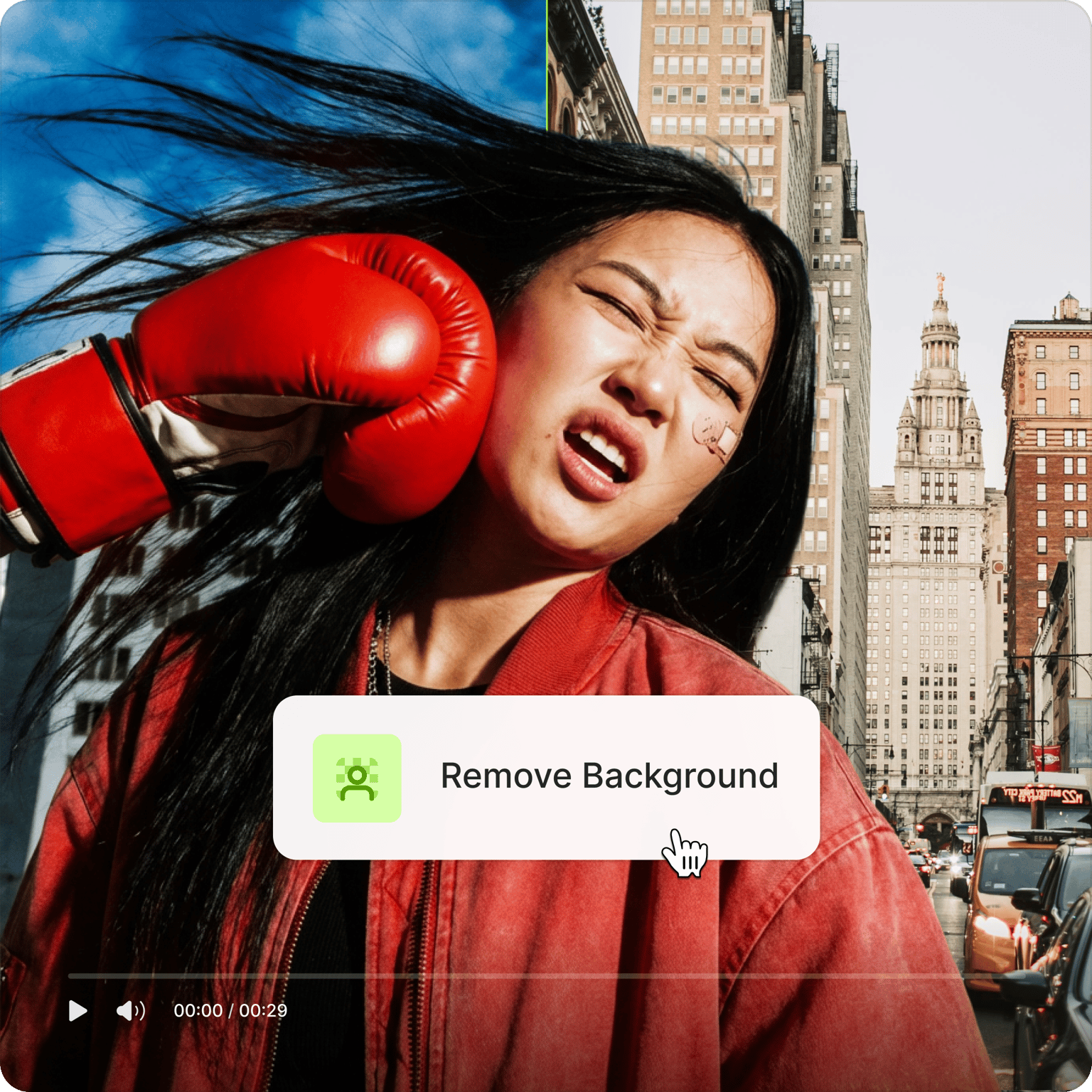
Remove background in one click
Click ‘Remove Background’ under Magic Tools to get rid of the background and make your video transparent.
Step 03
Change video background and download
Add a custom image, branded scene, or stock footage under your transparent video to replace the background. Click ‘Done’ to download your video.
Learn More
Learn how to remove video backgrounds in this demo:
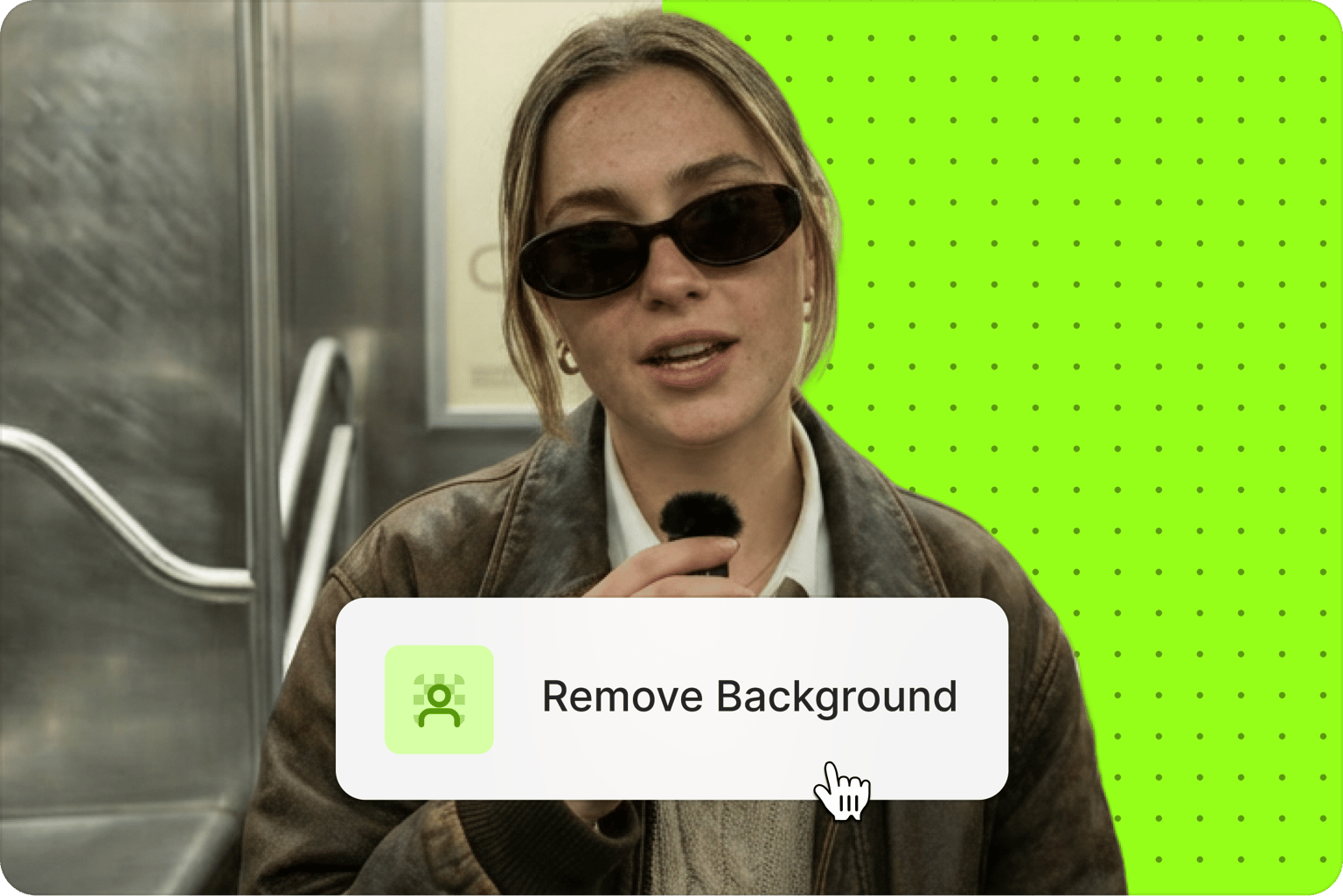
Remove backgrounds without manual editing
You don’t have to trace edges and hair strands frame by frame. VEED's AI removes backgrounds in one click, so you can easily replace them with your branded colors or custom images. The same process works for GIFs too; remove the background and swap in different scenes to create multiple variations for your campaigns. Apply the same background across all your explainer videos, social updates, or marketing content for visual consistency.
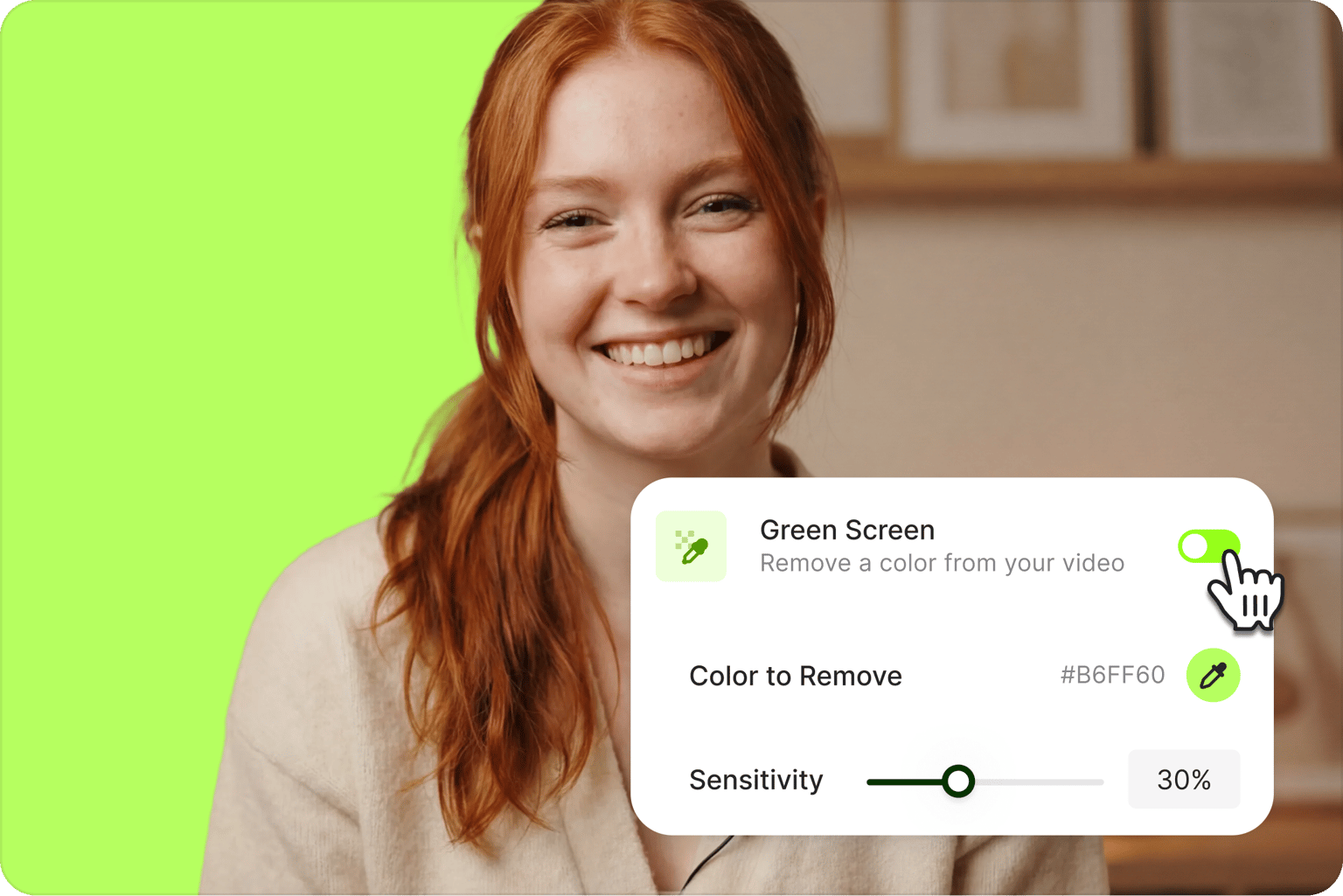
Remove green screen backgrounds with AI
Already filmed with a green screen? VEED makes green screen removal just as easy. Use our webcam recorder to film your green screen video straight from your browser, then toggle on the Green Screen option to remove the background instantly. No need to spend hours on frame-by-frame editing. Remove green screens in one click and swap them with your custom backgrounds. Create product demos, tutorials, and branded content.
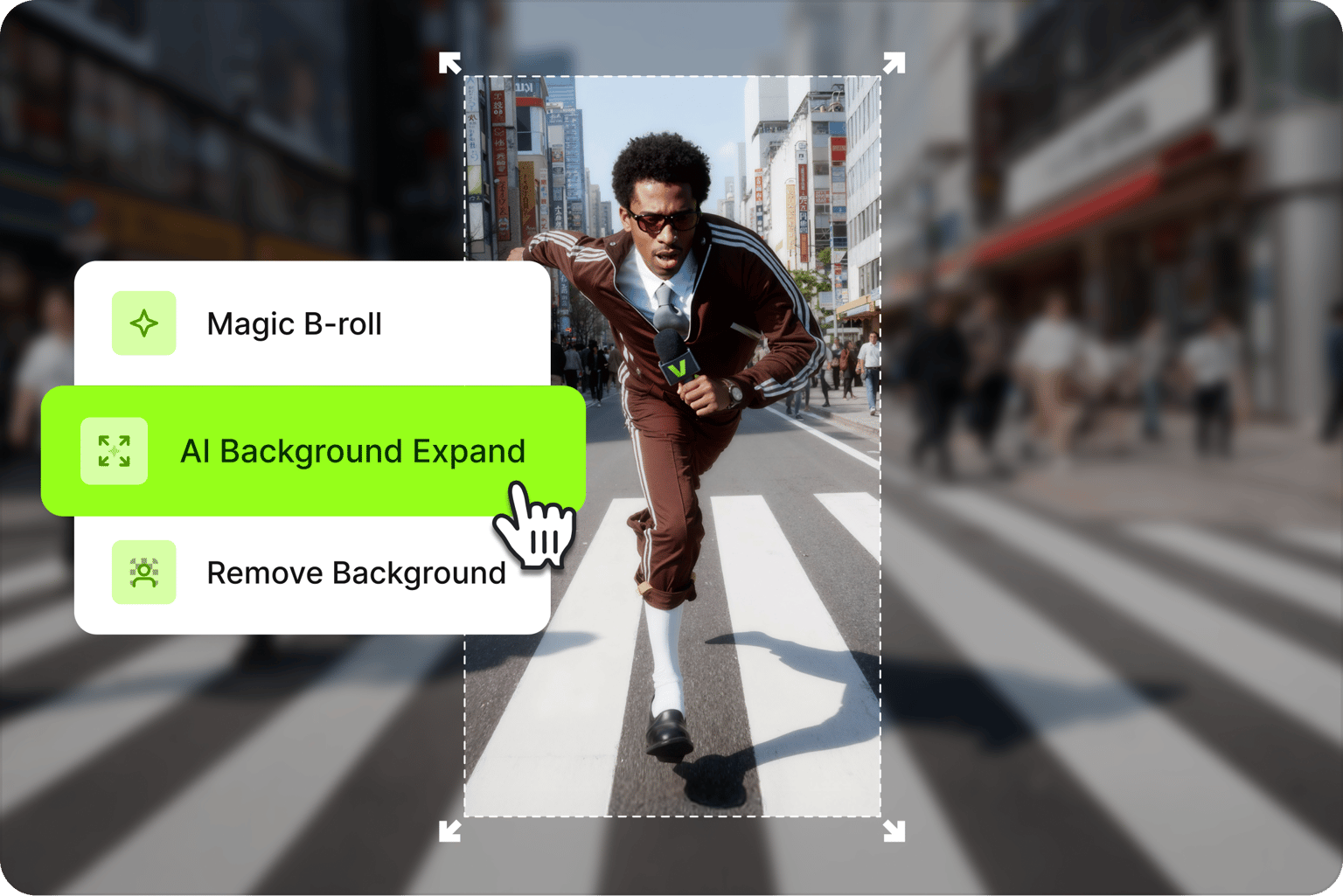
All the tools to grow your social media presence
Remove backgrounds, then keep editing without switching platforms. Use AI Background Expand to turn vertical videos into horizontal format (or vice versa) without awkward crops or black bars. Click ‘Generate’ to create custom background images or videos with AI. Add auto subtitles and lower thirds, and clean background noise from audio. You have everything you need to make professional videos.
FAQ
Upload your video and toggle on one of two buttons: Remove Background or Green Screen. The Green Screen option works best for videos filmed with a green screen background.
- Film your video in front of a green screen with even lighting.
- Upload your video to VEED and toggle on the Green Screen option to remove the background.
- Add your desired background by uploading an image or generating one with AI.
- Select your clip in the timeline. In the ‘Video’ section, click ‘Remove Background.’
- Add a new background by uploading an image or browsing our stock library.
- Alternatively, generate a custom background with AI. Go to the Video section and click 'Generate' to access AI image and video models.
The process is similar to removing backgrounds from videos:
- Upload your GIF to VEED and select it on the timeline.
- Click 'Remove Background' under Magic Tools to instantly remove the background from your GIF.
- Drag and drop a new image or video to the timeline to replace your GIF’s background.
The video background remover is free to try once. When you’re ready, upgrade to a Pro plan to keep using the video background remover.
Loved by creators.
Loved by the Fortune 500
“
With VEED I didn't need 15 tutorials - I jumped straight in and started editing.

Gwenne Wilcox
Founder,
Brand Brainery
“
You can go beyond choppping things. VEED actually makes my videos look great.

Michael Glover
Demand Gen Manager,
ConvertFlow
“
The first four videos i created with VEED got over 40,000 impressions on LinkedIn.

Travis Tyler
Senior Content Producer,
PandaDoc
“
I found VEED at the right time: if you're making UGC ads and not using Eye Contact Correction and Noise Reduction on VEED you're missing out on ROI.

Sebastian Schurgers
Head of Growth Marketing,
Gronda
“
With VEED I didn't need 15 tutorials - I jumped straight in and started editing.
Gwenne Wilcox
Founder,
Brand Brainery
“
You can go beyond choppping things. VEED actually makes my videos look great.
Michael Glover
Demand Gen Manager,
ConvertFlow
“
The first four videos i created with VEED got over 40,000 impressions on LinkedIn.
Travis Tyler
Senior Content Producer,
PandaDoc
“
I found VEED at the right time: if you're making UGC ads and not using Eye Contact Correction and Noise Reduction on VEED you're missing out on ROI.
Sebastian Schurgers
Head of Growth Marketing,
Gronda
“
The first four videos i created with VEED got over 40,000 impressions on LinkedIn.
Travis Tyler
Senior Content Producer,
PandaDoc
“
I found VEED at the right time: if you're making UGC ads and not using Eye Contact Correction and Noise Reduction on VEED you're missing out on ROI.
Sebastian Schurgers
Head of Growth Marketing,
Gronda
“
With VEED I didn't need 15 tutorials - I jumped straight in and started editing.
Gwenne Wilcox
Founder,
Brand Brainery
“
You can go beyond choppping things. VEED actually makes my videos look great.
Michael Glover
Demand Gen Manager,
ConvertFlow
Discover more
Explore related tools
More from VEED

How to Easily Remove and Replace the Background from Your Video with VEED
Remove the background in your video and replace it with a better one with VEED’s one-click background remover. Learn how to use this tool to instantly improve your videos.

How to Remove a Background from a GIF with VEED
Wondering how to remove the background of your GIF? This guide is just for you!
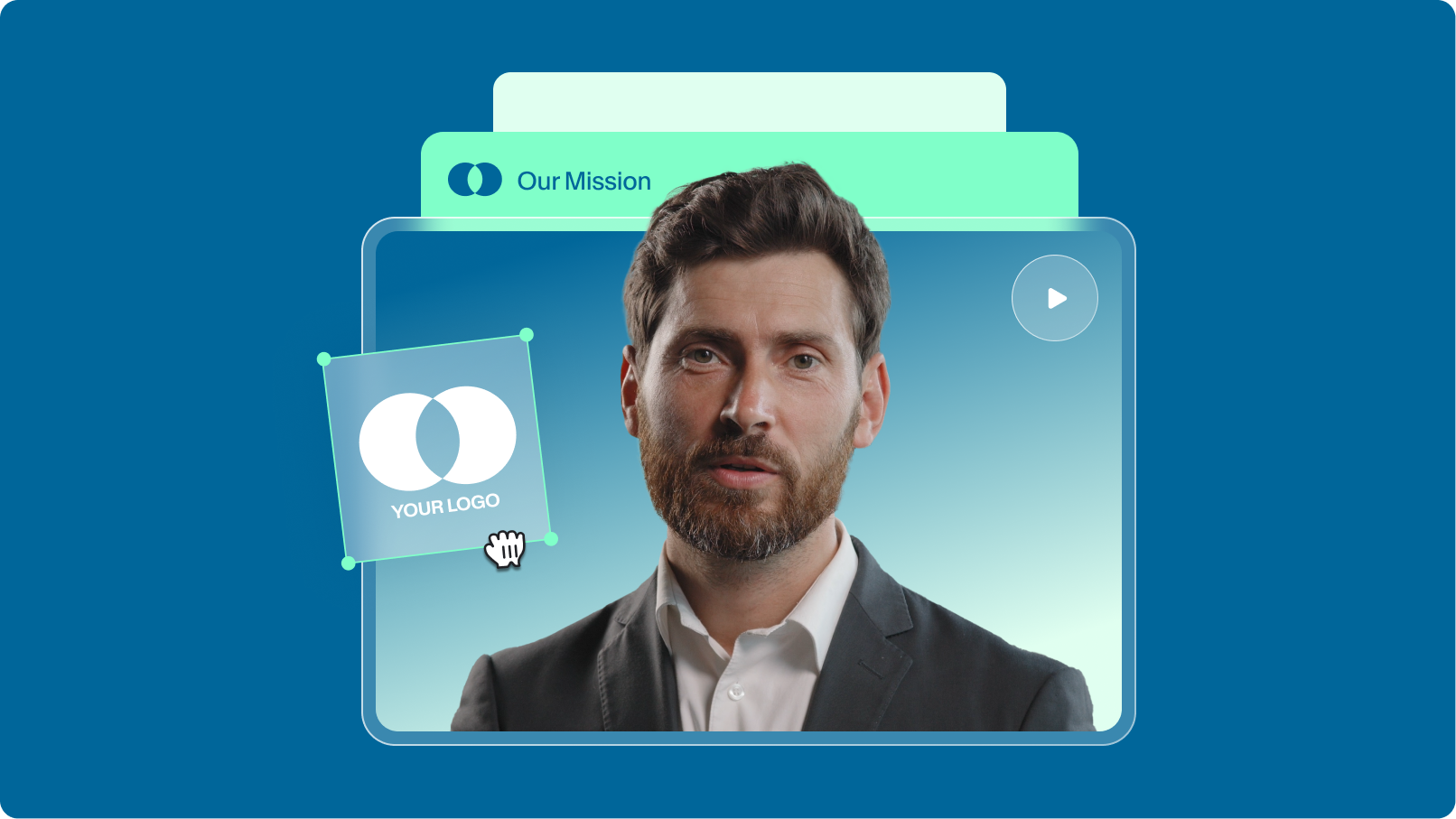
How to Scale Video Creation and Remain On-Brand
Empower your teams to efficiently create, edit, and repurpose more on-brand videos with VEED. Learn more here.
Trusted by 1M+ creators
When it comes to amazing videos, all you need is VEED
No credit card required
More than an AI video background remover
Removing your background is one part of building a polished video. VEED is an AI video creation platform where you can generate, refine, and export videos. After cleaning up your background, you can generate a custom scene with text-to-image AI, add auto subtitles, apply your Brand Kit, and export for any platform. No switching between apps, no rebuilding your project from scratch. Start creating with VEED today.