


Trusted by 1M+ creators
Intro Maker
Create stunning intros for your videos, free. Online intro maker
No credit card required
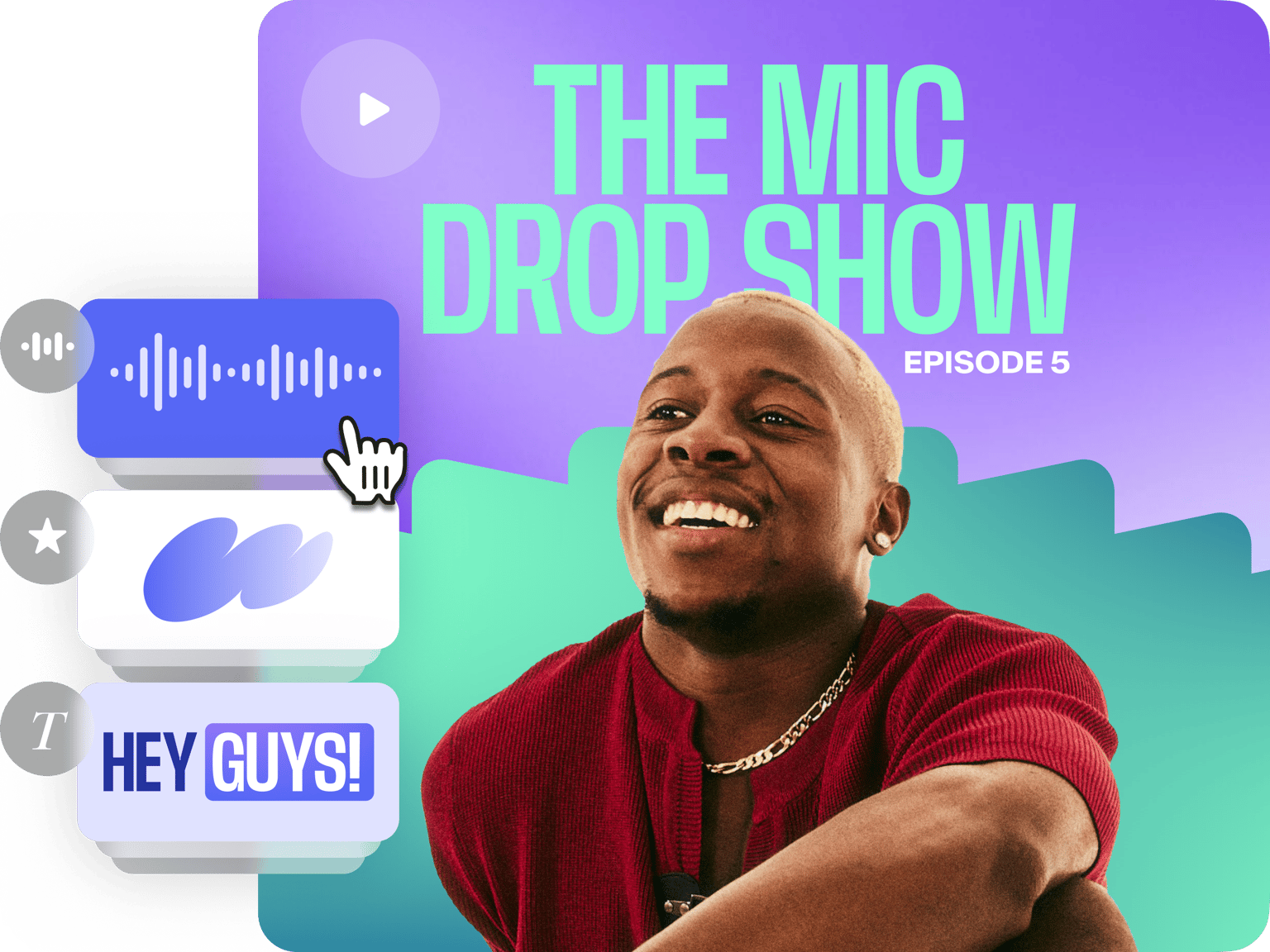
4.6
2,100+ reviews















Free Video Intro Maker
Use VEED’s online video editor to create compelling intros for your videos. Create beautiful videos for your YouTube channel and social media pages. You can add royalty-free music at the beginning of your videos to easily catch your viewers’ attention. By adding intros to your videos, you can increase your engagement and get more views. VEED’s free intro maker is extremely easy to use. You don’t need any video editing experience. You can drag and drop elements easily onto the timeline; add text, images, background music, and more. Creating beautiful videos has never been so easy. It only takes a few clicks!
How to Create a Video Intro:

Step 01
Add your video
Click on ‘Choose Video’ and select your video from your folders.
Step 02
Add intro elements
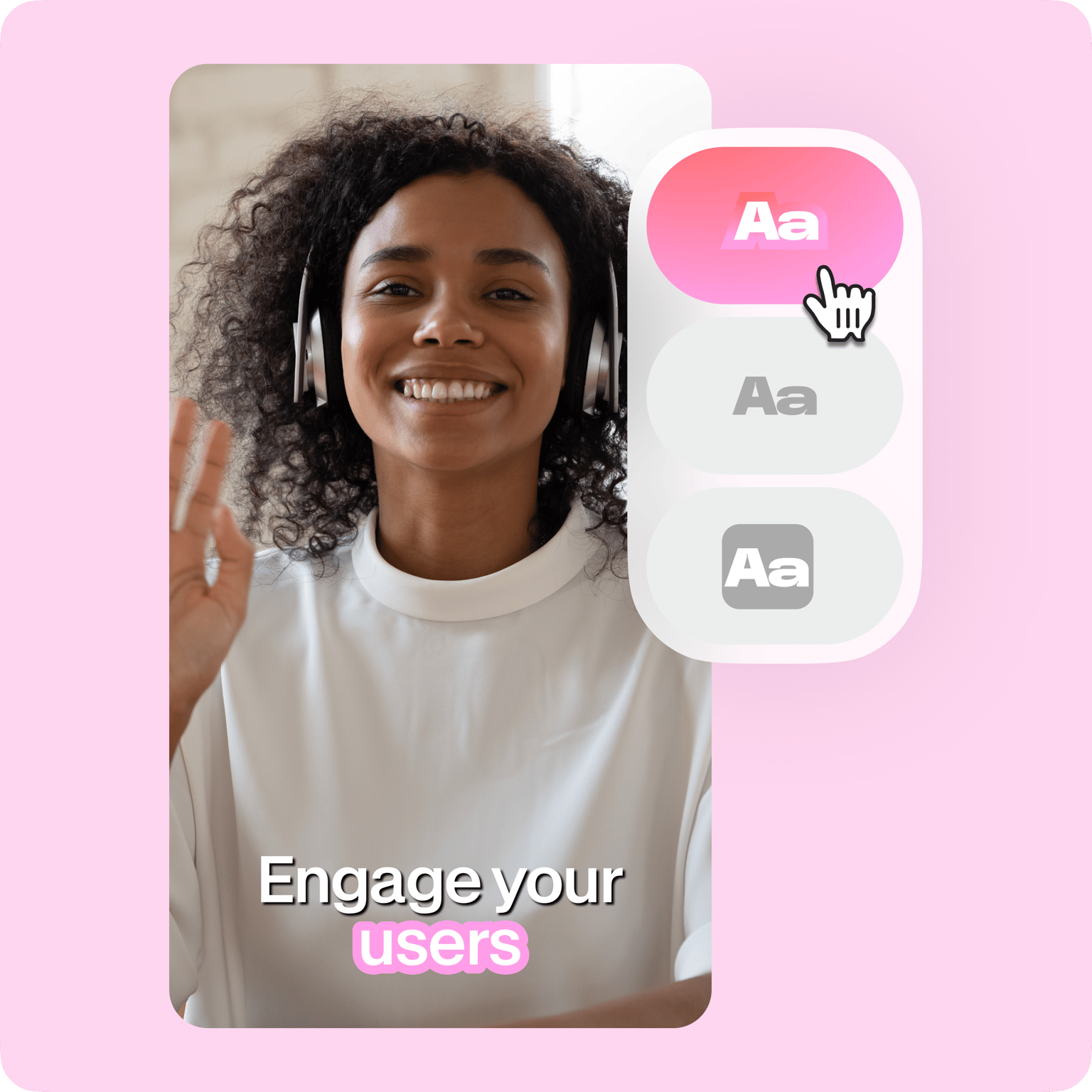
Some of the things you can add at the beginning of your video are texts, captions, and titles. Just click on the Text button on the left. You can also add images, audio, and more.
Step 03
Export
When you’re happy with your video intro, just click on ‘Export’. Download your video in the format that you prefer.
Learn More
‘Intro Maker’ Tutorial
Create stunning intros for your YouTube videos
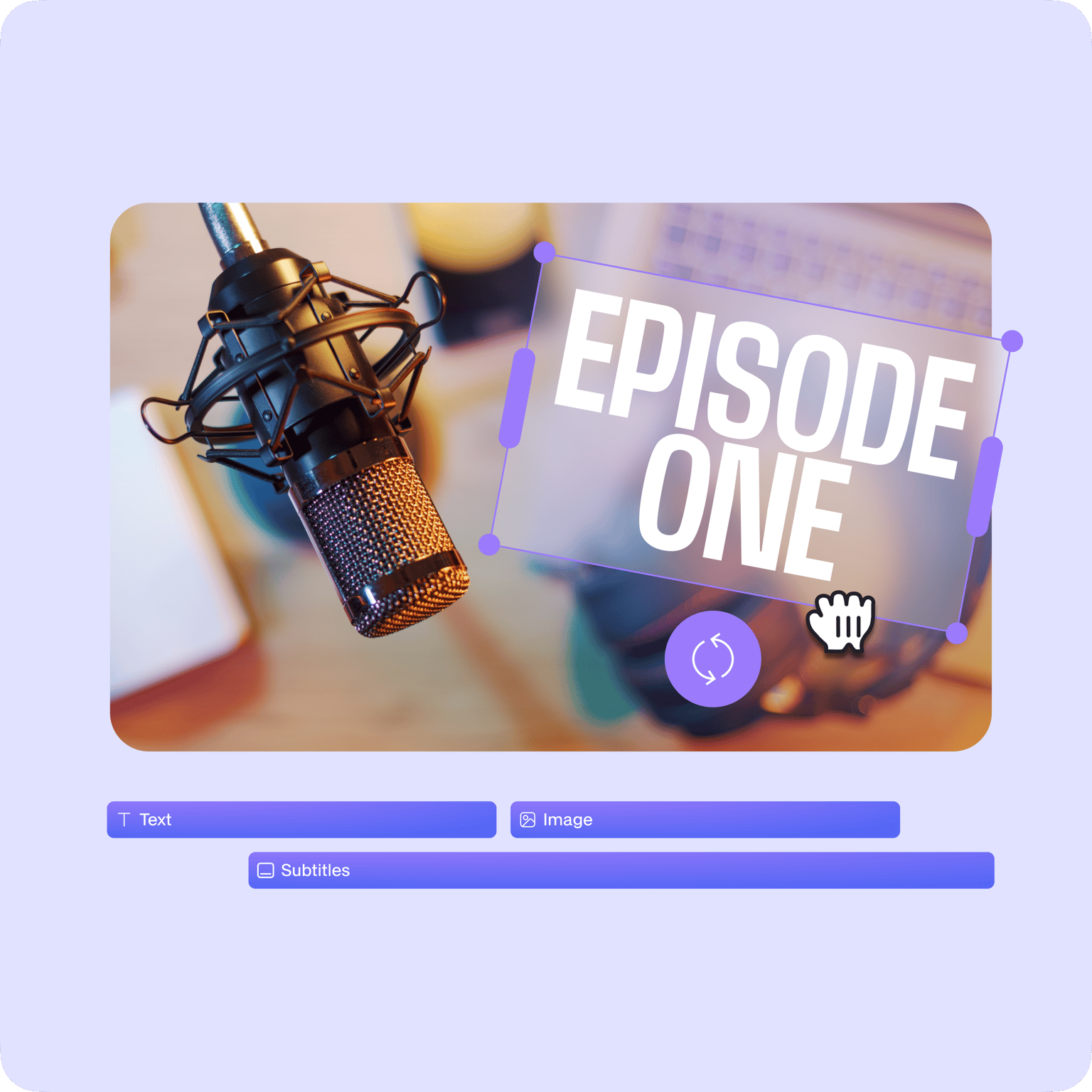
YouTube videos YouTube is the most popular video-sharing platform. It is one of the best places to share videos for a wider audience to see. However, the competition is strong and if you want your videos to stand out on YouTube, one thing you can do is add compelling intros using VEED. Introduce your video’s topic in a unique way by adding titles, headings, and captions. This will let your viewers know what to expect from your content. Simply use VEED’s Text tool, which you can access from the left menu, and start adding text!

Include your logo or watermark
Another way to make your intros unique is to add your logo or watermark. You can upload your logo image to VEED and place it anywhere on the video frame. Optionally, you can use our Brand Kit, which lets you save your logos online so you don’t have to add them each time you create a video. The Brand Kit is available for premium subscribers, but getting the VEED Pro plan is optional. You can still add your logos even with a free plan!
Edit your videos like a pro
Apart from adding intros to your videos, you can use VEED’s video editing tools to make your entire video look stunning and professional. If you want to make your videos accessible to a wider audience, you can use our Auto Subtitle tool. Add subtitles throughout your video. Just click on Subtitles from the left menu and click Auto Transcribe. VEED will automatically generate subtitles for you. You can also use a whole range of video editing tools like video filters and camera effects. VEED also features a green screen editor, screen recorder, and so much more.
FAQ
VEED lets you easily add intros to your videos. Add text, images, and background music at the beginning of your video. Just click on the element you want to add and drag and drop it at the start of the video. You can also split the video and add other effects and elements in between.
While the internet is filled with free video editing apps that you can use, VEED stands out because of its simplicity. It is also free to use. You will find a lot of premium video editing features that you don’t usually get in free apps!
An intro maker allows you to make your videos more exciting. Capture your viewers’ attention right from the very beginning so they will be encouraged to watch the entire video. It also helps you introduce what your content is about.
VEED’s intro maker app is completely free to use! You don’t even need to create an account. Just access VEED from your browser, upload your video, and create a stunning intro!
Good video intros include brief but sufficient information about your content. So make sure to include all the relevant pieces of information at the start of your video, but also make them short and interesting.
A lot of YouTubers use VEED to add intros to their videos. VEED is a free video editing software that also lets you edit the rest of your video to make it look stunning. You don’t need to use multiple apps!
Loved by creators.
Loved by the Fortune 500
“
With VEED I didn't need 15 tutorials - I jumped straight in and started editing.

Gwenne Wilcox
Founder,
Brand Brainery
“
You can go beyond choppping things. VEED actually makes my videos look great.

Michael Glover
Demand Gen Manager,
ConvertFlow
“
The first four videos i created with VEED got over 40,000 impressions on LinkedIn.

Travis Tyler
Senior Content Producer,
PandaDoc
“
I found VEED at the right time: if you're making UGC ads and not using Eye Contact Correction and Noise Reduction on VEED you're missing out on ROI.

Sebastian Schurgers
Head of Growth Marketing,
Gronda
“
With VEED I didn't need 15 tutorials - I jumped straight in and started editing.
Gwenne Wilcox
Founder,
Brand Brainery
“
You can go beyond choppping things. VEED actually makes my videos look great.
Michael Glover
Demand Gen Manager,
ConvertFlow
“
The first four videos i created with VEED got over 40,000 impressions on LinkedIn.
Travis Tyler
Senior Content Producer,
PandaDoc
“
I found VEED at the right time: if you're making UGC ads and not using Eye Contact Correction and Noise Reduction on VEED you're missing out on ROI.
Sebastian Schurgers
Head of Growth Marketing,
Gronda
“
The first four videos i created with VEED got over 40,000 impressions on LinkedIn.
Travis Tyler
Senior Content Producer,
PandaDoc
“
I found VEED at the right time: if you're making UGC ads and not using Eye Contact Correction and Noise Reduction on VEED you're missing out on ROI.
Sebastian Schurgers
Head of Growth Marketing,
Gronda
“
With VEED I didn't need 15 tutorials - I jumped straight in and started editing.
Gwenne Wilcox
Founder,
Brand Brainery
“
You can go beyond choppping things. VEED actually makes my videos look great.
Michael Glover
Demand Gen Manager,
ConvertFlow
Discover more
- 2D Intro Maker
- Anime Intro Maker
- Company Intro
- Cooking Intro
- DJ Intro Maker
- Dubstep Intro Maker
- Education Intro Maker
- Free video intro maker for Youtube
- Gaming Intro Maker
- Intro & Outro Maker
- Minecraft Intro Maker
- Movie Intro Maker
- Neon Intro
- News Intro Maker
- Podcast Intro Maker
- Sports Intro Maker
- Tech Intro
- TV Show Intro Maker
- Twitch Intro Maker
Trusted by 1M+ creators
When it comes to amazing videos, all you need is VEED
No credit card required
More than an intro maker
There are so many advantages of using VEED over the multitudes of online video editing software out there. With VEED, you can get all the video editing features you will ever need. Do it all in one place, without downloading any app! All our tools work right from your browser. You can save all your projects in one place and access them from any device. Apart from creating beautiful videos, you can also use our video compressor and video converter. You don’t need to look elsewhere!